























How Desk Power Placement Affects Productivity

Desk Power Placement as a Core Component of Modern Work Performance
Power Access as an Operational Foundation
Productivity in today’s work environments depends on far more than time management or task prioritization. It is shaped by how seamlessly tools integrate into daily workflows. Power access is one of the most overlooked elements of that integration. When devices are essential to nearly every task, the location and accessibility of power quietly determine how smoothly work progresses. Desks that support consistent, intuitive power access allow work to continue uninterrupted, while poorly planned setups introduce friction that compounds throughout the day.
The Desk as an Active System Rather Than a Static Surface
Modern desks function as active systems that support multiple devices simultaneously. Laptops, monitors, phones, lighting, and accessories all rely on dependable power. When desks are designed or arranged without accounting for this reality, users are forced to adapt their behavior around the furniture instead of being supported by it. Thoughtful desk power placement shifts that dynamic, allowing the workspace to respond to the needs of the user rather than imposing limitations.
How Inconvenient Power Access Undermines Focus and Efficiency
Cognitive Disruption Caused by Power Uncertainty
Constant Battery Awareness
When power is not readily available, users develop habits centered on conserving battery life rather than focusing on work. Mental energy is spent tracking charge levels, dimming screens, or avoiding resource intensive tasks. This constant monitoring fragments attention and reduces the ability to stay immersed in complex or creative work.
Task Fragmentation From Physical Interruptions
Needing to stand up to reach an outlet or adjust a power strip introduces physical breaks that disrupt cognitive momentum. Even brief interruptions can reset focus, especially during analytical or creative tasks that require sustained concentration. Over time, these repeated disruptions create measurable inefficiencies.
Visual Clutter and Its Effect on Mental Clarity
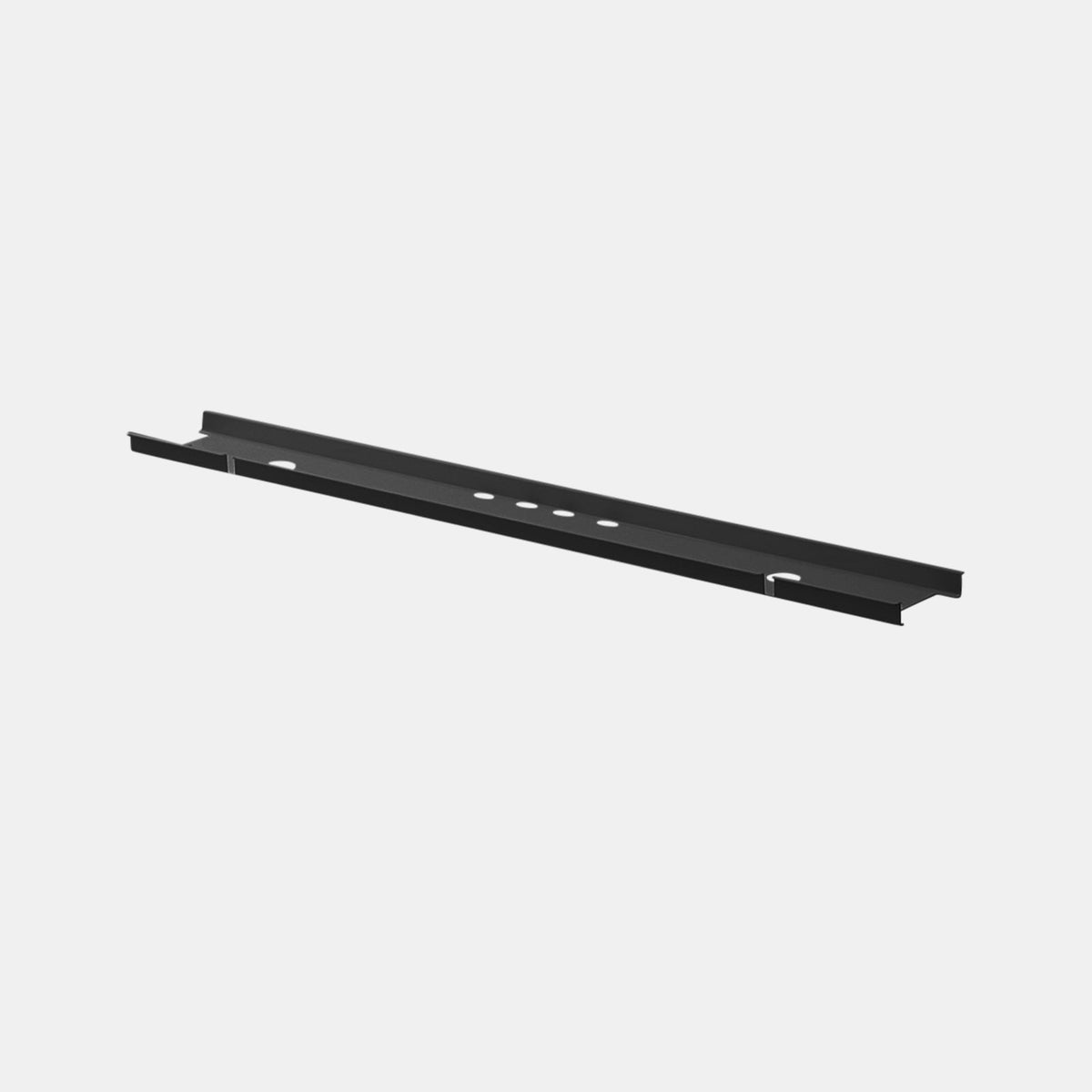
Loose cables and visible power strips create visual noise that competes for attention. A workspace that looks disorganized often feels disorganized, even when tasks are well defined. Routing cords through an under-desk cable management tray keeps cables accessible but out of sight, supporting a cleaner visual environment that helps maintain mental clarity throughout the workday.
Ergonomic Consequences of Desk Power Placement Decisions
Reach Zones and Repetitive Strain
Ergonomic design emphasizes minimizing unnecessary movement. When power outlets are positioned outside comfortable reach zones, users repeatedly bend, twist, or stretch to access them. These movements may seem minor, but when repeated daily they contribute to discomfort and fatigue. Proper desk power placement keeps frequently used connections within easy reach, supporting neutral posture and reducing strain.
Power Management in Height Adjustable Workstations
Challenges Introduced by Desk Movement
Height adjustable desks introduce vertical motion that fixed power solutions often fail to accommodate. Cables can become taut, disconnected, or tangled when desks move between sitting and standing positions. This not only interrupts work but can also shorten the lifespan of connectors and devices.
Maintaining Stability Through Vertical Routing
A vertical cable management spine guides cords from floor to desktop in a controlled path that moves with the desk. This approach preserves consistent power access at any height while preventing cable tension or clutter. It allows users to change posture without pausing to manage cords, supporting both ergonomics and workflow continuity.
Centralized Versus Distributed Desk Power Models
Limitations of Centralized Power Sources
Centralized power setups rely on a small number of outlets, often located at walls or floors. This forces users to run long cables or rely on power strips, increasing clutter and concentrating multiple devices into a single access point. As device use grows, these setups become increasingly restrictive and prone to interruptions.
Advantages of Distributed Power at the Desk
Distributed power places outlets closer to where devices are actually used. This reduces cable length, improves organization, and supports simultaneous device use without competition for outlets. From a productivity standpoint, distributed power minimizes interruptions and allows the desk to function as a stable work platform rather than a temporary workaround.
Workflow Impact Comparison
| Workflow Factor | Centralized Power | Desk Level Distributed Power |
|---|---|---|
| Frequency of interruptions | Higher | Lower |
| Cable organization | Difficult to maintain | Easier to manage |
| Ergonomic consistency | Compromised | Better supported |
| Device scalability | Limited | More adaptable |
| Sustained focus | Often disrupted | More stable |
Built-In Desk Power and Flexible Add-On Solutions
Integrated Power as Part of Desk Design
Desks designed with built-in desk power modules provide predictable, consistent access to electricity where it is needed most. Because power is integrated into the desk surface, users are less likely to rearrange cables or improvise solutions throughout the day. This consistency supports reliable workflows and reinforces the desk as a dependable tool rather than a source of friction.
Clamp-Mounted Power for Adaptable Workspaces
Situations That Require Non-Permanent Solutions
Not all environments allow for built-in installations. Shared offices, rented spaces, or frequently reconfigured layouts often require power solutions that can adapt without permanent modification.
Maintaining Accessibility With Minimal Disruption
A clamp-mounted desk power strip attaches directly to the desk edge, bringing outlets within reach while preserving flexibility. This approach supports productivity in dynamic environments by maintaining power accessibility without altering the furniture itself.
Desk Power Placement in Home and Professional Environments
Navigating Residential Power Constraints
Home offices often inherit outlet placement designed for general living spaces rather than dedicated work. Desks may be positioned away from walls, or outlets may be limited. Strategic desk power placement helps bridge this gap by bringing access closer to the work surface while maintaining a clean, intentional appearance.
Power Planning in Professional Workspaces
Higher Device Density and Shared Standards
Professional environments typically support higher device density, with multiple monitors, docking stations, and peripherals in use. Power planning in these settings is less about convenience and more about consistency and reliability across teams.
Furniture as Part of a Coordinated System
Workspace planning often integrates furniture, power access, and layout into a cohesive strategy. Solutions provided through professional office furniture solutions demonstrate how desks, power, and cable management work together to create environments that support long-term productivity and comfort.
Aligning Device Elevation With Power Accessibility
Laptop Positioning and Cable Alignment
Elevating a laptop improves posture and viewing angles, but it also changes how cables connect to the device. A height-adjustable laptop stand raises the device to a more ergonomic position, but it must be paired with nearby power access to prevent cable strain or awkward routing. Proper alignment ensures that ergonomic improvements do not introduce new sources of friction.
Reducing Workflow Adjustments Driven by Charging Needs
When power is consistently accessible at the correct height and distance, users no longer need to plan tasks around battery limitations. This reliability supports longer periods of focused work and reduces the need for mid-task adjustments that interrupt concentration.
Desk Construction and Its Role in Power Placement
Surface Materials and Integration Considerations
Desk materials and construction influence how power solutions can be integrated. Thickness, internal structure, and surface finish all affect whether power modules can be installed cleanly or whether external solutions are more appropriate. Understanding these factors helps ensure that power placement remains secure and visually cohesive.
Selecting Desks Designed for Device-Dependent Work
Workstyles centered on digital tools require desks that anticipate power needs. Contemporary office desk designs are created with cable routing and power access in mind, reducing the need for after-the-fact modifications and supporting a more intentional workspace from the start.
Evaluating the Impact of Improved Desk Power Placement
Behavioral Changes That Signal Better Support
When desk power placement improves, changes are often observable. Users spend less time managing cables, fewer tasks are interrupted by charging needs, and work sessions become more continuous. These shifts indicate that the workspace is supporting productivity rather than competing with it.
Sustained Value Through Thoughtful Infrastructure
Over time, effective power placement contributes to comfort, consistency, and equipment care. By reducing strain on both users and devices, it helps maintain a productive environment that adapts to evolving work demands without constant adjustment.
Designing Desk Power Strategies That Remain Relevant Over Time
Planning for Evolving Tools and Work Patterns
Workspaces change as devices and workflows evolve. A well-considered desk power strategy anticipates this change by allowing for additional devices and new configurations without disrupting the desk layout. Flexibility in power placement helps maintain productivity as work requirements shift.
Power Placement as Long-Term Workspace Infrastructure
Effective desk power placement is not about novelty or advanced technology. It is about creating a dependable foundation that supports daily work. When power access is thoughtfully integrated into the desk and its surroundings, productivity benefits follow naturally through reduced friction, improved ergonomics, and a workspace that consistently supports focus and efficiency.
Related Articles
-
 Desktop Power Outlet Planning Without Visible Cable Mess
-
 How In-Desk Power Helps Desks With Charging Stations Work
-
 How In-Desk Power Makes Charging Easier During Workdays
-
 In-Desk Power Ideas That Make Shared Tables Feel Cleaner
-
 Best In Desk Power Outlet Placement Tips for a More Efficient Workspace
-
 Clamp On vs Built In Desk Power Outlet: Which One Works Best for Your Desk?


