























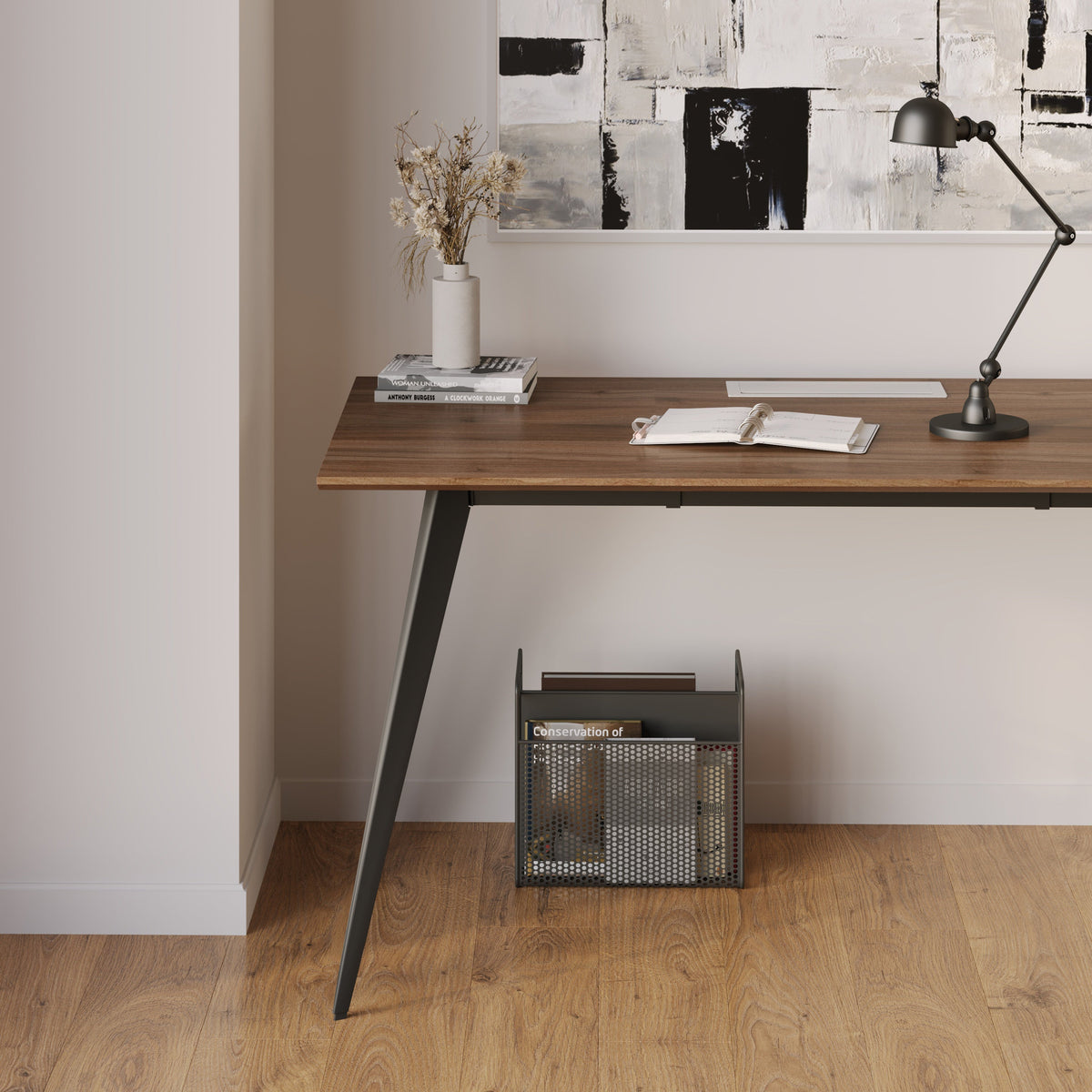
The 10-Minute Tidy Office

A Home Office That Stays Clean on Autopilot
If you’re busy, your home office usually shows it. Papers stack up, cords creep across the floor, and yesterday’s coffee cup somehow becomes part of the décor. The problem isn’t that you’re messy. It’s that your space doesn’t have a system that matches your schedule. The good news is you don’t need hours to stay organized. You just need a setup that makes “putting things away” feel effortless.
Organization Isn’t a Personality Trait, It’s a Routine
A lot of people think an organized home office requires being naturally neat. In reality, it requires a routine that’s so simple you can do it even when you’re tired, distracted, or rushing into a meeting. The goal is not to create a picture-perfect workspace. The goal is to keep your desk functional so you can sit down and start working without wasting time clearing space first.
One of the easiest ways to keep a home office organized is to build your setup around the way you actually work. If you’re always on your laptop, your desk needs a clear landing zone. If you switch between tasks all day, you need quick-access storage. If you’re in a small space, you need furniture that keeps things compact and clean.
A great example is choosing a workspace that fits your room and routine, like a Mini Standing Desk Los Angeles setup that supports productivity without taking over your entire space. When your desk feels “just right,” staying organized becomes much easier.
The “Two-Minute Reset” That Keeps Your Office From Exploding
If you’re busy, you don’t need long cleaning sessions. You need a short reset that stops clutter from piling up.
Use a Micro-Routine Instead of a Big Cleanup
The Two-Minute Rule
At the end of your workday (or even between tasks), do a quick reset. This keeps small messes from turning into a stressful disaster by Friday.
What This Reset Actually Does
It clears your visual space, helps you find things faster, and makes your next work session smoother.
Your Two-Minute Reset Checklist
-
Put trash and cups away immediately
-
Stack loose papers into one pile (don’t sort yet)
-
Return pens, chargers, and small tools to one spot
-
Wipe your desk quickly if needed
-
Close extra tabs and shut down devices you’re done using
Bullet Tips to Make This Habit Stick
-
Set a timer for 2 minutes so it doesn’t feel like a “project”
-
Keep a small trash bin close to your desk
-
Store cleaning wipes nearby, not across the house
-
Do it daily so you never need a deep clean
A tiny routine beats a perfect plan every time.
Create “Zones” So Your Stuff Stops Wandering
Most home office clutter happens because items don’t have a home. When something doesn’t have a designated spot, it ends up on the desk. Then it spreads.
Keep Your Desk Organized With 4 Simple Zones
Zone 1 — Work Zone
This is your main working area. It should stay as clear as possible.
Zone 2 — Charging Zone
All charging happens in one place. This prevents cords from taking over.
Zone 3 — Paper Zone
Mail, notes, and paperwork go here temporarily.
Zone 4 — Storage Zone
This is where supplies live so your desk stays clean.
What Belongs in Each Zone (Bullet List)
-
Work Zone: laptop, keyboard, mouse, notebook
-
Charging Zone: phone charger, laptop charger, power strip
-
Paper Zone: mail, sticky notes, printed documents
-
Storage Zone: pens, stapler, extra cables, backups
Bullet Tips for Busy People
-
Keep your zones consistent so you stop rearranging daily
-
Don’t create “extra zones” that invite clutter
-
Use one tray or small organizer for loose items
-
Keep storage close enough to reach without standing up
Once your zones are set, you don’t need motivation to stay organized. You just follow the layout.
The Desk You Choose Can Make Organization Easier (Or Harder)
Some desks encourage clutter without you realizing it. If your desk is too small, you stack things. If it’s too big, it becomes a dumping ground. If it doesn’t match your workflow, you constantly shift items around.
A clean and reliable office desk setup supports organization because it gives you a stable work surface that feels easy to maintain. The more natural your desk feels in your space, the less likely you are to pile random items on it.
The best desk for a busy person is one that makes it easy to:
-
keep the surface open
-
store essentials nearby
-
maintain a consistent layout
-
reset quickly without stress
Make Your Setup Adjustable So It Stays Clean Longer
Here’s something most people don’t realize: discomfort causes clutter.
When your desk setup feels uncomfortable, you constantly shift things around. You move your laptop. You stack books. You drag your chair. You pull cords. You add random “temporary fixes” that become permanent messes.
A Flexible Setup Helps You Stay Organized
Switch Positions Without Rearranging Your Whole Desk
A workspace that adapts to you makes your routine smoother. It also prevents the slow buildup of clutter caused by constant adjustments.
A clean standing desk setup can help because it supports movement throughout the day while keeping your work area consistent.
Reduce the “Piles” That Come From Bad Posture
When you’re uncomfortable, you start stacking items to fix your screen height or arm position. That creates clutter fast.
Small Adjustments That Keep Your Desk Clean
-
Keep your monitor at a comfortable eye level
-
Keep your keyboard and mouse in a consistent spot
-
Avoid stacking books under your laptop
-
Keep your chair height steady so your desk stays stable
Bullet Tips for Maintaining a Clean Setup
-
Choose one layout and commit to it for a week
-
Remove anything you only use “sometimes” from the desk
-
Keep a clear space for writing or planning
-
Store backups out of sight
A desk that supports your body also supports your organization.
Keep Your Screen Area Clear (It Changes Everything)
Your screen area is the visual center of your home office. When it looks messy, the whole room feels messy. When it looks clean, everything feels calmer.
One of the simplest ways to clear space is lifting your screen and freeing the area underneath. That’s where an adjustable monitor arm can help. It opens up desk space, reduces awkward stacking, and makes your workspace feel more intentional.
Even if you don’t change anything else, clearing the area around your screen can instantly make your office feel more organized.
Busy-Proof Organization Habits (Table)
Here are simple organization habits that work even when your schedule is packed.
|
Problem |
Quick Fix |
Time Needed |
Why It Works |
|
Desk always looks messy |
Do a daily 2-minute reset |
2 minutes |
Stops clutter from piling up |
|
Paper clutter everywhere |
Create one paper zone |
1 minute |
Prevents paper from spreading |
|
Cords take over the desk |
Keep one charging zone |
2 minutes |
Reduces visual chaos |
|
Supplies get lost |
Store essentials in one spot |
3 minutes |
Less searching, less stress |
|
You keep rearranging |
Lock in one layout for a week |
0 minutes daily |
Consistency keeps it clean |
|
Office feels stressful |
Clear your screen area |
5 minutes |
Your brain relaxes faster |
The Mental Side of Organization (Why It Feels So Hard When You’re Busy)
If you’ve ever felt overwhelmed by a messy desk, you’re not alone. Clutter can create mental noise, even when you’re trying to focus. That’s why organizations can feel emotional, not just practical.
A Clear Desk Can Feel Like a Reset Button
Visual Clutter Competes for Your Attention
When your desk is full of unfinished tasks, papers, and random items, your brain treats it like a to-do list you can’t escape.
Small Changes Can Reduce Stress
Even a small improvement, like clearing your desk corners or putting papers into one spot, can make your office feel calmer.
If you want to understand why decluttering feels so relieving, this study about ergonomics connects organizing your space with mental clarity and stress relief.
Stress-Reducing Organization Moves (Bullet List)
-
Keep your desktop mostly empty
-
Put unfinished tasks into one “inbox” pile
-
Remove anything that doesn’t support today’s work
-
Reset your chair and desk position daily
Bullet Tips for Staying Calm and Organized
-
Don’t aim for perfect, aim for functional
-
Keep your workspace predictable
-
Reduce decision fatigue with simple systems
-
Make cleanup easy, not complicated
Organization isn’t about being strict. It’s about making your day easier.
Your Chair Matters More Than You Think
If you’re busy, you’re probably sitting for long stretches. When your chair isn’t supportive, you shift constantly, get uncomfortable, and start moving things around your desk without thinking. That leads to clutter.
A supportive office chair can help you stay steady and comfortable, which surprisingly makes it easier to keep your desk neat. When your body feels supported, you’re less likely to fidget, sprawl, and spread items across your workspace.
A comfortable chair also helps you stick to your routines because your office becomes a place you want to sit down and use, not avoid.
The “Busy-Day Clean Desk” Finish Line
You don’t need a huge home office to feel organized. You need a system that matches your real life. When you’re busy, the best organization plan is the one you can follow on your worst day, not your best day.
Checklist: Keep Your Home Office Organized Even When You’re Busy
-
Do a 2-minute reset at the end of each day
-
Keep a clear work zone for daily tasks
-
Use one charging zone so cords don’t spread
-
Create one paper zone to control clutter
-
Keep your screen area clean and open
-
Store supplies out of sight, not on the desk
-
Stick to one layout for a full week
-
Keep your setup comfortable so you stop rearranging
A clean home office isn’t about having extra time. It’s about building a space that stays functional even when you don’t.
Related Articles
-
 Our Conference Chairs and Meeting Tables Compared, so You Can Furnish a Huddle Room, a Meeting Room, or a Boardroom for Eight in One Order
-
 This Is How To Build A Small Home Office You Actually Want To Work From, And How To Pick Desks For Small Spaces - Urbanica Furniture's Full Guide
-
 Best Setup for Laptop and 2 Monitors With Less Neck Strain
-
 Round Meeting Table Ideas That Make Team Talks Smoother
-
 Training Your Brain to Work From Home Better
-
 A Calm Desk Reset to Begin the Day With Clarity


