























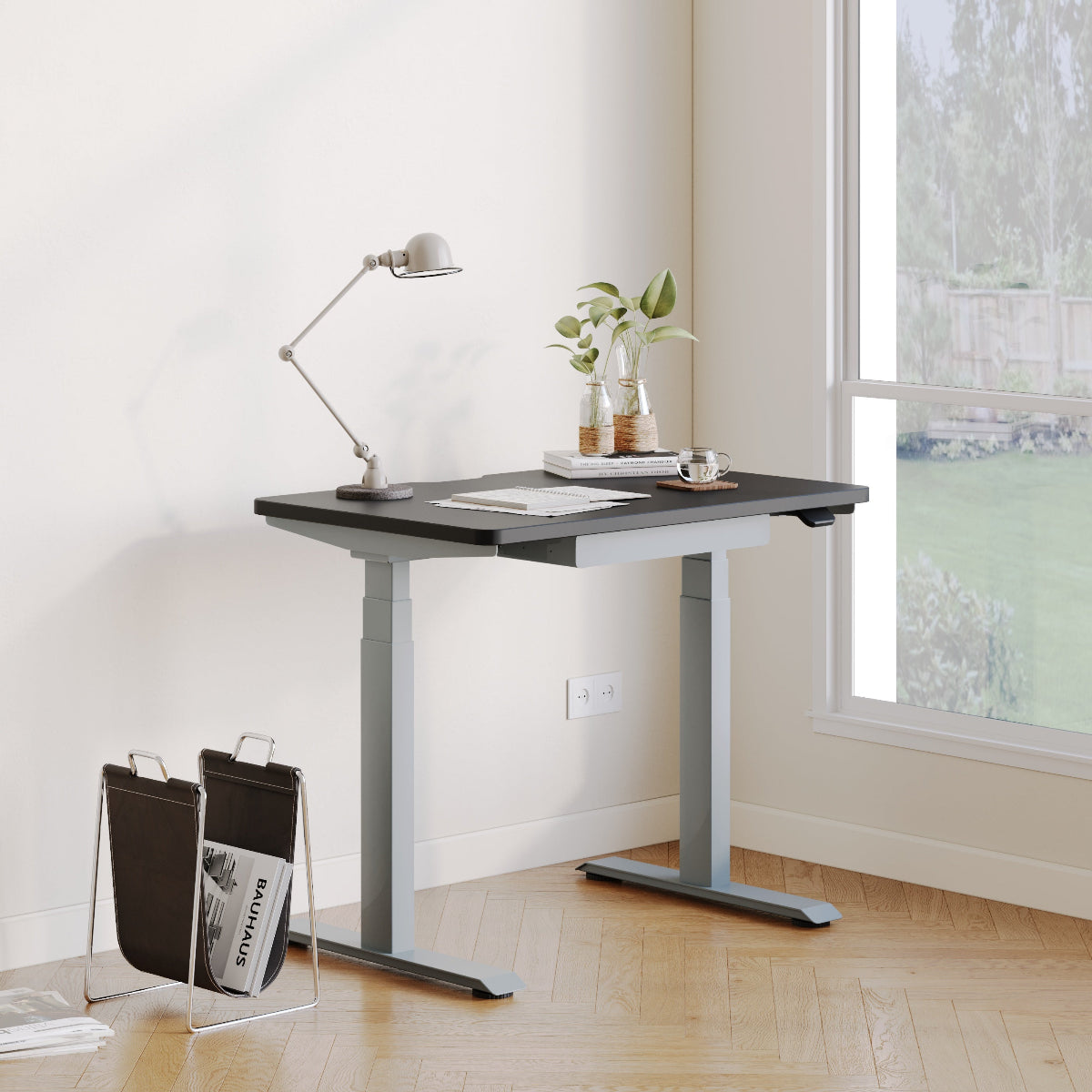
Minimalist Desks That Support Long Workdays

Minimalism that holds up when the workday gets heavy
A minimalist desk earns its place when the room is quiet, the calendar is full, and your brain is switching between deep work and quick decisions. That is the moment when extra objects stop feeling decorative and start feeling demanding.
At Urbanica, we think of minimalism as a performance system. A long-workday desk should make it easier to stay in rhythm by reducing friction in three places that quietly drain energy:
Fewer reach errors, fewer interruptions
If the essentials live in predictable zones, your hands stop hunting for tools. That matters more at hour eight than at hour one. A desk that supports long days helps you keep keyboard, mouse, notebook, and water within an easy reach arc without forcing you to stack, shuffle, or relocate items every hour.
A calm surface that still functions
Minimalism is not an empty desktop. It is a desktop with purpose. You can keep a clean aesthetic and still accommodate a monitor stand, task light, charging, and reference materials. The difference is intention: one home for each item, and enough surface area to avoid “temporary piles” that become permanent.
A desk that matches how you actually work
Some people write by hand between calls. Others live in spreadsheets with a full-size keyboard. Some need posture variety. Some need shared workspace. Exploring styles and workstation formats side by side helps you pick a minimalist desk that fits your day, not just your room. Our Urbanica desk collection is organized to make those comparisons straightforward so you can choose by use case, not by guesswork.
Ergonomic desk fit for 8–12 hours
When desk ergonomics are slightly off, your body pays interest all day. The key is not chasing perfect angles. It is removing the biggest stressors first so your posture can vary naturally without pain.
Desk height and the elbow test
A simple check catches most problems: sit with shoulders relaxed, elbows close to your sides, and forearms roughly level. If you have to shrug to type, the desk is effectively too high. If you have to reach down, you will lean forward and load your neck.
60-second fit checklist
-
Sit back in your chair with feet supported.
-
Rest hands on keyboard, then check that shoulders feel “dropped,” not lifted.
-
Keep wrists neutral, not bent upward.
-
Slide the chair in so elbows stay near your body rather than drifting forward.
-
Confirm there is room to move your legs without hitting a bar or panel.
These checks do not require special tools. They simply confirm that the desk supports neutral joints and easy micro-movements.
Depth and monitor distance
Shallow desks often look clean, but they can push the screen too close. When the monitor is too near, eyes strain, your head creeps forward, and you compensate by tightening the upper back. Desk depth should allow a comfortable viewing distance plus room for the keyboard and a small buffer for your hands to rest.
Depth needs change with your setup
-
Laptop-only can work on a smaller depth, but you still need room for wrist support and a mouse.
-
Laptop plus external monitor usually needs more depth to keep the screen at a comfortable distance.
-
Dual monitors need both depth and width so you are not turning your neck all day.
Edge comfort and forearm pressure
On long days, the front edge becomes a contact point you feel constantly. A comfortable edge detail can reduce pressure on forearms and wrists, especially if you type for hours or use a mouse with low sensitivity.
Under-desk freedom
Minimalist frames should still leave space for natural sitting variations. People tuck one foot back, cross ankles, shift forward for writing, or roll the chair slightly for calls. If the underside is crowded, you will fidget more and fatigue faster.
Desktop dimensions that support real workloads
A desk can look minimalist and still fail if the surface does not match your tasks. Long workdays require a layout that prevents constant rearranging.
Build a three-zone surface
Think in zones that keep the work visible but controlled:
-
Primary work zone: keyboard, mouse, and the space directly in front of you.
-
Reference zone: notebook, tablet, or papers you check throughout the day.
-
Drop zone: a designated corner for phone, keys, mail, or headphones.
A drop zone sounds small, but it prevents the entire desktop from turning into a landing pad.
Preventing “tool sprawl”
Pick one consistent spot for the items that tend to multiply, like sticky notes or adapters. When those items have a home, they stop colonizing the space your hands need to work.
Match desk type to posture habits
If your day is mostly focused sitting work, a fixed-height minimalist desk can be the simplest solution. It stays visually clean, avoids extra controls, and supports a steady layout.
Our Urbanica Office Desk is built for that everyday, “set it and work” rhythm where you want a clean surface and a stable footprint without making your workspace feel bulky.
Plan for what sits on the desk, not what you wish sat there
Long days often involve more objects than expected: a second charger, a headset, a notebook, and a cup of water you keep refilling. The goal is not to deny those tools. The goal is to place them so they do not interfere with your main work zone.
Stability and structure that protect concentration
The easiest way to lose focus is to fight your furniture. A desk that shifts while you type, wobbles during calls, or flexes when you write creates tiny interruptions that add up.
Why wobble matters more than it seems
Even minor movement can make your hands tense. If the desk does not feel steady, you will unconsciously brace through your shoulders or lean forward to stabilize your body. Over time, that posture becomes your default.
Frame geometry and long-session typing
A stable minimalist desk uses structure that resists side-to-side sway and front-to-back flex. This becomes especially important when you use a monitor arm or type with force, both common in long workdays.
Under-desk clearance supports posture variability
Stability should not come at the cost of legroom. The best long-day desks balance structure with clearance so you can shift positions without bumping into supports.
Cable discipline that preserves the minimalist look
Cables are the fastest way to break a clean aesthetic. They are also the easiest problem to prevent if you plan for them early.
Identify the three cable sources
Most desk clutter comes from:
1. Power cable from wall to a power source.
2. Device charging cables for phone, laptop, tablet.
3. Monitor and accessory cables from screens, speakers, or hubs.
Once you label them, you can route them intentionally instead of letting them sprawl.
A minimalist routing approach that stays flexible
The goal is not to permanently bolt everything down. Long workdays change. You switch devices, add a headset, remove a printer, or swap monitor positions. Good cable discipline uses a few consistent strategies:
-
Keep power in one direction, ideally toward the nearest outlet.
-
Bundle cables that always travel together, like monitor plus power.
-
Leave a small service loop so you can move the monitor without yanking cords.
Mount vs. removable
If you are renting or like to reconfigure often, use removable guides and straps that can be adjusted without leaving marks. If the setup is permanent, you can mount a more fixed solution. Either way, the guiding principle stays the same: one route, not many.
A two-minute end-of-day reset
Minimalist desks stay minimalist through routine, not willpower. Before you end the day, return items to their zones, coil loose charging cables, and clear the drop zone. That quick reset prevents clutter from compounding.
Sit-stand minimalism for energy management
Long workdays often fail because the body runs out of comfort before the brain runs out of tasks. Posture variety can protect energy, but only if the sit-stand rhythm is realistic and the desk feels stable at every height.
Posture variability beats “standing all day”
Standing is not a badge of productivity. The practical goal is to change positions before discomfort builds. Many people do well alternating between focused sitting work and short standing blocks for calls, reviews, or creative thinking.
Set standing height for relaxed shoulders
A good standing position feels surprisingly light. If shoulders rise or wrists bend, the surface is likely too high. If you hunch, it is often because the screen is too low or too close.
Common standing mistakes to avoid
-
Keyboard positioned too far forward, forcing a reach.
-
Monitor too low, leading to neck flexion.
-
Desk too high, causing shoulder tension.
Stability at standing height matters for deep work
If a sit-stand desk feels steady when typing, you are more likely to use it consistently. A stable surface helps your hands stay relaxed, which is essential for long writing sessions and detailed tasks.
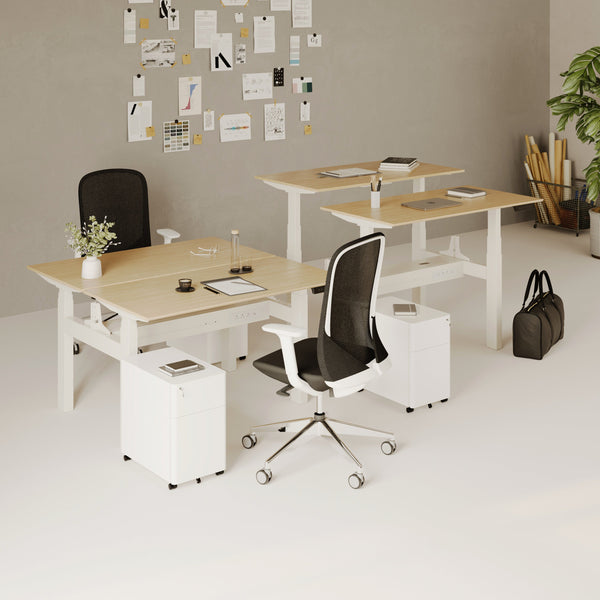
Our Urbanica Standing Desk is designed for that everyday posture switching, keeping a clean silhouette while supporting the practical need to alternate between sitting and standing.
Compact desks that still feel capable at hour ten
Small spaces should not force small ambitions. The right compact minimalist desk supports long workdays by protecting the fundamentals: screen distance, keyboard comfort, and a calm surface.
Protect depth first, then optimize width
When space is tight, people often choose a shallow desk to save floor area. That can backfire by forcing the monitor too close. A better approach is to keep enough depth for healthy viewing distance, then manage width with smarter storage choices and fewer surface objects.
Use vertical space carefully
Vertical storage can be helpful, but too much turns into visual noise. For minimalism that supports long days:
-
Keep only daily-use items within eye level.
-
Store rarely used tools out of sight.
-
Avoid stacking so high that you feel boxed in.
Small-desk layout moves that keep the surface calm
-
Use a single charging zone rather than multiple cables across the desk.
-
Place a task light to the side, not behind the monitor.
-
Keep the drop zone small and consistent.
For compact posture variability, our Urbanica Mini Standing Desk is a space-conscious sit-stand option that helps small rooms support long days without the desktop feeling crowded.
Two-person minimalist desks that prevent shared-space chaos
Shared workstations fail when the surface becomes a negotiation. Long workdays require clear boundaries so each person can focus without encroaching on the other.
Create personal zones and a shared zone
A simple rule prevents daily friction: each person gets a primary zone and a reference zone, and the center becomes a shared drop zone for items like a speakerphone or shared notebook. When everything is “shared,” nothing is respected.
Separate cable routes early
Two laptops, two monitors, two sets of chargers can multiply clutter quickly. Assign a cable path for each side so cords do not cross. This keeps the look minimalist and makes troubleshooting easier when something needs to be unplugged.
Coordinate posture changes without constant disruption
If both people stand at the same time, it can be energizing. If one stands while the other sits, the visual shift can be distracting unless screens are positioned thoughtfully. A shared sit-stand desk works best when equipment placement supports both positions.
Our Urbanica Two-Person Standing Desk is built for side-by-side workflows where each person needs their own space while keeping the overall setup clean and cohesive.
Quad workstations that stay minimalist in real offices
Four-person pods can look modern and still feel calm, but only if the layout is designed to resist clutter. Team setups collect extra items fast: shared supplies, spare cables, coffee mugs, and “temporary” folders.
Keep equipment footprints consistent
Minimalism scales when you standardize. Similar monitor sizes, similar keyboard layouts, and consistent lighting reduce visual noise. It also makes the workstation feel intentional rather than improvised.
Build repeatable zones across all four seats
When each person has the same zone logic, the whole pod looks cleaner:
-
Primary work zone stays clear.
-
Reference items stay in one consistent area.
-
Shared items have a defined home.
Plan cable routing like infrastructure
Group setups need a plan from day one. Route power and data so cords do not drape into walkways or spill into neighboring seats. When cable routing is treated as part of the furniture, the whole office feels calmer.
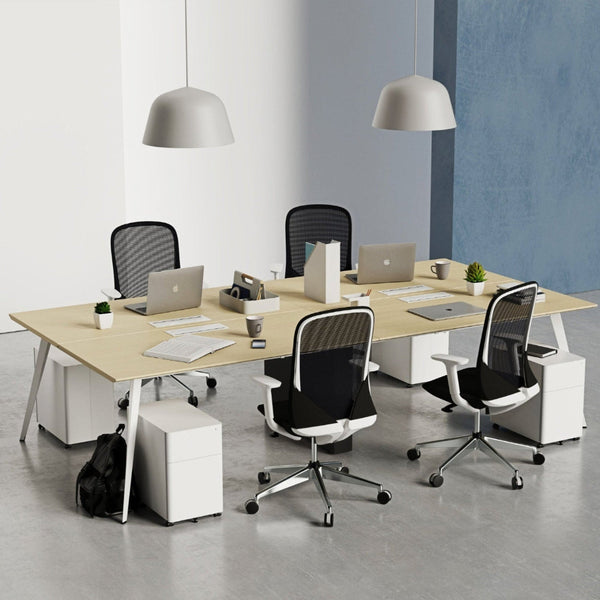
Our Urbanica Quad Workstation Desk supports collaborative layouts with a shared footprint that helps teams stay organized without sacrificing minimalist design.
Materials, finishes, and daily durability in a minimalist workspace
You notice the surface most when you use it for hours. Finish, texture, and reflectivity all affect comfort and focus in subtle ways.
Surface feel affects work quality
A surface that is easy to wipe down encourages a daily reset. A surface that feels consistent under your hands supports writing, mousing, and moving objects without snagging or dragging.
Glare control keeps eyes fresher
Bright rooms and near-window setups can create glare, especially if the surface reflects light strongly. When choosing a finish, consider how light hits the desk throughout the day, not just how it looks in one moment.
Edge details and touch points
Long workdays turn edge comfort into a real feature. The front edge is where forearms rest, where wrists pass, and where you brace during typing. Thoughtful edge design supports comfort without adding visual bulk.
A maintenance rhythm that keeps minimalism alive
-
Wipe the surface daily to avoid build-up that makes the desk feel “sticky” or visually dull.
-
Keep one small container for essentials rather than letting items spread.
-
Remove one unnecessary object each week to prevent gradual clutter creep.
Desk formats compared by long-workday fit
Different desk formats solve different long-day problems. This table focuses on practical fit, not hype.
| Desk format | Best for long workdays when you need | What to plan for to keep it minimalist |
|---|---|---|
| Fixed-height minimalist desk | A consistent sitting setup with stable equipment placement | Dial in chair height and monitor height early so you do not compensate with posture |
| Full-size sit-stand desk | Posture variety for energy and comfort across long sessions | Establish a simple sit-stand cadence and keep cables routed for both heights |
| Compact sit-stand desk | Movement in small spaces without losing the clean look | Protect monitor distance, limit surface accessories, and keep one charging zone |
| Two-person sit-stand desk | Shared focus with separate work zones | Separate cable routes and define personal vs shared zones from day one |
| Quad workstation desk | Team collaboration that stays organized | Standardize equipment footprints and create repeatable zones for each seat |
Planning space, support, and local delivery considerations
A desk that supports long workdays can still disappoint if it does not fit the space or the logistics are overlooked. Planning is part of maintaining a minimalist experience.
Measure the full path, not just the room
Check doorways, hall turns, elevator clearance, and the route to the final room. Also map outlet locations so power can be routed cleanly without running cords across walkways.
Prep the setup so the first week feels effortless
Have a plan for where each item will live before the desk arrives:
-
Where the monitor will sit
-
Where the charging zone will be
-
Where cables will route
-
Where the drop zone will go
Use the right support channel when you are designing a workspace
When you are outfitting a home office or a team space, small details matter. Our location-specific pages often include contact options and common questions about ordering and delivery, along with guidance for building a cohesive setup. If you are coordinating an office build-out and want those details in one place, reference our delivery and support details page for the most relevant information and ways to reach our team.
Related Articles
-
 Our Conference Chairs and Meeting Tables Compared, so You Can Furnish a Huddle Room, a Meeting Room, or a Boardroom for Eight in One Order
-
 Best Filing Cabinet Options for Minimalist Offices That Still Need Real Storage
-
 How to Make a Filing Cabinet Feel Like Part of the Room Instead of Extra Furniture
-
 How to Match a Filing Cabinet with Your Desk for a Cleaner Office Look
-
 Best Filing Cabinet Styles for Modern Home Offices That Need Hidden Storage
-
 Best Laptop Stand Options for Minimalist Desk Setups
