








Is Your Office Chair Armrest Too Low? Simple Answers for Gaming Chair Owners
If the armrests on your gaming chair are not high enough, your shoulders end up holding your arms up all day. An office chair armrest that sits too low almost always traces back to one of 3 things: the seat, the distance to the desk, or the desk height. I answer the questions people ask most, one at a time, so you know what to change first.
TLDR
If your office chair armrest feels too low, the short answer is that the armrest, the seat, and the desk all share the blame. You can usually sort out which one is off in a single sitting. The first section shows how to tell them apart.
Next comes the order I adjust things in and what to do when the desk turns out to be the problem. Then I cover what to look for in a chair whose armrests never reach the right height. The questions people ask most come last, each with a short answer.
Who This Article Is For
- Your gaming chair's armrests stop below the edge of the desk, or hang under your elbows.
- You use one chair for gaming and for work, and your neck feels it by late afternoon.
- Your shoulders creep toward your ears while you use the mouse.
- You are deciding between adjusting what you have, changing the desk height, and replacing the chair.
- You want short, direct answers to the usual armrest questions.

Ben P.
Brand Manager, Urbanica Furniture
Author's Note
The armrest question comes up in a few forms: "my armrests are too low," "my gaming chair arms won't go up," "my elbows just float." They all describe the same moment, a body trying to make up for a missing inch. (I have sat in a few chairs over the years whose arms never met the desk, so I know the feeling.)
I kept the answers short and put them in the order I would try them, starting with the adjustments you can test in a minute.
And if you find any value in it, please share it with a friend, a teammate, or anyone who games and works at the same desk and keeps shrugging through the day!
Disclaimer: I did use AI to help me write and do the research, but I'm editing myself, verifying the facts, and writing my own conclusions and takes.
This article is part of our work-from-home body category, and we have a lot of related articles that will help. Check the full guides here: The Work-From-Home Body: The Complete Guide to Working Without Pain and The Work from Home Essentials to Buy Once, the Upgrades That Earn Their Place, and What Can Wait.
When the Office Chair Armrest Is Too Low, Check the Desk and the Seat Before You Blame the Chair
People rarely notice the armrest first. They notice a shoulder that has crept up, an elbow hovering over nothing, or a wrist bent back at the keyboard. Those are the body's workarounds, most common in setups where one chair covers both gaming and desk work.
The armrest sits at the end of a chain, and the seat and the desk sit upstream of it. A short test tells you which link is off.
A Low Armrest Shows Up as a Lifted Shoulder
When the armrest stops short of your forearm, the arm has to be held up by muscle instead. The shoulder rises a little to do it. Over a long session, that small lift turns into a tight neck and an ache between the shoulder blades.
The pattern is easy to miss because it builds slowly. I look for it in the mouse arm first, since that arm reaches the farthest and gets the least help from the desk.
Sit Back, Drop Your Shoulders, and Rest Your Hands Where They Really Work
Here is the check I use. Sit all the way back in the chair, let your shoulders drop, and put your hands on the keyboard and mouse where they actually sit. Then look at your armrests. If they only touch your arm when you shrug, they are too low for this desk.
If you also have to lean forward or perch on the edge of the seat to reach the keyboard, the armrest is not the main problem. Fix the distance first, and test again.
The Forearm Should Rest on the Armrest While the Shoulder Stays Down
The Occupational Safety and Health Administration (OSHA), the US federal agency that sets and enforces workplace safety rules, spells out the target for chair arms. In its words: "Position adjustable armrests so they support your lower arm and allow your upper arm to remain close to the torso". In practice, your arm hangs naturally at your side and the armrest meets the forearm there.
Cornell University's Ergonomics Web, a long-running university reference for desk setup, adds a number for the elbow, which should be "at or greater than 90 degrees to avoid nerve compression at the elbow". The two sources agree on the goal, which is an arm that rests without being pushed up or squeezed in. I use that as the test for any chair: if my elbow sits open at about 90 degrees with my shoulder down, the armrest height is working.
When the armrest feels too low, change the seat and the distance first, and the armrest second.
Ben P., Urbanica
Fix the Seat, the Distance, and the Armrest Height in That Order
Most people start by hunting for a way to raise the armrest, which skips the 2 steps that change how high it feels. Each adjustment moves the others, so the order matters more than any single setting. I run through the same sequence each time I set up a chair.
Set the Seat Height Where Your Feet Stay Flat
Start with the seat. OSHA says "The chair height is appropriate when the entire sole of the foot can rest on the floor with the back of the knee slightly higher than the seat of the chair." That sets the lowest and the highest the seat can go without your legs paying for it.
Raising the seat is the move most people reach for when the armrests feel low. It only works while your feet stay grounded. If your toes start to hang, you have used up that fix. The desk is then the part to change, which is the last step in this section.
Pull the Chair In Until Your Upper Arm Hangs Straight Down
Sit close enough that your upper arm hangs straight down from the shoulder and the forearm reaches the keyboard without a stretch. If the chair sits a hand or two back from the desk, the arm reaches forward and the armrest seems lower than it is.
Moving in also lets the armrest slide under the edge of the desk, which brings us to the question people ask about jammed arms. Light contact is fine. Armrests wedged into the underside of the desk lock your arms in place. The shoulders end up tight from the effort.
Set the Armrest So It Just Touches the Forearm
With the seat and distance settled, raise the armrest until it meets the forearm. OSHA puts it this way: "Adjust your armrests so they just make contact with your lower arms when positioned comfortably at your sides." Stop there. Pushing them higher lifts the elbow and brings the shoulder back up with it.
If the armrest tops out before it reaches your forearm, you have found the real limit of that chair. That is useful to know before you spend a dollar on anything else.
Lower the Desk When the Chair Cannot Rise Any Further
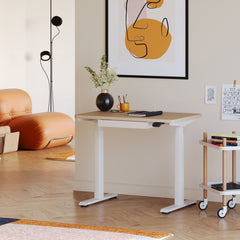
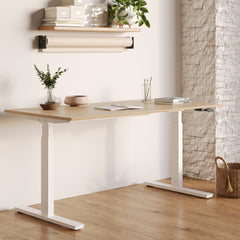
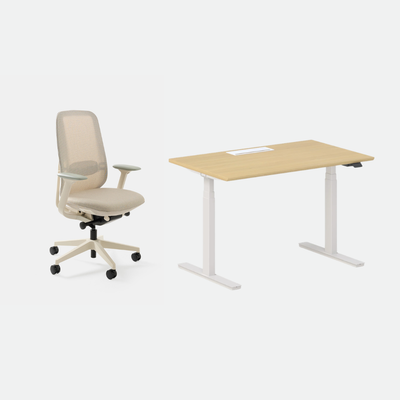
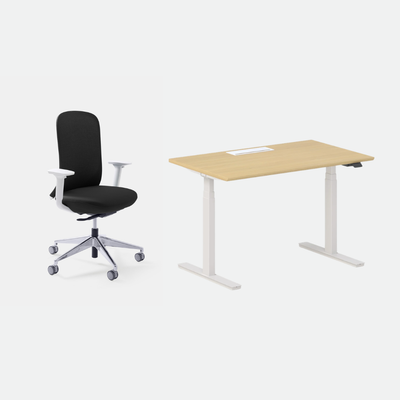
When the seat is as high as your feet allow and the armrest is still short, the desk is too tall for you. A desk that moves can fix that without touching the chair. Our Standing Desk travels from 22 to 44 inches with electric height adjustment, so you can set the top where your forearms land level with the keyboard. The 48-inch model is $574, and the 60-inch model is $690.
I set my own desk height by sitting first and adjusting second, and then I leave it alone for the day. A fixed desk gives you no room to do that, so the chair has to make up the whole difference.
Armrests That Never Reach Work Height Are Worth Replacing Once You Have Tried the Fixes
If the seat is set, the chair is pulled in, and the desk is where you want it, the armrest may still stop short of your forearm. Then the chair is the limit. That is a fair reason to move on from it. Some chairs simply have arms that stop short of desk height, which no setting can change.
I would not replace a chair on a hunch, which is why the earlier steps come first. After them, you know exactly what the new chair has to do.
Look for Arms That Move in More Than One Direction
Labels such as 2D, 3D, and 4D tell you how many ways the arm adjusts. Check that height is one of them, then look for width and angle so the arm can follow your forearm as you shift between the keyboard and the mouse.
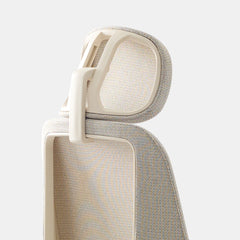
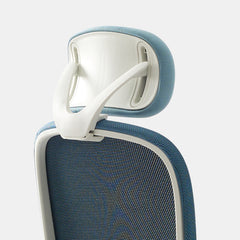
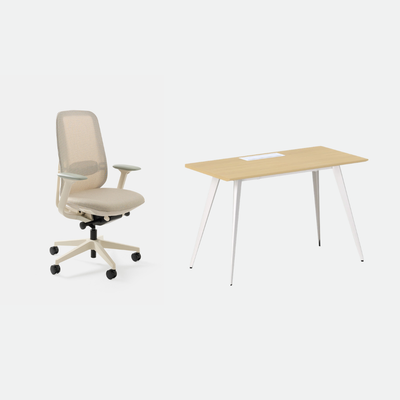
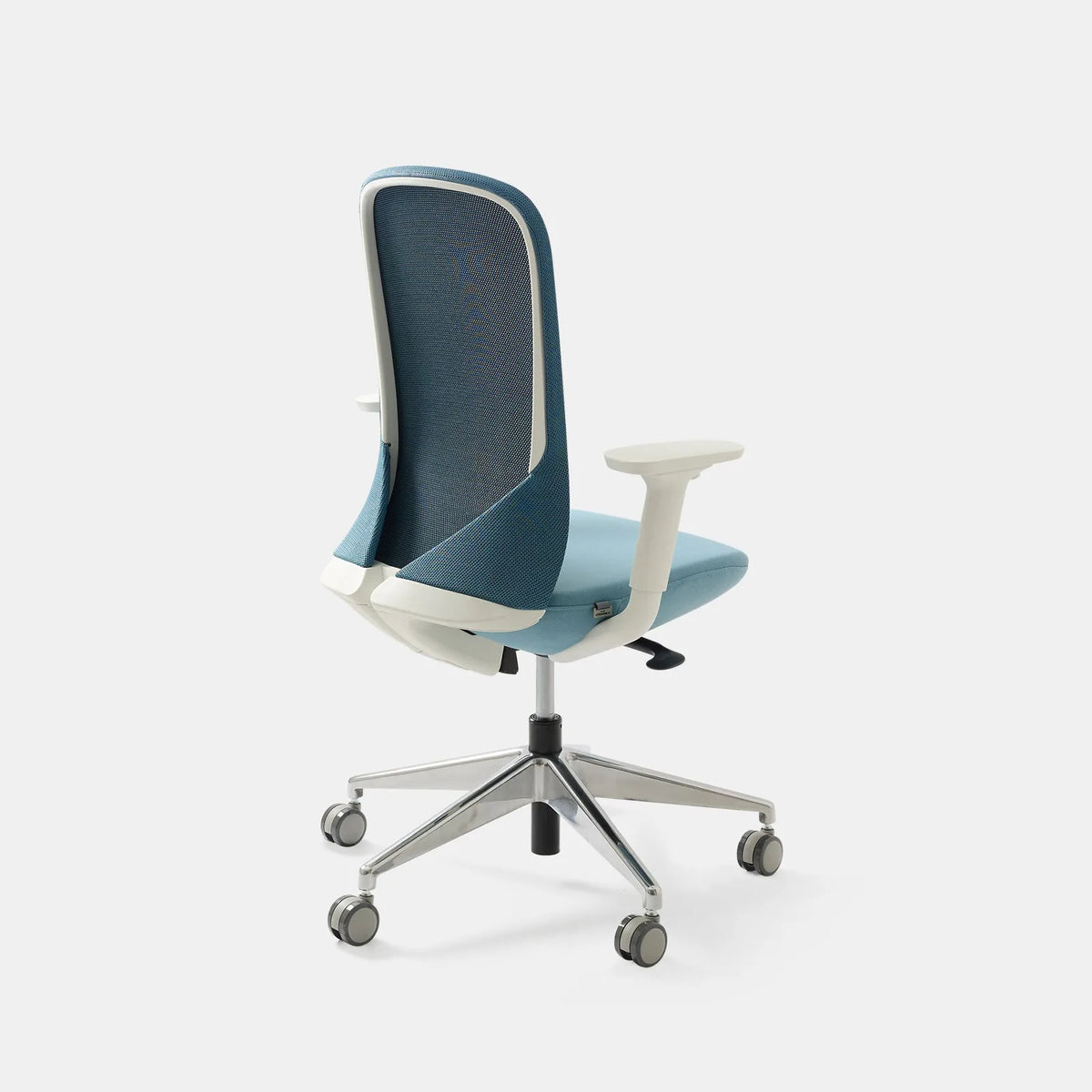
Our Novo Chair has 4D arms, adjustable lumbar support, adjustable seat depth, and a synchronized tilt with six lockable positions. It is $445. If you lean back on calls, the Novo Headrest is only $45 and fits the same chair.
Pick a Chair Sized for You Before You Pick One for the Arms
Once you know what the arms have to do, the chair still has to fit the rest of you. This part covers sizing first, then a chair with arms that move in four directions, and a desk to go with it.
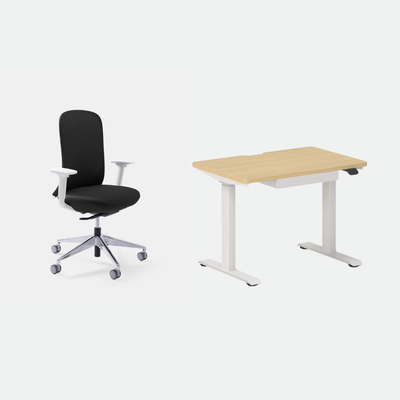
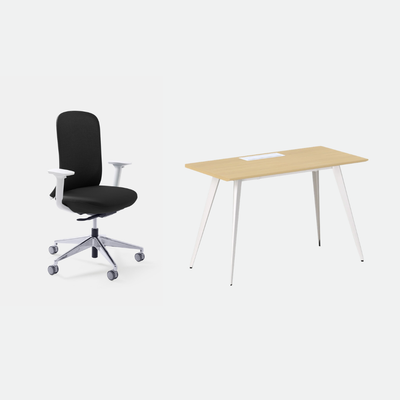
An armrest only works if the rest of the chair fits your body. Our Onyx Chair has 4D adjustable armrests and fits people from 5'2" to 6'2". It is $249. I point to it when a reader wants armrests that move in four directions.
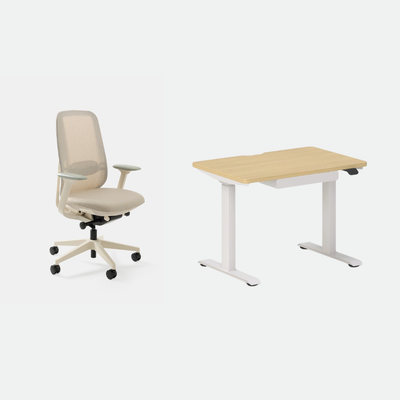
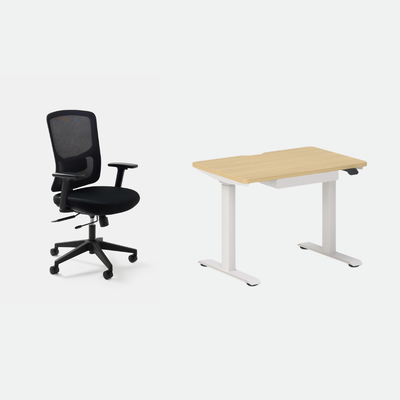
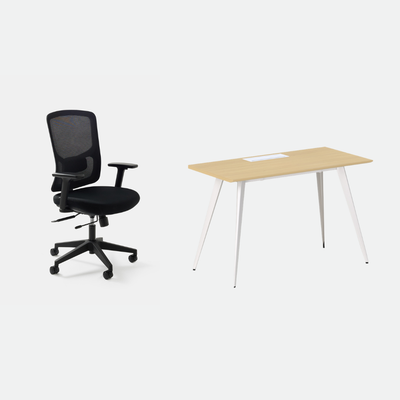
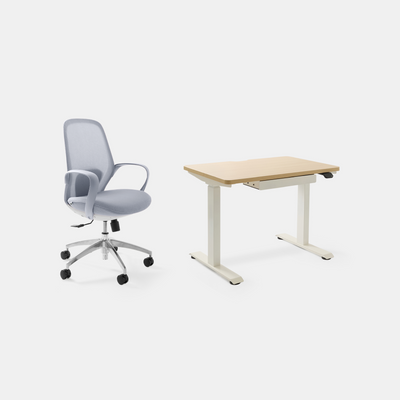
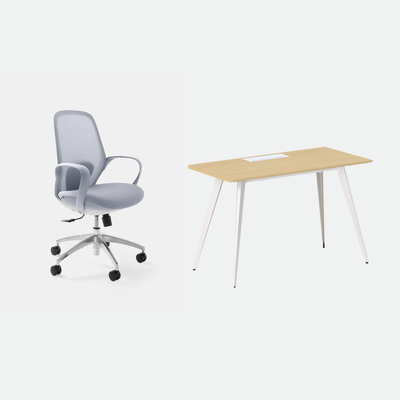
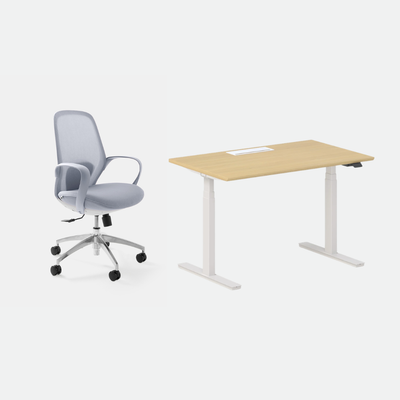
If you also need a desk, the Executive bundle pairs the Onyx Chair with our Office Desk for $568, so one order covers both.
FAQ
Should Gaming Chair Armrests Touch the Desk?
Light contact is fine. Armrests jammed into the underside of the desk are the problem, because your arms can no longer move naturally and the shoulders tighten to compensate. Leave a small gap, or let the armrest just brush the underside.
Do I Need Armrests at All?
Not every posture needs them. Cornell says that "Having armrests on a chair can be helpful to aid getting into and getting out of the chair". For short sessions with the mouse close, a chair without good arms works. For long sessions, arms you can set properly give your shoulders a place to rest.
Why Do My Shoulders Hurt When the Armrests Are Too Low?
A low armrest leaves your forearm hanging, so your shoulder muscles hold it up all day. That constant small lift adds up the same way carrying a bag does, even though the weight is light. The longer the session and the farther your mouse sits from your body, the sooner it shows.
Can Raising the Seat Fix Low Armrests?
Yes, as long as your feet stay flat on the floor. When your toes lift off, the fix has cost you leg support. The desk height needs to come down instead. That is where a desk that adjusts earns its place.
Do I Need Fully Adjustable Armrests?
Adjustability helps, but the height range matters most. Arms that move sideways and forward cannot make up for height that stops short of your forearm. Look for height first, then width, then angle, and check that the arm stays steady when you lean on it lightly.
Send Us Your Desk Height and Chair Model and We Will Tell You What to Change First
Armrests that feel too low trace back to one of 3 things: the seat height, the distance from the desk, or a desk that sits too high. Change them in that order and test with your hands on the keyboard and your shoulders down. Most of the time the answer shows up in the first few minutes.
If you want a second opinion, send us your desk height and the model of your chair and I will tell you what I would change first. An article on our blog about matching chair height to desk height goes further into the numbers. You can reach Urbanica Furniture at 1705 NW 38th Ave, Lauderhill, FL 33311 or call +1-(888)-350-9545, and we will go through your setup with you.
References
- Occupational Safety and Health Administration (OSHA), Computer Workstations eTool, Chairs: supports the armrest targets (arms that support the lower arm with the upper arm close to the torso, and arms that just touch the lower arms) and the seat-height test. https://www.osha.gov/etools/computer-workstations/components/chairs
- Cornell University Ergonomics Web, Ergonomic Guidelines: supports the elbow angle of 90 degrees or more and the point that armrests help getting in and out of the chair. https://ergo.human.cornell.edu/ergoguide.html