







Office Desk for Small Spaces: The Width Two Monitors Actually Need
Pick an office desk for small spaces by working backwards from your screens, not forwards from the wall. Two monitors decide the minimum width, your viewing posture decides how they sit, and only then does the room get a vote. Here is the arithmetic, the posture rules behind it, and what it means for the desk sizes we sell.
TLDR
Two monitors side by side need more desk than most small-room buyers expect, because a monitor is wider than its diagonal number suggests. A 16:9 screen is about 87 percent as wide as its diagonal, so two 24 inch panels with their edges touching take up roughly 42 inches before you add bezels, stands and elbow room. Two 27 inch panels take up roughly 47 inches. That is why the 48 inch desk works for the first pair and runs out of room for the second.
We start with the width math, then look at how Canadian and American workplace-safety guidance says two screens should be arranged. After that we cover corners, narrow desks, depth and the floor plan, and finish with the Urbanica desks that match each case. This article sits inside our full guide, how to build a small home office you actually want to work from, so start there if you are still planning the whole room.
Who This Article Is For
- You are fitting a compact work desk into a bedroom, a corner or a spare room.
- You run, or plan to run, two monitors, or a monitor and a laptop screen.
- You are not sure whether a 48 inch or a 60 inch top is the right call.
- You want a narrow wood desk that still leaves room for a mouse and a keyboard.
- You are weighing a corner against a straight wall.
- You want small office desk ideas that start from measurements, not guesses.

Ben P.
Brand Manager, Urbanica Furniture
Author's Note
When I plan a desk, I tape its outline on the floor before I trust any product page, then stand two cardboard rectangles on it where the monitors would go. It takes ten minutes and it has saved me from a desk that looked right in a listing and wrong in the room. Let's get into it!
And if you find any value in it, please share it with a friend who is squeezing a desk into a corner, a colleague about to buy a second monitor, and anyone who has ever pushed a chair back into a bed frame.
Start With the Screens, Because Monitors Are Wider Than Their Diagonal
A monitor is sold by its diagonal, but a desk is filled by its width. A 16:9 panel is about 87 percent as wide as its diagonal. That is plain geometry, not a spec from any one brand, so treat the results below as the smallest the screen alone can be. Bezels and stand feet add to them.
The Panel Width of Common Monitor Sizes
- A 24 inch 16:9 panel is about 20.9 inches wide.
- A 27 inch 16:9 panel is about 23.5 inches wide.
- A 32 inch 16:9 panel is about 27.9 inches wide.
Put two of them side by side with the edges touching and you get about 41.8 inches, 47.0 inches and 55.8 inches. Those are the numbers to compare against a desk top, and they show something the listings hide. Two 27 inch screens at 47 inches nearly fill a 48 inch desk on their own, and with real bezels they will not fit at all. Two 32 inch screens need the 60 inch top.
Your Keyboard and Mouse Still Need Their Own Width
The screens sit at the back of the desk, but your hands work at the front. OSHA's computer workstation guidance says that limited space on the work surface may cause users to place components and devices in undesirable positions, and that this placement may lead to awkward postures as you reach for a pointer or mouse. In practice, a desk that only just fits the screens leaves the mouse hanging off the right edge. Leave room at the front for a keyboard, a mouse and a forearm's travel on both sides.
Add the Stands, Arms and Clutter Before You Decide
Stand feet are wider than the screens they hold on some models and narrower on others, so check the spec sheet for your monitor. A monitor arm that clamps to the back edge frees most of that footprint. A speaker, a lamp or a notebook between the stands splits the surface into pieces too small to use. Count the hardware you already own and add it to the total.
Edges Touching or a Half Circle: How Two Screens Should Be Arranged
How the screens sit changes how much width you need and how much your neck works. The Canadian Centre for Occupational Health and Safety (CCOHS) separates two cases, and they lead to different layouts.
If You Use Both Screens Equally, Put Them Together in Front of You
CCOHS says that if you use all monitors equally, you should position the monitors in front of you with the edges touching, or place the monitors at an angle, creating a semi-circle. The touching layout is the one the width math above assumes. The semi-circle version angles each screen inward toward you, which trades some width for some depth, because the corners of an angled screen reach further back.
If One Screen Does Most of the Work, Make It the Main One
For a main screen and a side screen, CCOHS says to place the monitor you use most directly in front of you as if it were a single monitor, and to place the secondary monitor on one side, and at an angle. Cornell's ergonomics guide says the same thing about a single screen: it should sit directly in front of you and facing you, not angled to the left or right, to cut down on neck twisting. In a narrow room this is a useful layout, because the side screen can be smaller and the desk can be narrower than a matched pair would need.
How Far Off to the Side Is Too Far
OSHA's monitor guidance says to position your computer monitor directly in front of you, so your head, neck and torso face forward, and that monitors should not be farther than 35 degrees to the left or right. At a viewing distance of 25 inches, which sits inside OSHA's preferred range of 20 to 40 inches, 35 degrees works out to about 17.5 inches either side of your centerline. That is my arithmetic from OSHA's figures, not a number OSHA prints. The center of each screen in a touching pair of 24 inch monitors sits about 10.4 inches off that line, and the centers of a pair of 27 inch screens about 11.8 inches off. So both pairs stay inside the limit, and the desk width, not your neck, is what runs out first.
Keep Both Screens at an Arm's Length and at the Same Height
CCOHS also says the monitors should still be about an arm's length from your body, and at the same height, at eye level or slightly lower if you use corrective lenses. OSHA adds that the top line of the screen should be at or below eye level. Two screens at different heights mean your head bobs between them all day, so match the height first and the position second.
A Corner Can Be the Best Computer Desk for a Small Room
A computer desk for corner use gains depth that a straight run of wall does not have. OSHA's monitor guidance lists placing the monitor in the corner of a work area as one way to find desk space, and says that corners often provide more desk depth than a straight run of desk top. Its desk guidance repeats that using a corner rather than a straight run of desk may provide additional space and depth to accommodate large monitors or multiple items.
What the Corner Gives You
The extra depth lets the screens sit back from your eyes without the desk growing wider. That is the right trade in a small room, where wall length is scarce and floor depth is the thing you are short of.
What the Corner Costs You
The two walls can make the desk harder to reach around and harder to move. Check where the window sits first. OSHA's monitor tips say to place the monitor perpendicular to the window, and a corner can force the screens to face one. If the only corner in the room puts glare on both panels, a straight wall beside the window may be the better choice.
Width Is Only Half the Footprint, So Check Depth and the Room
A desk that is wide enough for two screens can still be too shallow to use them. OSHA says to put the monitor at least 20 inches away and gives 20 to 40 inches as the preferred viewing distance, measured from the eye to the front surface of the screen. It also says that viewing distances that are too short may cause your eyes to work harder to focus, and may lead you to push your chair away from the screen and type with outstretched arms. Our guide on how deep a desk should be for two monitors covers that side in full, so this article stays on width.
Measure the Working Zone, Not Just the Wall
The wall measurement is the number everyone takes and the least useful one. Measure the width of the wall, then the space the chair needs behind the desk, then the path you walk through the room, then the swing of any door or drawer. In a small room those measurements overlap, and the desk is the only one you can still change.
Test It on the Floor Before You Order
Mark the desk outline on the floor with tape. Stand two boxes on it at the monitor widths from the list above. Pull a chair in and out, open the nearest door, and walk the route you take every day. If you have to turn sideways to pass the desk, the desk is the wrong width, whatever the screens need.
Which Urbanica Desk Matches Which Setup
These are the sizes live on our product pages today. Compare them with the screen widths above, and remember that two 24 inch screens with their edges touching come to about 41.8 inches.
The Mini Standing Desk Is a Narrow Wood Desk for One Screen
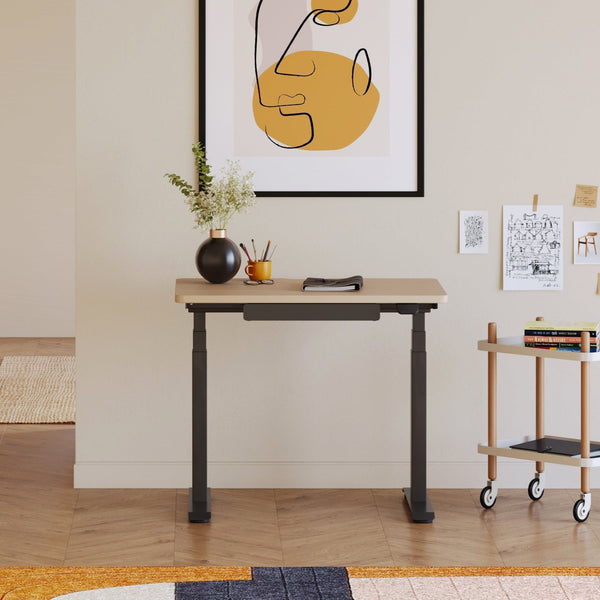
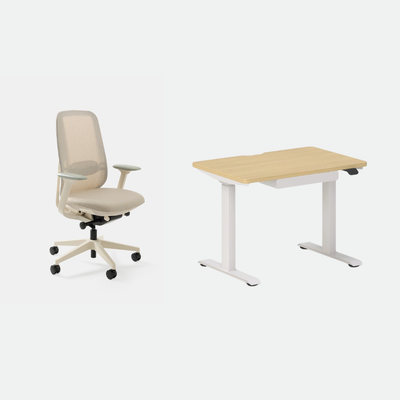
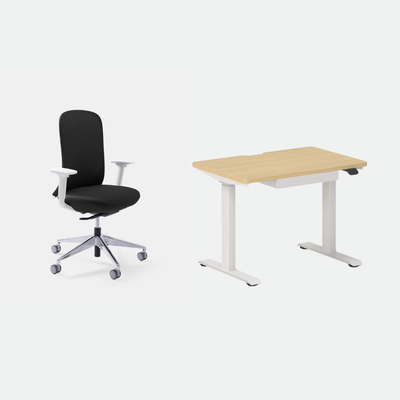
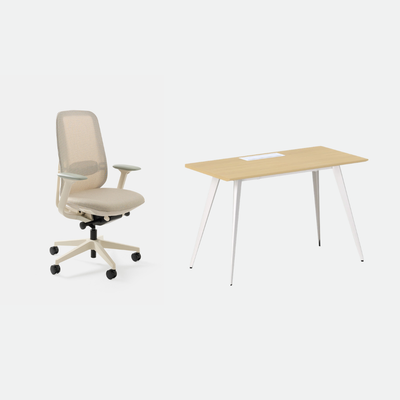
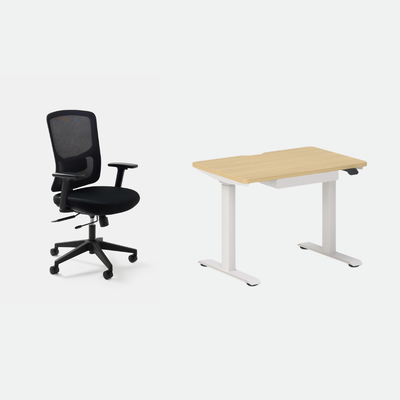
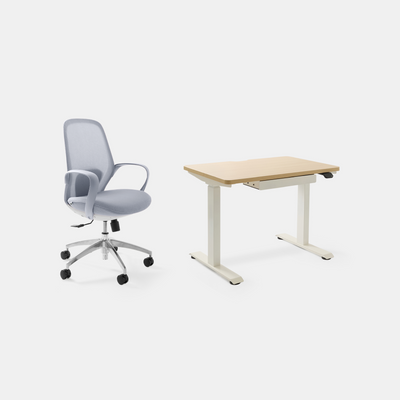
The Mini Standing Desk is 36 inches by 24 inches and costs $429. At 36 inches it is narrower than a pair of 24 inch screens touching, so treat it as a one-monitor desk, or a monitor and a laptop with the laptop stacked or off to one side. Its page describes a woodgrain finish and a height-adjustable frame, which suits a studio or a bedroom corner.
The 48 Inch Desks Fit Two 24 Inch Screens and Not Much Else
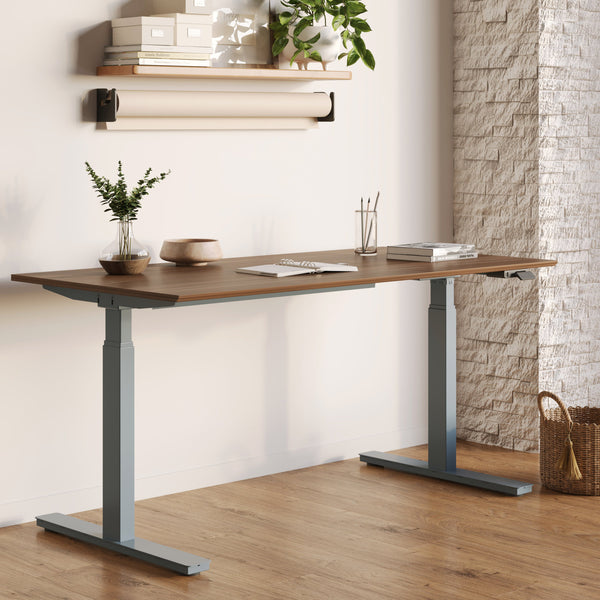
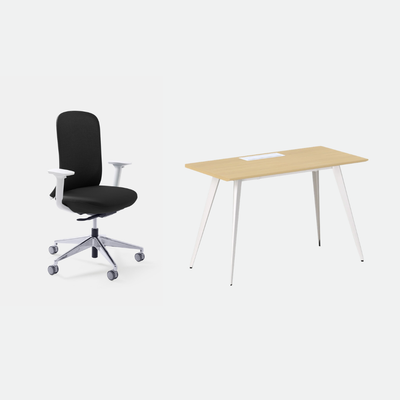
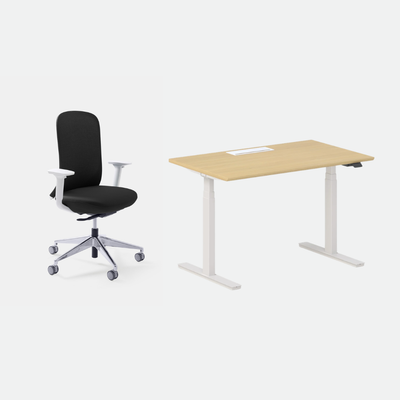
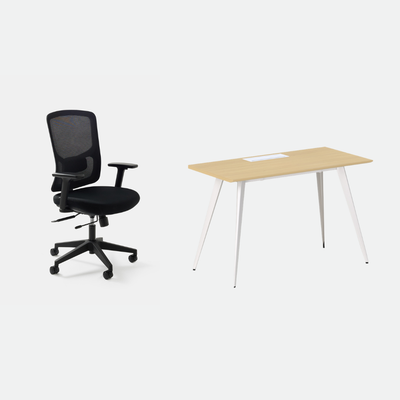
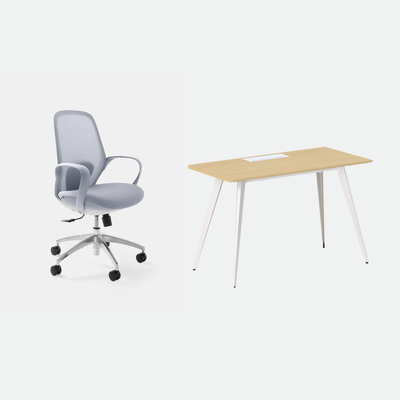
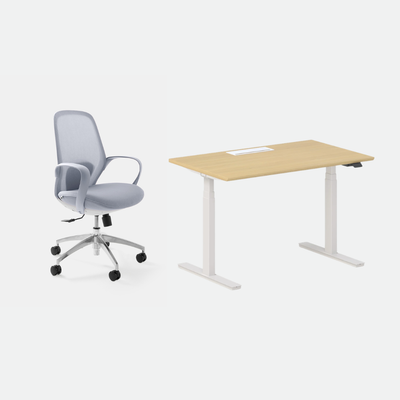
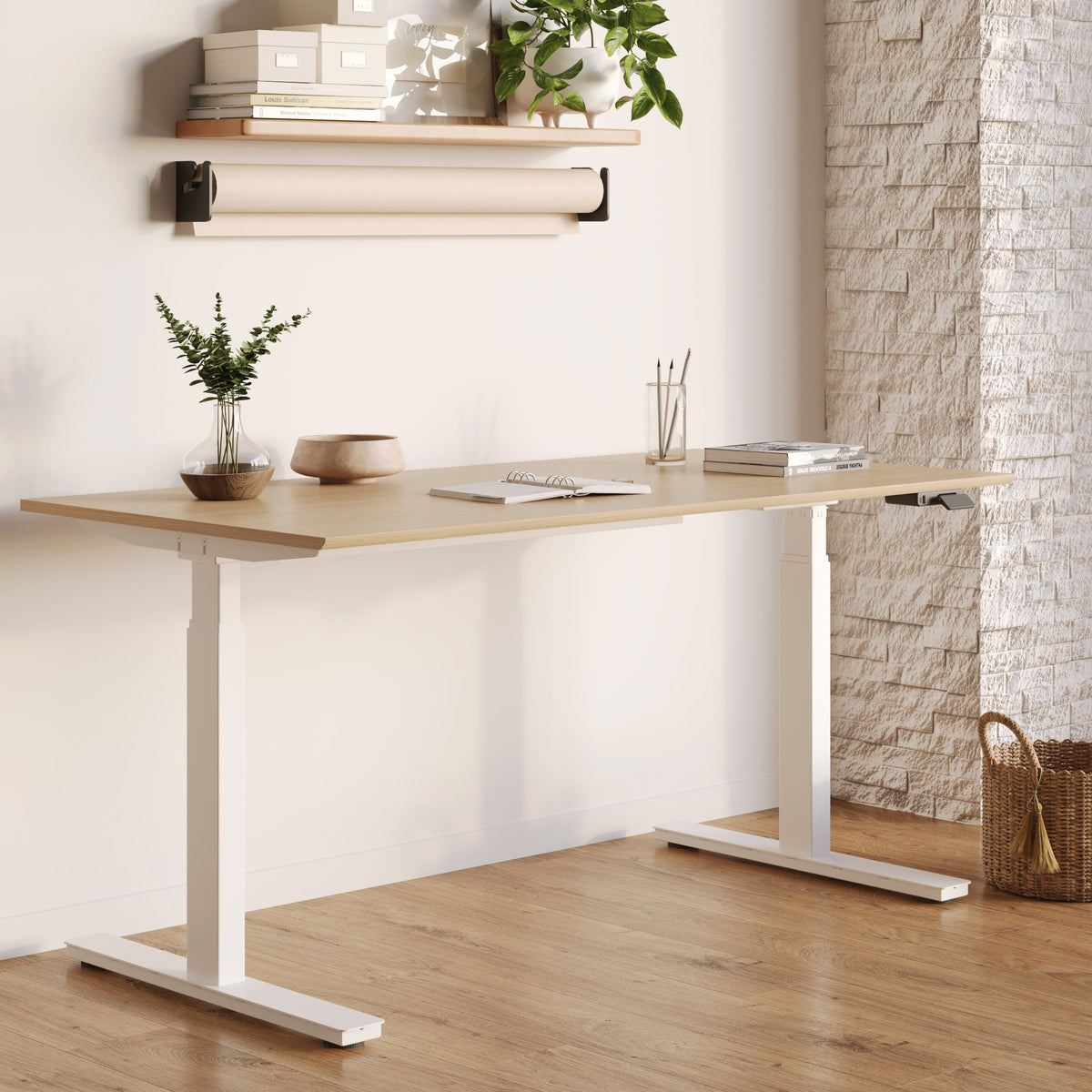
The Office Desk is 48 inches by 24 inches at $349 in its smaller size. The Standing Desk in its 48 inch by 30 inch size is $574, and its page lists a solid ash top. Both clear a pair of 24 inch screens at about 41.8 inches with a few inches to spare, and neither clears a pair of 27 inch screens at about 47.0 inches once you add bezels. If you are weighing the two, the Standing Desk gives you 30 inches of depth and a lift for sitting and standing, and the Office Desk is the lower price.
The 60 Inch Desks Are for Larger Pairs and Cleaner Fronts
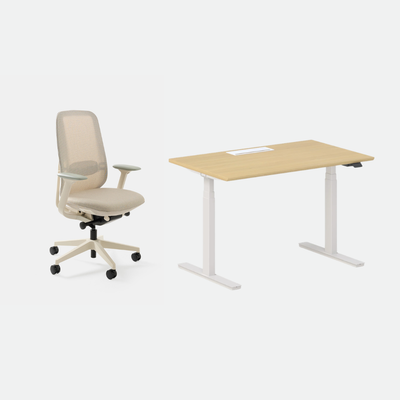
The Office Desk is also sold at 60 inches by 30 inches for $479, and the Standing Desk at 60 inches by 30 inches for $690. At 60 inches a pair of 27 inch screens fits with room at the sides, and a pair of 32 inch screens at about 55.8 inches fits with very little room to spare. If your wall can hold the 60 inch top and still leave a walking path, it is the safer choice for anything bigger than 24 inch screens.
The Rest of the Range Is in the Desks Collection
You can compare every size and color in our desks collection, and the two sibling guides below go deeper on layout and on small standing desks.
Small Comfortable Chairs for Small Spaces Still Need Room to Move
A narrow desk is wasted if the chair cannot move. OSHA warns that sitting too close to the screen may lead you to push your chair away from it and type with outstretched arms, and a chair that jams against a wall or a bed does the same thing. A chair with arms that sit under the desk edge, and a seat you can pull close, is easier to live with in a small room than a wide chair that jams against the wall.
Height is the next thing to check, and our guide to a desk setup with a laptop and two monitors covers it. You can browse our chairs collection once the desk size is settled. Choose the desk first, then the chair that fits what is left.
FAQ
How Wide Should a Desk Be for Two Monitors?
Add the two panel widths, then leave room for the keyboard and mouse. Two 24 inch 16:9 screens touching come to about 41.8 inches, so a 48 inch desk works. Two 27 inch screens come to about 47.0 inches, so a 60 inch desk is the safer choice.
Can I Fit Dual Monitors on a Small Desk?
Yes, if the screens are small enough or the desk uses a corner. A monitor arm clamped to the back edge frees the stand footprint, and a main screen with a smaller side screen needs less width than a matched pair. Measure the screens first, because the diagonal number misleads.
How Should I Angle Two Monitors on a Narrow Desk?
If one screen does most of the work, put it directly in front of you and set the second one to the side at an angle, as CCOHS recommends. If you use both equally, put the edges together in front of you, or curve them in a semi-circle. Keep them at about an arm's length and at the same height.
Is a Corner Desk Good for a Small Room?
It can be. OSHA notes that corners often provide more desk depth than a straight run of desk top. Check the window position, because a corner can force the screens to face the glass.
What Is the Smallest Office Desk for Small Spaces That Still Fits Two Screens?
For two 24 inch screens with their edges touching, you need a top wider than about 41.8 inches, so a 48 inch desk is the smallest standard size that clears them. The 36 inch Mini Standing Desk is better as a one-monitor desk.
Send Us Your Monitor Sizes and Your Wall Width and We Will Point You to a Desk
If you tell us the two screens you own and the wall you have, we can tell you whether the 48 inch or the 60 inch top fits. You can reach Urbanica Furniture at 1705 NW 38th Ave, Lauderhill, FL 33311 or call +1-(888)-350-9545. You can also write to us through our contact page.
References
- OSHA, Computer Workstations, Monitors (viewing distance of 20 to 40 inches, 35 degrees to the left or right, the corner and desk-space suggestions, top line at or below eye level, perpendicular to the window): https://www.osha.gov/etools/computer-workstations/components/monitors
- OSHA, Computer Workstations, Desks (limited work surface and awkward reaching, corner vs straight run, monitor at least 20 inches away): https://www.osha.gov/etools/computer-workstations/components/desks
- CCOHS, Office Ergonomics, Positioning the Monitor (two or more monitors: edges touching or semi-circle, main monitor in front, arm's length, same height): https://www.ccohs.ca/oshanswers/ergonomics/office/monitor_positioning.html
- Cornell University Ergonomics Web, Ergonomic Guidelines for Computer Workstations (monitor directly in front, not angled left or right): https://ergo.human.cornell.edu/ergoguide.html
Ben P. I'm Ben, Brand Manager at Urbanica Furniture. I plan workspaces on paper and on the floor, and I trust the tape measure over the product photo.