







Three Months at the Standing Desk: What Stuck, What Faded, and the Truth About an Adjustable Height Standing Desk With Drawers
Most reviews of a standing desk are written in the first week, when everything feels new. This one is written after three months, when the novelty is gone, and only the habits remain. If you are weighing an adjustable height standing desk with drawers or without, here is what I kept doing, what I quietly stopped, and what I would tell a friend before they order.
TLDR
A standing desk is easy to love in week one and easy to forget by month three. This review follows the Urbanica Standing Desk through the full three months: how my use changed, which settings earned their place, and what the desk asks of you to keep paying off.
Along the way, we cover the drawer question that brings many people to an adjustable height standing desk with drawers in mind, which desk of ours answers it, and who should skip the electric lift entirely. Near the end, you will find the setup that has held up best for me.
Who This Article Is For
- You are about to buy a standing desk and want to know how the first three months really go.
- You bought one before and now mostly sit at it.
- You work from home, and your shoulders or lower back complain by mid-afternoon.
- You want storage close at hand and are wondering whether a desk with drawers is the answer.
- You share a small room with your work and need the desk to earn its floor space.

Aiden G.
Head of Marketing, Urbanica Furniture
Author's Note
I did not plan this as a review. The desk arrived, I used it, and around the ten-week mark I noticed I was standing less than I had in the first month. That small slip is what made me want to write down what three months of ordinary use actually look like.
Everything below about the desk comes from our live product pages, and every claim about standing comes from the sources named in the text. Where the research is thin, I say so.
And if you find any value in it, please share it with your friends, colleagues, and anyone who is thinking about a standing desk and wants to know how it holds up!
Disclaimer: I did use AI to help me write and do the research, but I'm editing myself, verifying the facts, and writing my own conclusions and takes.
This article is part of our home office gear and solutions category, and we have a lot of related articles that will help you choose well. Check the full guides here: Standing Desk Reviews and the Worth-It Question: The Honest Field Guide and Gear Upgrades: What's Worth the Money, What to Buy Once, and What to Skip.
The First Month Is Easy, and the Third Month Is the Real Test
A new desk gets used because it is new. The honest question about any standing desk is what happens after that wears off, so we start with how use changes over time.
Early Studies Say Many People Drift Back to Sitting
The Canadian Centre for Occupational Health and Safety (CCOHS), the Canadian government body that publishes workplace safety fact sheets, notes in its sit/stand desk sheet that early studies indicated some users tend to return to sitting for the majority of the time after the initial trial period. It adds that to get the benefit of alternating, you have to keep alternating.
That matches what I saw at my own desk. I stood for long stretches in the first month, and by the third I had to make myself do it. The takeaway for a buyer: the lift makes switching easy, and the habit is still yours to keep.
The Settings That Survived Were the Ones I Stopped Thinking About
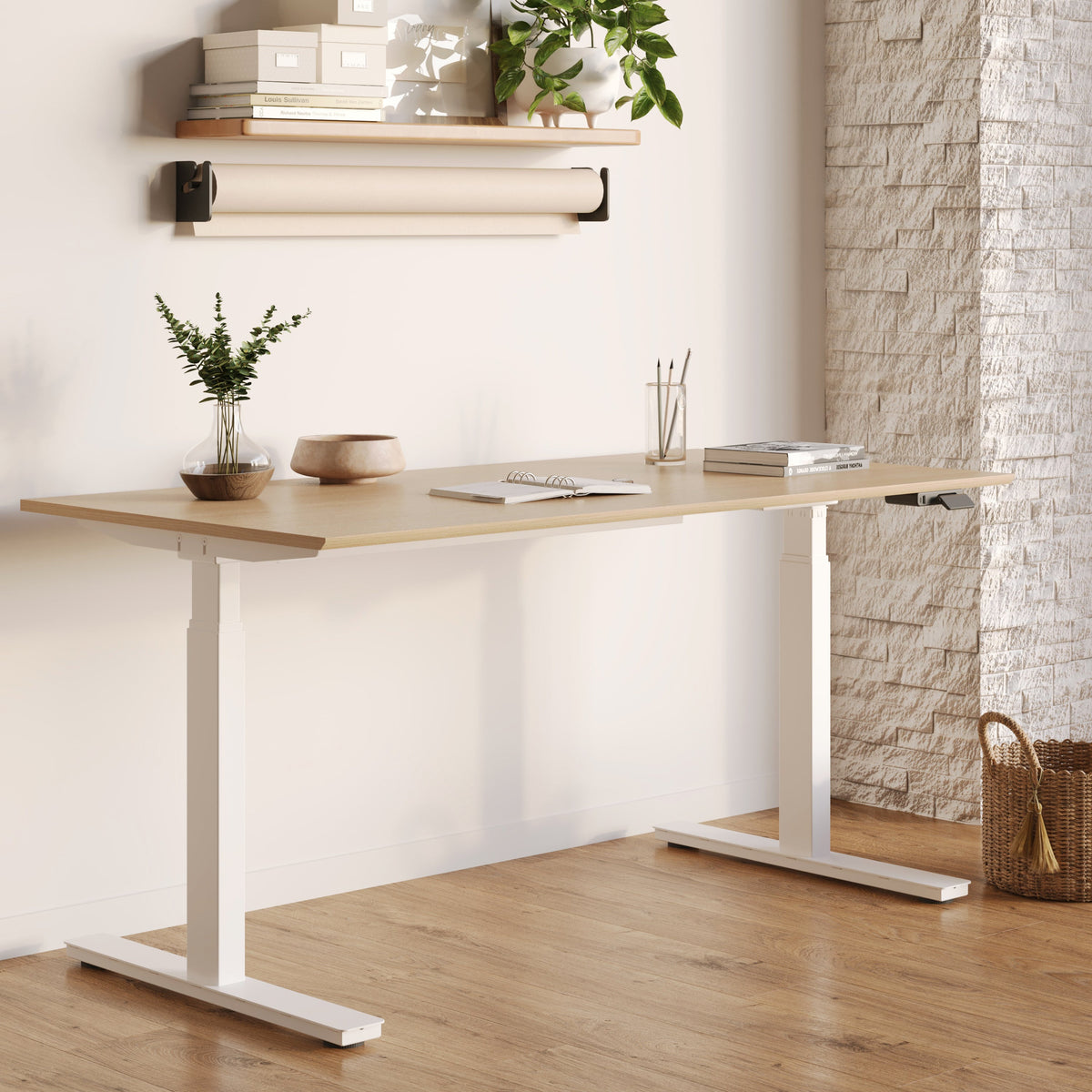
The Standing Desk has electric height adjustment and programmable presets, so I saved two heights: one for sitting and one for standing. In the first week, I fiddled with the buttons constantly. By week twelve I had stopped thinking about them, and that is exactly why they survived.
A switch that costs one button press gets used, and a switch that costs a moment of measuring does not. If you buy any adjustable desk, set your two heights the first day and leave them alone.
The Desk Paid Off on the Days I Moved, Not the Days I Stood Longest
My best days at the desk were not the ones with the most standing. They were the days I changed position four or five times, without planning it, whenever a call ended or a task switched. Short, frequent changes did more for me than one long hour on my feet.
What the Desk Changed in My Day, and What It Left Alone
Three months is long enough to separate what the desk fixed from what it never touched. The honest list is shorter than the marketing for any standing desk would suggest.
Standing Height Starts at Your Elbow
CCOHS says that when the desk is in the standing position, the platform height should be approximately at your standing elbow position, with the keyboard and mouse aligned as they are when you sit. Its sheet also says elbows should stay close to the body and bend at about 90 degrees.
I set my standing preset by standing relaxed, letting my forearms hang level, and saving that height. It took two minutes, and I have not changed it since. If your wrists bend up or your shoulders creep toward your ears at the standing height, the preset is wrong, and a few millimeters of adjustment usually fixes it.
Standing All Day Is Its Own Problem
The Cornell University Ergonomics Web, a research and teaching resource from Cornell's human factors group, makes a point I wish more reviews made: standing in a static posture is even more tiring than sitting in a static posture, so movement is important. CCOHS agrees from another angle, listing foot, knee, hip, and back issues as a risk of standing too long.
So I never aimed to stand all day. I sit for most of the morning, stand after lunch when energy dips, and move around in between. That pattern is my take, and it is the one that held for three months.
The Chair Still Does Half the Work
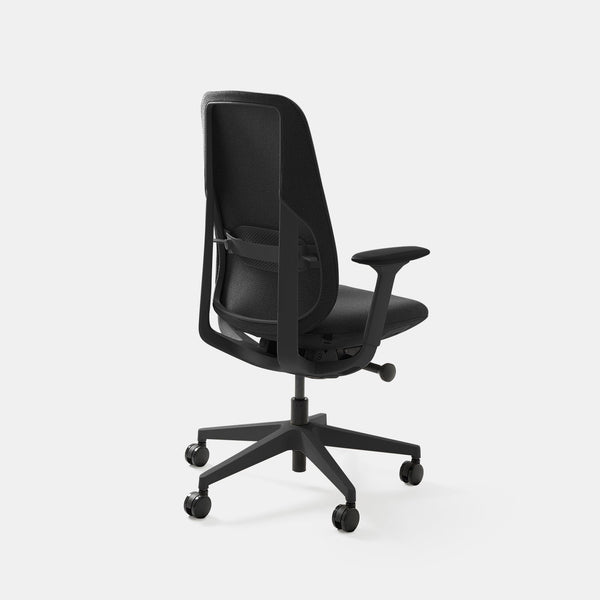
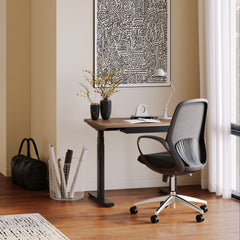
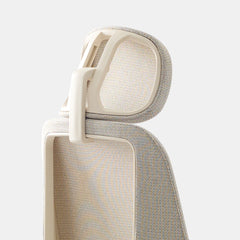
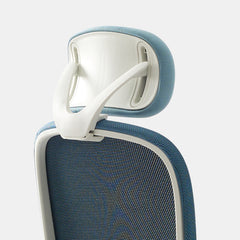
The desk changed my standing hours. It did nothing for the sitting hours, and I still spend most of the day sitting. On those hours I rely on the Novo Chair at $445, with 9 points of adjustment, adjustable lumbar support, adjustable seat depth, 4D arms, and a synchronized tilt with six lockable positions. A standing desk without a good chair is half a solution.
The Surface Stayed Cleaner Because the Desk Kept Reminding Me to Move
Every time I changed height, anything on the surface had to survive the trip. That turned out to be a useful filter: whatever I would not trust to a moving desk, I stopped keeping there. After a few weeks, the surface held a laptop, a screen, a mug, and little else.
I did not plan that tidiness, and I am not claiming the desk causes it for everyone. It is what happened on my desk, and I now think a desk that moves is a decent test of how much you really need within arm's reach.
A standing desk makes the switch cheap. It cannot make you want to.
Aiden G., Urbanica
An Adjustable Height Standing Desk With Drawers Comes Down to One Honest Choice
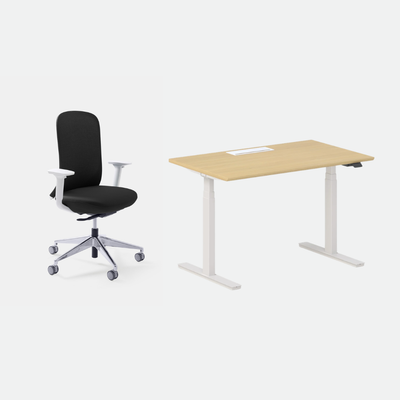
Many readers arrive here asking for an adjustable height standing desk with drawers, so here is the straight answer. The desk I reviewed, the Standing Desk, is the one most people buy for a home office, and storage is a separate decision from the lift.
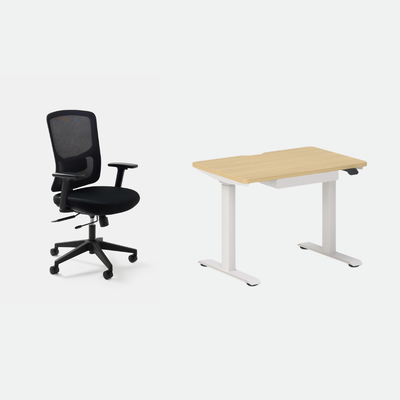
The Mini Standing Desk Is the Only Desk We Make With a Drawer
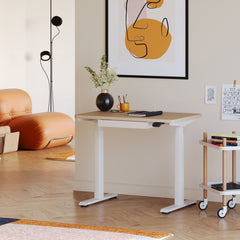
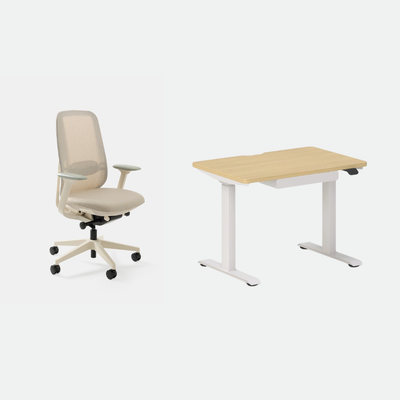
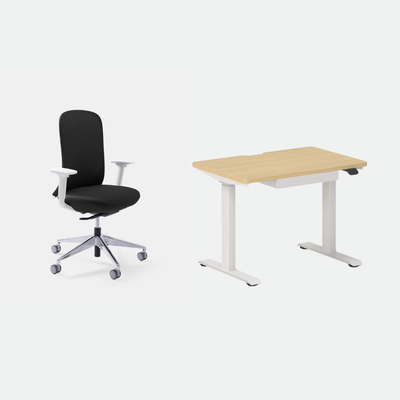
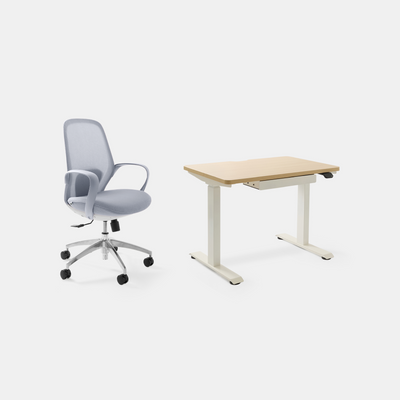
If a drawer is a must, the Mini Standing Desk is the one. It is height-adjustable, includes a drawer, and costs $429. It is also our smallest desk, so it suits one screen in a small room better than a wide setup. I wrote another article that puts the two desks side by side, called Mini Standing Desk vs Full Size: Which One Should You Buy, if you want the dimensions and trade-offs in one place.
The Standing Desk Gives You Surface, and Storage Lives Elsewhere
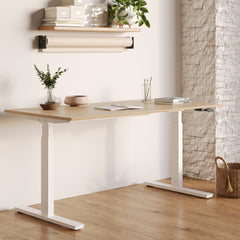
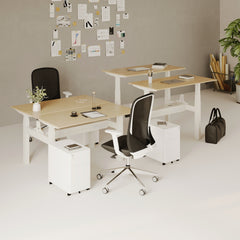
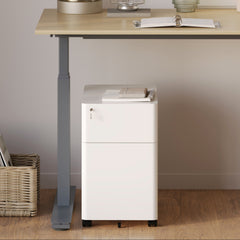
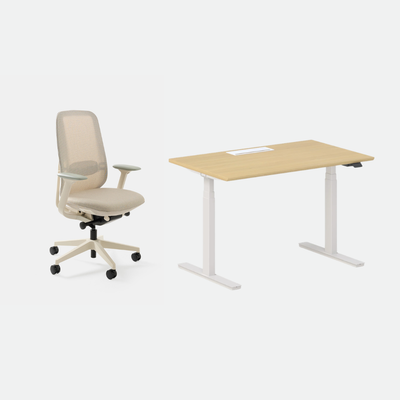
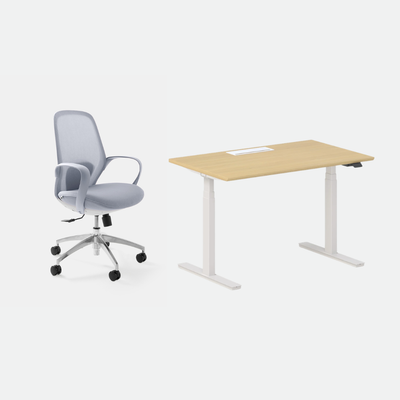
The Standing Desk is $574 in the 48" x 30" size and $690 in the 60" x 30" size. It gives you the wider surface and the electric lift, and it has no drawer to rely on. For me that has been fine, because the surface stays clear and the loose items live in a nearby cabinet.
Cable Slack Matters More Than You Expect
A desk that moves needs cables that move with it. In the first week, I tugged a charger cable taut on the way up. The Under-Desk Cable Management is $59 and tucks power strips and cables off the floor, which leaves room for the slack a rising desk needs. Run the lift fully up and fully down once before you tidy anything.
Who Should Buy the Standing Desk and Who Should Look Elsewhere
After three months, my view of who this desk suits is firmer than it was after one.
Buy It If You Will Switch Often, Not Heroically
The desk suits you if you work alone, want a wide surface, and will change position several times a day. Cornell's advice is to sit in a neutral posture and stand intermittently, moving around rather than keying while standing. The electric lift makes that pattern nearly effortless.
Look at the Mini If Space or Storage Decides It
If your room is tight or you want a drawer within reach, the Mini is the better fit, and I say that as someone who uses the full-size desk. The surface you give up is real, so measure first.
Skip the Lift If You Know You Will Not Switch
If you already know you will sit at it all day, a fixed desk is the honest answer. That is a fine outcome. The lift only pays off when you use it.
Check the Floor Space Before the Height
People shop for the lift and forget the footprint. A 60" x 30" top takes more room than it looks in a photo, and it needs clear space around it when it rises, since a chair, a wall, or a cabinet can interrupt the move. Mark the desk's outline on the floor with tape and roll your chair through the full sit and stand routine before you order.
If the room cannot take that outline, the Mini Standing Desk is the answer, and the decision is already made.
FAQ
Is a Standing Desk Still Worth It After Three Months?
It is if you still switch positions. CCOHS notes that some users drift back to sitting after the trial period, and my own use dipped in the same way before I fixed it. Worth depends on the habit, so ask yourself how often you changed position this week.
How Long Should I Stand at My Desk?
CCOHS says recommendations vary, from sitting for 1 hour and standing for 5 minutes to switching every 20, 30, 45, or 60 minutes. The key factor is to alternate as you need, and to allow time for your body to adjust to a new routine.
What Height Should I Set the Standing Position To?
Set the platform approximately at your standing elbow position, so your arms sit as they do when you are seated. CCOHS adds that the keyboard and mouse should line up the way they do when you sit, and the monitor should stay between horizontal and 35 degrees below.
Does Urbanica Make a Desk With a Drawer That Also Adjusts?
Yes. The Mini Standing Desk is height-adjustable and includes a drawer. It is the only desk in our range with one, and the full-size Standing Desk has a larger surface and the electric lift.
Tell Us Your Room and Your Hours, and We Will Point You to the Right Desk
Three months in, the lesson is simple: the best standing desk is the one you keep using. Pick the size by your room, pick the lift by your habits, and set your two heights on day one.
If you are choosing between the full-size desk and the Mini, send us your room size and how many screens you run, and I will tell you which I would buy. You can reach Urbanica Furniture at 1705 NW 38th Ave, Lauderhill, FL 33311 or call +1-(888)-350-9545 and we will go through it with you.
References
- Canadian Centre for Occupational Health and Safety, Office Ergonomics - Sit/Stand Desk: supports the early-studies note that some users return to sitting, the standing elbow-height rule, the 90-degree elbow, the monitor angle, the foot, knee, hip and back risk of standing too long, and the range of sit and stand intervals. https://www.ccohs.ca/oshanswers/ergonomics/office/sit_stand_desk.html
- Cornell University Ergonomics Web, Computer Workstation Ergonomics Guidelines: supports the point that standing in a static posture is more tiring than sitting in one, and the advice to sit in a neutral posture and stand intermittently. https://ergo.human.cornell.edu/ergoguide.html
- Urbanica Furniture, product pages for the Standing Desk, Mini Standing Desk, Novo Chair, and Under-Desk Cable Management: support the prices and features named. https://urbanicafurniture.com/products/standing-desk