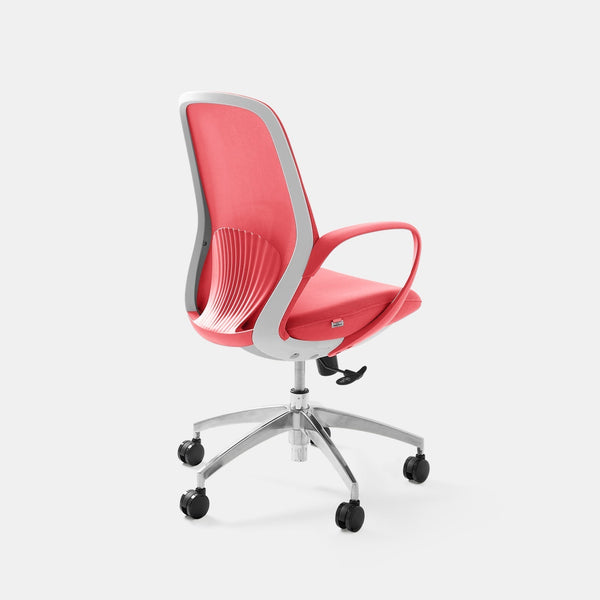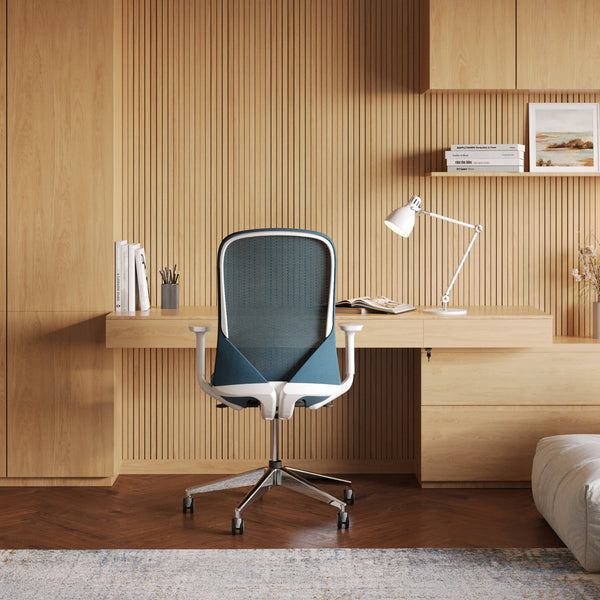









Why Office Chair Back Pain Often Traces to Five Hidden Problems in Your Chair, and How to Fix Each One
Office chair back pain rarely comes from one dramatic flaw. It builds from small mismatches between the chair and your body that you stop noticing after a week, and most of them can be fixed with a lever or a knob.
TLDR
Office chair back pain often starts when the chair drifts away from your body: the backrest, the seat, the armrests, the seat edge, or the recline. A minute with each setting tells you which one is working against you.
Two smaller features, the casters and the seat width, come next, followed by a short checklist and the questions I hear most.
Who This Article Is For
- Your lower back aches by mid-afternoon and you suspect the chair.
- Your upper back or the space between your shoulder blades gets tight while you type.
- You slide forward in your seat or keep shifting to get comfortable.
- You are deciding whether to adjust your current chair or replace it.
- You want to know what to look for in a chair before you buy.

Aiden G.
Head of Marketing, Urbanica Furniture
Author's Note
For a long time I treated the ache in my lower back as the price of sitting all day, and I blamed my own posture. It never crossed my mind that the settings on my chair could be part of the problem.
Then I read what the Occupational Safety and Health Administration (OSHA), the US federal agency that sets and enforces workplace safety rules, and the Canadian Centre for Occupational Health and Safety (CCOHS), the Canadian organization that publishes workplace health guidance, actually say about chairs. Most of it was about settings I had never touched. Let's get into it!
And if you find any value in it, please share it with a friend, a colleague, or anyone who rubs their lower back every time they stand up.
Disclaimer: I did use AI to help me write and do the research, but I'm editing myself, verifying the facts, and writing my own conclusions and takes.
A Backrest That Misses the Small of Your Back Is Behind Most Office Chair Back Pain
The lower back curves inward, and a backrest that does not fill that curve leaves the muscles there doing the work all day. OSHA puts the target plainly on its computer workstation chair page: "The backrest should conform to the natural curvature of your spine, and provide adequate lumbar support."
Check That the Firmest Part of the Support Meets Your Spine
Sit all the way back and slide a hand behind you. The firmest part of the backrest should land in the small of your back. If it sits lower, against your tailbone, the curve above it is unsupported. OSHA recommends "A lumbar support that is height adjustable so it can be appropriately placed to fit the lower back."
A Rolled Towel Shows You Whether the Backrest Is the Problem
OSHA suggests that if your chair has no lumbar support, "use a rolled up towel or a removable back support cushion to temporarily provide support." If a towel eases the ache, you have your answer: the backrest was the problem.
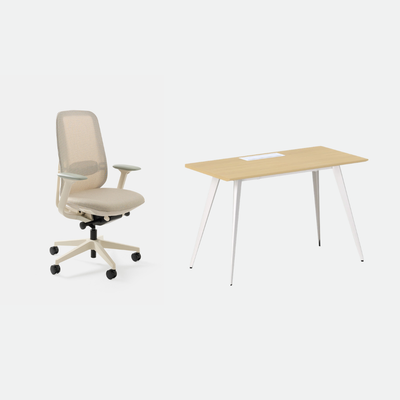
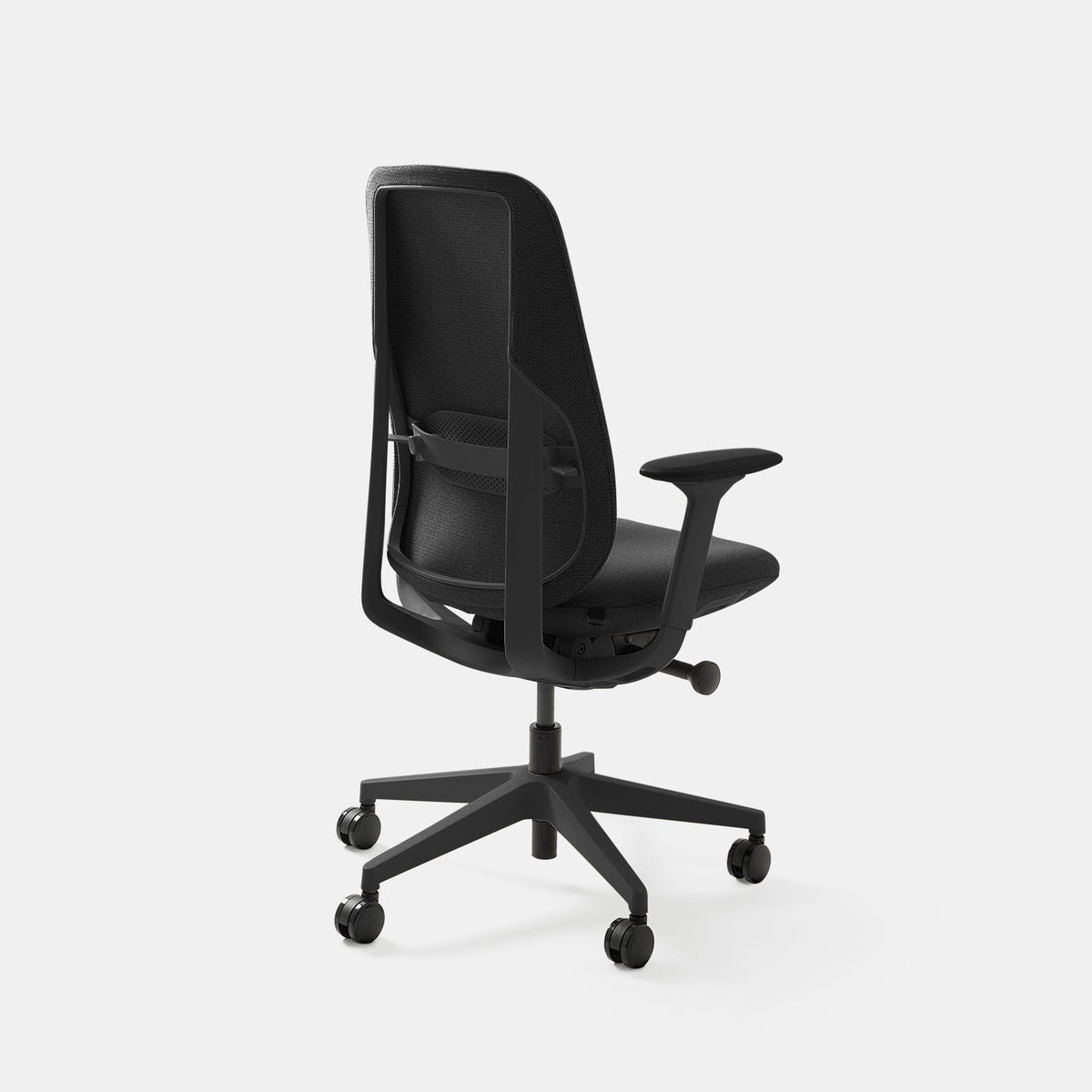
When I shop for chairs, this is the first thing I look at. The Novo has adjustable lumbar support, which lets you move the contact point to the right spot rather than hoping it lands there.
If a seat edge digs into your hips, the chair may simply be too narrow for you.
Aiden G., Head of Marketing, Urbanica Furniture
Seat Height Decides Whether Your Feet and Your Back Are Both Supported
Seat height changes where your weight goes. OSHA's test is short: "The chair height is appropriate when the entire sole of the foot can rest on the floor with the back of the knee slightly higher than the seat of the chair."
Too High Pulls You Off the Backrest
OSHA warns that a seat that is too high "may force you to work with your feet unsupported or encourage you to move forward in the chair to a point where your back is unsupported." Seat height is the one I see most.
Feet that dangle make you slide forward, and then the backrest you paid for is a few inches behind you.
Start from a Rule of Thumb, Then Trust the Foot Test
CCOHS gives a starting point on its ergonomic chair page: "The optimal seat height is about one-quarter of the body height." It adds that this is only a rule of thumb because torso-to-leg ratios vary widely. Use it to get close, then let the foot test decide. Another article on our blog goes deeper on seat height.
Armrests Set Too High Push Your Shoulders Up
Upper back pain from an office chair often starts at the armrests. Rests set too high lift your shoulders for hours. Rests set too low, or missing, leave your arms hanging from your neck. OSHA says armrests should "allow your shoulders to relax and your elbows to stay close to your body."
Let the Rests Just Touch Your Forearms
OSHA's setting is simple: "Adjust your armrests so they just make contact with your lower arms when positioned comfortably at your sides." If you feel any lift in your shoulders when you rest your arms, lower them a notch.
Cornell University Ergonomics Web, the ergonomics research group at Cornell University, adds a check from the elbow: "Make sure that the user's elbow angle (the angle between the inner surface of the upper arm and the forearm) is at or greater than 90 degrees to avoid nerve compression at the elbow." If your elbows bend tighter than a right angle when your hands are on the keys, the armrests or the desk are too high.
Sometimes the Fix Is Less Armrest
CCOHS notes that armrests may not help if they stop you sitting close enough to the desk and keyboard, and says to adjust or remove them. If you keep leaning forward to reach, the arms may be wider or higher than you need.
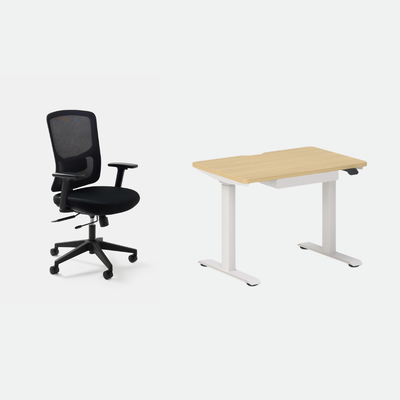
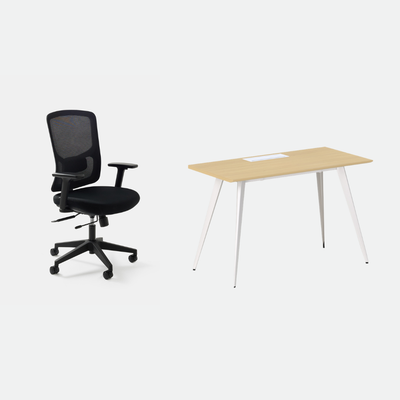
Both the Onyx and the Novo have 4D adjustable armrests, which means they move in four directions.
The Seat Edge Should Not Press Behind Your Knees
If the seat is too deep for your legs, you have two bad choices: perch on the front edge, or sit back with the seat pressing under your knees. OSHA describes it: a seat pan that is too long "can place excess pressure on the knee area of shorter users and minimize back support."
Leave Room Behind the Knee
The target from OSHA is that the seat "should provide support for most of the thigh without contact between the back of the user's knee and the front edge of the seat pan." CCOHS agrees, saying users should sit without pressure at the back of their knees, with their back supported by the backrest.
Seat Depth Adjustment Does the Real Work
OSHA recommends that the seat pan be depth adjustable. That lets shorter users sit with their backs fully supported. The Novo has adjustable seat depth, so you can slide the seat to the right distance.
A chair that is hard to roll up to the desk pushes you to reach and bend, which strains the back.
Aiden G., Head of Marketing, Urbanica Furniture
Recline You Can Lock Keeps You Out of One Fixed Position
A good setup still gets tiring if you cannot change it. OSHA recommends a backrest "easily adjustable and able to support the back in a variety of seated postures," with a recline of at least 15 degrees from the vertical.
Look for Recline You Can Hold and Release
OSHA says the backrest should lock in place or be tension adjustable, to give adequate resistance to lower back movement. You should be able to lean back, have the chair hold you there, and return to upright without a fight.
The Novo's synchronized tilt has six lockable positions, which suits this kind of change through the day. The Onyx also reclines.
Movement Matters as Much as the Chair
CCOHS stresses that even a well-fitted chair does not remove the need to move, and recommends activity breaks, such as tasks away from the desk or simple exercises. I set a timer so that I stand up at least once an hour.
Casters and Seat Width Are Two Smaller Culprits
Casters set how easily the chair reaches the desk. Seat width sets how freely you can shift.
Casters That Roll Easily Let You Sit Close to the Desk
OSHA recommends a "five-leg base with casters that allow easy movement along the floor" and casters that suit your flooring. A chair that is hard to roll up to the desk pushes you to reach and bend, which strains the back.
A Seat Wide Enough Lets You Change Position
Seat width matters too. CCOHS says the seat should be wide enough for even pressure across the whole seat and room to change your posture. If a seat edge digs into your hips, the chair may simply be too narrow for you.
Five Checks Take About Five Minutes and Tell You What to Fix
Run these in order and change one thing at a time, so you can tell which change helped.
The Five Checks
- Sit all the way back. Does the firmest part of the backrest meet the small of your back?
- Are both feet flat on the floor, with the back of your knees slightly above the seat?
- Do your armrests just touch your forearms with your shoulders relaxed?
- Can you sit with your back against the backrest and feel no pressure from the seat edge at the back of your knees?
- Can you recline and return to upright without effort?
When the Pain Stays After All Five Checks
If you fix all five and the pain stays, the problem may not be the chair. CCOHS states that a chair is only one part of the workstation, alongside the desk, lighting, and more. See a health professional if pain persists, spreads, or comes with numbness or weakness.
FAQ
Can an Office Chair Really Cause Back Pain?
It can contribute. OSHA lists poor back support and inappropriate postures as results of an unsuitable backrest, and says they may lead to back pain and fatigue. Fit matters more than price.
Why Does My Upper Back Hurt in My Office Chair?
Armrests set too high are a common cause because they lift the shoulders. Lower them until your shoulders drop, then check that the monitor is not pulling your head forward.
How Do I Know If My Chair Is the Problem?
Try the towel test for the backrest and the foot test for the seat height. If your chair cannot adjust to pass them, a chair that can is the next step.
How Long Until a Fix Helps?
I cannot promise a timeline, because it depends on the person. Make one change at a time so you can tell which one worked.
Tell Us Where It Hurts, and We Will Point You to a Chair
Five checks, one minute each, so about five minutes in all. If the chair cannot be adjusted to pass them, it may be time to look for one that can. Send us where your back hurts and how tall you are, and I will tell you which of our chairs I would try first.
When you are ready to compare, our chair collection has all of them in one place.
You can reach Urbanica Furniture at 1705 NW 38th Ave, Lauderhill, FL 33311 or call +1-(888)-350-9545.
References
- OSHA, Computer Workstations eTool, Chairs: https://www.osha.gov/etools/computer-workstations/components/chairs
- CCOHS, Office Ergonomics, Ergonomic Chair: https://www.ccohs.ca/oshanswers/ergonomics/office/chair.html
- Cornell University Ergonomics Web, Ergonomic Guidelines for arranging a Computer Workstation: https://ergo.human.cornell.edu/ergoguide.html
Hand-In (writer notes, not for publishing)
First-person lines for Aiden to confirm: "For a long time I treated the ache in my lower back as the price of sitting all day, and I blamed my own posture"; "When I shop for chairs, this is the first thing I look at"; "I set a timer so that I stand up at least once an hour".
Product facts: Novo adjustable seat depth, Onyx and Novo 4D armrests from Guide section 11. Muse armrest claim and the Muse seat-swing line were cut because they are not in the product text. Time claim set to about five minutes in the meta, H2, TOC and closing.
Sources: OSHA chairs page, CCOHS ergonomic chair page, Cornell Ergonomics Web.