







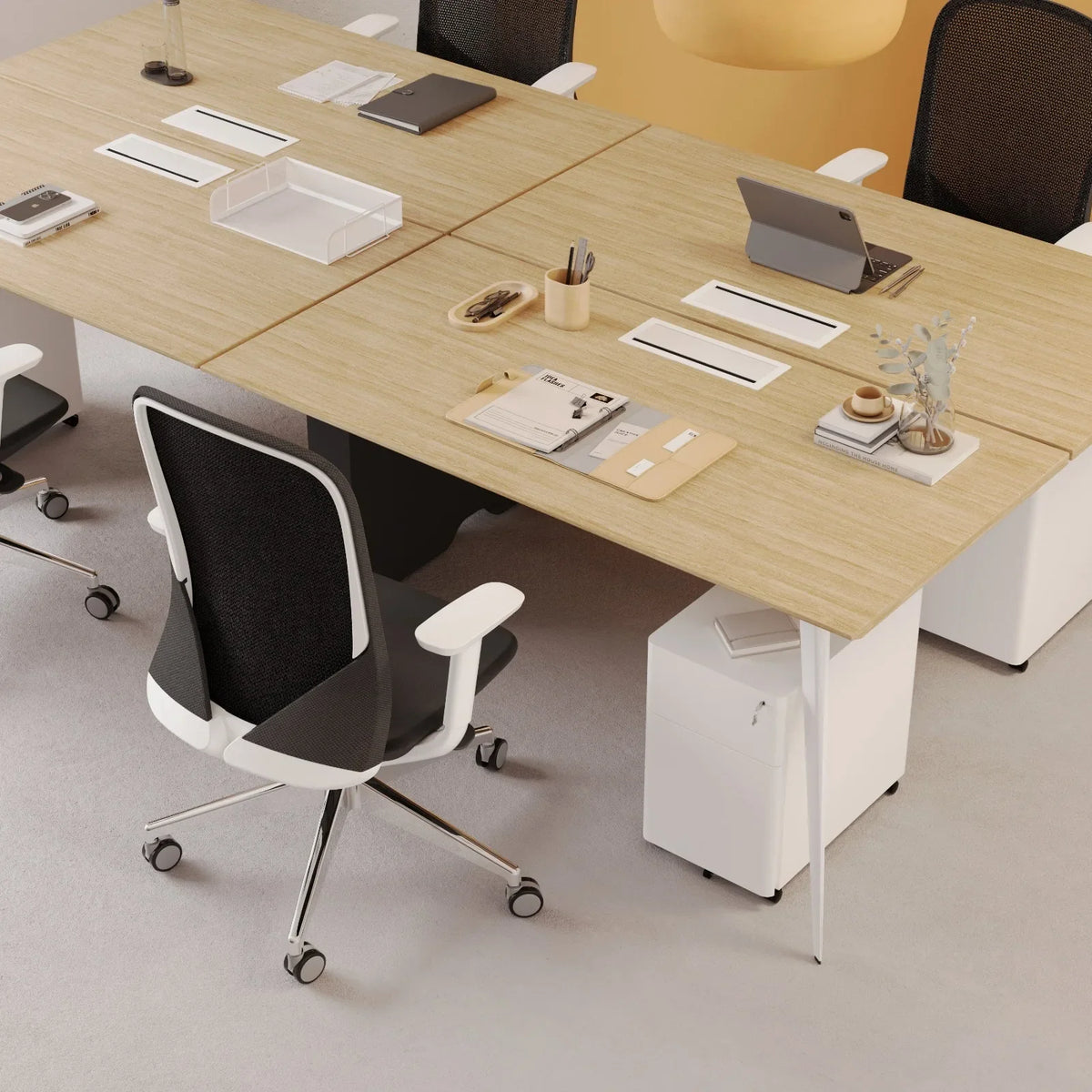
How to Choose a Standing Desk You Will Still Raise Every Day, from the Lift to the Drawer to the Fine Print
A standing desk pays you back only on the days you actually change position, so the right one makes that change easy for your room, your body, and your gear. If you have decided to buy one, this is how I would pick it, using a few numbers I would write down before comparing any two.
TLDR
Picking a standing desk comes down to how often you will really raise it, so the habit comes first, along with what the research says about it.
From there the choice narrows to the lift, the top size and height range, and the extras around the desk, such as a drawer and power. The last stretch covers the numbers worth writing down for each desk, and which of ours suits which room.
Who This Article Is For
- You work from home, you sit most of the day, and you want a desk that lets you stand for part of it.
- You are comparing a crank or manual standing desk against an electric one and want to know what changes.
- You have seen a standing desk kit and wonder whether a kit or a complete desk is the better buy.
- You want a standing desk with a drawer and need to know which of ours has one.
- You are looking at several stand up desk brands and want a short list of things to compare.

Ben P.
Brand Manager, Urbanica Furniture
Author's Note
People ask me about standing desks all the time, and the question is usually the same: "Which one should I buy?" The answer starts with how you work. I wrote this in the order I would walk a friend through it, from habits to hardware to the fine print.
And if you find any value in it, please share it with your friends, colleagues, and anyone who is about to buy a first standing desk and wants to get it right!
Disclaimer: I did use AI to help me write and do the research, but I'm editing myself, verifying the facts, and writing my own conclusions and takes.
This article is part of our home office gear and solutions category, and we have a lot of related articles that will help you choose well. Check the full guides here: Standing Desk Reviews and the Worth-It Question: The Honest Field Guide and The Work from Home Essentials to Buy Once, the Upgrades That Earn Their Place, and What Can Wait.
Start with How You Will Move Between Sitting and Standing
The desk matters less than the habit it supports. A desk that sits at one height all day is a desk, whatever the box calls it. What you are buying is the ability to change position quickly. Every choice that follows serves that.
Changing Position Is the Benefit, so Buy for the Change
The Cornell University Ergonomics Web, the ergonomics research group at Cornell University, puts the benefit of this furniture simply: "the real benefit of sit-stand is just that, changing between sitting and standing." The value sits in the switch.
A desk you will raise on a tired afternoon beats a desk with a longer feature list that you leave alone. When I help someone choose, I ask how many steps stand between them and a change of position. I want that number as close to one as it can be.
A Rhythm You Can Borrow for Your First Day
Cornell's Sit-Stand Working Programs page, written by the same group, offers a ballpark pattern: "20 minutes sitting (in a good posture), 8 minutes standing (for sit-stand workstations) and 2 minutes of standing and moving (gentle stretching, walking etc.)"
Over a 7.5 hour workday, lunch excluded, that adds up to 5 hours of sitting, 2 hours of standing, half an hour of moving, and 16 sit-to-stand changes.
The page adds a caution: "These numbers aren’t hard and fast" I read that as permission to treat the rhythm as a starting point. Find Your Balance: How Much Standing Is Actually Healthy at Your Desk covers the same ground. Set a timer for a day, see which stretches you most want to stand through, and adjust. The numbers also tell you something about the desk, because sixteen changes only happen if raising it takes seconds.
Standing in One Spot All Day Tires You Too
The Canadian Centre for Occupational Health and Safety (CCOHS), the Canadian government agency that publishes workplace health guidance, says: "Continuous standing or sitting while working is a common source of discomfort and fatigue." Standing all day swaps one static posture for another.
Cornell's ergonomics guidelines go further: "standing in a static posture is even more tiring than sitting in a static posture, so movement is important." Two independent sources agree, which changes how I would shop.
A buyer who plans to stand for hours at a time needs a different desk from one who plans to alternate. I would steer almost everyone toward alternating, which keeps the height range, the lift speed, and your chair all on the list of things that matter.
A desk you will raise on a tired afternoon beats a desk with a longer feature list that you leave alone.
Ben P., Urbanica
Choose the Lift for the Way You Work, Whether Electric, Crank, or Manual
The lift is the part that moves the top up and down. It decides how often you will bother. Crank and manual lifts trade a motor for effort, so it is worth knowing what that effort asks of you before you look at anything else.
A Crank or Manual Lift Turns Every Change of Position into a Task
A crank standing desk raises the top when you turn a handle. A manual standing desk is raised by hand. Either way, each change of position takes some physical effort and a few moments at the desk. That is a fair trade if you change position twice a day and rarely mid-task.
Hold that against the sixteen changes in the Cornell pattern. Turning a handle that many times is a chore, and chores get skipped, which is why a motor earns its place on a desk you want to use all day.
Why Our Standing Desks Are Electric
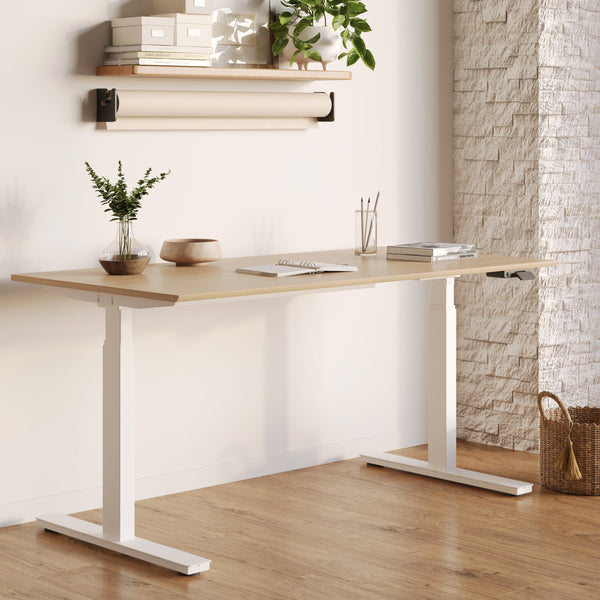
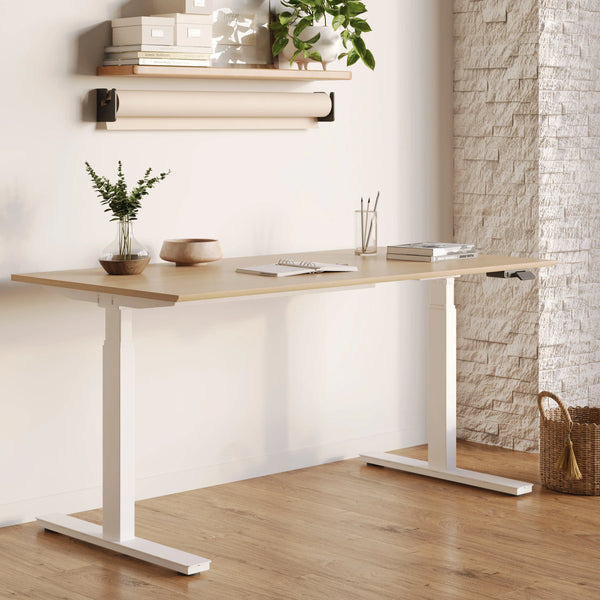
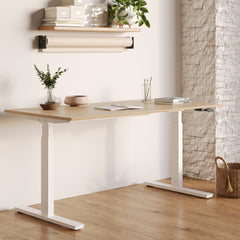
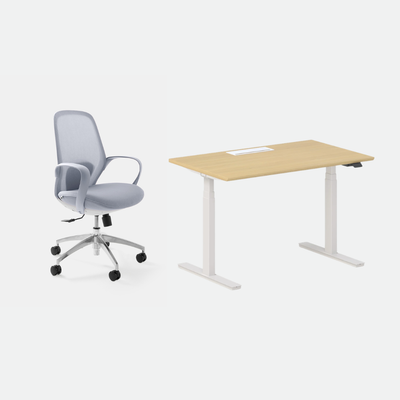
We do not make a crank or manual standing desk. The Standing Desk has electric height adjustment and travels from 22 to 44 inches, so a change of position takes no effort at all. For anyone who wants the sit-stand rhythm to survive a busy week, that is the reason I recommend it.
The Standing Desk is $574 with the 48 by 30 inch top and $690 with the 60 by 30 inch top.
Three Questions to Ask Before You Accept Any Lift
With any lift, ask how long a full change of height takes, how much weight the desk is rated to lift, and who you contact if the lift stops working. The first tells you how often you will use it, and the second tells you whether it suits your gear. The third shows what the warranty is worth in practice.
Write the answers for each desk on one sheet and compare them in one sitting. With the lift settled, the top has to fit the room and the person.
Match the Top Size and Height Range to Your Body and Your Gear
These two numbers decide whether the desk fits the room and fits you. Both can be checked with a tape measure before you order.
Measure Your Elbows, Seated and Standing
Cornell's ergonomics guidelines say to make sure that "the user's elbow angle (the angle between the inner surface of the upper arm and the forearm) is at or greater than 90 degrees" to avoid nerve compression at the elbow. To put that to work, sit in your chair the way you really work and measure from the floor to the underside of your bent forearm. Then stand in your usual shoes and measure again.
Those two numbers are the heights your desk has to reach. If both fall between 22 and 44 inches, the Standing Desk covers them, and I would write the numbers on a card and keep it next to the product page. If your chair is adjustable, you can close a small gap on the sitting side with the chair.
Pick the Width by What Sits on the Desk
Lay your gear on the floor in the arrangement you want on the top: laptop, monitors, a notebook, a lamp. Measure the whole spread, then compare it with the Standing Desk's two tops, 48 by 30 inches and 60 by 30 inches. The 30-inch depth gives you room to set a screen back from your eyes. The 60-inch top adds 12 more inches of width for whatever else the spread holds.
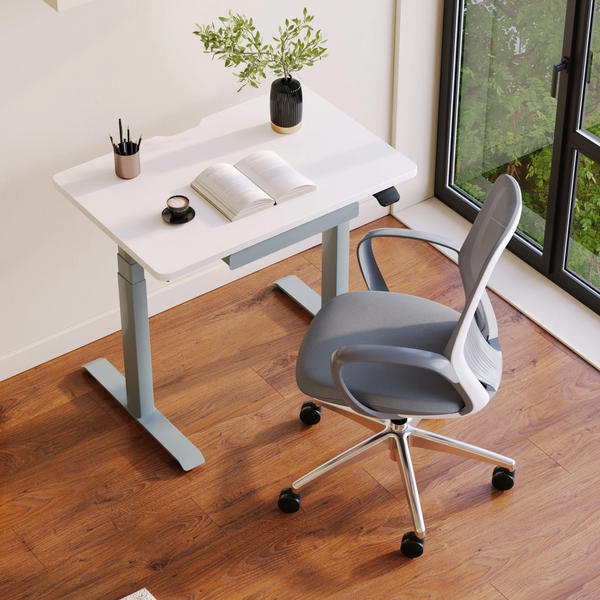
The Mini Standing Desk has a 36 by 24 inch top, which suits a laptop-first setup or a small room. It is $429. An article on our blog sets the Mini against a full-size desk if you are on the fence.
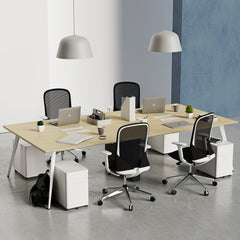
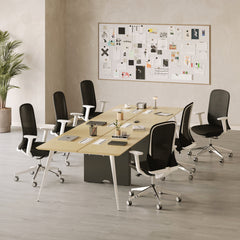
The Two-Person Standing Desk Is Built for a Shared Room
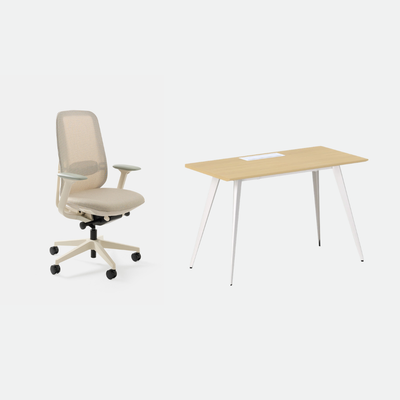
The Two-Person Standing Desk is 59 by 47 inches, and it is the one to look at when two people work at the same desk. It is $1,699. With the size decided, the extras around the desk are the next question.
Decide Between a Standing Desk Kit and a Complete Desk, and Where the Drawer Fits
A standing desk kit is a frame you fit a top to. A complete desk arrives with the top and frame chosen together, and the extras around it, the drawer and the power, decide how tidy the desk feels.
Why We Sell the Desk, the Top, and the Frame as One Product
Our standing desks come as complete desks, with the top and the frame chosen together, so there is no second purchase to match to the first. We do not sell a frame-only standing desk kit. The width you pick is the width you get. The finish on the top is picked together with the frame.
If you already own a top you love, tell us what it is and we will say whether one of our desks suits it.
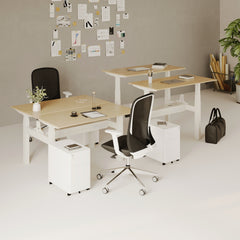
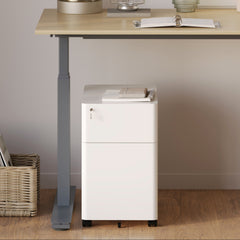
A Standing Desk with a Drawer Means the Mini
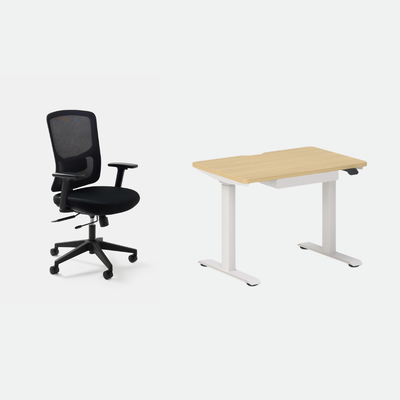
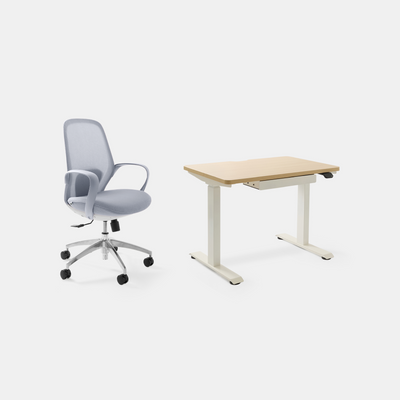
If you want a standing desk with a drawer, the Mini is the one, and Mini Standing Desk vs Full-Size: Which One Should You Buy walks through the size trade-off. It is the only desk in our range with a drawer, and a drawer clears the top of a pen, a charger, and a notebook so the surface stays ready. We have not published a size for the drawer, so send us the measurements of anything that has to fit inside and we will check it.
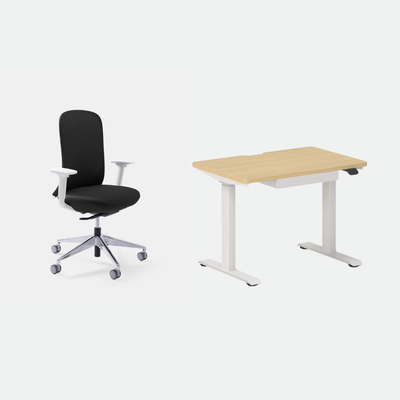
The Mini carries a 10-year warranty. If you want a chair with it, the Compact Bundle pairs the Mini with the Onyx Chair for $782.
Give the Cables and the Power a Home Before the Desk Arrives
A desk that moves needs cables that move with it, so plan the power before the lift. The In-Desk Power is $85, the Clamp-On Desk Power is $75, and the Under-Desk Cable Management is $59.
I raise and lower my desk through its whole range once, with everything plugged in, before I call the setup done. Any cable that pulls tight shows itself in that one pass.
A list of facts you can find on any product page is a better place to start than a list of names.
Ben P., Urbanica
Put the Same Six Numbers Beside Every Desk Before You Decide
Stand up desk brands are where many searches begin, but a list of names tells you little that a tape measure and a spec sheet do not. Start with a list of facts you can find on any product page, written on one sheet beside each desk you are considering.
Six Facts Make Two Desks Comparable
For each desk, write down the top size, the height range, the weight rating, the warranty, the delivery time, and the return window. A number you cannot find is worth noting too, because it tells you what to ask before you order.
The Standing Desk comes in 48 by 30 and 60 by 30 inch tops with a 22 to 44 inch range. Delivery takes 3 to 5 business days within the 48 contiguous states. Returns are accepted for 30 days, with a 10% restocking fee that may apply to some returns, as our Shipping and Returns page explains. Ask us about the weight rating and the warranty of the exact desk you pick.
Add the Chair to the Same Sheet
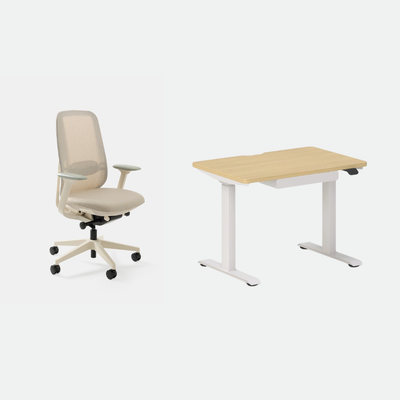
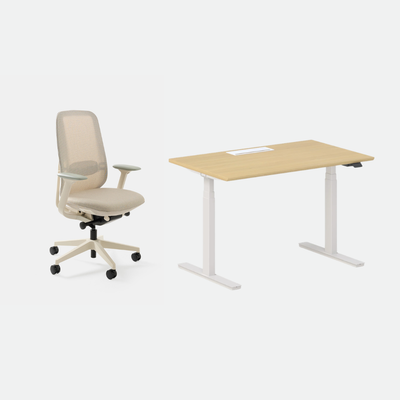
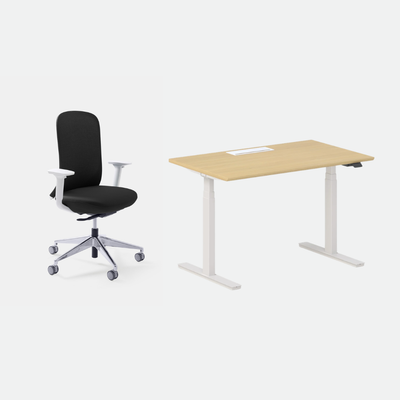
A desk that changes height pairs with a chair you spend the longest hours in, so price them together. The Active Bundle pairs the Standing Desk with the Novo Chair, at $968 with the 48 inch top and $1,078 with the 60 inch top. The Novo gives you adjustable lumbar support and a synchronized tilt with six lockable positions.
CCOHS advice for sit-stand work includes this line: "Use an ergonomic chair or alternative chair with an adjustable seat height." The sitting part of a sit-stand day is still most of the day, which is why I price the chair with the desk.
FAQ
Do You Make a Crank or Manual Standing Desk?
We make neither. Every standing desk we sell comes complete, with electric height adjustment on our Standing Desk. A motor suits the sixteen changes a day in the Cornell rhythm.
Which of Your Standing Desks Has a Drawer?
Only the Mini Standing Desk has one. The drawer is included. We have not published its size, so send us the measurements of what you want to store and we will tell you whether it fits.
Do You Sell a Standing Desk Kit or a Frame on Its Own?
We sell complete desks, with the top and frame together. If you have a top you want to reuse, send us the details and we will tell you whether one of our desks suits it. We also make desk panels for our shared desks. The Two-Person Standing Desk Panel is $270.
How Should I Compare Standing Desk Brands?
Compare the same six facts for each desk: the top size, the height range, the weight rating, the warranty, the delivery time, and the return window. This question comes up often on r/StandingDesk, and the answer there is the same as here: a sheet with six numbers per desk makes the choice easy to see.
Send Us Your Room Width and Gear List and We Will Tell You Which Standing Desk to Buy
You now have the order I would use: the habit first, then the lift, then the size and the height range, then the extras, then the terms. If any of those left you unsure, send us the width of the wall, how many screens you run, and who shares the room. I will tell you which desk I would put there.
When you are ready, the Standing Desk is where I would start. The Mini Standing Desk suits a small room or a desk with a drawer, and the Two-Person Standing Desk suits a shared room. Pick the one that matches the room you have, and you will raise it on the days that count.
Reach us at Urbanica Furniture, 1705 NW 38th Ave, Lauderhill, FL 33311, or by phone at +1-(888)-350-9545. We will go through it with you.
References
- Cornell University Ergonomics Web, Sit-Stand Working Programs: supports the 20, 8 and 2 minute pattern, the 7.5 hour daily totals, and the note that the numbers are not hard and fast. https://ergo.human.cornell.edu/CUESitStandPrograms.html
- Cornell University Ergonomics Web, Computer Workstation Ergonomics Guidelines: supports the real benefit of sit-stand being the change of position, static standing being tiring, and the elbow angle guidance. https://ergo.human.cornell.edu/ergoguide.html
- Canadian Centre for Occupational Health and Safety, Working in Standing/Sitting Positions: supports the lines on continuous standing or sitting causing fatigue and on the ergonomic chair with adjustable seat height. https://www.ccohs.ca/oshanswers/ergonomics/standing/sit_stand.html
- Reddit, r/StandingDesk: the community where this question comes up. https://www.reddit.com/r/StandingDesk/