







Whether Our Standing Desk Is Worth the Extra Money Comes Down to the Top of the Desk, the Lift, and Daily Use
If you are weighing our Standing Desk against a lower-priced desk, the price tag is only the first number to look at. The top of the desk, the lift under it, and the way the desk behaves on a normal Tuesday decide whether the extra money pays you back. By the end you will have four numbers you can hold any desk up against.
TLDR
Is our Standing Desk worth the extra money? For most people who work from home and will change position every day, yes. The reasons are in the lift, the presets, the size of the desktop, and what it costs once a chair is on the order.
Four checks sit behind that answer. I would run them on any sit-stand desk. What the Standing Desk gives you comes next, followed by the price once a chair is added and the cases where a smaller desk is the better call.
Who This Article Is For
- You are comparing our Standing Desk with a desk that costs less and cannot tell what the difference is.
- You work from home most days and want a desk you will really raise and lower.
- You run two monitors and need to know which top size holds them.
- You want a black desk, an electric adjustable desk, or both, without paying for features you will not use.
- You are not sure a standing desk suits your day yet and want to know when a smaller desk is enough.

Ben P.
Brand Manager, Urbanica Furniture
Author's Note
You may have two browser tabs open right now, ours and one with a smaller price tag, wondering if the difference is real. It is a fair question. A desk is something you touch every working day for years, so I would rather you decide with the numbers in front of you than with the price tag alone (I have bought the lower-priced option before and know the feeling).
And if you find any value in it, please share it with your friends, colleagues, and anyone who is about to buy their first standing desk and wants to know what the money is paying for!
Disclaimer: I did use AI to help me write and do the research, but I'm editing myself, verifying the facts, and writing my own conclusions and takes.
This article is part of our standing desk reviews and gear upgrades category, and we have a lot of related articles that will help you decide. Check the full guides here: Standing Desk Reviews and the Worth-It Question: The Honest Field Guide and The Work from Home Essentials to Buy Once, the Upgrades That Earn Their Place, and What Can Wait.
Any Sit-Stand Desk Has to Pass Four Checks Before the Price Matters
A price comparison only works when both desks do the same job, so I start by writing down what that job is. Cornell University Ergonomics Web, the university's public guide to computer workstation ergonomics, notes that "Electronic sit-stand workstations, that can be quickly adjusted, allow each worker to modify the height of their worksurface throughout the day."
The Occupational Safety and Health Administration (OSHA), the US agency that sets and enforces workplace safety rules, lists a possible solution for desks that are too high or too low: "Provide height-adjustable desks." Both sources agree that a desk that moves is the goal. It only helps if it is easy to move.
That gives me four checks: the height range, the presets, the lift and its rating, and the surface. If a lower-priced desk passes all four, it is a fair rival and the price decides. If it misses one, the saving can show up later as a daily annoyance.
The Height Range Has to Reach Your Elbows in Both Positions
Cornell's guidance is that the user's elbow angle should be "at or greater than 90 degrees to avoid nerve compression at the elbow." A surface that is too low or too high pulls the arm out of that angle. In everyday terms, the top has to land at your elbow height when you sit and again when you stand.
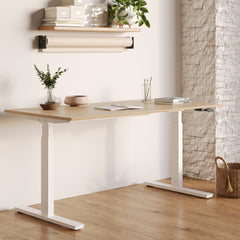
Measure both with a tape, seated and standing, with your shoes on. Then compare them with the height range of any desk you are considering. Our Standing Desk travels from 22 to 44 inches, so check that your own seated and standing elbow heights fall inside that range. My advice is to hold that tape measure up to every desk you are considering, ours included, before you look at a color.
Presets Decide If You Change Position or Forget To
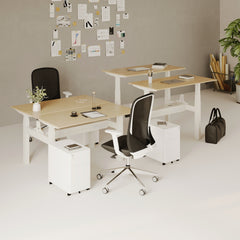
A preset stores a height so the desk returns to it with one press. The Standing Desk has four memory presets, which covers a sitting height, a standing height, and two spare heights for a second person or a different task.
Presets matter because a desk you have to hold a button on and eyeball will not get used on a busy afternoon. I want the move to cost one tap, so the call or the document stays in front of me. If another desk promises "programmable" presets without a number, ask how many before you buy.
Lift, Capacity, and Glides Reveal Themselves Once the Desk Is Loaded
The Standing Desk has a dual motor lift system and supports up to 250 lbs in both sizes. That figure is the whole desk load: monitors, a laptop, a lamp, and whatever else lives on top. Add up your own gear on a kitchen scale to see how close you are.
It also has leveling glides, which let you correct for an uneven floor so the desk does not rock when you lean on it. Capacity, motor count, and glides are three numbers worth asking any seller for. A desk that wobbles at standing height gets pushed back down. Then it is an expensive fixed desk.
Measure both with a tape, seated and standing, with your shoes on.
Ben P., Urbanica
The Top of a Standing Desk Gives a Home Office Two Sizes and a Full 30 Inches of Depth
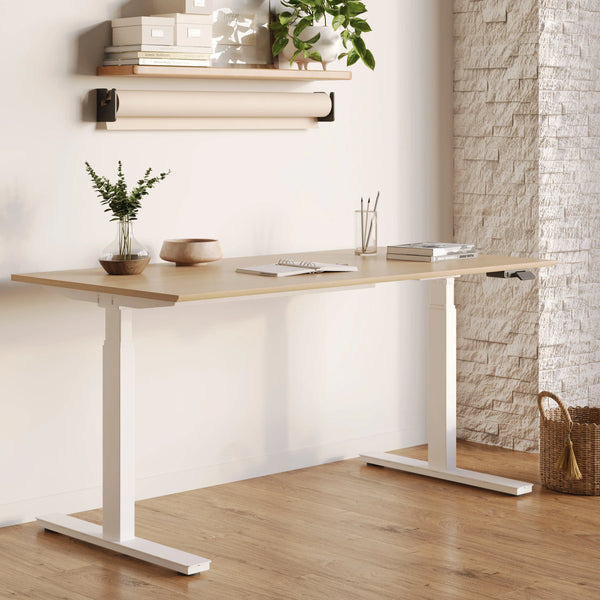
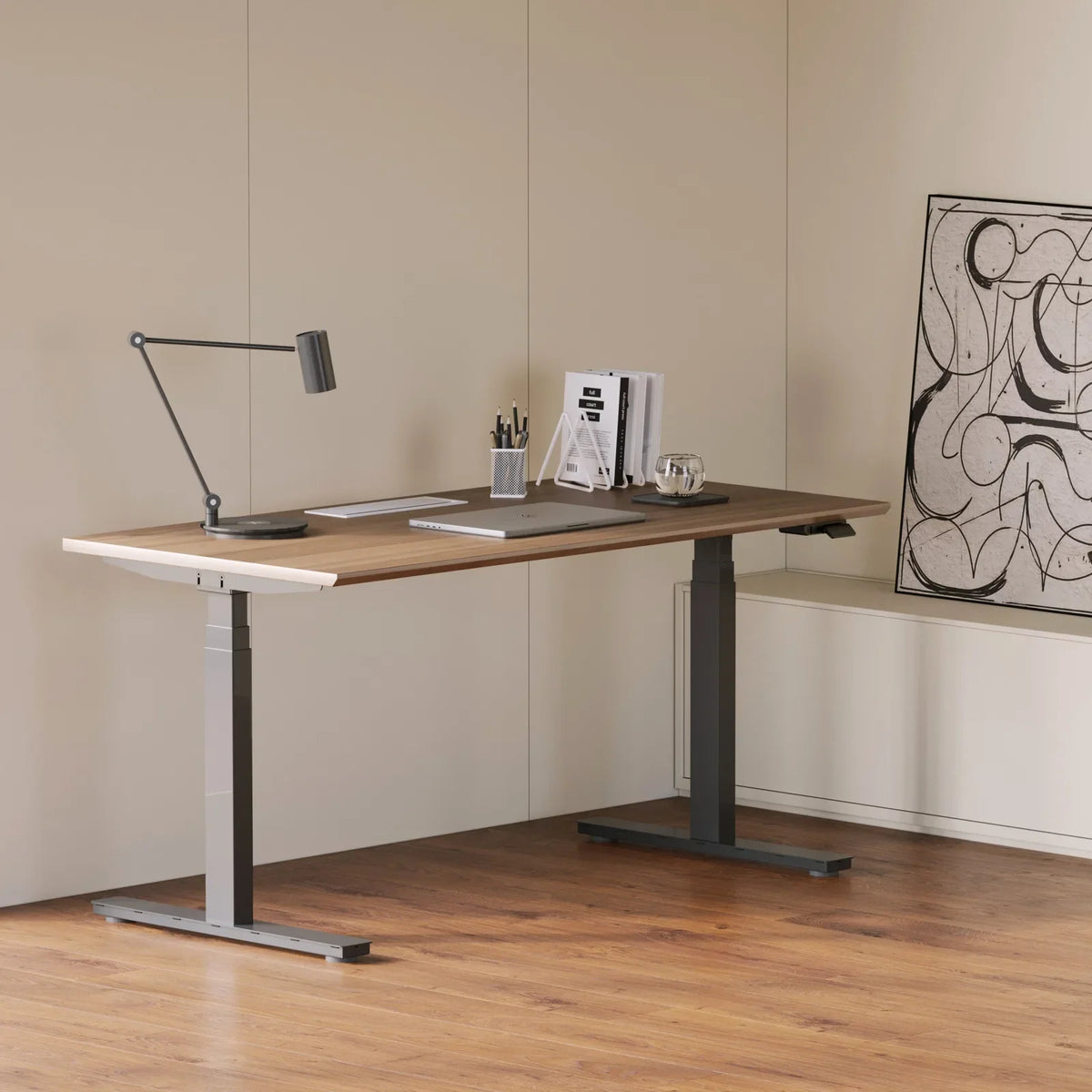
The top is where you spend the day. It is the part you cannot upgrade later. The Standing Desk comes as a 48 by 30 inch top at $574 and a 60 by 30 inch top at $690. The $116 difference buys you 12 more inches of width, which is the choice I would think hardest about.
Both sizes share the same 30-inch depth. That depth lets you push a monitor back to a comfortable arm's length and still keep a place for your forearms. Depth is worth checking on any desk, because a shallow top pushes the screen closer to your face.
Two Monitors Side by Side Call for the 60-Inch Top
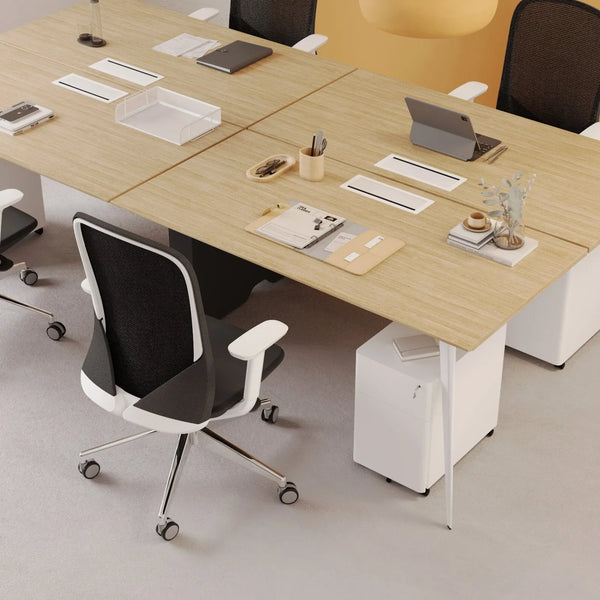
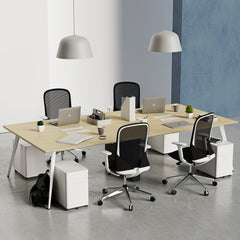
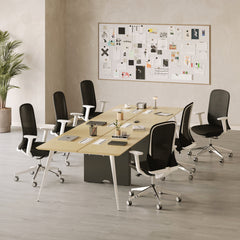
Two monitors side by side need width. The 60-inch top gives each screen about 30 inches before you count the stands, which is why I would choose it for a two-monitor setup. The 48-inch top suits a laptop plus one large monitor with room to write. Lay painter's tape on your current desk at the size you are considering, set your monitors on it, and see where your elbows end up.
The desk's 250 lbs rating covers both sizes, so choosing the wide top does not change what the desk can carry.
An Electric Adjustable Desk Should Keep Its Cables Out of the Way
An electric adjustable desk moves every cable on it each time it rises or lowers, so the way it handles power matters. The Standing Desk offers optional power, which means you can order the outlets with the desk and skip a cable across the floor. It also has built-in cable management ports and under-desk organization.
If you run more than one screen, plan the cable path on the day you order. It costs less to do on day one than after the first tangle.
You Can Order the Standing Desk with a Black Frame
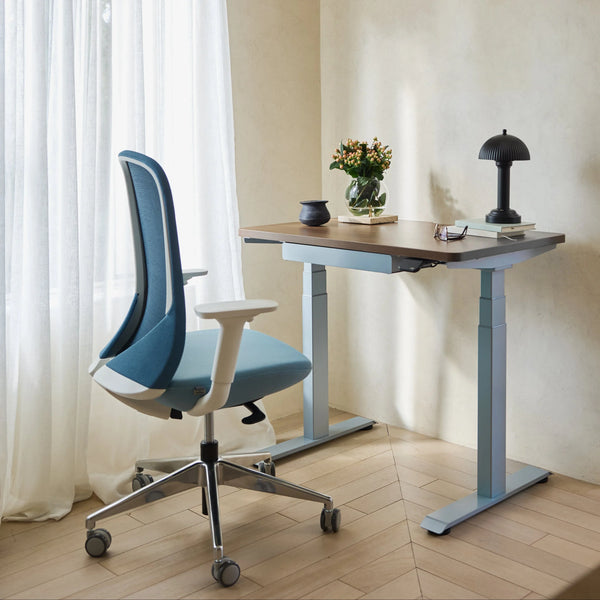
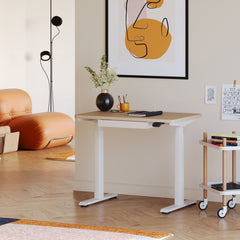
Color rarely decides a purchase. It does decide how the room feels. The top of the Standing Desk comes in Light Oak, Walnut, or White, and the frame comes in Black, White, or Dusty blue. Choose the combination you want to look at at 9 a.m.
Once a Chair Goes on the Same Order, the Gap Between Desks Shrinks
Most people who work at a desk all day need a chair too. The sticker price of a desk alone hides that. A fair comparison puts a chair on both sides of the ledger.
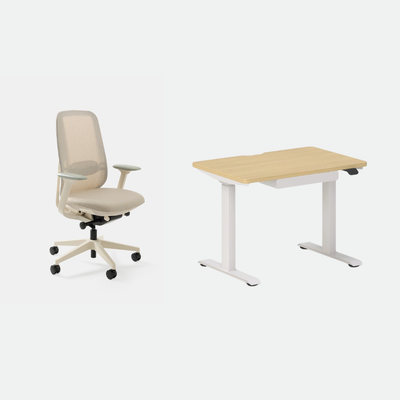
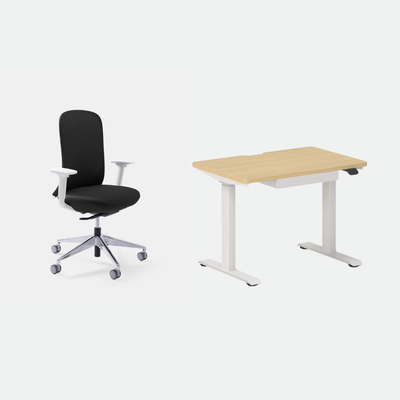
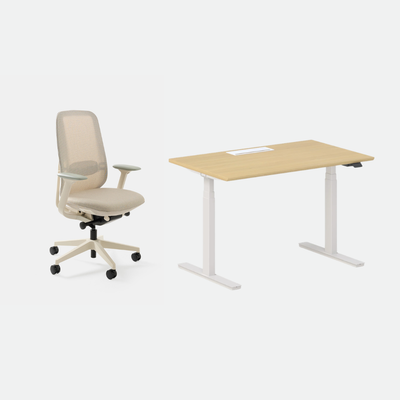
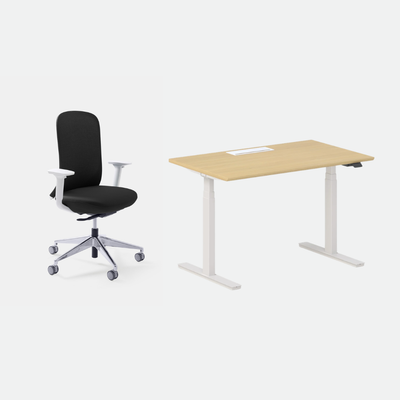
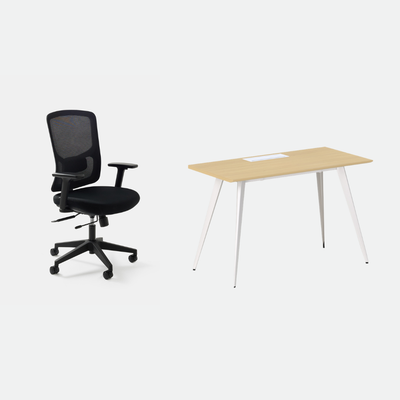
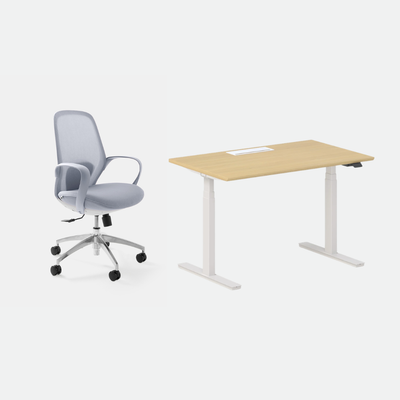
Our bundles pair the Standing Desk with a chair at one price. The Active Bundle combines the Standing Desk with the Novo Chair and costs $968 with the 48-inch top and $1,078 with the 60-inch top.
Bought separately, the 48-inch desk at $574 and the Novo at $445 come to $1,019, so the bundle is $51 lower. The 60-inch pair at $690 and $445 comes to $1,135 against $1,078, which is $57 lower.
The Novo Suits Long Sitting Between Stand Periods
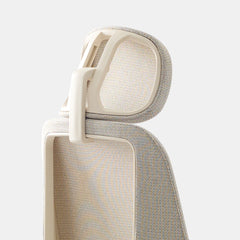
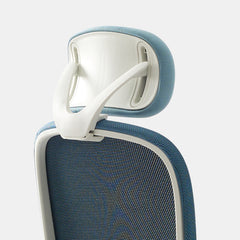
The Novo Chair is the one I recommend to anyone who sits for several hours between standing periods. It gives you adjustable lumbar support, adjustable seat depth, 4D arms, and a synchronized tilt with six lockable positions. The Novo is $445. And if you lean back on calls, the Novo Headrest (only $45) can do wonders.
The Seashell Completes the Workstation for Less
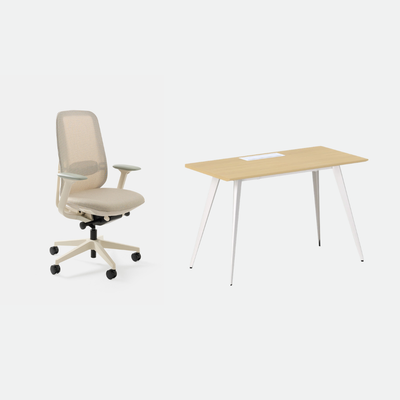
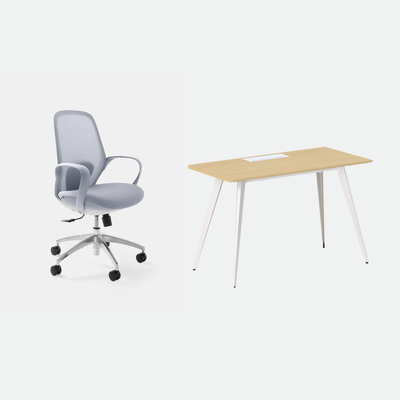
If budget is the reason you are comparing, the Breezy Bundle pairs the Standing Desk with the Seashell Chair for $762 with the 48-inch top. The Seashell has breathable mesh and lumbar support. Some Seashell colors sell out, so check the color you want before you plan around it.
What Your Total Looks Like Next to a Lower-Priced Desk
Write the full total for both options on one line: desk, chair, power, and cable management. Our Under-Desk Cable Management is $59 and the In-Desk Power is $85. When the other desk leaves the chair, the power, and the cable management off, the two totals are closer than the sticker prices suggest. What remains is the lift rating, the presets, and the glides.
Standard shipping within the 48 contiguous states carries no charge. Returns are accepted within 30 days. That lowers the risk of testing the desk in your own room.
A Smaller Desk Is the Right Call When Your Day Looks Like This
A desk is worth what you use of it. I would rather tell you that now than have you pay for lift range and presets that stay idle.
If you work from a single laptop, sit most of the day, and plan to stand for a short stretch at most, you do not need a 60-inch top or four presets. If you are not sure you will like standing at all, a smaller desk lets you find out for less.
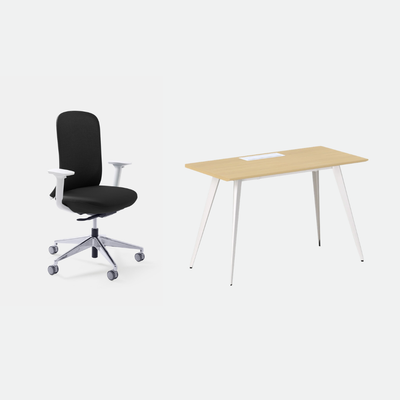
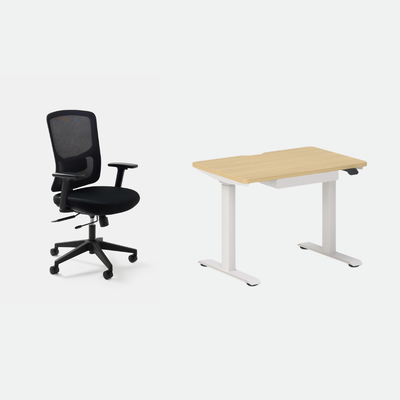
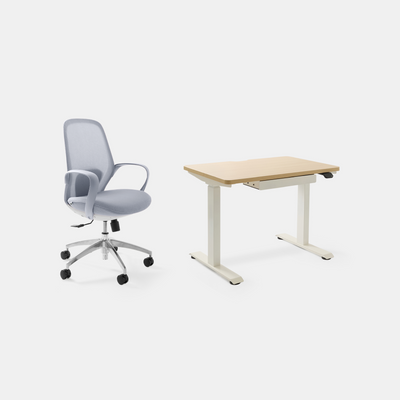
In that case the desk I would point you to is our Mini Standing Desk, which is height-adjustable and includes a drawer. Its top is 36 by 24 inches, so it suits a laptop and one monitor. For two large screens, the 60-inch Standing Desk is the one to look at. The Mini is $429, and its colors move quickly, so check yours first.
Three Questions to Answer Before You Pay for More
First, count the screens that will sit on the desk: two or more point to the 60-inch Standing Desk. Second, think about how often you will change position: several times a day points to presets and a lift you trust. Third, ask who else uses the desk: a second person adds a reason for four presets.
If your answers are one screen, rare stand-ups, and a small room, the smaller desk is the better buy. If your answers are two screens, daily changes, and a room with space, the Standing Desk is worth the difference.
My Pick for Most People Working from Home
I put the Standing Desk in most rooms, because a second screen or a visitor's laptop is easy to add later. I would rather buy the size that covers that than outgrow a small top in six months. If you want a second opinion on size, an article on our blog compares the Mini Standing Desk against a full-size one side by side.
FAQ
Is Our Standing Desk Worth the Extra Money?
For most people working from home, yes. The lift, four memory presets, a 250 lbs rating, and a 30-inch deep top give you a desk that supports daily position changes and two screens. If you use one laptop and expect to stand rarely, the Mini Standing Desk at $429 is the smaller desk I would suggest instead.
Which Top Size Holds Two Monitors?
The 60 by 30 inch top is the one I recommend for two monitors. It costs $690. The 48 by 30 inch top at $574 suits a laptop and a single large monitor.
How Long Does Delivery Take, and Can I Return the Desk?
We process orders in 24 to 48 hours. Standard shipping inside the 48 contiguous states then takes 3 to 5 business days via FedEx and UPS. Returns are accepted within 30 days, and a 10% restocking fee may apply to some returns. The terms are on our Shipping and Returns page.
Does an Electric Adjustable Desk Need Special Power?
The Standing Desk offers optional power if you want outlets built into the desk. You can choose that when you order, which keeps a power cable from crossing the floor.
Tell Us What Sits on Your Desk and We Will Tell You Which One to Buy
The comparison comes down to the four checks: a height range that fits your elbows, presets you will use, a lift with a clear rating, and a top big enough for your screens. Our Standing Desk passes all four at $574 or $690. The bundles bring a chair in under the cost of buying separately. When your day is a laptop and short stand-ups, the Mini is the smaller step.
Send us your screen count, your room size, and your height, and I will tell you which desk I would put in your room. You can reach Urbanica Furniture at 1705 NW 38th Ave, Lauderhill, FL 33311 or by phone at +1-(888)-350-9545.
References
- Cornell University Ergonomics Web, ergonomic guidelines for computer workstations: supports the quotes on sit-stand workstations and elbow angle. https://ergo.human.cornell.edu/ergoguide.html
- OSHA, Computer Workstations eTool, Desks: supports "Provide height-adjustable desks." https://www.osha.gov/etools/computer-workstations/components/desks
- Urbanica Furniture, Shipping and Returns: supports standard shipping inside the 48 contiguous states, 3 to 5 business days, and 30-day returns. https://urbanicafurniture.com/pages/shipping-and-returns
Hand-In: re-add the tel: link on (888)-350-9545 at paste (Drive drops it from this Doc).