



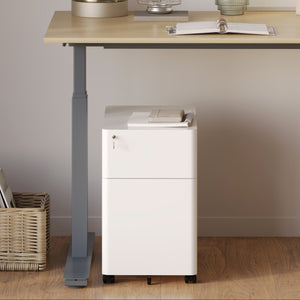






















Filing Cabinet Choices for Cleaner Workstation Planning
Cleaner workstation planning starts with filing storage that matches the desk, document volume, security needs, and daily workflow. Explore how cab...
Learn more
Visit quiz page to see how we makes it easy to create an inspiring workplace


Your desk is where most of your work happens. If your setup is outdated, cluttered, or uncomfortable, it directly affects your productivity and focus. Many people continue using basic setups that no longer support their daily needs.
Upgrading your workspace does not mean starting from scratch. Even small improvements can make a noticeable difference. Starting with a reliable Office Desk Los Angeles foundation can help you build a setup that supports both efficiency and comfort.
Before making changes, it is important to recognize whether your current setup is holding you back. Many productivity issues are tied directly to workspace limitations.
You may need an upgrade if you experience:
Frequent discomfort while working
Difficulty staying organized
Limited space for your tools
Constant distractions from clutter
An effective workspace should feel seamless. When everything is in the right place, you spend less time adjusting your environment and more time focusing on your work.
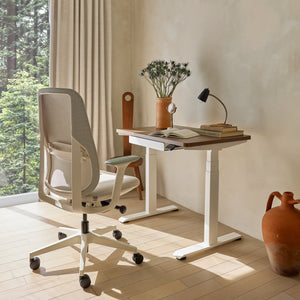
A flexible standing desk allows you to change positions throughout the day. This reduces fatigue and keeps your energy levels stable.
Reduces strain from prolonged sitting
Improves circulation
Increases focus and alertness
Supports a healthier work routine
Smooth height adjustment
Stable structure
Enough surface space for daily tasks
These features help you create a workspace that adapts to your needs.
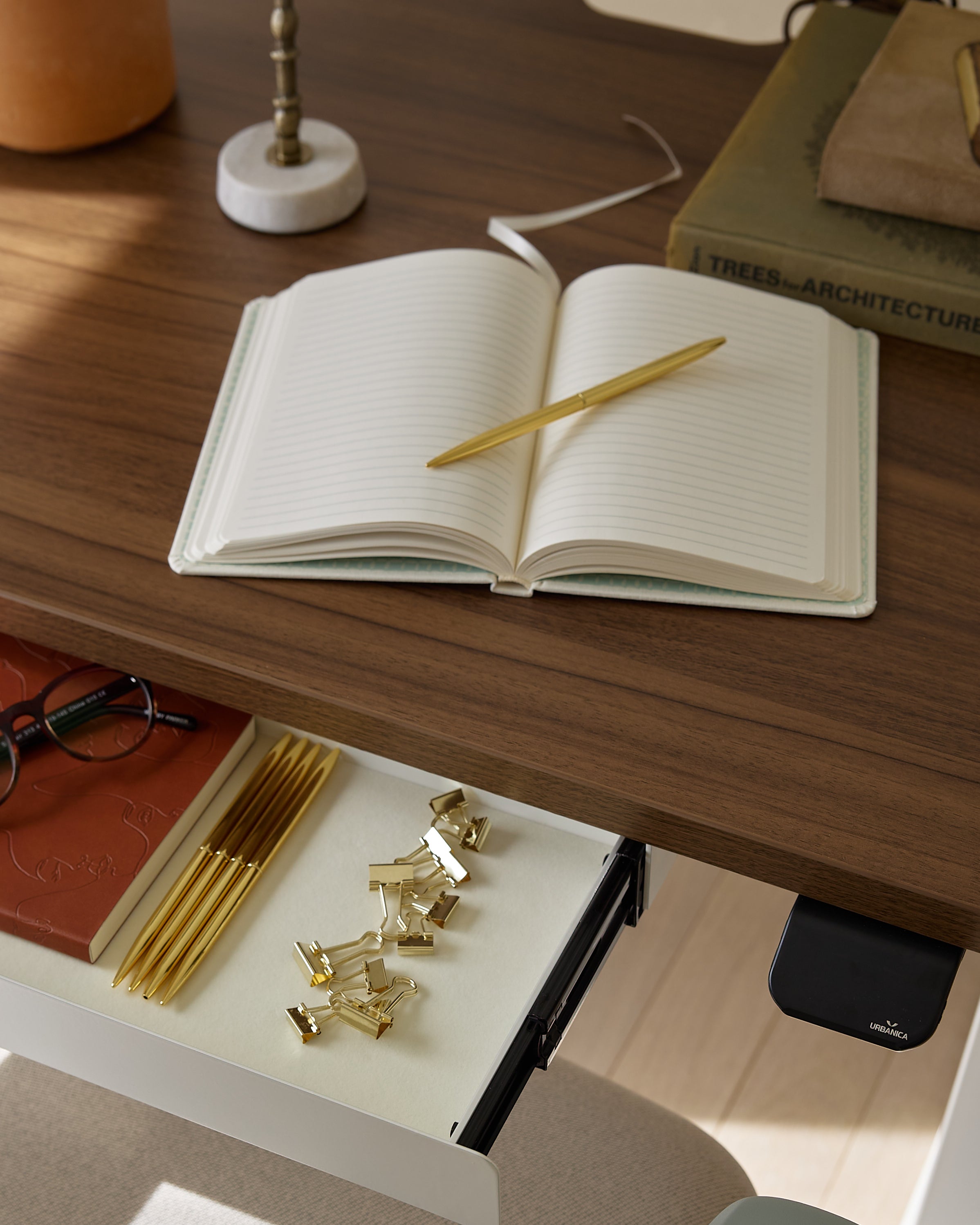
A cluttered desk slows you down. Adding smart storage solutions can transform your workspace into a more efficient environment.
A built-in desk power solution helps manage cables and keeps your setup clean, while a functional storage cabinet provides space to organize documents and supplies.
Reduces distractions
Saves time searching for items
Improves workflow efficiency
Use drawers or cabinets for storage
Keep only essential items on your desk
Manage cables to reduce clutter
These improvements create a workspace that feels clean and focused.
Upgrading your desk setup is not just about aesthetics. It is about supporting your body and reducing strain. Poor ergonomics can lead to discomfort and decreased productivity over time.
Guidelines from this ergonomic study emphasize how proper workstation setup improves both comfort and performance.
When your workspace supports your posture, you can work longer without discomfort and maintain better focus throughout the day.
Accessories can take your desk setup to the next level. An ergonomic arm helps position your monitor correctly and frees up desk space.
Improper screen placement can lead to:
Neck strain
Eye fatigue
Poor posture
Proper positioning helps you:
Maintain alignment
Stay comfortable
Improve focus
Monitor arms for flexibility
Cable organizers for a clean setup
Desk accessories for organization
These tools help create a more efficient and comfortable workspace.
Your chair plays a crucial role in your overall setup. Without proper support, even the best desk will not provide full comfort.
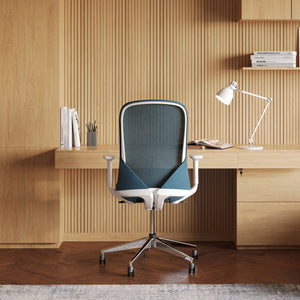
A supportive ergonomic office chair helps maintain proper posture and reduces strain on your body.
With the right seating, you can work comfortably for extended periods without losing focus.
|
Upgrade Element |
Benefit |
Problem Solved |
Ideal Use Case |
|
Standing Desk |
Flexible positioning |
Prolonged sitting |
Long work sessions |
|
Organized Storage |
Reduced clutter |
Disorganization |
Daily tasks |
|
Ergonomic Chair |
Spine support |
Back pain |
Extended sitting |
|
Monitor Arm |
Better screen placement |
Neck strain |
Screen-heavy work |
|
Clean Setup |
Improved focus |
Distractions |
Productive environments |
A well-upgraded desk setup works best when paired with consistent habits.
Start your day with a clean workspace
Keep your setup organized
Take regular breaks
Maintain proper posture
Consistency helps your brain associate your workspace with productivity. Over time, this leads to better focus and efficiency.
Investing in your desk setup provides long-term advantages that go beyond daily productivity.
These include:
Improved posture and reduced strain
Increased efficiency
Better focus and mental clarity
A more enjoyable work experience
A well-designed workspace supports both your performance and your well-being.
Not every workspace upgrade needs to be major or expensive. In many cases, small adjustments can have the biggest impact on your comfort and productivity. The key is identifying the areas where your current setup creates friction and improving them step by step.
For example, something as simple as repositioning your monitor or organizing your cables can instantly make your workspace feel more efficient. These small changes reduce distractions and help you stay focused throughout the day.
Large upgrades can take time, but small improvements can deliver immediate results. They help you:
Improve comfort without a full redesign
Reduce clutter and distractions
Create a more organized workflow
Adjust your monitor to eye level
Reorganize your desk layout
Reduce unnecessary items on your workspace
Improve lighting for better visibility
Once you start making small improvements, it becomes easier to identify other areas for enhancement. Over time, these changes add up and transform your workspace into a more productive and comfortable environment.
By focusing on simple upgrades first, you can create a desk setup that evolves with your needs and supports your daily work more effectively.
Upgrading your desk setup is about making intentional changes that improve how you work every day. The right furniture and tools create an environment that supports productivity, comfort, and efficiency.
Choose a desk that supports flexibility
Add storage to reduce clutter
Position your monitor at eye level
Use ergonomic accessories for comfort
Maintain a clean and organized workspace
Build consistent work habits
Focus on long-term comfort and efficiency
When your workspace is designed with purpose, every task becomes easier. The right upgrades do not just improve your desk. They improve your entire work experience.


You have unlocked free shipping!
You're saving $29 and unlocked free shipping!
Leave a comment