



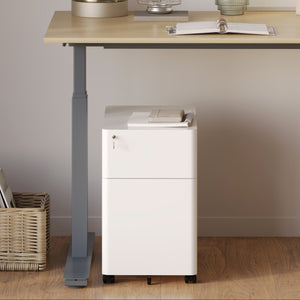






















Filing Cabinet Choices for Cleaner Workstation Planning
Cleaner workstation planning starts with filing storage that matches the desk, document volume, security needs, and daily workflow. Explore how cab...
Learn more
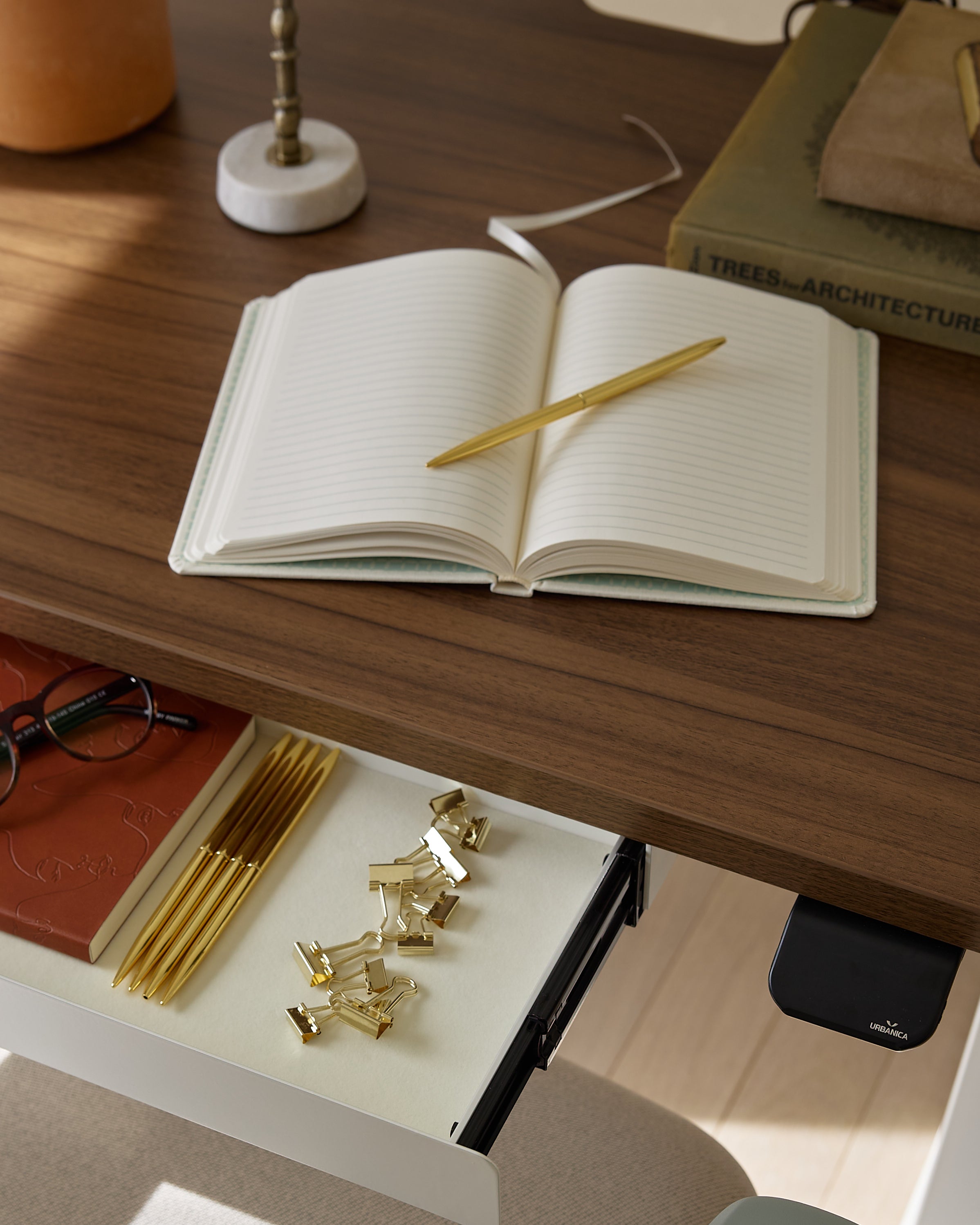
Visit quiz page to see how we makes it easy to create an inspiring workplace


Choosing between a laptop stand and a monitor stand sounds simple until real work habits enter the picture. Many people assume the larger screen should be upgraded first, while others assume the laptop deserves attention because it is the device they use most often. The better answer depends on which screen controls posture for the longest part of the day.
That distinction matters because discomfort rarely comes from the idea of a workspace. It comes from a repeated viewing position. A person who spends six hours looking down at a laptop is dealing with a very different ergonomic problem from someone who spends six hours focused on an external monitor that sits too low or too far away. Both setups can create fatigue, but the source of that fatigue is not the same.
A good first upgrade should correct the most persistent mismatch between eye level, screen height, and working posture. That means the question is not which accessory sounds more important. The real question is which screen shape, height, and position dominate the workday.
A laptop stand helps most when the laptop is not just present on the desk, but is actually the primary screen. A monitor stand matters more when the external display is the place where most reading, editing, comparing, reviewing, and decision-making happen. In other words, the body tends to adapt to the screen that gets the most visual attention.
This is why people sometimes buy the right product in the wrong order. A clean-looking monitor setup does not solve a laptop-first workflow if the user still spends most of the day looking down at the laptop panel. In the same way, raising a laptop may not produce the biggest benefit if an external monitor already handles nearly all focused work.
Three signs usually reveal which upgrade deserves priority:
1. Which screen receives the majority of your attention
2. Which screen position causes your neck to tilt or your shoulders to tense
3. Which setup forces the most frequent posture adjustments during normal work
Once those answers are clear, the upgrade order becomes easier to defend and easier to feel good about over time.
For many home offices, remote setups, and hybrid workstations, the laptop remains the center of the day. It may be used for writing, meetings, research, messaging, planning, and light multitasking. Even when another display exists, the laptop can still be the main source of visual attention. In that case, a laptop stand often delivers the fastest ergonomic improvement.
The biggest weakness of direct laptop use is built into the device itself. The screen and keyboard are attached. That means the user cannot raise the screen without also raising the typing surface unless a stand is introduced. When the laptop sits flat on a desk, the screen is usually far below a natural line of sight. Over time, that often leads to a downward head position, a rounded upper back, and subtle shoulder tension.
This is one reason an ergonomic adjustable laptop stand can be a strong first upgrade for laptop-first users. It directly addresses the relationship between the screen and the user’s eye line, which is often the most immediate source of discomfort in a compact workspace.
People sometimes expect ergonomic improvement to come only from major workstation changes, but that is not always true. A moderate increase in laptop height can reduce how far the head drops forward during reading and typing. That can make the desk feel easier to use, even when the rest of the setup remains simple.
The benefit is especially noticeable in work patterns like these:
long writing sessions
repeated video calls
browser-based research
note review and revision
focused solo work in smaller rooms
Another reason a laptop stand often comes first is adaptability. Not every workspace is a fixed command center. Some people move between rooms. Some share tables. Some need to keep the desk visually light and easy to reset. In those cases, a laptop-first upgrade can improve posture without requiring a full redesign of the workstation.
A lightweight laptop riser fits naturally into this kind of environment because it supports the same general goal while keeping the overall setup simple and less visually heavy. For users who value portability, simplicity, or a smaller footprint, that type of support can feel more realistic than building around a permanent monitor arrangement.
A laptop stand often deserves priority when most of the following are true:
| Work pattern | Why a laptop stand often comes first |
|---|---|
| The laptop is the only serious screen | The viewing angle needs correction directly |
| The workspace changes often | Flexibility matters as much as support |
| The desk is compact | A monitor setup may add complexity before solving posture |
| Meetings happen throughout the day | Raising the laptop screen improves face-to-screen alignment |
| The user works in short and medium sessions | A laptop stand can improve comfort without overbuilding the setup |
This does not mean a monitor has no value. It means the first fix should target the screen that is asking the body to compensate most often.
Monitor-first setups deserve a different kind of thinking. When the external display is the primary visual workspace, its position becomes more important than the laptop’s presence on the desk. This is common in roles that depend on large documents, multi-window workflows, design tools, analytical tasks, or sustained desk-based concentration.
A lot of workstations technically include a laptop, but functionally revolve around a monitor. The laptop may sit to the side, stay partially closed, or act as a secondary reference display. When that happens, the monitor is the true source of posture behavior. The user’s neck, shoulders, and eyes respond to that screen first.
If the monitor sits too low, too far back, or too close because of shallow desk depth, discomfort can build slowly and consistently. Leaning forward becomes normal. Chin position changes. Reading can start to feel more effortful than it should. These are strong signals that the external display should be addressed before the laptop.
A monitor stand can improve viewing height, but it cannot fully compensate for a poor desk layout. If the surface is too shallow, the screen may still feel too close. If the desk is crowded, the keyboard and mouse may end up in awkward positions. If the surface area is limited, the user may solve one problem while making the rest of the workstation harder to use.
That is why ergonomic office desks belong in the conversation. The desk is not a background piece. It determines viewing distance, usable reach, and how comfortably each device can coexist. A monitor stand is most effective when the underlying workstation dimensions already support healthy placement.
A monitor stand usually deserves priority when these patterns are present:
1. The external display gets most of your visual attention
2. The laptop functions as a secondary screen or support device
3. You lean forward to read from the monitor
4. You feel the monitor is too low even when the chair feels right
5. Your work requires long fixed sessions at the same desk
In these cases, elevating the laptop first may improve appearance or secondary use, but it may not fix the posture pattern that defines most of the day.
People often want a simple universal rule, but a smarter decision comes from combining three practical factors: which screen is primary, how the desk supports that screen, and what kind of work fills most of the day.
The following comparison makes the tradeoff more concrete:
| Workstation reality | Laptop stand first | Monitor stand first |
|---|---|---|
| Laptop is the main screen | Strong choice | Weak priority |
| External monitor is the main screen | Lower priority | Strong choice |
| Workspace moves or resets often | Strong choice | Lower priority |
| User stays at one desk for long sessions | Possible | Often stronger |
| Desk surface feels crowded or shallow | Maybe, but desk may be the real issue | Maybe, but desk may be the real issue |
| User wants the fastest posture fix | Best when laptop use dominates | Best when monitor use dominates |
This table points to an important truth. The best first upgrade is not about general popularity. It is about the dominant screen relationship in a real workspace.
Someone who writes, emails, attends calls, and works in a compact room may benefit immediately from raising the laptop and simplifying the setup. Someone who compares spreadsheets, edits layouts, reviews large files, or manages multiple windows may get more relief from prioritizing the monitor. The device that carries the heavier cognitive and visual load usually deserves the first correction.
Many well-considered workspaces eventually use both a laptop stand and a monitor support strategy. The decision is about order, not exclusivity. Once the primary posture issue is solved, the second upgrade can refine the setup instead of trying to rescue it.
Raising a screen can improve posture, but comfort depends on more than height alone. Once the dominant screen is better positioned, other weaknesses in the workspace often become easier to notice. Lighting, glare, clutter, and poor accessory placement can all limit the benefit of a well-chosen stand.
When screen height starts to feel right, the eyes become more sensitive to other sources of strain. Overhead glare, dim corners, and uneven light around the desk can make even a better-positioned screen feel less comfortable than expected. That is why a multi-use LED task light can support a more balanced workstation. It fits naturally into a setup where the goal is not just to raise a screen, but to make the entire visual field easier to work within.
A stand changes posture. Good task lighting supports visual clarity. Together, they help reduce the tendency to lean, squint, or reposition constantly during routine tasks like reading notes, checking a keyboard, or reviewing printed material.
Once a user begins refining a workspace, the supporting pieces matter more than they might seem at first. Cable control, desk organization, and functional add-ons all influence whether the upgraded screen position remains practical day after day. A thoughtful range of office furniture accessories can help the workstation stay usable without crowding the main work zone.
The key is restraint. A better setup is not the one with the most objects on it. It is the one where each item supports a clearer workflow and a more stable posture.
A practical decision becomes easier when viewed through realistic workstation profiles rather than general rules alone.
In a smaller apartment or shared room, the laptop often remains the center of work because it is easier to move, easier to store, and easier to adapt. In this environment, a laptop stand often deserves priority because it improves posture without asking the user to dedicate more space to a fixed display.
For users who spend long hours at the same desk with an external monitor as the main screen, the monitor usually deserves the first upgrade. The body is adapting to that display all day. Fixing the dominant viewing position creates the most logical improvement.
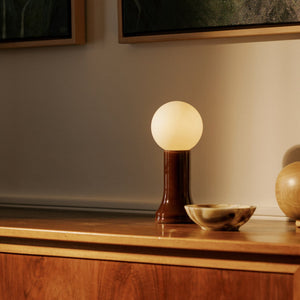
Some workspaces need to feel calm and cohesive as well as functional. In those rooms, details matter because they influence whether the space invites consistent use. A recycled glass table lamp can complement a workstation that values both utility and atmosphere, especially once the main screen decision has already been clarified.
Sometimes the question is not really about one stand versus another. It is about using that decision as the starting point for a better overall setup. For readers thinking at that level, exploring modern ergonomic workspace options can make sense because the broader furniture context often shapes how successful any single accessory upgrade will feel over time.
A laptop stand should usually come first when the laptop screen remains the main visual anchor of the workday. A monitor stand should usually come first when the external display is the real center of attention, output, and posture. That is the cleanest way to make the decision without overcomplicating it.
The strongest workspace upgrades are grounded in honest observation. Notice where your eyes spend the most time. Notice which screen causes the most posture compensation. Notice whether the desk supports the setup or quietly works against it. When those factors are clear, the order of improvement becomes much easier to trust.
A well-designed workspace rarely begins with adding more. It begins with correcting the most important relationship on the desk. In this case, that relationship is the one between your body and the screen that shapes most of your day.


You have unlocked free shipping!
You're saving $29 and unlocked free shipping!
Leave a comment