



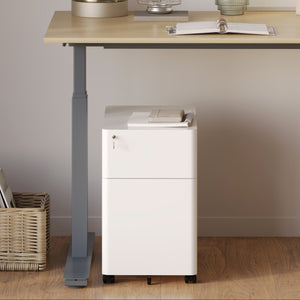






















Filing Cabinet Choices for Cleaner Workstation Planning
Cleaner workstation planning starts with filing storage that matches the desk, document volume, security needs, and daily workflow. Explore how cab...
Learn more
Visit quiz page to see how we makes it easy to create an inspiring workplace


Homes are no longer a collection of single-purpose rooms. Work, learning, and everyday life now share the same square footage, which means furniture must be flexible, durable, and visually calm. A multi-purpose table turns one surface into many modes of use. It supports laptop work in the morning, sketching at midday, and a family project in the evening. At Urbanica Furniture, we design for these transitions with layouts that encourage movement, storage that reduces clutter, and silhouettes that blend into the flow of a lived-in home.
A truly adaptable table supports focus when you need it, then disappears into the background when you do not. Proportions, materials, and cable pathways all matter. Compact footprints suit tight apartments, while modular surfaces serve collaborative rooms. Our approach prioritizes long-term comfort and tidy wiring so the space feels clear even when it is busy. For readers exploring options by category, our curated versatile desk collections present formats that fit different room sizes, workflows, and style preferences.
A multi-purpose table earns its name by blending three qualities that work together. Structure provides stability under varied tasks, motion allows postural change and reconfiguration, and storage keeps tools close without visual noise. When all three are planned, one surface can handle many work types without compromise.
Tables that feel steady invite longer, more focused sessions. We look for leg geometry that reduces wobble, bracing that resists lateral sway, and surfaces that do not flex under typical loads like laptops, small monitors, or sketch gear. Stability should not add bulk unnecessarily. Clean under-table architecture preserves legroom and allows a chair to tuck in fully.
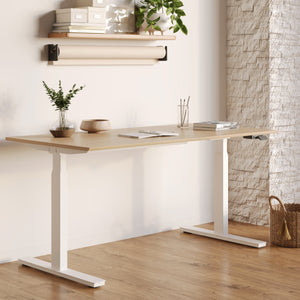
Motion is not about novelty. It is about posture variability, access, and quick reconfiguration. Height changes allow shifts between writing, typing, and reading. Modest caster mobility can help a table rotate toward a window for a conference call, then return to a wall for deep focus. For a simple, reliable baseline that supports daily posture change, see a practical example in our modern office desk setup, which shows how a clean form and straightforward adjustability serve many use cases without clutter.
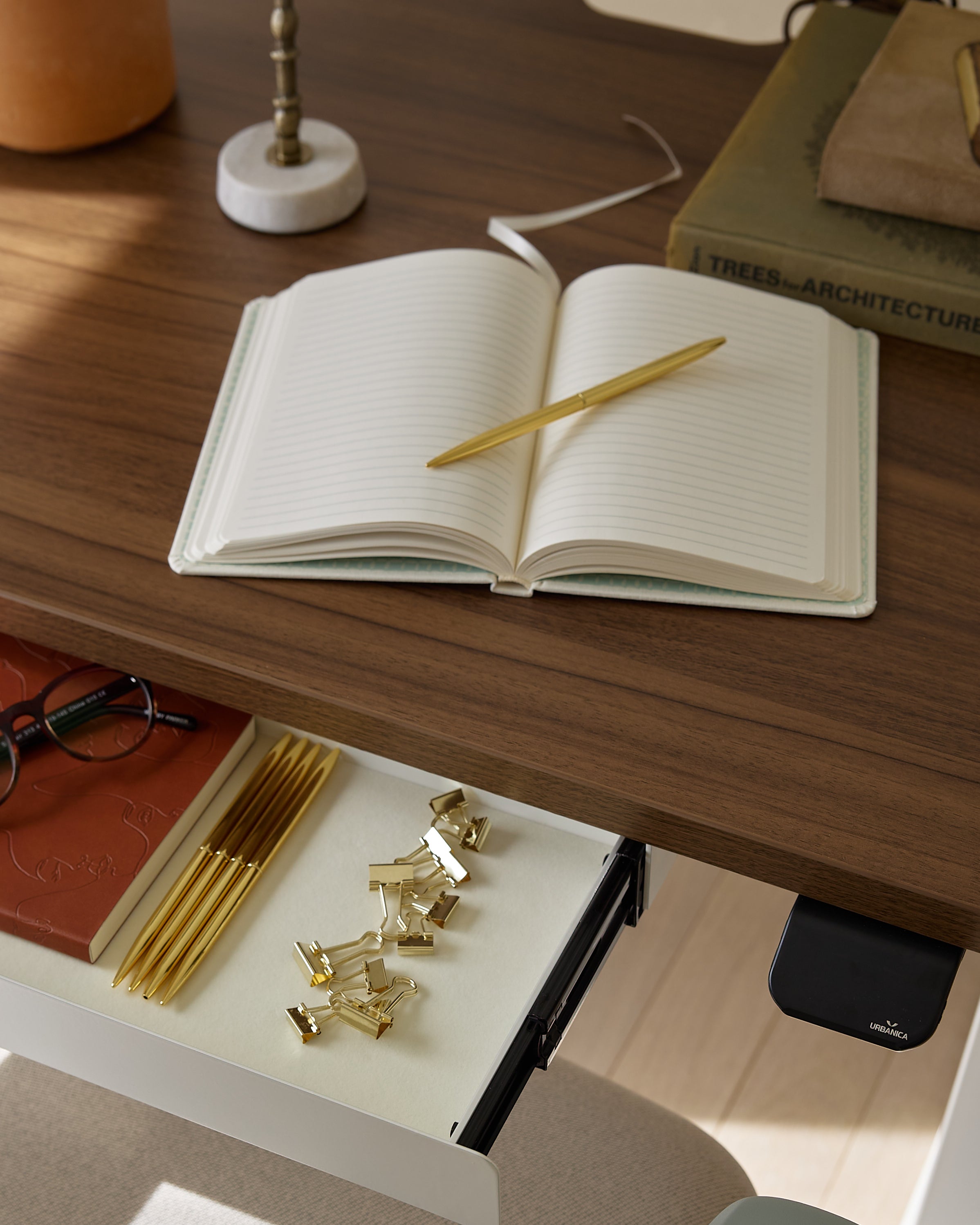
Clear surfaces reduce cognitive load. Smart storage places essentials within arm’s reach, not across the room. Under-surface drawers, low-profile trays, and discreet cable routes help a space remain calm. The goal is not to hide everything, but to keep daily tools available without breaking the visual line of the room.
Human bodies need periodic change to stay comfortable and alert. A productive home office helps users vary posture, avoid repetitive strain, and maintain a neutral line through the back and neck. Practical ergonomics do not require complexity. They require a surface that meets you at the right height, a chair that supports your posture, and a plan for movement.
Wrists should remain neutral when typing, shoulders relaxed, and feet grounded. Monitor height should put the top of the screen near eye level and at a comfortable distance. Keyboard reach should keep elbows close to the body. These basics reduce the most common sources of discomfort and preserve energy for focused tasks.
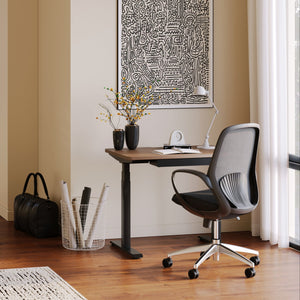
Alternating between seated and standing work distributes load across different muscle groups and may improve alertness in long sessions. A reliable lift mechanism is more important than extreme range. Urbanica’s height-adjustable standing desk provides a balanced approach to posture changes while maintaining surface stability for typing and sketching.
We align our guidance with recognized resources to keep advice practical and safe. For readers looking to confirm healthy arrangements and task habits, consult OSHA’s ergonomic workspace standards. These resources reinforce neutral posture, clear reach zones, and reasonable variation within the workday.
Not every home has room for a dedicated office. The right plan can turn a corner, a window wall, or an alcove into a high-function workspace that still closes up at the end of the day.
Start by mapping circulation paths so the table does not interrupt movement to doors or storage. Keep at least one clear side for chair access. If natural light enters from a side window, angle the table to reduce glare on screens. Reserve a nearby shelf or low cabinet for external drives, notebooks, or art supplies so the tabletop remains clear for primary work.
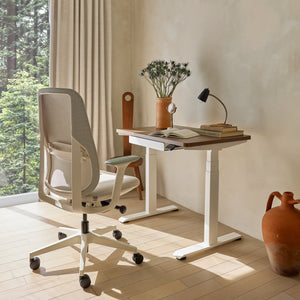
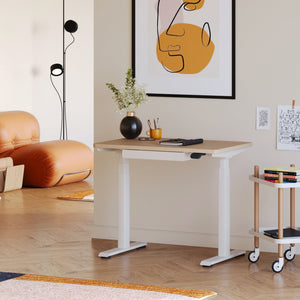
Lightweight frames and modest footprints excel in small rooms. A compact surface that rolls or repositions makes it easier to reclaim space after work. Our compact standing table supports this goal with a small footprint and straightforward adjustability that suits studio apartments, guest rooms, or living rooms that double as offices.
Households often need two comfortable setups within a single zone. Successful shared spaces give each person control over posture, lighting, and distractions while still feeling cohesive as a room.
Two people rarely need the same height, chair, or monitor arrangement. A shared surface with fixed dimensions forces compromise. Separate but adjacent stations allow each user to fine-tune posture while keeping a unified look through finish and leg style. Acoustic considerations matter as well. If calls overlap, locate one station closer to soft furnishings or add a modest divider to reduce echo.
Side-by-side configurations work best when each person can change height independently and manage cables without crossing the midpoint. Our dual standing workstation illustrates how two users can share a cohesive base while preserving individualized ergonomics, which is the key to long-term comfort in a single room.
Some rooms must support several users at once. Families manage homework while a parent finishes edits. Creative partners review samples and assemble prototypes. These environments need clear zones and dependable structure.
Parallel stations work well for heads-down tasks. Clustered stations help teams review work together. If sessions change often, opt for modular elements that can be rearranged without heavy lifting. Cable pathways should be planned per seat to avoid tangled cords.
A hub that seats four supports collaborative sprints and small study groups. For larger households or studios, six seats allow more parallel tasks without crowding. Urbanica’s four-person modular workstation anchors a compact team area with organized cable routing and personal legroom. When the workflow requires a larger setup with dedicated zones per seat, the six-person team desk provides a stable footprint that keeps tools accessible and surfaces tidy.
| Configuration Type | Best For | Planning Focus | Notes on Comfort |
|---|---|---|---|
| Single, compact table | Studios and small rooms | Chair clearance, light angle | Keep accessories minimal to protect legroom |
| Two-seat, independent height | Partners with different needs | Cable separation, noise control | Independent adjustability preserves posture for both users |
| Four-seat cluster | Small teams or family projects | Shared storage, central power | Plan a central power hub with strain relief |
| Six-seat line or pod | Busy households or creative labs | Personal zones, walkway width | Commit to clear circulation paths to avoid bumping chairs |
Materials affect tactile experience, acoustic character, and durability. They also influence how the table ages and how easily blemishes blend into the overall look.
Solid or veneered wood provides warmth and a forgiving feel under the wrist. Laminate offers scratch resistance and consistent color. Composite cores balance weight and rigidity. Powder-coated steel legs add strength without visual heaviness. For surfaces that will see frequent writing or sketching, a light matte finish reduces glare and fingerprints while maintaining a clean appearance.
Edge shape changes how a surface feels and how it interacts with objects. Slightly rounded corners are kinder to clothing and reduce the chance of dents during movement. A modest radius also provides a softer visual boundary for small rooms.
Tables that can be tightened, leveled, and serviced last longer. Accessible fasteners and replaceable glide feet extend life in rooms with uneven floors. If you plan to move homes, consider how easily a table disassembles into manageable pieces.
Smooth technology integration is a quiet success. The best setups route power and data unseen, then present only what you need on the surface.
A simple grommet and an under-desk tray can keep a laptop charger, monitor power, and a small hub out of sight. Use a single surge protector mounted under the surface. Allow enough slack for sit-to-stand motion so cables do not pull. If multiple stations live in one room, plan one shared floor path and protect it with a low-profile cover.
Monitor arms, document shelves, and pen trays should sit within a comfortable reach arc. Place heavier items near the support structure to avoid flex at the edge. Keep frequently used devices on the dominant-hand side to reduce twisting.
A table is only as good as the environment around it. Light quality, reflectivity, and sound all influence how a space feels during long sessions.
Avoid direct bright light on the screen. Side light with a soft shade reduces glare and eye fatigue. Matte surfaces reflect less, which helps in rooms with strong daylight. If you record video calls, position the table so light faces you gently rather than backlighting your camera.
Soft surfaces like curtains and rugs reduce echo. Bookshelves placed near the table also help. If the room serves many functions, add a small, movable divider to create a temporary quiet zone for calls.
Correct sizing ensures comfort and smooth movement. A careful measurement routine prevents returns and protects adjacent furniture.
1. Measure room length and width, then subtract walkway requirements on all sides you need to pass.
2. Mark the planned table footprint with painter’s tape. Sit on a chair inside the outline to simulate use.
3. Test clearance behind the chair for standing and sitting. A minimum of comfortable chair roll-back space reduces frustration.
4. Identify power locations. Plan a safe cable path that avoids doorways.
5. Confirm door swing and window access so the table never blocks emergency egress.
Balance knee space with storage depth. If you need drawers, choose shallower trays that keep the knee area clear. Plan accessory placement so your dominant hand does not cross your principal work zone throughout the day.
Good furniture becomes part of the home and improves with age. Care routines protect structure and appearance, and they also extend service life.
Use a soft cloth and appropriate cleaner for the surface type. For wood, a mild, nonabrasive cleaner preserves finish. For laminate, a gentle multipurpose cleaner is usually sufficient. Avoid pooling liquids near edge joints.
Schedule quick checks to tighten accessible fasteners and replace worn glides. Minor, regular attention prevents wobble and protects floors. If you roll the table often, verify caster stems remain seated and free of debris.
If the room’s needs change, consider reconfiguring before replacing. A table that accepts an added shelf, a new cable tray, or a clamp light can evolve without starting over. This approach is lower impact and keeps familiar ergonomics intact.
The best buying decisions come from a clear checklist that aligns the table with your daily work and your room’s constraints.
Primary tasks you expect the table to support, such as writing, design work, or video calls.
Number of users and whether they have different posture needs.
Available footprint, including chair clearance and walking paths.
Desired motion type, such as height changes or simple repositioning.
Storage needs and which items must live within arm’s reach.
Cable routing path from wall outlet to under-table tray.
Preferred surface feel, such as warm wood tone or matte laminate.
Serviceability priorities, such as accessible fasteners and replaceable glides.
Apply the framework once for your current needs, then test it again for a likely future state, for example a second monitor or an additional household user. If your plan still works after that second pass, you have likely found the right form factor.
Work and life will continue to share the same rooms. Multi-purpose tables will remain the anchor because they can hold focus when tasks demand it and then recede when the space becomes social again. At Urbanica Furniture, we design with this balance in mind. We prioritize stable structures that feel good to use, movement that supports natural posture change, and storage that keeps tools close without visual noise. Whether the room serves one person or six, a well-chosen table brings clarity to the day’s work and preserves the calm of home when the laptop closes.


You have unlocked free shipping!
You're saving $29 and unlocked free shipping!
Leave a comment