



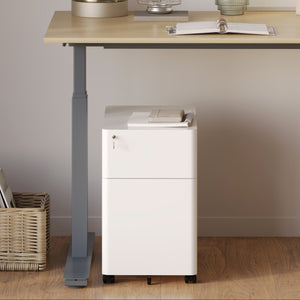






















Filing Cabinet Choices for Cleaner Workstation Planning
Cleaner workstation planning starts with filing storage that matches the desk, document volume, security needs, and daily workflow. Explore how cab...
Learn more
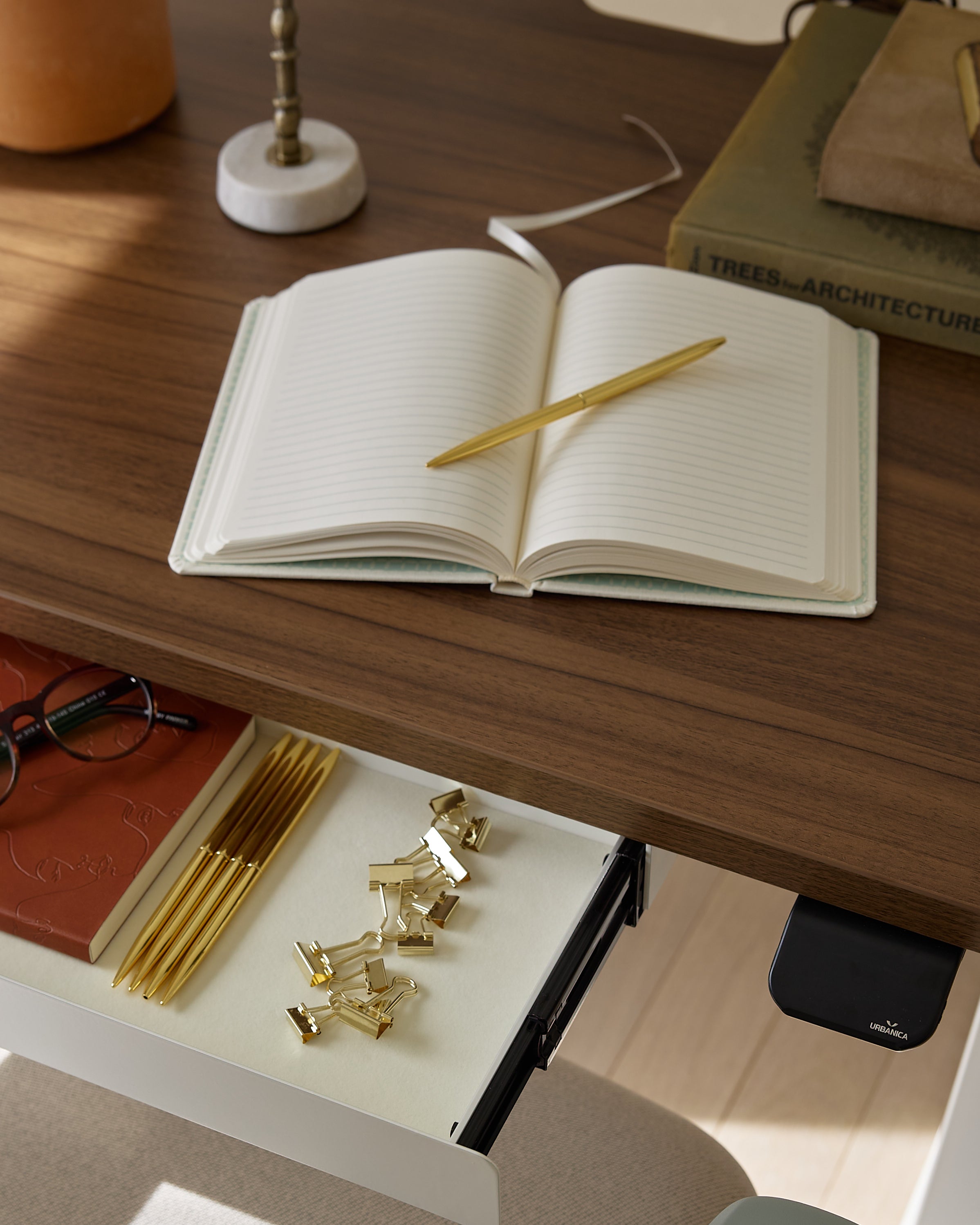
Visit quiz page to see how we makes it easy to create an inspiring workplace


Lower back pain often builds quietly during the workday. It can start as a dull ache after lunch, a feeling of tightness when standing up from a chair, or stiffness that lumbles into the evening after hours at a screen. For many desk workers, the problem is not one dramatic movement. It is the accumulation of stillness.
That is why standing desks keep coming up in conversations about back comfort. The real question is not whether standing is magically better than sitting. It is whether a standing desk can reduce the physical strain created by staying in one position too long. In many cases, the answer is yes, but only when the desk is used as part of a smarter workstation routine.
A standing desk can help relieve lower back pain when the discomfort is tied to prolonged sitting, poor workstation fit, and limited movement during the day. It gives the body more chances to change position, reset posture, and reduce the constant load that sitting can place on the lower back. What it does not do is solve every source of pain on its own. Relief depends on setup, habits, and how well the workspace supports natural movement.
The lower back is built to support movement, not endless stillness. When sitting continues for long periods without interruption, muscles that support the spine can become fatigued, the hips stay in a fixed angle, and the body gradually settles into positions that are less supportive. Even a well-made chair cannot fully offset the problem if the body rarely changes posture.
Many people think lower back pain comes only from slouching. In reality, even a fairly upright posture can become stressful when it is held for too long. Static load is often the real issue. Remaining in one seated position for hours at a time can leave the lower back feeling compressed, stiff, or overworked by the end of the day.
A desk that is too high may force raised shoulders and arm tension. A monitor that sits too low can encourage the upper body to fold forward. A keyboard placed too far away may lead to reaching and subtle trunk collapse. None of these issues needs to be extreme to matter. Small misalignments repeated every day can contribute to real discomfort over time.
One perfectly arranged seated posture is not enough if it never changes. The body generally benefits more from posture variation than from trying to hold one exact position all day. That principle is what makes sit-stand workstations relevant to back pain conversations. Their value comes from creating opportunities to move, shift, and reset.
A standing desk allows transitions between sitting and standing without interrupting work. That matters because movement changes how load is distributed through the spine, hips, and surrounding muscles. When sitting time is broken up throughout the day, the lower back is less likely to remain under the same demand for hours at once.
For workers dealing with stiffness from long seated sessions, an adjustable standing office desk can support a more flexible routine that fits changing comfort needs during the day. The desk itself is not the cure. The ability to change working position is what makes it useful.
People rarely stand completely still for extended periods without shifting weight, repositioning the feet, or adjusting their stance. Those small changes can help keep the body from locking into one posture. That is important for lower back comfort because subtle movement helps reduce the feeling of stiffness that often follows prolonged sitting.
Standing all day is not the goal. Excessive standing can create its own fatigue, especially if the user locks the knees, leans into one hip, or remains planted without movement. A good standing desk routine is based on alternation. Sit, stand, reset, and repeat. This approach supports circulation, posture variety, and better comfort over the course of a full workday.
A standing desk is most helpful when lower back discomfort is linked to desk work itself. Common signs include pain that increases after long computer sessions, stiffness when rising from a chair, or soreness that gets worse on days with more sitting than usual. These patterns suggest the body may benefit from more frequent position changes.
When pain is strongly tied to a fixed workstation, adjustability becomes more valuable. Being able to raise the desk for part of the day and sit again when needed gives the body more options. This is especially useful in home offices where people often work at makeshift desks that were never designed for long-term ergonomic use.
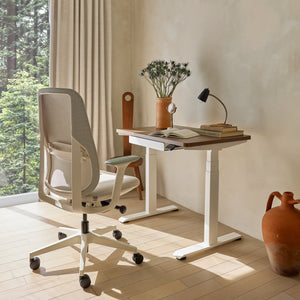
Not every room can accommodate a large workstation, but back-friendly changes are still possible. In a smaller home office, apartment nook, or flexible room, a compact adjustable desk can make posture variation more realistic without overwhelming the space. The key is not maximum size. It is whether the setup allows the user to work with neutral arm positioning, comfortable screen placement, and regular movement.
A standing desk can help, but it should not be treated as a cure-all. If the chair offers poor support, the monitor is poorly positioned, or the keyboard and mouse encourage awkward arm placement, pain may continue even after upgrading the desk. The body responds to the whole workstation, not just one element.
Tight hips, weak glutes, limited walking breaks, and long stretches of inactivity outside work can all influence lower back comfort. A standing desk supports better habits, but it does not replace them. Lasting relief often depends on a combination of ergonomics, movement, and body awareness throughout the day.
Back pain that is severe, radiating, persistent, or unrelated to work posture should not be reduced to an office-furniture problem. A desk may help with work-related strain, but it is not a substitute for medical evaluation when symptoms suggest something more serious.
When standing, the desk should allow the elbows to stay near a comfortable ninety-degree bend, with shoulders relaxed rather than lifted. If the desk is too high, tension creeps into the shoulders and upper back. If it is too low, the trunk may round forward. Either mistake can indirectly increase lower back strain.
A monitor placed too low often pulls the head and chest forward. That forward drift can change the way the rest of the spine stacks underneath. Over time, the lower back may compensate for what begins as a screen-placement issue. Ideally, the monitor should support a neutral gaze angle and reduce the need to crane forward during concentrated work.
Good standing posture is active, not rigid. The feet should feel grounded, but the body should not remain frozen. Shifting weight from side to side, slightly changing stance width, or stepping out of position briefly can reduce fatigue and help the lower back avoid a locked, static posture.
Workstations that reduce clutter and awkward reaching can help support better ergonomics day to day. Features such as built-in desk power access can make it easier to keep devices connected without repeated bending under the desk or stretching toward inconvenient outlets. That kind of practical detail may seem minor, but small sources of daily strain add up.
Use this quick checklist to evaluate whether the standing position is supporting your back well:
Elbows rest comfortably by the sides
Shoulders stay relaxed, not elevated
Wrists remain neutral while typing
Monitor height reduces the urge to lean forward
Feet feel balanced rather than pinned in place
Weight can shift naturally throughout the day
One of the most common mistakes is switching from prolonged sitting to prolonged standing in a single leap. The body may not adapt well to that change, particularly if the user is not accustomed to standing work. Longer standing blocks are not always better. Gradual adaptation tends to be more realistic and more comfortable.
Standing with stiff knees can make the posture feel rigid and tiring. It reduces the dynamic quality that makes standing useful in the first place. Slight movement, soft knees, and regular posture shifts usually create a healthier standing rhythm.
A workspace that forces constant turning, side-reaching, or cable management improvisation can work against the goal of back relief. Keeping key accessories within comfortable reach matters. Adding a clamp-on power outlet for desks can help organize access to power without pushing essential devices into awkward positions around the work surface.
A standing desk only helps when it is adjusted correctly. Too high and the upper body works harder than it should. Too low and the user may sink into a rounded posture. Both errors can feed discomfort instead of relieving it.
Many people do better when they begin with shorter standing periods and build from there based on comfort. This approach keeps the transition realistic and avoids replacing one static position with another. The goal is to create a rhythm that feels sustainable within the workday.
Some days involve more typing, more meetings, or more focused screen work. Comfort needs may shift with task demands. Rather than forcing a rigid rule, it often helps to treat the standing desk as a tool that responds to how the body feels. Stand when sitting becomes stiff. Sit when standing becomes tiring. Keep changing before discomfort escalates.
Even the best standing desk does not replace actual movement. Brief walks, posture resets, and moments away from the screen can all support lower back comfort. A desk that changes height improves flexibility, but the body still benefits from stepping away and moving through space.
A standing desk should support normal work tasks without feeling cramped or unstable. Enough surface depth helps place the screen at a comfortable distance, while a stable work surface supports confident use whether seated or standing. Those practical details shape everyday comfort more than trend-focused extras.
For users who work with a monitor, keyboard, mouse, and additional daily tools, a larger adjustable desk often gives the body more room to maintain a neutral posture. Space for proper device placement matters because crowding can lead to reaching, twisting, and shoulder tension that trickles down into the lower back.
In team environments, one fixed desk height rarely fits everyone. A shared workstation works better when each user can adjust the position to support their own comfort. In offices where collaborative layouts matter, a two-person height-adjustable workstation can support both workflow and individual ergonomic needs without forcing every user into the same posture.
The most effective choice is the one that fits the room, the equipment, and the work habits of the user. A broad range of ergonomic office desks for different spaces makes it easier to match the workstation to real daily use rather than forcing a one-size-fits-all solution.
| Workspace condition | Desk priority | Why it matters for lower back comfort |
|---|---|---|
| Long computer sessions with monitor use | Adequate depth and adjustability | Supports better screen distance and arm positioning |
| Small room or flexible home office | Compact footprint with usable surface | Allows posture variation without overcrowding the space |
| Shared office environment | Individual height adjustment | Helps different users avoid one fixed, unsuitable position |
| Device-heavy workstation | Accessible power and organization | Reduces awkward bending, reaching, and cable clutter |
A standing desk does not make the chair irrelevant. Sitting periods still need support, especially for workers who alternate throughout the day. A chair that allows the feet to rest comfortably, supports a stable seated posture, and works well with the desk height remains part of the equation.
Monitors, keyboards, charging points, task lighting, and cable paths all affect how people move around the desk. When those details are poorly placed, the user often compensates with repeated awkward motion. When they are arranged thoughtfully, the entire workspace feels easier to use in a natural way.
Some workstation choices are easier to judge in person, especially when scale, layout, and coordination matter. Exploring modern ergonomic workspace options can help connect desk selection with the broader goals of comfort, visual consistency, and practical daily use. This matters because lower back support is rarely about one isolated product. It usually comes from how well the entire workspace functions together.
A standing desk can help relieve lower back pain when the pain is closely tied to prolonged sitting, static posture, and a workstation that limits movement. Its biggest advantage is not standing itself. It is the ability to break up the physical monotony that often drives desk-related discomfort.
The best results come from a setup that encourages posture variation, proper screen and arm positioning, and realistic movement throughout the day. That means choosing a desk that fits the space, setting it up thoughtfully, and treating it as part of a complete workstation rather than a standalone fix. When used that way, a standing desk can be a practical and credible step toward a more comfortable workday.


You have unlocked free shipping!
You're saving $29 and unlocked free shipping!
Leave a comment