







How to Choose Modern Office Desks for Home That Look Good and Feel Good All Day - Urbanica Furniture's Full Guide
People tell me they have to pick between a home office that looks good and one that is comfortable. I have never found that to be true. If you are shopping for modern office desks for home, you can have a desk and chair you enjoy looking at and a body that still feels fine at five o'clock. Here is how I get both in one room.
TLDR
Comfort and good looks come from different parts of the furniture, so a home office can have both once you know which part does which job. Modern office desks for home look their best when the comfort checks are done first and the finishes are chosen second.
The chair carries most of the comfort, the desk carries most of the look, and the screen, cables, and clutter on top of them decide whether the room reads as finished. The last stretch puts a chair and desk together as one setup.
Who This Article Is For
- You want a home office you are proud of and a chair that does not make you pay for it by mid-afternoon.
- You have seen a handsome desk online and wonder whether it will be comfortable to sit at for eight hours.
- You bought a comfortable chair that looks out of place and are about to replace it.
- You are furnishing a spare room or a corner of the living room and want it to look finished.
- You work at the desk every day and would like it to look as good in month six as on the first morning.

Aiden G.
Head of Marketing, Urbanica Furniture
Author's Note
For my first couple of years working from home I believed the myth myself. I had a good-looking desk that I loved and a plain chair I put up with, and the pair of them ended most days with me stretching my back in the hallway (I got very good at the hallway stretch).
Looks went to the desk and comfort went to the chair, and neither half of the room was happy with the other.
What changed my mind was learning how short the comfort list really is, and how much of it hides inside the mechanism of a chair or the dimensions of a desk.
And if you find any value in it, please share it with your friends, colleagues, and anyone who is setting up a home office and wants it to look good and feel good!
Disclaimer: I did use AI to help me write and do the research, but I'm editing myself, verifying the facts, and writing my own conclusions and takes.
This article is part of our build your home office category, and we have a lot of related articles that will help you plan the room. Check the full guides here: How to Build a Home Office in a Small Space You Actually Want to Work From and The Desk as the Centrepiece: Design, Materials, and the Statement Piece.
Comfort and Good Looks Rarely Compete Because They Live in Different Parts of the Furniture
The comfort-versus-looks idea feels true because most of us have seen both failures. We have sat in a sleek chair that punished us by lunch, and we have seen a clinical-looking chair that made a room look like a waiting area.
In both cases someone designed for one goal and ignored the other. Nothing in either example says the two goals cannot share a chair.
The Myth Comes from Seeing Only the Failures
A bad-looking comfortable chair sticks in memory because it was bulky, gray, and loud about being medical. A good-looking uncomfortable chair sticks in memory because your back reminded you of it every afternoon. Neither example proves anything about what is possible, because both are cases where one goal was dropped.
I think the idea also survives because comfort is easy to forget in a showroom or a photo. A picture shows color, shape, and light. It cannot show whether the lumbar support reaches the small of your back or whether the seat depth suits your legs. So the buyer picks with their eyes and lives with the result for years.
Comfort Is a Short List of Adjustments
The Occupational Safety and Health Administration (OSHA), the federal agency that sets and enforces workplace safety rules, publishes a computer workstations guide that reads like a short list.
For the chair it asks for a lumbar support that is "height adjustable so it can be appropriately placed to fit the lower back", a seat that can adjust in depth, and armrests that move. For the desk it asks for enough depth to view the screen and enough room for your legs.
Almost every item on that list is a range of adjustment or a measurement. None of them says anything about color, shape, or finish. That is the good news for anyone who cares how the room looks. Comfort is delivered by the mechanism and the dimensions, and those can sit inside almost any style of furniture.
Looks Are a Short List of Choices
Looks have their own short list, and I keep mine to five items: the color of the top, the color of the frame, how large the desk looks against the wall, how much clutter sits on it, and where the cables go. Those five do most of the work when someone walks into the room and decides whether it looks finished.
Nothing on that list touches how the body sits. You can choose a Walnut top or a Light Oak top without moving the armrests by a millimeter. The two lists overlap in only four places: the size of the desk, the position of the screen, the cables, and the clutter.
Comfort is delivered by the mechanism and the dimensions, and those can sit inside almost any style of furniture.
Aiden G., Urbanica
A Chair Can Look Calm and Still Hold Your Back
The chair is where the myth is believed most strongly, so it is where I begin. A chair is also the piece you touch for the longest, which means the comfort list matters more here than anywhere else in the room. I run the comfort checks first, and only then choose among the chairs that pass by color.
Lumbar Support and Seat Depth Do the Heavy Lifting
OSHA asks for a seat pan that is adjustable in depth so that taller people are supported and shorter people can still sit with the back fully supported.
In practice the seat should suit the length of your legs while your back stays against the backrest. A chair that cannot do that pulls you forward into a slump. A slump makes any room look untidy.
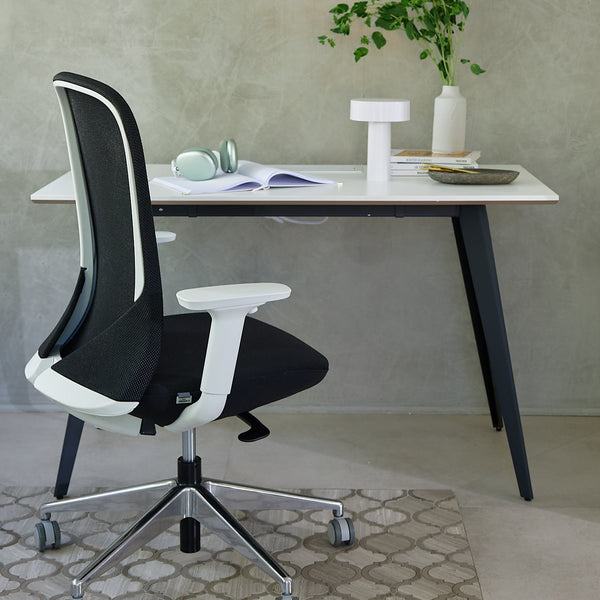
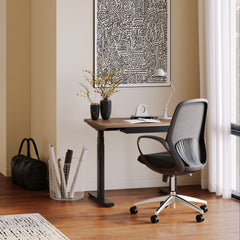
The Novo Chair is the one I sit in most days. It gives you adjustable lumbar support, adjustable seat depth, 4D arms, and a synchronized tilt with six lockable positions, across 9 points of adjustment in all.
It comes in Milk Coffee, Novo Black, and Novo Skyline, so you can pick the color that suits the room after the fit is settled. The Novo is $445.
Armrests Decide How Relaxed Your Shoulders Are
OSHA's advice on armrests is to "Position adjustable armrests so they support your lower arm and allow your upper arm to remain close to the torso." This matters for looks more than people expect. Shoulders that creep upward toward the ears make a person look tense. A tense-looking person makes the whole room feel tense.
That is why I like arms that move in several directions. The Novo has 4D arms. The Onyx Chair offers 4D adjustable armrests at a lower price. The Onyx comes in black, which suits a room where you want the chair to fade into the background. The Onyx is $249.
The Best Seated Position Is a Little Reclined
Cornell University Ergonomics Web, the university's workplace ergonomics research program, states: "Studies show that the best seated posture is a reclined posture of 100-110 degrees" and contrasts that with the upright 90-degree posture. That surprised me when I first read it, because I had spent years trying to sit as upright as a school photo.
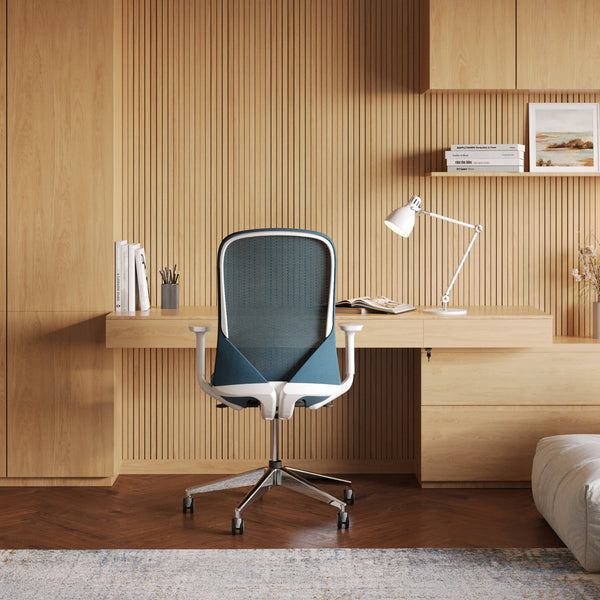
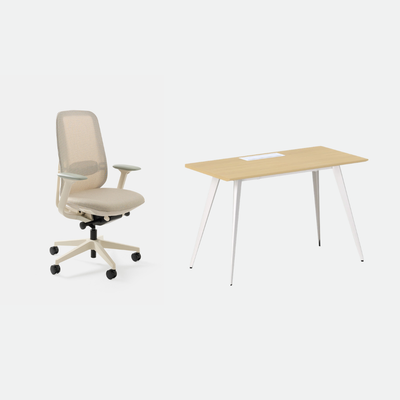
It changes what I look for in a chair, because a chair that lets you lean back a little is working with you. The Onyx and the Muse Chair both recline. The Muse adds a dynamic seat swing of 10 degrees. The Novo gets there with its synchronized tilt and six lockable positions.
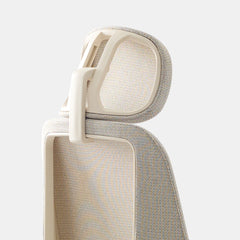
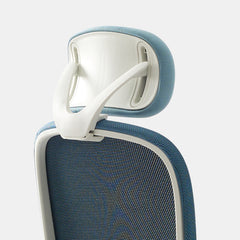
The Muse comes in Blue, Forest Green, and Black, which gives you a colorful option without giving up the adjustments. It is $320. If you lean back on calls, the Novo Headrest is only $45.
Choose the Chair by Fit Range First and Color Second
Fit is the last check. It is where a good-looking chair most often fails a real body. The Muse is good for 5'0" to 6'0", which is the lowest fit range we publish. The Onyx fits 5'2" to 6'2". If you are on the shorter side, that difference is worth a minute of thought before you fall for a color.
Once the fit works, the color is yours to choose. This is where the room gets to speak. An article on our blog about how a chair can fix lower back pain makes the case for the mechanism in more detail. The short rule is to run the comfort list, then pick the color you like best from what remains.
Modern Office Desks for Home Look Best When the Top Gives You Depth and Legroom
A desk is the largest surface in the room, so it gets looked at more than any other piece of furniture. It is also the piece your arms, eyes, and knees depend on. The dimensions that make a desk comfortable are the same ones that make it look generous and calm, which is why the myth falls apart fastest here.
A Deeper Top Lets the Screen Sit Back and the Desk Look Calm
OSHA's guidance on desks says that work surface depth should allow you to "View the monitor at a distance of at least 20 inches (50 cm)." A top that is too shallow pushes the screen close to your face, so you lean in, and the desk ends up looking crowded no matter what you put on it.
The Office Desk comes in a 48 by 24 inch top at $349 and a 60 by 30 inch top at $479. The 30-inch depth of the larger top leaves more room to push the screen back toward that 20 inches than the 24-inch depth of the smaller one.
I would choose the larger size for a screen and a keyboard. The smaller one is for a wall that leaves no choice.
Legroom Is the Measurement Nobody Photographs
The same guidance says that "Clearance for the legs, under the desktop, should generally be between 20-28 inches (50-72 cm) high." It adds that the space should stay free of files, storage, and other items. Legroom never shows up in a product photo, so it is the check people skip.
Measure the clearance under any top you are considering, and then keep that space clear. I treat the space under the desk as part of the room's look too: an open, clear floor under a desk makes the room look larger.
It is also the same open space your knees need. A separate article on chair height against desk height goes through the sum if you want to check your own numbers.
Pick the Top and the Frame as a Pair
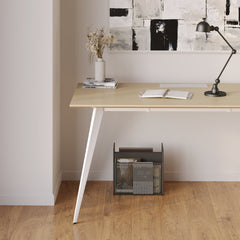
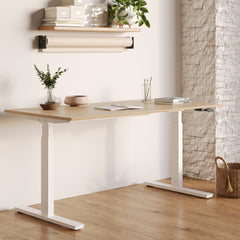
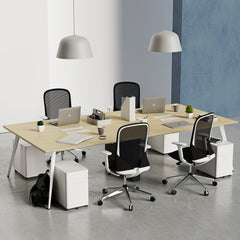
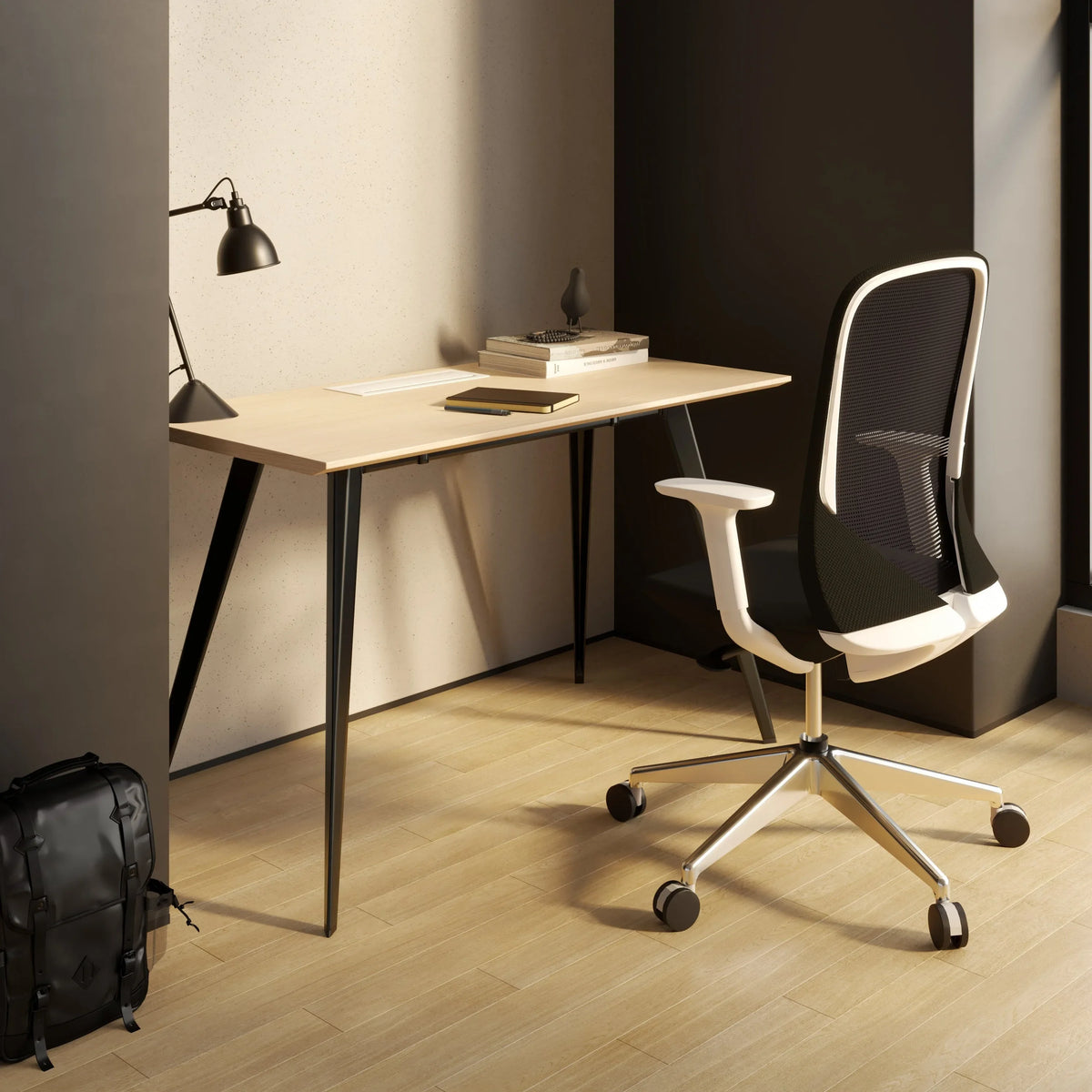
Looks lead here. The Office Desk has a scratch-resistant laminated MDF top on a powder-coated metal frame, and you can choose Light Oak or Walnut for the top and White or Black for the frame. Light Oak with a White frame reads as bright and soft. Walnut with a Black frame reads as dark and grounded.
I choose the top to suit the room's light and the frame to suit the room's mood. A small room with little daylight takes the lighter pair well.
A large room with big windows can carry the darker one. Our article on how Light Oak, Walnut, and White compare puts the three finishes side by side, and the light in your room settles the answer.
A Standing Desk Is Comfortable Because It Moves
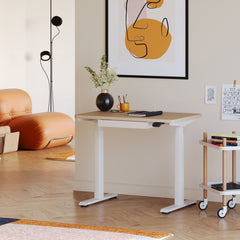
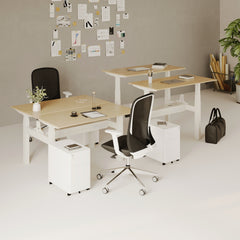
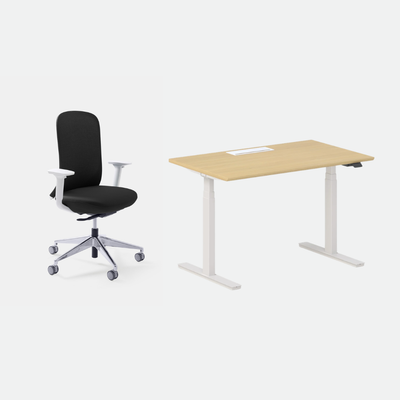
If you want to change position during the day, the Standing Desk gives you electric height adjustment from 22 to 44 inches. It is $574 for the 48 by 30 inch top and $690 for the 60 by 30 inch top. It comes with Light Oak or Walnut tops and White, Black, or Dusty blue frames.
Cornell adds a useful warning about standing: "But standing in a static posture is even more tiring than sitting in a static posture, so movement is important." I take that to mean a standing desk is a tool for changing position.
It works best when you do change position. Another article compares a standing desk with a standard desk and lays out who each one suits.
The Screen, the Cables, and the Clutter Decide Whether the Room Looks Finished
Comfort and looks overlap most in this part of the room. A tidy desk with the screen at the right height is easier on the neck and also reads as an organized room. I have never seen a messy desk that looked finished, or a finished-looking desk that was a mess.
Set the Screen Height First and the Rest Falls into Place
OSHA's guidance on monitors says that "The top of the monitor should be at or slightly below eye level." It puts the preferred viewing distance between 20 and 40 inches. At that height your head stays level and your shoulders drop, and a person sitting level and relaxed makes a desk look composed.
I check this with the chair first, because the chair sets your eye height. Sit in your usual position, look straight ahead, and see where your eyes land on the screen.
If the top of the screen sits higher or lower than that line, change the setup before you change the furniture. Once the screen is right, the desk and the chair can be judged on how they look.
Light and Glare Are a Comfort Issue That Shows in Every Photo
OSHA also notes that "Tilting the monitor back may create glare on the screen from ceiling lighting and a glare screen may be needed." Glare makes people squint, and squinting is both uncomfortable and visible. The same guidance says to place the monitor perpendicular to a window.
I use that as a layout rule. Place the desk so the window is at your side and the screen faces away from bright light. It takes a minute to plan. It helps comfort, photographs, and mood at once.
Loose Cables Undo Good Furniture Faster Than Anything Else on the Floor
Loose cables on the floor can undo a good desk and chair. They collect dust, they catch your feet, and they are the first thing a visitor sees when they glance under the desk. Getting them off the floor is one of the quickest ways to make the room look finished.
The Under-Desk Cable Management is $59 and comes in White, Blue, and Black. For power at the desktop, the In-Desk Power is $85 and the Clamp-On Desk Power is $75. I put the charger and the lamp cord where my hands already are, so I never reach under the desk.
A Clear Top Is a Habit
Clutter is the last piece. No product can fix it for you. I keep a laptop, a notebook, and a mug on my desk, and each evening I clear everything else before I close the laptop. That ten-second reset makes the room look the same on Friday as it did on Monday.
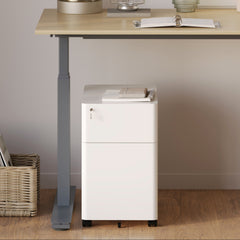
If paper is what piles up, the Filing Cabinet is $199 and gives it a place that is not the desktop. A clear desktop gives your arms room to rest and your eyes a calmer place to land, so the looks goal and the comfort goal agree completely.
The best-looking setup is usually the one you can sit at without thinking about it.
Aiden G., Urbanica
Treat the Desk and Chair as One Setup and the Room Pulls Together
Everything so far has treated the chair and the desk as separate decisions. That is how I would research them.
When it is time to order, I think of them as a single setup, because the room only looks right if the two sit well together. The chair needs the right desk height. The desk needs a chair that suits its color and weight.
Plan the Pair Around Your Day
Before you choose a color, decide how you work. If you sit most of the day, a fixed-height desk and a chair with a good recline will do the job.
If you like to change position, a Standing Desk and a chair you are happy in for the sitting hours make the better pair. If you spend a lot of time on calls, add the headrest.
The answer to this question narrows the choices quickly. Two chairs and two desks that fit your day are far easier to choose among by eye than twelve combinations of everything we make. Then the color decision becomes the fun part of the job.
Our Bundles Sell the Pairing as a Single Order
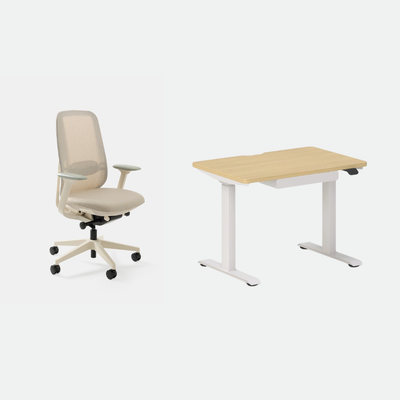
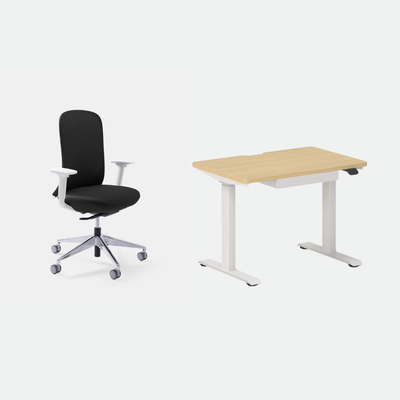
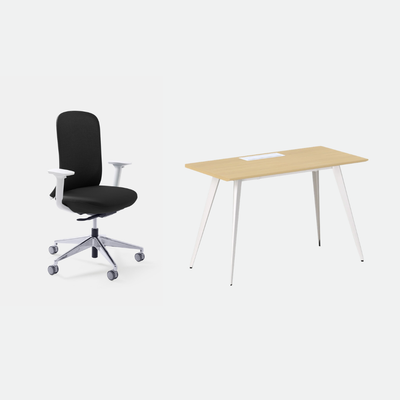
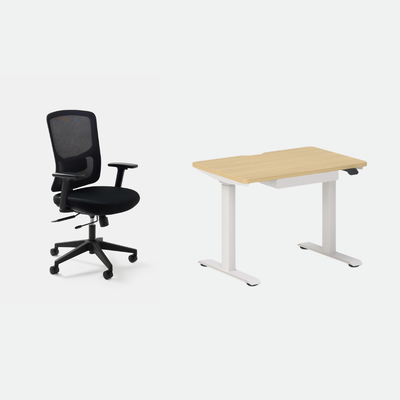
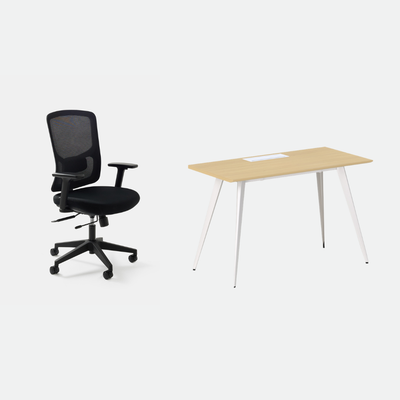
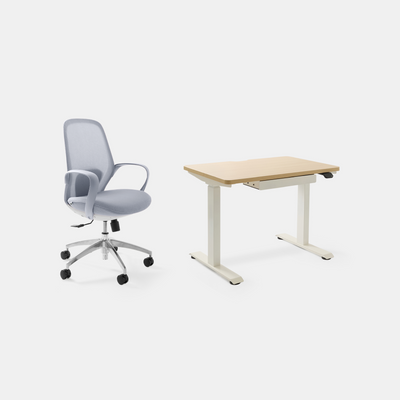
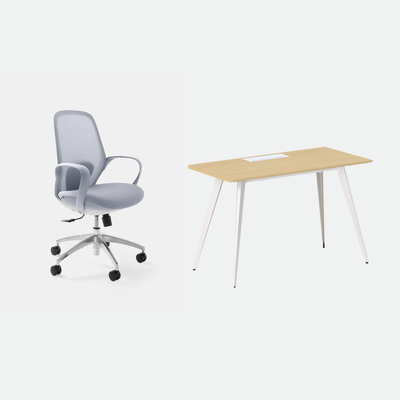
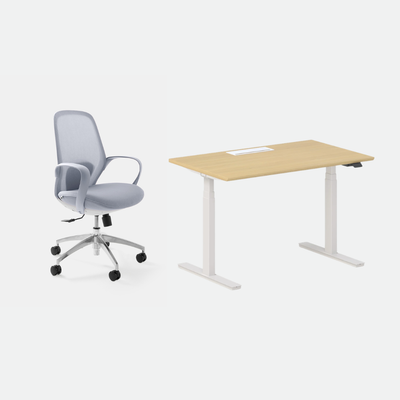
Our bundles put a desk and a chair together at one price, which saves you the matching work. The Executive Bundle pairs the Office Desk with the Onyx Chair and is $568 in the 48 by 24 inch size.
Bought separately, those two come to $598, so the bundle saves $30. It comes in Light Oak, Walnut, and White tops with White or Black frames.
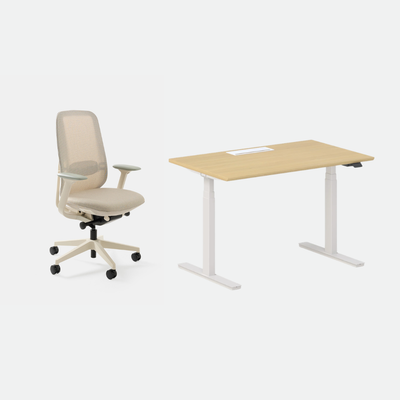
If you want the Novo, the Minimalist Bundle pairs the Office Desk with the Novo Chair. It is $754 with the 48 by 24 inch top and $878 with the 60 by 30 inch top. Separately, the same pairs add up to $794 and $924, so you save $40 and $46.
The Active Bundle pairs the Standing Desk with the Novo at $968 or $1,078, depending on the top. Check each bundle page for the exact pairing, the colors, and anything else the bundle includes before you order.
Choose the Colors Last and Keep Them Few
I keep to two or three colors in the whole setup. A Light Oak top, a White frame, and a Black chair is a calm combination. A Walnut top, a Black frame, and a Black chair is a darker and more serious one. A small palette makes the setup look planned.
Keep the comfort list in your pocket while you do this. If a color combination you love sits on a chair or desk that fails a check, move to the next color on a piece that passes. There will almost always be one. The best-looking setup is usually the one you can sit at without thinking about it.
Your Room Gets the Last Word
Measure before you order: the wall, the clearance under the top, and the distance from the desk to the nearest outlet. Those three numbers decide the desk size and show if a power accessory is needed. Our Shipping and Returns page lays out the terms, including 30-day returns, so you can order knowing what happens if the room surprises you.
Standard shipping is free within the 48 contiguous states, and orders arrive in 3 to 5 business days by FedEx or UPS after processing. A 10% restocking fee may apply to some returns. A comfortable and good-looking setup should come with an order process that is easy to plan around.
FAQ
Can a Comfortable Office Chair Also Look Good?
Yes. The comfort checks are the reason it can. Comfort comes from adjustments such as lumbar support, seat depth, and armrests, and none of these dictate a color or shape. The Novo Chair comes in Milk Coffee, Novo Black, and Novo Skyline, the Muse Chair in Blue, Forest Green, and Black, and the Onyx Chair in Black. Choose among the chairs that fit you. The look is yours to pick.
What Desk Size Works Best in a Home Office?
I would choose the 60 by 30 inch top for one screen and a keyboard, since OSHA asks for a screen distance of at least 20 inches and the 30-inch depth leaves room to reach it. The 48 by 24 inch top suits a tighter wall. Measure the wall and the clearance under the desk before you decide.
Is a Standing Desk Better for Comfort Than a Regular Desk?
A standing desk is better for changing position, which Cornell says matters because standing still is tiring too. The Standing Desk gives you electric height adjustment from 22 to 44 inches. If you rarely change position, a fixed-height Office Desk costs less and does the job.
How Do I Keep a Desk Looking Good Day After Day?
Clear the top at the end of each workday, keep the cables off the floor, and keep the space under the desk empty. The Under-Desk Cable Management and the In-Desk Power cover the cables. The Filing Cabinet takes the paper. It is a short routine that protects the look you chose.
Does Urbanica Make a Desk with a Hutch or an L-Shape?
We do not make L-shaped, U-shaped, corner, or hutch desks. What we do make is a set of rectangular desks, a Standing Desk, an Office Desk, and larger workstations, and the same checks apply to every one of them.
Order the Pair That Fits Your Room and Your Body, and Send Us Your Questions First
You now have the two short lists. Comfort is a chair that adjusts to your back and arms, a desk with depth and legroom, and a screen at the right height. Looks are the colors, the proportions, the cables, and a clear top. Run the first list, then choose from the second. The myth then stops getting in your way.
When you are ready, pick the pair that suits your day, check the size against your wall, and order the setup. If you are unsure which chair fits your height or which desk fits your room, send us your measurements and your height. We will tell you which pair to start with.
If you are still choosing a desk, an article on our blog about how to choose a modern executive office desk is the next thing I would read.
Reach us at Urbanica Furniture, 1705 NW 38th Ave, Lauderhill, FL 33311, or by phone at +1-(888)-350-9545.
References
- Occupational Safety and Health Administration (OSHA), Computer Workstations eTool, Chairs: supports the lumbar support, seat depth, and armrest guidance. https://www.osha.gov/etools/computer-workstations/components/chairs
- OSHA, Computer Workstations eTool, Desks: supports the 20 inch viewing distance, the 20 to 28 inch leg clearance, and the clear space under the desktop. https://www.osha.gov/etools/computer-workstations/components/desks
- OSHA, Computer Workstations eTool, Monitors: supports the screen height, the viewing distance, and the glare and window guidance. https://www.osha.gov/etools/computer-workstations/components/monitors
- Cornell University Ergonomics Web, Computer Workstation Ergonomics Guidelines: supports the reclined posture and the point about movement. https://ergo.human.cornell.edu/ergoguide.html