


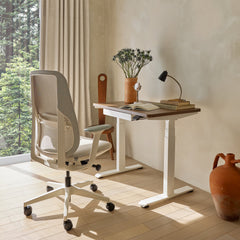

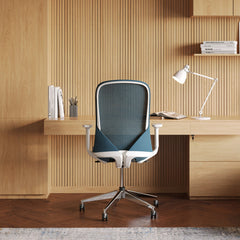

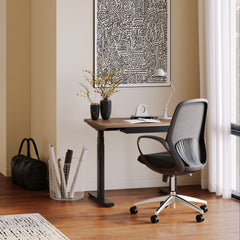






How to Pick the Most Comfortable Budget Office Chair, with Our Top Budget-Friendly Office Chairs
Finding the most comfortable budget office chair should not cost you your lower back by the end of the week. I put together the Urbanica chairs I would point a friend to when money is tight.
TLDR
If you are shopping for the most comfortable budget office chair, we start with what to look for in the seat, the back, and the arms. A lower price should not turn into a sore afternoon.
Then we go through four Urbanica chairs: the Novo, the Muse, the Onyx, and the Seashell. You get who each one suits and how they compare. Warranty, certifications, shipping, and the small add-ons that stretch a chair further come last.
Who This Article Is For
- You work from home, and your current chair is the kitchen one.
- You are furnishing a first home office and the chair is the piece you cannot afford to get wrong.
- You have been burned by a cheap chair that sagged or squeaked within a year.
- You are comparing a few chairs under one roof and want the differences in plain terms.
- You need a chair for a student, a spare room, or a second desk.

Aiden G.
Head of Marketing, Urbanica Furniture
Author's Note
Chair prices come up in almost every conversation I have about a home office (usually with a friend who has just spent a Saturday scrolling). I give the same answer each time: decide what your back needs first, then look at the price tag. Let's go!
If you find any value in it, please share it with a friend, a colleague, or anyone setting up a home office on a tight budget.
Disclaimer: I did use AI to help me write and do the research, but I'm editing myself, verifying the facts, and writing my own conclusions and takes.
The Most Comfortable Budget Office Chair Earns Its Price in the Adjustments
How many parts of the chair move to fit your body tells you more about comfort than the price does. A chair that fits you well spends less time pushing you into its shape.
The Occupational Safety and Health Administration (OSHA), the US federal agency that sets workplace safety guidance, keeps a page on chairs for computer workstations. It reads like a checklist of adjustments. It is the best yardstick I know for judging a chair at any price.
Seat Height and Depth Decide Whether Your Legs Get Support
OSHA says a chair's height is right when your whole foot can rest on the floor with the back of your knee slightly higher than the seat. It also asks for a seat that adjusts in depth. That way taller people get thigh support and shorter people can still sit with their back against the chair.
A seat that is too deep cuts into the back of your knees. One that is too shallow leaves your thighs hanging. Seat depth is the adjustment cheap chairs skip first, so I look for it before anything else.
OSHA's answer for a seat that cannot be lowered is a footrest, which gives your feet stable support and can raise the knee slightly to relieve pressure on the back of the leg. Urbanica does not make footrests, so for us the fix is the chair itself: choose a seat that adjusts in height, and check the height adjustment on each chair page before you order. A fixed seat that leaves your feet hanging is the problem to avoid.
Lumbar Support Has to Land in the Small of Your Back
OSHA recommends a lumbar support you can move up and down so the outward curve of the backrest fits the small of your back. In my experience a bump in the wrong place is worse than none.
My take is that adjustable height matters more than how plush the support looks in a photo. There is an article on our blog about whether a chair can fix lower back pain if you want the longer version.
Armrests and Recline Take Strain Off Your Shoulders and Spine
OSHA asks for armrests you can position so they support your lower arm while your upper arm stays close to your body. It also asks for a backrest that reclines at least 15 degrees from vertical and locks in place or can be tensioned.
That recline lets you lean back on a call without the chair tipping you out of position. Arms that sit too high shrug your shoulders up toward your ears. A chair with armrests that move in several directions earns real credit for the price.
A Five-Legged Base and the Right Casters Keep a Budget Chair Steady
OSHA says chairs should have a strong, five-legged base. That matters on a budget because the base is the part a product photo never shows. It is where a chair that tips or wobbles gives itself away. Look underneath before you look at the cushion.
OSHA also asks for casters that are appropriate for the type of flooring at the workstation. Hard floors and carpet ask different things of a wheel, which is why OSHA ties the caster to the floor. My take is to check the flooring in your room first, then ask about the casters before you order.
The chair that fits you is the one that moves where you do.
Aiden G., Urbanica
Four Urbanica Chairs That Keep the Price Sensible
These are the four chairs I would point someone to if they asked me for the best affordable office chairs we make. Each one covers a different need. The right pick depends on how long you sit and what your day looks like.
The Novo Chair Is the Most Adjustable Seat We Make
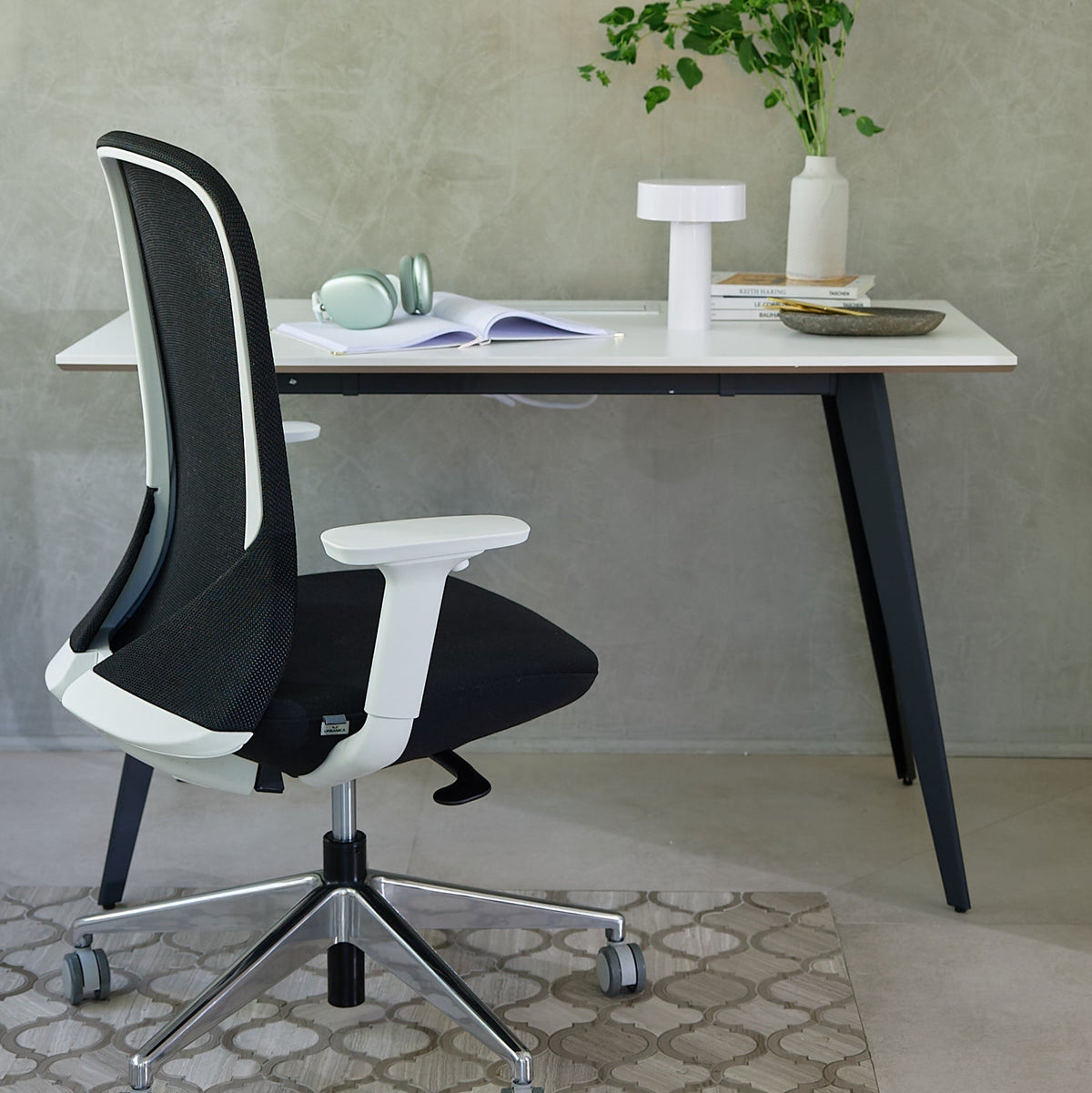
The Novo Chair is for people who sit most of the day and want the chair to adapt to them. It gives you 9 points of adjustment, an adjustable lumbar support, an adjustable seat depth, 4D arms, and a synchronized tilt with six lockable positions.
This is the chair I'm in on a long editing day. The tilt locks where I set it. The lumbar sits where my back needs it. If you spend eight hours at a desk, I think the Novo is the best use of a limited budget. The Novo is $445.
For Smaller Frames and Shorter Days, the Muse Chair Moves with You
The Muse Chair is for people who want a lighter-looking seat that still moves with them. It has 6 points of adjustment and a dynamic seat swing of 10 degrees. It suits people from 5'0" to 6'0" tall.
The seat swing lets you shift around without leaving the chair's support, which helps if you fidget the way I do. The Muse is $320. It has a 10-year warranty.
Taller Sitters and Shared Desks Get the Onyx Chair
The Onyx Chair is for people between 5'2" and 6'2" and works well where more than one person uses the same desk. It has 4D adjustable armrests.
I would reach for the Onyx when the person using it changes from week to week, since the arms adjust in every direction. The Onyx is $249. It has a 10-year warranty.
Lighter Days at the Desk Call for the Seashell Chair
The Seashell Chair is for a spare desk, a student, or a lighter day at the desk. It has breathable mesh and lumbar support. It measures 25" x 22" x 40".
It is the choice when a budget desk chair is all the room needs. The person sitting in it just is not there all day. The Seashell is $229.
Comparing the Chairs Side by Side Before You Buy
Four chairs can blur together, so here are the facts that separate them in one place.
The Facts That Separate the Four Chairs
| Chair | Adjustment | Fit or size | Hours of work I would pick it for | Price |
|---|---|---|---|---|
| Novo | 9 points of adjustment | Petite to taller frames | 8 or more | $445 |
| Muse | 6 points of adjustment | 5'0" to 6'0" | 6 to 8 | $320 |
| Onyx | 4D adjustable armrests, lumbar support | 5'2" to 6'2" | Lighter days | $249 |
| Seashell | 121-degree synchronous tilt, lumbar support | 25" x 22" x 40" | A few hours | $229 |
Match the Chair to Your Longest Day at the Desk
If you sit for eight hours or more, the Novo has the most adjustments and is where I would spend the money. I would put the Onyx in that group too. It fits people up to 6'2", which makes it my pick for anyone taller than the Muse suits. For six to eight hours, the Muse is the match. On a lighter day, the Seashell gives you mesh and lumbar support without paying for adjustments you will not use.
The test I give friends is simple: pick the chair for your longest day. A chair that suits your worst afternoon will suit the rest.
What the Warranty, the Certifications, and the Shipping Terms Tell You
A price tag is one number. What you are really buying is a chair for the years after it arrives. Four terms of sale tell you more about that than the sticker does, so I check them first.
A Longer Warranty Shows How Long We Expect the Chair to Last
The Novo, the Muse, and the Onyx each have a 10-year warranty. I read a warranty as a promise about the frame and the mechanism and nothing more.
GREENGUARD Certification Means the Chair Was Screened for Chemicals
The Novo and the Seashell are GREENGUARD Certified. The program is run by UL Solutions, a global safety science company, which screens products for more than 15,000 volatile organic compounds.
Those are chemicals that can leave a new product and enter the air in a small room. In a home office with the door closed, I want the chair to have been checked. I count the badge in the chair's favor.
BIFMA Tells You About Durability and Says Nothing About Comfort
The Onyx carries a certification badge that names BIFMA. On a chair, the badge refers to ANSI/BIFMA X5.1, a chair-testing standard. The US General Services Administration (GSA), the agency that buys for the federal government, cites that same standard in its purchase description for executive office chairs.
The chair passed tests for durability and safety. I read the badge as a sign the chair is built to last, then judge comfort from the adjustments above.
Shipping and Returns Are Part of the Price
Standard shipping is free within the 48 contiguous states, and delivery by FedEx or UPS takes 3 to 5 business days once your order has been processed in 24 to 48 hours. You can return a chair within 30 days for a full refund or exchange if it is in its original unused condition and packaging. A 10% restocking fee may apply to some returned items.
A chair is something you only really judge after a few days in it. Read the return terms before you buy. Sit in the chair through a full workday before you decide it fits.
The right chair is the one you forget you are sitting in.
Aiden G., Urbanica
Small Add-Ons That Stretch a Good Chair Further
Once you have the chair, two small choices change how it feels. One is a headrest. The other is a desk made to go with it. Neither is required. Both are worth a look before you check out.
Add a Headrest If You Lean Back on Calls
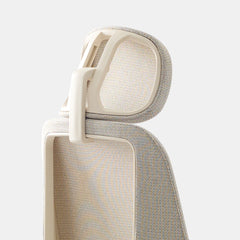
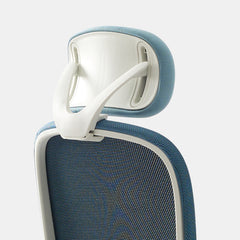
The Novo Headrest fits the Novo. The Muse Headrest fits the Muse. If you take calls leaning back, a headrest gives your neck a place to rest. The Novo Headrest (only $45) can do wonders.
I add one when someone tells me their neck gets tired after meetings. The Muse Headrest is $27.
Order the Chair and the Desk Together
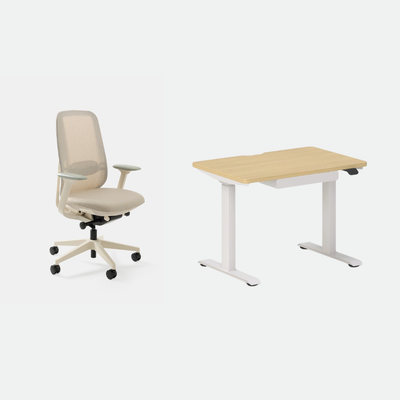
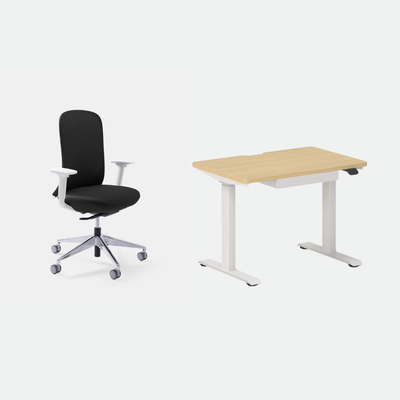
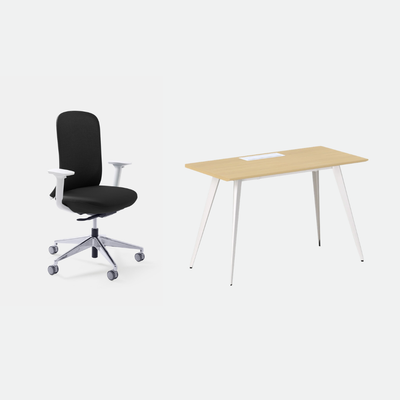
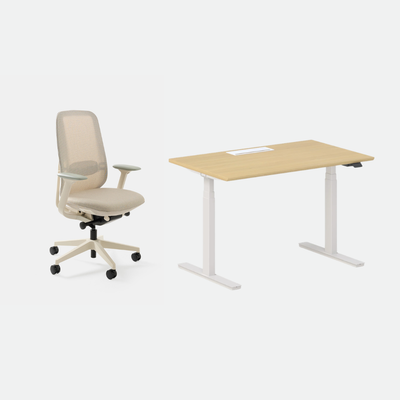
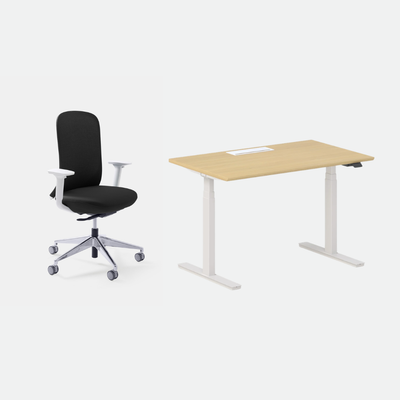
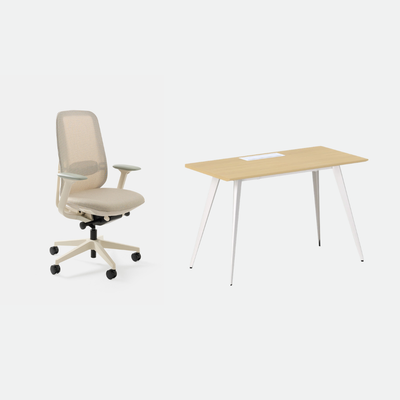
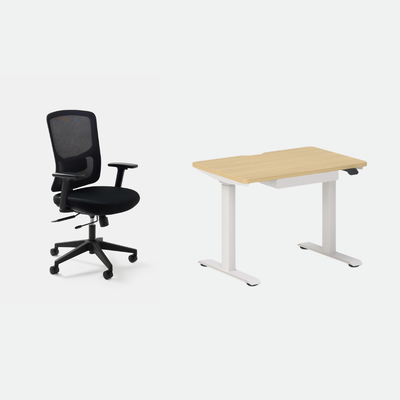
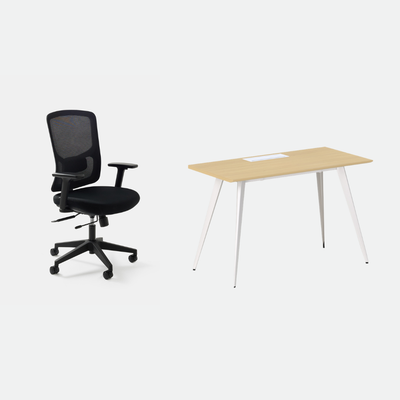
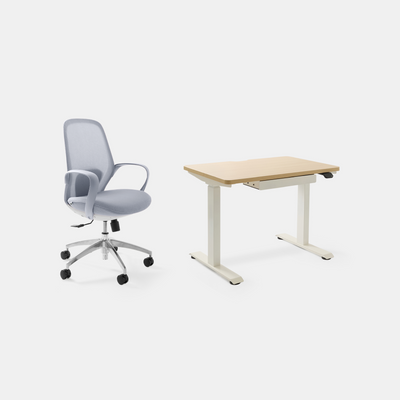
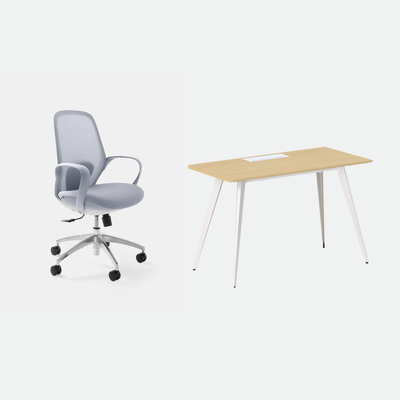
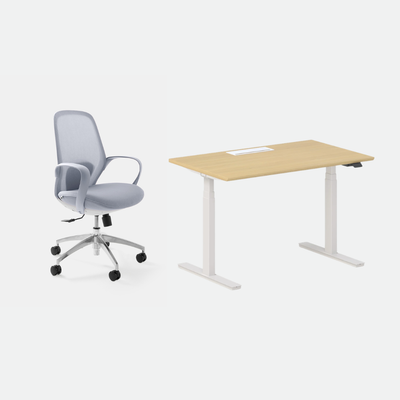
Our bundles pair a desk and a chair at one price. That keeps the setup consistent and the order simple. The Minimalist bundle pairs the Office Desk with the Novo and starts at $754. The Relaxed bundle pairs the Office Desk with the Seashell and is $549.
If you are furnishing a room from scratch, I would look there first. One order means one delivery and one invoice.
FAQ
What Should a Budget Desk Chair Have at Minimum?
It needs a seat that adjusts in height and depth, a lumbar support that fits the small of your back, and armrests that let your upper arms hang close to your body. Those are the points OSHA lists for a computer workstation chair. I would keep all three at any price.
Which Chair Gives the Most Adjustment for the Money?
The Novo has 9 points of adjustment, adjustable lumbar support, adjustable seat depth, 4D arms, and a synchronized tilt with six lockable positions. If your days at the desk are lighter, the Seashell covers the basics for less.
How Tall Do I Need to Be for the Muse and the Onyx?
The Muse suits people from 5'0" to 6'0" tall. The Onyx suits people from 5'2" to 6'2". If you are outside those ranges, the Novo is the next chair to try, because its seat depth and lumbar support adjust to fit petite and taller frames.
Can I Return a Chair if It Does Not Fit?
Yes. You can return a chair within 30 days for a full refund or exchange if it is in its original unused condition and packaging. A 10% restocking fee may apply to some returned items. To start a return, email support@urbanicafurniture.com with your order number and the chair you want to send back.
Tell Me Your Hours at the Desk and I Will Help You Pick the Chair
When a friend asks me which chair to buy, I start with one question: how long do you sit on your longest day? Eight hours or more points to the Novo or the Onyx. Six to eight hours points to the Muse. A lighter day points to the Seashell.
If you are still unsure after reading this, write to me with your height, your hours, and the room. I read every message. I will help you narrow it down.
You can reach Urbanica Furniture at 1705 NW 38th Ave, Lauderhill, FL 33311 or call +1-(888)-350-9545.
References
- Occupational Safety and Health Administration, chair guidance for computer workstations, supports the seat, lumbar, armrest and recline points: https://www.osha.gov/etools/computer-workstations/components/chairs
- US General Services Administration, purchase description for executive office chairs, supports the ANSI/BIFMA X5.1 testing reference: https://www.gsa.gov/system/files?file=Chairs_Wood_Executive_Office_Traditional_508.pdf
- UL Solutions, GREENGUARD Certification, supports the screening for more than 15,000 volatile organic compounds: https://www.ul.com/services/ul-greenguard-certification

About the Author
Related Articles
-
 This Is How To Build A Small Home Office You Actually Want To Work From, And How To Pick Desks For Small Spaces - Urbanica Furniture's Full Guide
-
 Our Conference Chairs and Meeting Tables Compared, so You Can Furnish a Huddle Room, a Meeting Room, or a Boardroom for Eight in One Order
-
 How to Choose an Executive Modern Office Desk Worth Building Your Whole Room Around - Urbanica Furniture's Statement Desk Guide

