







Choosing a Standing Desk You'll Keep Using Starts with the Standing Desk Motor
The desk you keep using is the one that is easy to raise, steady with your screens on it, the right size for the room, and good looking enough that you are glad to see it each morning. I start every choice with the standing desk motor, because everything else rides on it. By the end you will know what to check on the motor, the top, the finish, and the size before you buy.
TLDR
A standing desk only helps if you actually change position. A good standing desk motor turns that from a chore into a button press, which is why I start there.
Your screens and the surface they sit on come next, along with the look of the desk and the size that suits one person, two people, or a whole office.
Who This Article Is For
- You are about to buy your first standing desk and want a clear order for the decisions.
- You run two or three screens and need to know what the desk under them has to do.
- You care how the desk looks and have been searching for luxury standing desks or a modern standing desk for your room.
- You are furnishing a shared room and are comparing a sit-stand desk for an office.
- You tried a manual setup once, stopped using it, and do not want to repeat that.

Aiden G.
Head of Marketing, Urbanica Furniture
Author's Note
I used to think a standing desk was a tall table with a button. Then I owned one that wobbled when I typed and a different one I raised once a week, and I learned that the button, the lift behind it, and the top it carries are the desk (my old setup is a story for another day).
I wish I had had a checklist before I bought either of them, so I wrote the one I use now.
And if you find any value in it, please share it with your friends, colleagues, and anyone who is about to buy their first standing desk and wants to still be using it a year from now!
Disclaimer: I did use AI to help me write and do the research, but I'm editing myself, verifying the facts, and writing my own conclusions and takes.
This article is part of our ergonomics and working-from-home-without-pain category, and we have a lot of related articles that will help with the pain. Check the full guides here: Sitting All Day and How to Move More: The Field Guide and The Work-From-Home Body: The Complete Guide to Working Without Pain.
Start with the Standing Desk Motor Because It Decides How Often You Raise the Desk
The lift is the part you touch every time you change position, so it decides how often you change position. That is why I start the whole choice with it.
Electric Lift Makes Changing Position Cost Almost Nothing
Cornell University Ergonomics Web, the university's public guide to computer workstation ergonomics, says it plainly in its sit-stand section: "the real benefit of sit-stand is just that, changing between sitting and standing." The same section adds that standing in a static posture is even more tiring than sitting in one, so movement is what counts.
That means the desk only earns its price on the days you actually move it. A lift that asks for effort or patience gets skipped on the busy afternoons when your back needs it most. I choose electric, where one press raises the top while my hands stay on the work.
Our Standing Desk gives you electric height adjustment from 22 to 44 inches, with a dual motor lift system and programmable presets. Save one seated height and one standing height on the first day. After that, the switch is one press, which is why it keeps happening.
Ask What the Lift Carries Before You Ask How Fast It Moves
A fast lift means little if it strains under your gear. Both sizes of our Standing Desk support up to 250 lbs, which is the number to hold your own setup against. Add up the weight of your screens, your laptop, a lamp, and anything else that lives on the top, using the spec sheet for each item.
If the total sits comfortably under 250 lbs, the lift has room to spare. If it comes close, remove something or rethink the setup before you order. A desk working at its limit every morning is the one that starts to complain first.
Run the Desk Through One Full Trip Before You Trust It
When a desk arrives, I load it as it will be used and run it from the lowest height to the highest and back. I watch whether the top stays level, whether the screens sway, and whether any cable pulls tight at either end. Our Standing Desk includes leveling glides, so a floor that is slightly off can be corrected in a minute.
The test takes a few minutes. If the top stays steady through a full trip, you can stop thinking about the lift and start using it.
The lift is the part you touch every time you change position, so it decides how often you change position.
Aiden G., Urbanica
Fit the Top to Your Screens Before You Fall for the Finish
Once the lift is settled, the top has to hold what you work on. A desk can lift perfectly and still be the wrong desk because the surface is too shallow for your screens or too narrow for the number of them.
Three Monitors on a Standing Desk Need Depth as Well as Width
The Occupational Safety and Health Administration (OSHA), the US federal agency that sets workplace safety rules, says in its computer workstation guidance that the preferred viewing distance is "between 20 and 40 inches (50 and 100 cm) from the eye to the front surface" of the screen. For a person at a desk, that is roughly an arm's length or a little more.
With one screen, nearly any top gives you that. With three screens set side by side, each needs room on the surface and the outer two usually angle toward you. A top that is too shallow pushes every screen toward your face. I would rather give three screens a generous top than squeeze the third onto one that cannot hold it.
Choose the Wider Top When Screens Sit Side by Side
For one screen and a laptop, the 48-inch top of the Standing Desk is enough. If you run two or three screens, measure the width of each screen's stand and add them up, then compare the total to the top.
I would take the 60-inch top for a multi-screen layout. The Standing Desk comes in two sizes, 48 by 30 inches at $574 and 60 by 30 inches at $690. The extra $116 buys room for the layout you will actually have. Both sizes carry the same 250 lbs, so the choice comes down to surface.
Keep the Power and Cables Where the Top Travels
OSHA also says that "the top of the monitor should be at or slightly below eye level." When you change height, your screens move with the top, so check this at both of your saved heights and adjust the screen stands once.
The cables are the other half of a multi-screen desk. Every extra screen adds a power cord and a video cable that travel with the top.
The Standing Desk has built-in cable management ports. The In-Desk Power is $85, and the Under-Desk Cable Management is $59. My rule for cables is to give each end of every cable slack for the full trip. An article on our blog follows ninety days on the Urbanica standing desk if you want a longer look.
Choose a Look You Will Be Glad to See, from Modern to Luxury
A desk takes up a lot of a room. You look at it all day. I use a desk more when I like how it looks, so the finish is a real part of the decision.
What Luxury Standing Desks Should Give You Beyond a Price Tag
When people search for luxury standing desks, they usually mean a desk that feels solid and looks like part of the room. I read that as three things I can check: a top that stays steady through the full trip, a finish you chose on purpose, and cables that stay out of sight at the back edge.
A higher price tells you none of that. A desk earns the word when the lift, the surface, and the cable plan are all handled, so run those three checks before you trust the label.
Our Tops Come in Light Oak, Walnut, and White
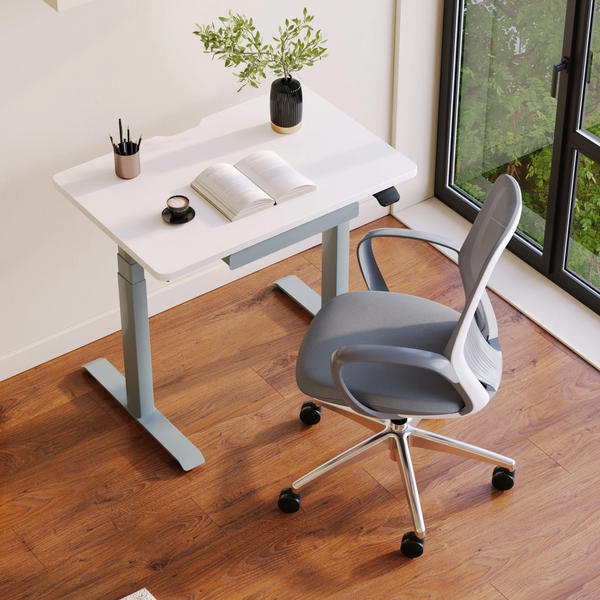
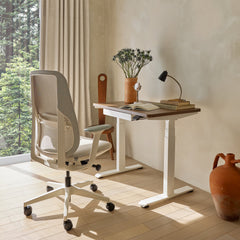
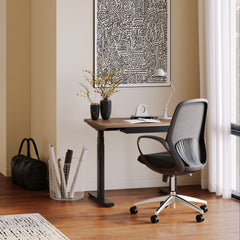
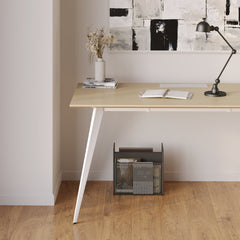
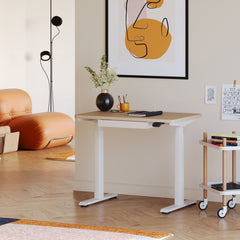
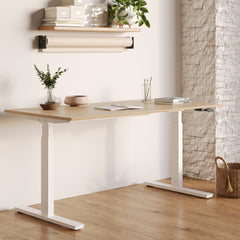
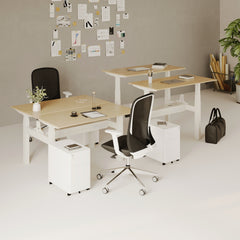
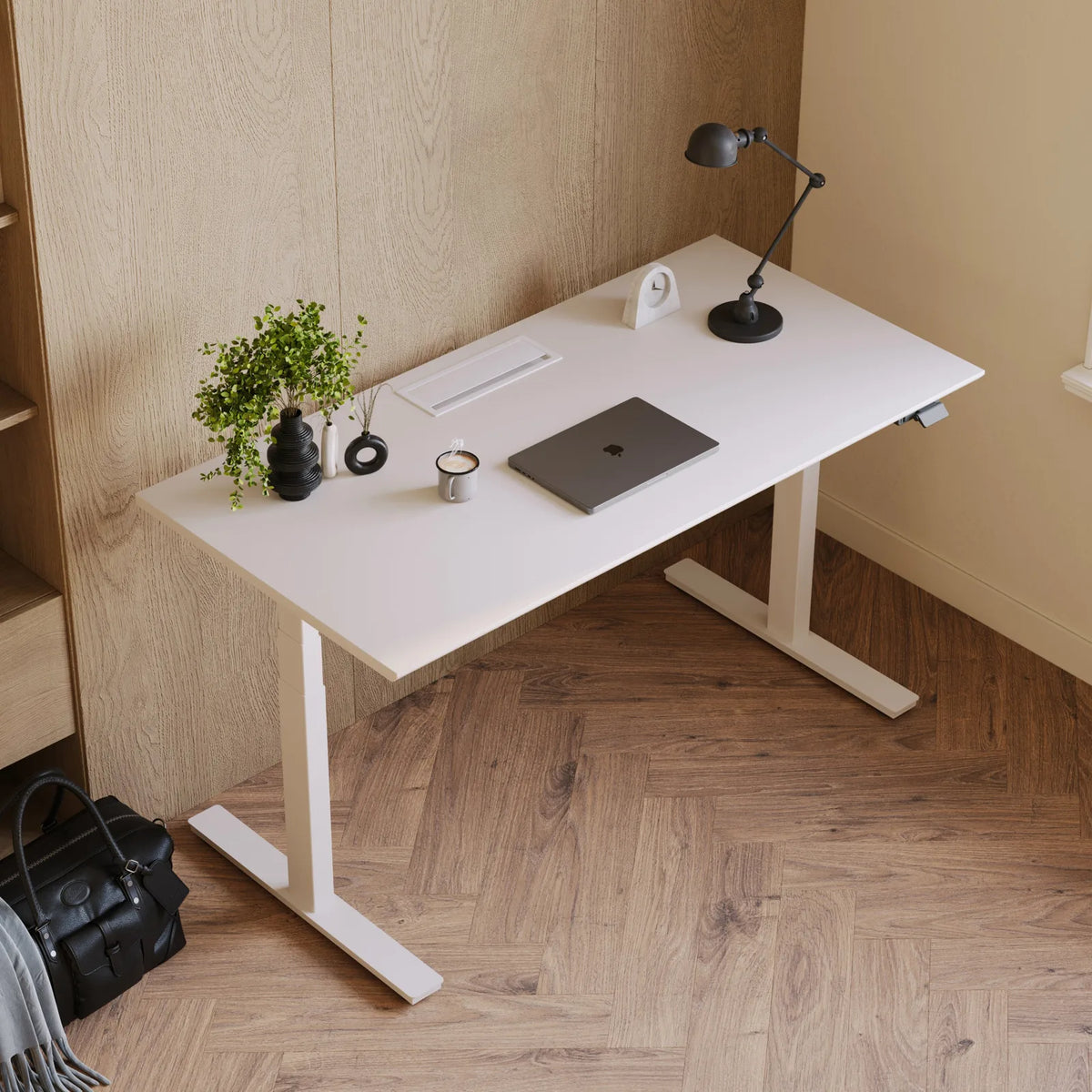
For a modern standing desk, the finish carries most of the look. The Standing Desk top comes in Light Oak, Walnut, or White, and the frame comes in White, Dusty blue, or Black. Light Oak with a white frame reads light and calm in a small room, while Walnut with a black frame reads darker and more formal.
I pick the finish last, after the size and the lift are settled, for the room I actually have. Think about the light in your room, since a finish looks different on a screen than it does on a wall.
Buy the Desk and the Chair Together When You Need Both
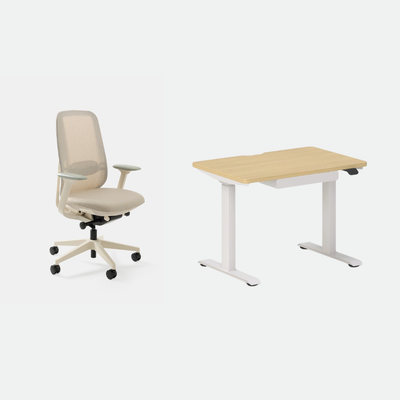
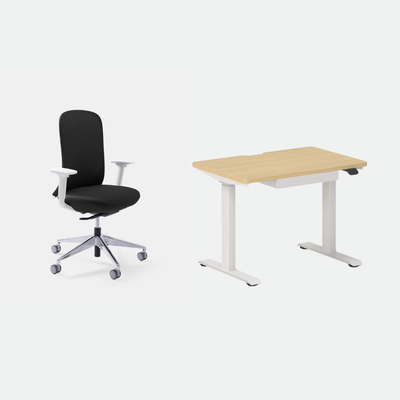
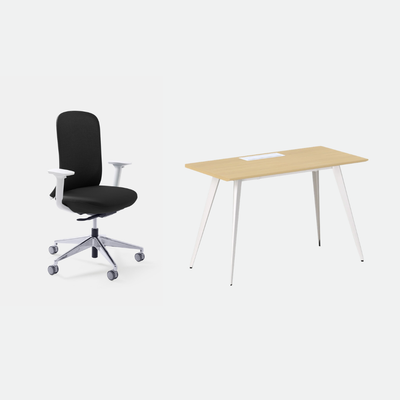
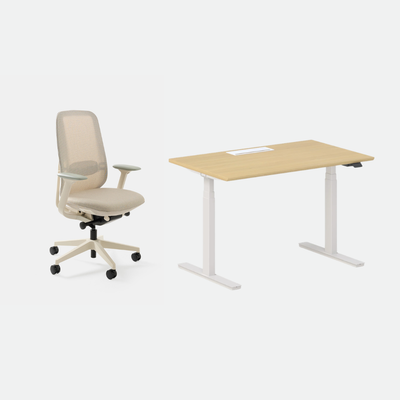
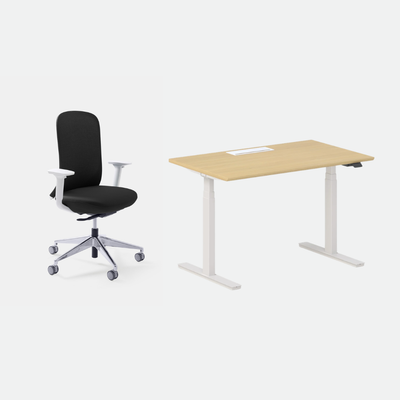
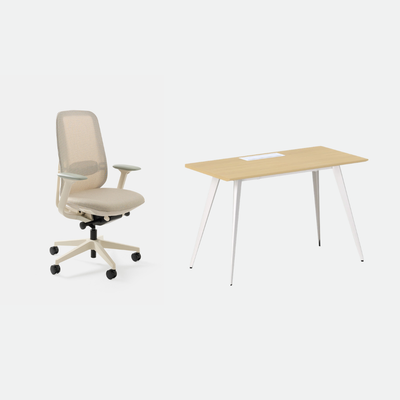
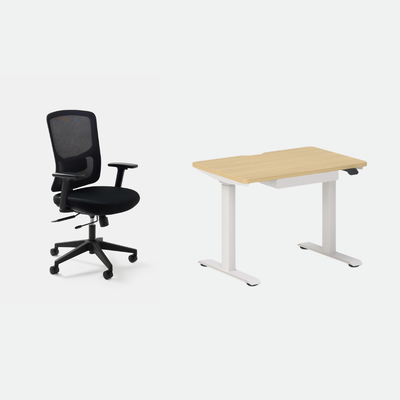
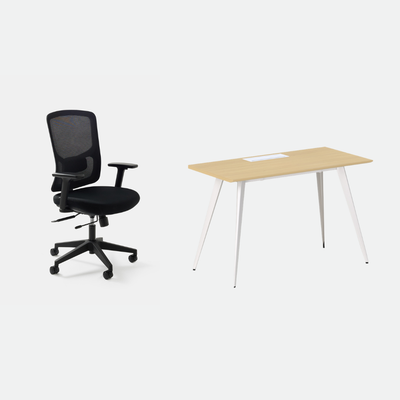
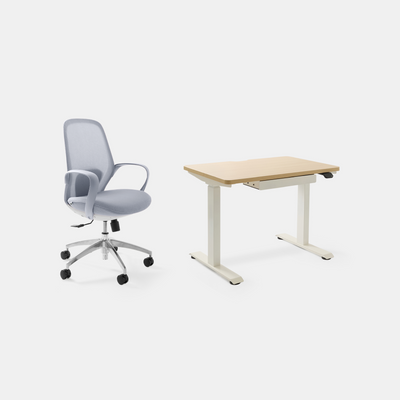
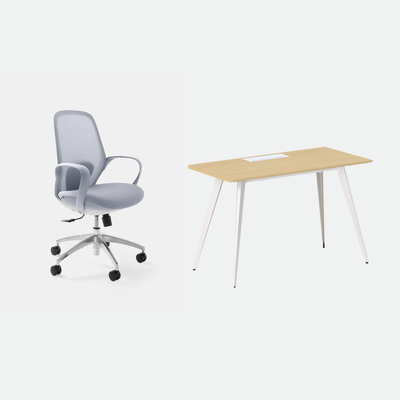
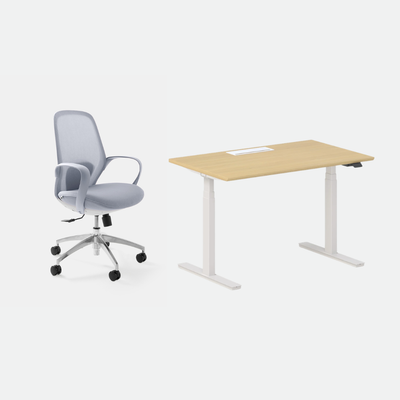
If you do not have a chair yet, a bundle saves you matching two products. The Active Bundle pairs the Standing Desk with the Novo Chair, which gives you 9 points of adjustment, adjustable lumbar support, and a synchronized tilt with six lockable positions. The Active Bundle starts at $968. The Novo Chair on its own is $445.
If you already have a chair you like, buy the desk alone.
Match the Size to One Person, Two People, or a Whole Office
The last decision is how much desk the room and the people need. Getting this right keeps the desk from crowding the room or from being outgrown in a year.
The Mini Is the Standing Desk for a Small Room
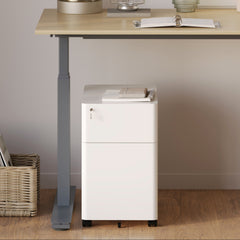
If your room is tight, the Mini Standing Desk is a height-adjustable desk at 36 by 24 inches with a drawer, the only desk we make with one. It suits one laptop and a screen or two small ones, with the drawer to keep a few things off the top. The Mini is $429.
For a heavier multi-screen layout, step up to the full Standing Desk.
Choose the Two-Person Desk Only When Two People Will Raise It
The Two-Person Standing Desk makes sense for two people working side by side who both want to change position. If only one person will use it, the Standing Desk gives you the same daily benefit for much less and takes less floor.
Measure the floor first: the Two-Person Standing Desk is 59 by 47 inches and needs the space around it to match. It is $1,699.
Furnish an Office Per Workstation and Ask for a Plan
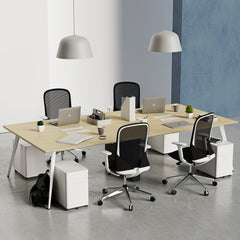
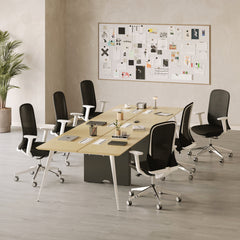
For an office full of sit-stand desks, the useful unit is the workstation: the desk, the chair, and what sits on it, per person. Add those up for one person and multiply. That gives you a number you can compare against any other plan.
If you are furnishing a room for a team, send a space plan or a sketch to For Teams and we will return a 3D layout and an itemized quote within 2 business days. The quote shows volume price breaks, so ask for it before you decide on the number of desks.
FAQ
Do You Sell a Manual Standing Desk Converter?
No. We do not make standing desk converters. We make complete desks, and our Standing Desk has electric height adjustment, so it replaces the desk and the converter in one purchase.
Can One Standing Desk Hold Three Monitors?
Both sizes of our Standing Desk support up to 250 lbs, so the first check is the combined weight of your screens and everything else on the top. The second check is surface. I would choose the 60 by 30 inch size for the extra width, then set each screen so it sits 20 to 40 inches from your eyes, the viewing distance OSHA describes.
Is a Standing Desk Worth Using If I Only Stand for Part of the Day?
Yes. Standing for part of the day is how a standing desk earns its place. Cornell's guide says standing in a static posture is more tiring than sitting in one, so the aim is to alternate through the day. Raise the desk for a call or a stretch of reading. Lower it when you settle into focused work.
How Long Does Delivery Take, and Can I Return the Desk?
We process orders in 24 to 48 hours. Standard shipping within the 48 contiguous states then takes 3 to 5 business days. Returns are accepted within 30 days, and a 10% restocking fee may apply to some returns. The terms are on our Shipping and Returns page.
Send Us Your Screen List and Room Size and We Will Tell You Which Standing Desk to Buy
The choice comes down to a short list. Pick a lift that makes you want to change position, check that the top holds your screens at the right distance, choose a finish you like looking at, and size the desk for the people and the room. If you answer those four, the desk almost picks itself.
If you are still weighing sizes, I wrote a comparison of our three standing desks on size, price, and fit that sets them side by side, and a letter about buying your first standing desk if you want the floor-space checks.
Send us your screen list and the size of your room, and we will tell you which desk fits. You can reach Urbanica Furniture at 1705 NW 38th Ave, Lauderhill, FL 33311 or by phone at +1-(888)-350-9545.
References
- Cornell University Ergonomics Web, Computer Workstation Ergonomics Guidelines, Sit-stand Workstations section: supports the benefit of changing between sitting and standing and the point that static standing is tiring. https://ergo.human.cornell.edu/ergoguide.html
- Occupational Safety and Health Administration, Computer Workstations eTool, Monitors: supports the 20 to 40 inch viewing distance and the top of the screen at or slightly below eye level. https://www.osha.gov/etools/computer-workstations/components/monitors