







Sitting All Day Is Hard on a Body, So Here Is How to Move More, and Whether a Manual Standing Desk Is the Way to Do It - Urbanica Furniture's Full Guide
You probably sit for most of your working day. By mid-afternoon, your back, hips, and focus all let you know about it. A manual standing desk is one answer to that. It helps to know what it can and can't do before you spend anything.
TLDR
The simple idea behind every sit-stand setup is that the best position is the next one. Long stretches of sitting wear a person down at a desk. Standing for the whole day is no cure either.
A daily rhythm built from habits you already have comes first, along with the hand-crank question that brings many people here: what a manual standing desk asks of you compared pto one with a motor. After that come the desks and chairs that make changing position easy, a setup for your standing hours, and the articles worth reading next.
Who This Article Is For
- You work at a desk for six hours or more and feel it in your back or hips by the afternoon.
- You have heard standing desks help, and you are not sure one is worth the money.
- You are comparing a hand-crank desk with an electric one and want a straight answer.
- You share a room with someone who works at a different rhythm.
- You manage a team that sits all day and want to set up better workstations.
- You tried a standing desk once, stood too long, and gave up on it.

Aiden G.
Head of Marketing, Urbanica Furniture
Author's Note
I used to put the stiffness I felt around 3 p.m. down to a long day and not enough coffee. What changed it was plain: I started getting up and changing position every hour or so, and the afternoons stopped dragging as much.
Everything we publish on sitting less and moving more starts here. A desk helps with some of it. Your habits do the rest.
And if you find any value in it, please share it with your friends, colleagues, and anyone who sits at a desk all day and wants to feel better by the end of it!
Disclaimer: I did use AI to help me write and do the research, but I'm editing myself, verifying the facts, and writing my own conclusions and takes.
Sitting for Hours Builds Discomfort, and Standing for Hours Does the Same
A body is built to change position, and a desk job takes that away. The research on staying in one position, in either direction, explains why.
Staying Put Is the Problem, Whatever Position You Choose
The Canadian Centre for Occupational Health and Safety (CCOHS), the Canadian organization that publishes workplace health and safety guidance, states it directly in its fact sheet on working in standing and sitting positions: "Continuous standing or sitting while working is a common source of discomfort and fatigue." The word that matters is continuous. The sheet does not rank sitting above standing, or the other way round.
No position survives a full day. A better position to hold is the wrong thing to look for. A setup that makes it easy to switch is the right one, which is why I care less about any one desk feature than about how often a person will use it.
In my first weeks with an adjustable desk, I made the usual mistake and stood for far too long on the first day. By mid-afternoon, my feet ached, and my lower back was telling me to sit. I learned to switch in shorter stretches, and it felt a lot easier.
Changing Position Is the Fix the Safety Guidance Points To
The same CCOHS sheet gives the remedy in one line: "Frequent changes of body positions, including alternating between sitting and standing, help to avoid fatigue." It adds that, whenever possible, "a worker should be able to work sitting or standing at will." At will means you decide in the moment, without a tool, a lever, or a conversation with a coworker.
I take two things from that. First, alternating is the point. A desk that moves earns its place by how easy it is to move. Second is a design test for any desk you consider: if raising it feels like a project, you will do it less than you intended.
Notice that the sheet asks for frequent changes. Nothing in it asks you to stand for hours.
Short Interruptions Help Even When the Day Stays Long
A 2018 study by Benzo and colleagues in the Journal of Occupational and Environmental Medicine, Acute Effects of Interrupting Sitting on Discomfort and Alertness of Office Workers, tested exactly this with fifteen sedentary office workers over four-hour sessions. Its conclusion reads: "Prolonged sitting increases discomfort while brief standing and pedaling interruptions attenuate impairments in discomfort among sedentary workers."
In everyday words, discomfort grew the longer people stayed seated. Ten minutes of standing each hour pushed it back down. The workday itself did not have to shrink.
For anyone with a full calendar, that is good news: standing each hour costs little. You don't need to rebuild your job around movement. You need to cut the sitting into pieces. You can start with what you already own.
No position survives a full day at a desk, so the best desk is the one that makes the next position easy.
Aiden G., Urbanica
Blocks and Short Stands Break Up a Sitting Day
A desk that rises is a good tool. A rhythm for the day comes first, because it tells you how much desk you need.
Build the Day in Blocks Instead of Rules
Rules like "stand for two hours" fall apart on the first busy morning. Blocks hold up better, so I divide my day by what I'm doing: deep work, calls, and reading. Deep work stays seated, calls are for standing or walking, and reading can happen anywhere.
The reason this works is that you attach movement to something that already happens, instead of adding a task. Calls and meetings give you natural chances to change position without thinking about it.
Try the pattern for a few hours before you commit to a longer plan. If a block feels forced, move it to a different task and keep the rest.
Write the blocks on a sticky note beside the screen for the first week. A visible plan turns "I should stand more" into "calls are for standing". Your day can actually follow the second sentence.
Stand for the Short, Easy Tasks First
Start with brief stands. Stand to answer a message, stand to read a long email, stand while a file uploads. Each stand can be short, because a few minutes counts as a change.
Short standing also keeps you from standing too long, too soon. Your feet, calves, and lower back need time to get used to it, the same way a walking routine needs a few easy days at the start.
If you sit on a good chair for the rest of the time, the two positions support each other. The chair carries the focused hours. The standing carries the breaks.
Let the Chair Do Its Share of the Work
The chair deserves as much thought as the desk. Most of your day is still seated, so how that time feels decides if you change position because you need to or because you chose to.
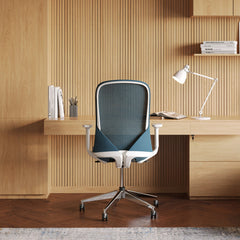
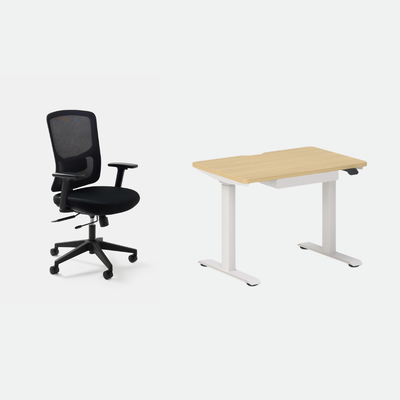
Our Novo Chair is the one I reach for in long seated blocks. It gives you adjustable lumbar support, adjustable seat depth, 4D arms, and a synchronized tilt with six lockable positions, which means the chair itself moves with you in small ways between big changes.
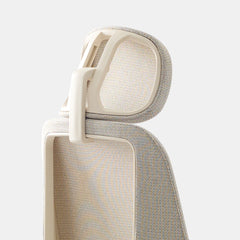
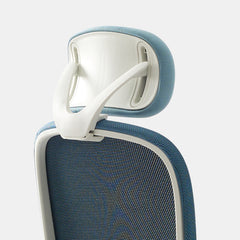
The Novo is $445, and if you lean back during calls, the Novo Headrest (only $45) can do wonders.
Adjust the chair before you adjust the desk. A seat height that puts your feet flat and your elbows near a right angle gives the desk a fair starting point.
Walk When the Task Allows It
Some tasks suit walking better than standing. A phone call with no screen is the easy one, and a stroll around the room or the block while you talk gives your hips and back more variety than a desk ever could.
A standing desk is not the only answer to sitting less. Use both: the desk for the screen work you can't leave, and your feet for everything else.
The same logic covers the small resets between tasks. Refill your water, check the mail, or step to a window for a minute. None of it takes long. Each one is a change of position that asks very little of you.
A Manual Standing Desk Raises by Hand, and That Changes How Often You Use It
People who look for a hand-crank desk are often weighing a tight budget against a worry that a motor is one more thing to break. Both are fair concerns. The research above gives a clear way to judge them: how easily a person will actually switch positions.
A Hand Crank Trades Effort for Fewer Parts
A hand-crank desk changes height with a crank or a lever, so you turn a handle or release a latch and lift, instead of pressing a button. The idea is simple and has few parts to wear out, which appeals to some people.
The trade is effort and time. Raising the top takes a handful of seconds of turning and sometimes a clear surface first, which is easy to accept once and tiresome the fifth time in a day.
For someone who plans to change position twice a day, that may be fine. For someone aiming at the frequent changes the CCOHS sheet describes, the effort adds up.
Why Ease Decides Whether the Desk Gets Used
Go back to the phrase at will. A desk you can move with one button suits the stand-for-a-call habit, because the cost of switching is close to zero. A desk with a crank asks for a small decision every time. Small decisions are the first thing to go on a busy day.
A crank can work. The habit this whole guide builds, short and frequent changes, is easiest on a desk that raises without effort. If you only ever expect to switch a few times a week, the argument changes.
Ask yourself how you actually work, because the answer matters more than the spec sheet. If your calls come in unplanned and your desk is full of papers, you will switch less on any desk that needs a clear top and some cranking.
We Make Electric Desks, and Here Is Why
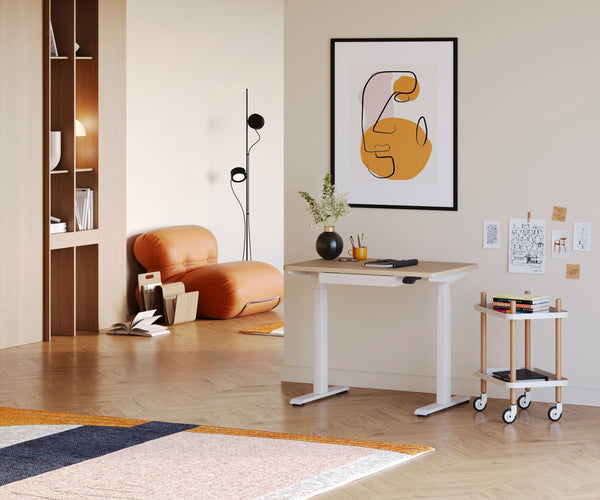
Urbanica doesn't make a hand-crank desk. Our Standing Desk is electric, so you change height at the press of a button, and it comes in two sizes: 48 by 30 inches at $574 and 60 by 30 inches at $690.
The desk we make is built for the frequent, effortless changes that the safety guidance points to. I use that kind of desk myself. I change position a few times every day.
If a crank is what your budget or your preference calls for, I would rather you know today that it isn't in our range than find out at checkout.
The Urbanica Desks and Chairs That Make Changing Position Easy
Once you know how much you plan to move, the product choice gets easy. We make three standing desks and four office chairs. Each suits a different room and a different person.
The Standing Desk Is the One I'd Start With
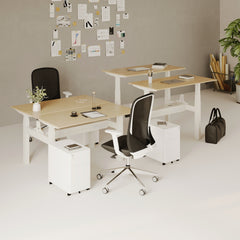
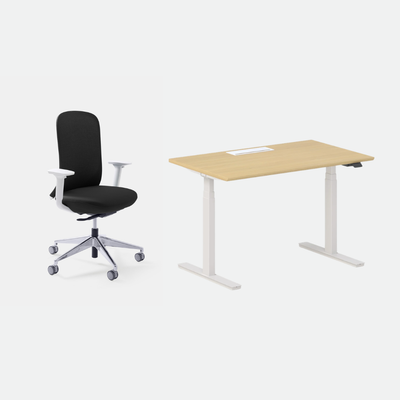
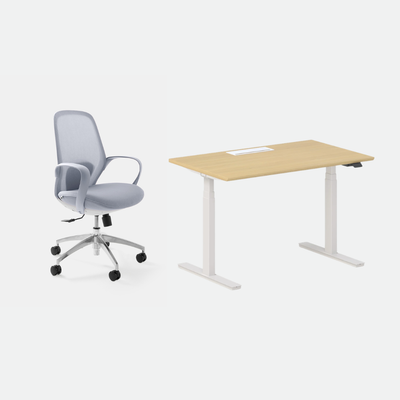
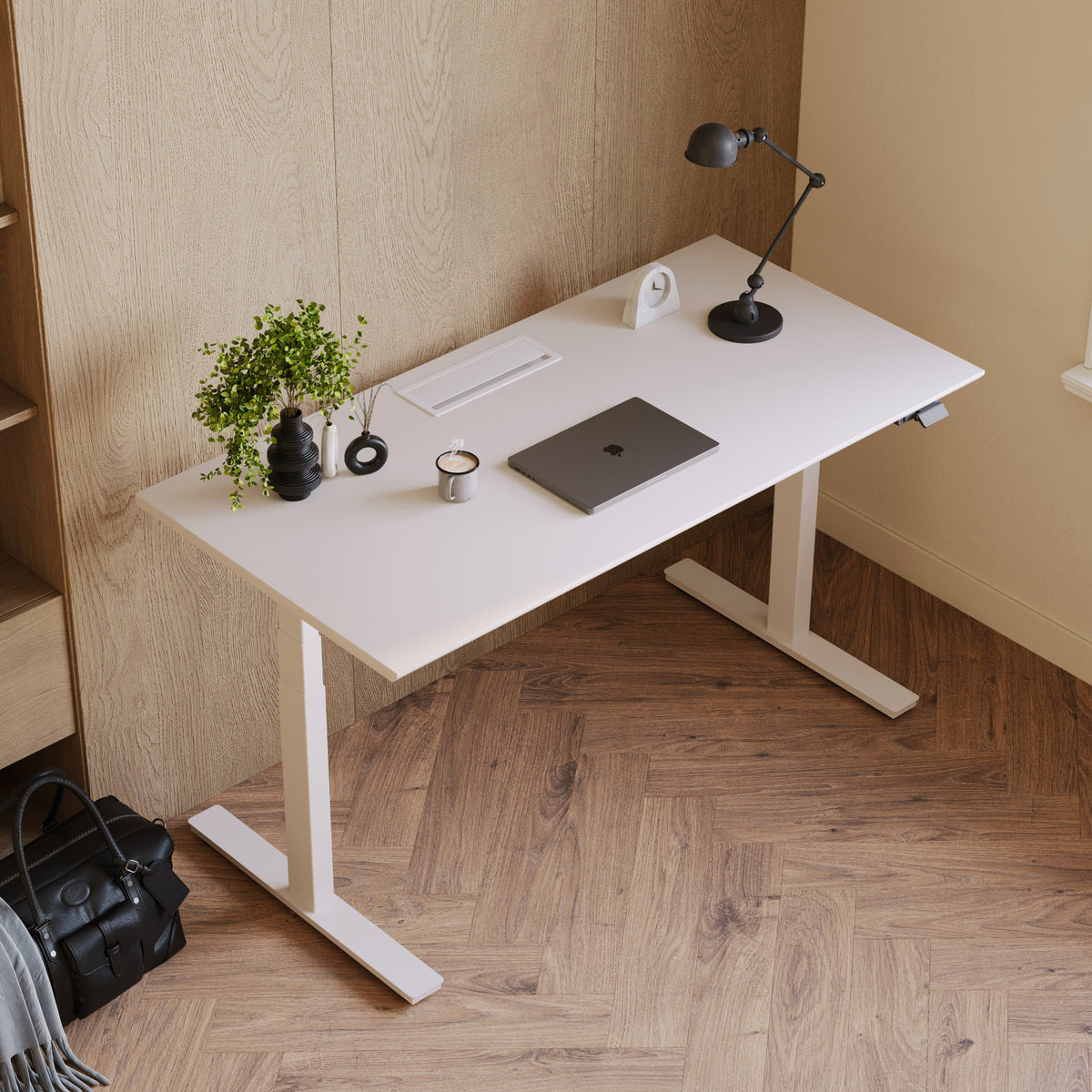
The Standing Desk suits most people who work alone at a desk, because the top is large enough for a laptop and a monitor, and it adjusts with a button. It is the desk I'd pick if you want one piece that handles the long seated blocks and the quick standing breaks.
Pair it with a chair that matches the seated hours. The Standing Desk is $574 in the 48 by 30 inch size and $690 in the 60 by 30 inch size.
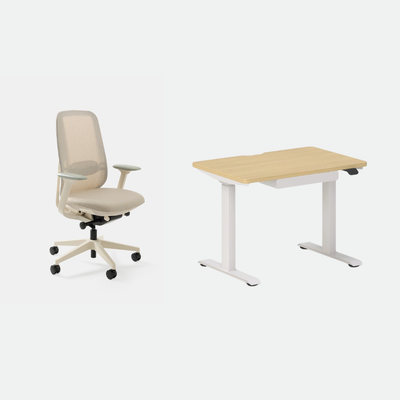
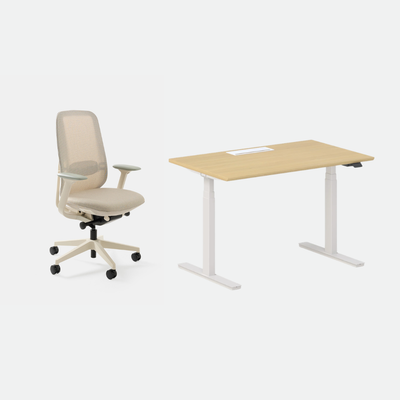
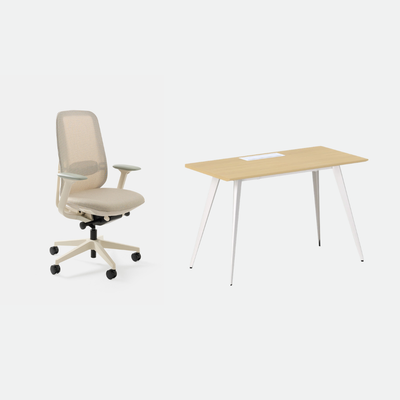
If you want the desk and chair in one order, the Active Bundle ($968 or $1,078, depending on size) pairs the Standing Desk with the Novo, and the Inspired Bundle ($849 or $959) pairs it with the Muse.
For most home offices, the 48 inch size is enough. Pick the 60 inch size when you run two screens or want room for papers beside the keyboard.
Tight Rooms and Short Lists Suit the Mini Standing Desk
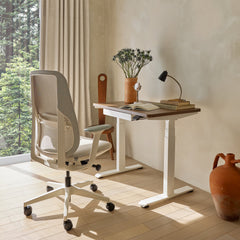
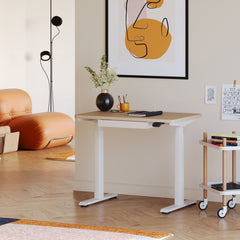
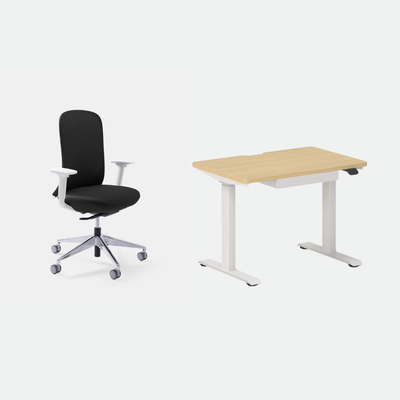
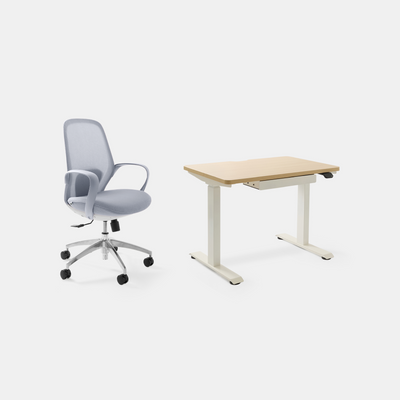
The Mini Standing Desk is height-adjustable and includes a drawer, which makes it the one desk we make that holds a few daily items without a second piece of furniture. It is the desk I'd put on a narrow wall or in a small apartment.
It costs $429 and carries a 10-year warranty.
If your room is small, the shorter footprint matters more than the extra top space. Measure the wall first, then choose. Leave room behind the desk to push your chair back, because a small desk in a cramped corner is harder to use than a slightly bigger one with space around it.
Shared Rooms Call for the Two-Person Standing Desk
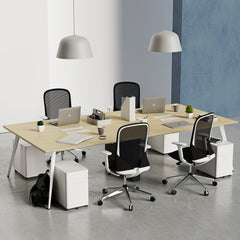
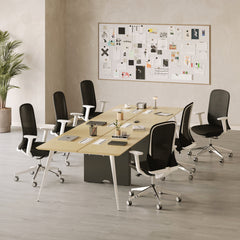
The Two-Person Standing Desk suits a shared room where two people want to work side by side at one surface. It is $1,699.
It makes the most sense for couples working from a shared room and for small teams in a compact space. If you are one person with a lot of gear, the single Standing Desk is the better buy.
Check the width of the top against the two chairs you plan to sit in, and leave a few inches between the two people so elbows have room.
A shared desk also raises one question to settle before you order: whether both people want to stand at the same time. If their rhythms differ a lot, two separate desks may serve them better.
Match the Chair to the Hours You Sit
A standing desk does not replace the chair, because most of the day is still seated. The Novo is my first pick for long seated blocks, with adjustable lumbar support, adjustable seat depth, 4D arms, and a synchronized tilt with six lockable positions. It carries a 10-year warranty on frame and mechanism.
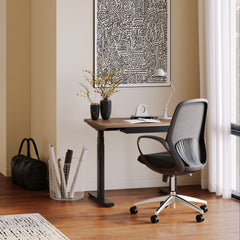
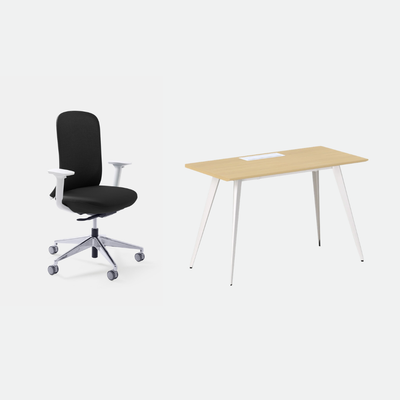
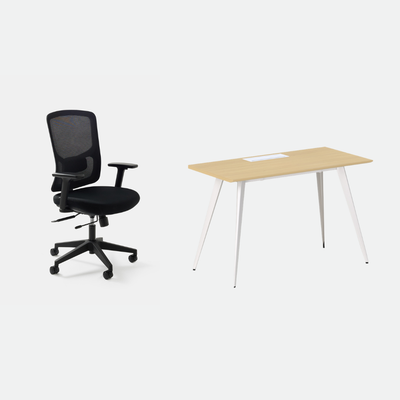
The Muse suits a smaller frame, with a fit for 5'0" to 6'0", and is $320. The Onyx fits 5'2" to 6'2", has 4D adjustable armrests, and is $249. The Onyx carries a 5-year warranty on frame and mechanism.
A spec sheet doesn't tell you how a chair feels at hour five. Sit in it for a stretch at home, and use the return window if it doesn't suit you: returns run 30 days, and a 10% restocking fee may apply to some returns.
A desk that rises is only worth owning if you use it ten times a day, so judge it by how easy it makes the next change.
Aiden G., Urbanica
Set Up Your Standing Hours So They Help Instead of Hurt
Moving more is only worth doing if each position is set up well. A poor standing setup gives you the fatigue the CCOHS sheet warns about, with a few new aches added.
Give Your Legs and Knees Room in Both Positions
The Occupational Safety and Health Administration (OSHA), the US federal agency that sets and enforces workplace safety rules, covers this in its Computer Workstations eTool page on desks. It tells employers to "Provide height-adjustable desks" and says that "Clearance for the legs, under the desktop, should generally be between 20-28 inches (50-72 cm) high."
That clearance figure is for seated work, and it means your knees and thighs should slide under the top without touching anything.
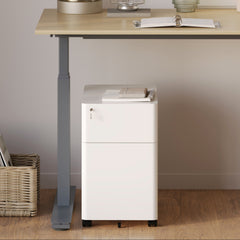
A bin, a box of cables, or a drawer unit on the floor under the desk takes up room you need. The Mini Standing Desk's built-in drawer is part of the desk. Keep the space beneath it clear in the same way.
I keep the space under my desk empty for that reason. Both the seated and the standing position get easier on the legs.
Raise the Top to Your Elbows and Keep the Screen Where You Look
When you stand, let your arms hang relaxed and bend your elbows near a right angle. The top should meet your forearms there. Your shoulders stay down instead of creeping up toward your ears.
Then look at the screen. Your eyes should meet the top part of it without you tilting your head down or craning your neck forward. If the screen sits too low on the desk, our Adjustable Laptop Stand ($55) lifts a laptop toward eye level. Urbanica doesn't make monitor stands or arms.
The same holds in the seated position. Whatever height you choose, check it again when you switch, because the screen that was right for sitting is too low for standing.
Stand on Something Kind and Keep Your Weight Moving
A hard floor means that standing for longer will make you tired faster than most people expect. Wear supportive shoes and shift your weight from foot to foot as you work.
I treat this as a short-session tool, in line with the CCOHS idea of frequent changes. When your feet start to complain, sit.
Urbanica doesn't make footrests or anti-fatigue mats. Shoes and sitting breaks are the tools here. The one rule I'd add is to try it for a few hours before you decide how long to stand.
Build Up Gradually and Let Your Body Set the Pace
Start with a few minutes at a time, a couple of times a day, and add time as your legs adjust. Give it a couple of weeks before you judge the desk, because the first days will feel awkward whatever you buy.
Treat any pain that gets worse as a signal to stop and sit. Stiffness that eases when you change position is normal at first. Sharp or spreading pain is a reason to stop. If it keeps coming back, talk to a clinician, since a desk is not medical care.
By the end of the first weeks, switching should feel automatic. That is the sign the setup is working.
Four Articles to Read Next on Standing and Small Rooms
Each article below goes deeper on one question from this guide.
If You Are Still Deciding Whether to Stand at All
An article on our blog on a sit or stand desk decision guide works through the choice in more detail. Another covers standing desk versus standard desk head to head. Read either one if you are still weighing a fixed desk against an adjustable one.
If You Already Have a Desk and Want to Use It Better
Our article on using a standing desk the right way covers the day-to-day habits, and the one on fitting a standing desk in a small apartment helps with tight rooms. Use them to go deeper on the parts of this guide that match your situation.
FAQ
Is a Hand-Crank Desk Good Enough?
It can be, if you expect to change position only a few times a day and you don't mind the effort. The CCOHS guidance favors frequent changes and working sitting or standing at will. A motor makes that easier. Our own Standing Desk is electric for that reason.
How Long Should I Stand Each Day?
The CCOHS sheet doesn't give a number. It asks for frequent changes, and the Benzo study found that brief standing interruptions reduced discomfort. I'd begin with a few minutes at a time and let your legs set how long you build up to.
Is It Bad to Stand All Day?
CCOHS says continuous standing or sitting while working is a common source of discomfort and fatigue, so standing all day brings its own problems. The goal is to alternate. If your feet or back start to ache, sit down.
Do I Still Need a Good Chair with a Standing Desk?
Yes. Most of your day is still seated. The chair carries those hours. A chair with adjustable lumbar support and seat depth, like the Novo, keeps the seated time comfortable between standing breaks.
What Size Standing Desk Do I Need?
The 48 by 30 inch Standing Desk fits most single-person setups. Choose the 60 by 30 inch size for two screens or extra paper space, and measure your wall first.
Tell Us How Your Day Runs, and We Will Point You to a Desk
You now have the pieces: why a day in one position wears you down, a rhythm you can start today, a straight answer on the hand-crank question, and the desks and chairs that make switching easy. If you only take one idea from this guide, take this one: judge every desk by how easy it makes the next change.
If you'd like a second opinion, tell us how your day runs, how many calls you take, and how much room you have through our contact page, and we'll tell you which Urbanica desk fits you. You can reach Urbanica Furniture at 1705 NW 38th Ave, Lauderhill, FL 33311 or call +1-(888)-350-9545.
References
- Canadian Centre for Occupational Health and Safety, OSH Answers, Working in a Standing Position, Working in Standing/Sitting Positions: supports the lines on continuous standing or sitting, frequent changes, and working sitting or standing at will. https://www.ccohs.ca/oshanswers/ergonomics/standing/sit_stand.html
- Benzo RM, Carr LJ, Casey DP, Hughes WE, Kruse NT (2018), Acute Effects of Interrupting Sitting on Discomfort and Alertness of Office Workers, Journal of Occupational and Environmental Medicine 60(9): supports the finding on prolonged sitting and brief standing interruptions. https://stacks.cdc.gov/view/cdc/212254
- Occupational Safety and Health Administration, Computer Workstations eTool, Desks: supports the height-adjustable desk and the 20 to 28 inch leg clearance. https://www.osha.gov/etools/computer-workstations/components/desks