







Does a Custom Standing Desk Earn Its Place by Day Ninety? Five Pass-or-Fail Marks for the Urbanica Standing Desk
A custom standing desk looks like an easy purchase until the sixth week, when the novelty fades, and the height button stops getting pressed. I wrote down how I judge one over ninety days, so that you can run the same test on your own desk. You finish this article knowing what to check at thirty days, at sixty, and at ninety, and what a pass looks like.
TLDR
Yes, a custom standing desk is worth keeping if you still move between sitting and standing in the last month of the test, and no, a desk that only gets raised in week one has not earned its price. That is the whole verdict, and the rest of the article shows you how to reach it for your own room.
We start with what you actually choose when you order the Urbanica Standing Desk, then the five marks I set before the first lift. After that comes the test in three stretches: the first thirty days, the middle thirty, and the last thirty, with a pass or a fail attached to each mark. Near the end, you will find which Urbanica desk fits which reader.
Who This Article Is For
- You are about to order a standing desk and want a way to tell, three months later, if it was the right call.
- You bought a height-adjustable desk before, stood at it for a week, and never touched the switch again.
- You work from home most days and sit through long stretches without noticing.
- You are choosing between a standard top and a larger one and want a reason to pick either.
- You share a small room with a desk and need to know if the Mini is enough.
- You want a plain pass-or-fail list you can run alone, with no app and no tracker.

Aiden G.
Head of Marketing, Urbanica Furniture
Author's Note
I have owned a height-adjustable desk that I barely raised and then ignored. The motor worked fine. I had no rule for when to use it, so the desk quietly became a very expensive fixed desk.
This time I wrote the rules before I touched the switch (it helps that I can be stubborn about my own experiments). I checked every price and spec against our live pages myself, and I left out anything a page does not settle.
And if you find any value in it, please share it with your friends, colleagues, and anyone who has bought a standing desk and quietly stopped using it!<br>
Disclaimer: I did use AI to help me write and do the research, but I'm editing myself, verifying the facts, and writing my own conclusions and takes.<br>
This article is part of our working-from-home-without-pain category, and we have many related articles that will help with the pain. Check the full guides here: Sitting All Day and How to Move More, the Field Guide, and The Work-From-Home Body: The Complete Guide to Working Without Pain.
A Custom Standing Desk Is Judged by Habits, so I Wrote Five Marks Before the First Lift
A desk that moves up and down is a motor, a frame, and a top, and a motor cannot tell you if it was worth buying. What decides that is how often you change position when your body asks, so the test below measures your behavior.
What You Choose When You Order the Urbanica Standing Desk
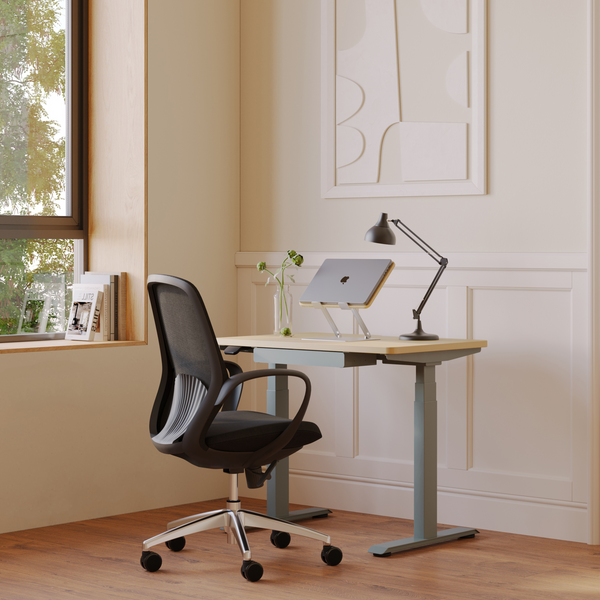
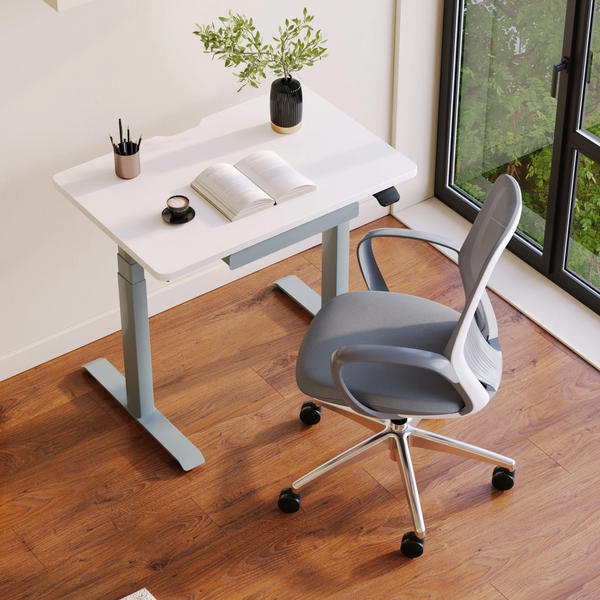
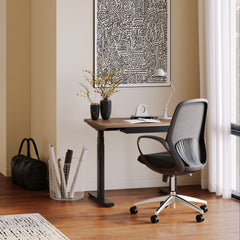
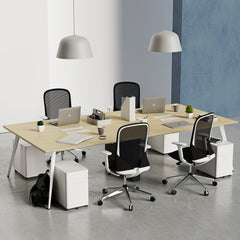
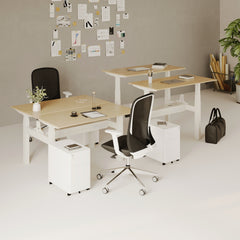
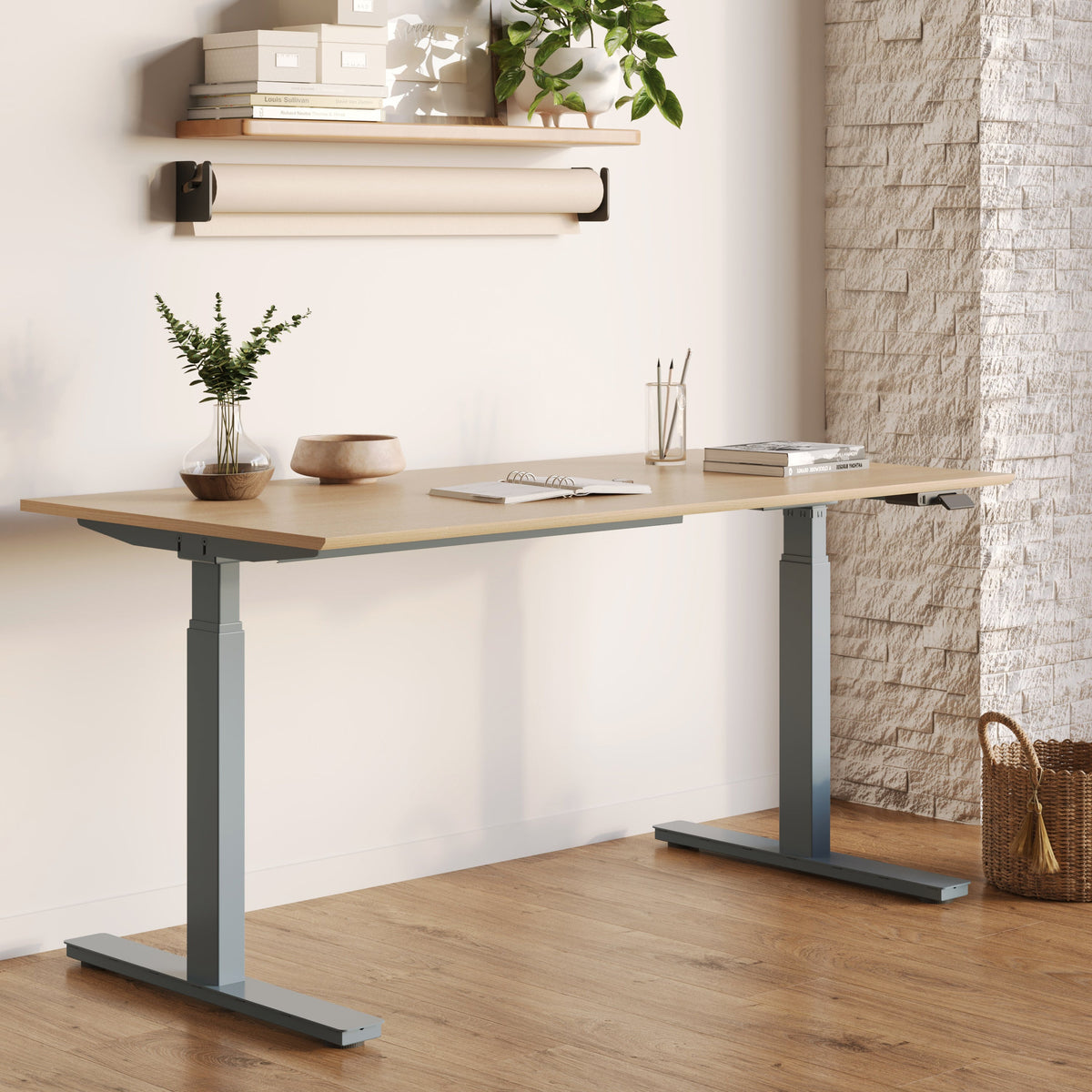
When I say custom, I mean the choices you make at checkout, because those are the ones you can verify on the page. The Urbanica Standing Desk comes in two sizes, 48 inches wide by 30 inches deep and 60 inches wide by 30 inches deep, and you pick a finish for each. The lift is electric, with push-button height adjustment, and the range runs from 22 to 44 inches.
The 48-inch desk is $574, and the 60-inch is $690, a gap of $116 for another foot of width. I would pay it if you run two monitors or keep a laptop beside a full-size screen. If one monitor and a notebook cover your day, the smaller top is plenty.
The Pattern the Research Points To, and Why I Treat It as a Goal
The Cornell University Ergonomics Web, the ergonomics research site of Alan Hedge at Cornell University, publishes a ballpark pattern for sit-stand work: 20 minutes sitting, 8 minutes standing, and 2 minutes standing and moving. Over a 7.5-hour workday, lunch excluded, that adds up to 5 hours of sitting, 2 hours of standing, half an hour of moving, and 16 changes of position. Cornell says the numbers are not hard and fast.
That last sentence matters to me more than the numbers. A pattern that flexible tells you the point is the change itself, so I use 20, 8, and 2 as a shape to aim at and never as a score to hit. The Canadian Centre for Occupational Health and Safety (CCOHS), the Canadian government body that publishes workplace safety fact sheets, says the same thing in fewer words: frequent changes of body position, including alternating between sitting and standing, help to avoid fatigue.
The Five Marks, Written Before Day One
Each mark is a pass or a fail, and I wrote them down before I used the desk, because marks written afterward tend to describe whatever happened. They are my own tests, not a published standard.
- The switch mark: by week two, changing height needs no decision. You do it when a call ends or a task finishes, without arguing with yourself.
- The forearm mark: at both heights, your forearms rest level and your shoulders stay down. A shrug at either height is a fail.
- The still mark: type at full standing height and watch the monitor. If the screen shimmers while you type, the desk fails.
- The week-twelve mark: you still change position as often in the last month as you did in the first.
- The clearance mark: cables keep their slack through the whole 22 to 44 inch travel, and your chair slides under the top at the lowest setting.
A standing desk earns its price on the day you stop thinking about the switch.
Aiden G., Urbanica
The First Thirty Days Decide Whether the Switch Becomes a Habit
The first month is where most people either build a rule or drift, and the desk behaves the same either way. Everything in this stretch is about making the change easy and keeping each stand short enough that you want another.
Set Two Heights on Day One and Leave Them Alone
On day one, I set a sitting height and a standing height, saved both as presets, then stopped adjusting. The Standing Desk has programmable presets, so each change becomes one press of a button instead of a negotiation with a ruler. If you resize the desk every time you switch, you will stop switching by the second week.
To find your two numbers, sit with your forearms level on the top, then stand and do the same. Write both heights on a sticky note under the desk. The forearm mark is the check here, and if your shoulders creep up at either height, the number is wrong, and you fix it that day.
Start With the Short Stand
Cornell's pattern puts the standing block at 8 minutes, so I took that literally for the first stretch. Eight minutes is short enough that nobody quits during it. It still counts as a real change of position. I used the end of a call as the cue, because a call has a clear finish and my hands were already idle.
Within a couple of weeks I had stopped thinking about the switch, which is exactly what the switch mark asks for. If you are still deciding each time, you have no cue yet, so pick a new one and try again for a week.
What I Write Down Each Friday
Every Friday I answer three questions in a notebook: did I use both heights this week, did my shoulders stay down, and did the screen stay still when I typed at the top height? Three yes answers is a good week. A no tells me which mark to fix first. I only ever fix one at a time.
Days Thirty-One to Sixty Test What the Novelty Was Hiding
The second month is the honest one, because the thrill of a moving desk is gone and what remains is routine. Most standing desks that end up parked at one height got parked here.
Watch for the Quiet Drift Back to Sitting
What I noticed in the middle month was a slow slide. A busy afternoon would pass with the desk at sitting height. The next day would start the same way. A pattern like that never feels like quitting, which is why I keep the Friday notebook going through this stretch.
My fix was to tie standing to something fixed in the day instead of to a feeling. The first call after lunch became a standing call, every day, and the desk went up before the meeting started. A cue that depends on the clock survives a busy week, while a cue that depends on remembering does not.
Check the Chair, Because Sitting Still Counts
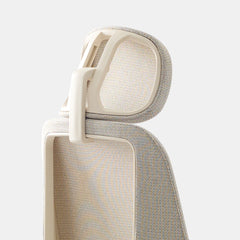
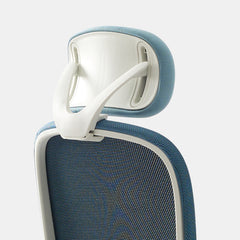
A sit-stand desk gives you two postures, so the sitting half deserves as much care as the standing half. If your chair fights your sitting height, you stand more to escape it. That is a bad reason to stand. I sit in the Novo Chair, which gives me 9 points of adjustment, an adjustable lumbar support and a synchronized tilt with six lockable positions, so the sitting stretches stay comfortable enough that I choose to stand instead of fleeing the chair.
Retest the Clearance Mark
Partway through the second month, I had moved the monitor cable, so I reran the clearance mark with the desk at its highest setting and then its lowest. Slack that looks fine at sitting height can pull tight at 44 inches. Run the desk through its whole travel once with your real setup on it, and fix anything that tugs.
Day Ninety Is Where Every Mark Gets a Pass or a Fail
At ninety days, I sit down with the notebook and score each mark honestly. The aim is a simple decision about the desk: keep it as it is, change one thing, or admit it does not fit how you work.
Score the Five Marks
Go down the list from earlier. The switch mark passes if you change position at a cue without debate. The forearm mark passes if your shoulders stay down at both heights. The still mark passes if the screen holds steady when you type standing. The week-twelve mark passes if the last month looks like the first. The clearance mark passes if nothing pulled, snagged, or blocked the chair.
Four passes and one fail means fix that one thing and keep the desk. Two or more fails usually point to the setup (the wrong top size, a chair that fights you, a cue you never found) and rarely point to standing itself. Re-read the relevant section above and run the stretch again before you decide the desk was a mistake.
What a Pass Looks Like in Practice
A pass is undramatic. By the end of my ninety days, the desk went up and down without my noticing, and the notebook entries had become boring, which was the goal. The result was undramatic: a desk that stopped being a decision.
What a Fail Teaches You
A fail teaches you something cheaper than a returned desk. If the still mark fails at a size, you now know to try the other top before blaming the idea. If the week-twelve mark fails, you know your cue is weak. Our returns window is 30 days, so the fastest of these checks, the forearm and still marks, are worth running inside it.
Which Urbanica Desk Fits the Test You Just Read
Each Urbanica sit-stand desk suits a different room and a different reader, so match the desk to the marks you care about most. I would send most people to the Standing Desk and a few to the Mini.
The Standing Desk, for Most Home Offices
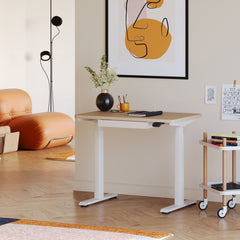
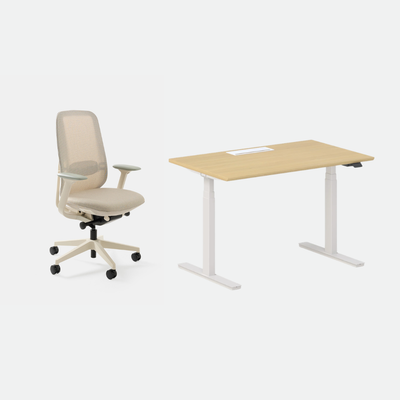
The Standing Desk suits anyone with a full-size desk space and one or two monitors. It is the one I use for the test above, with the 22- to 44-inch electric lift and programmable presets that make the switch mark easy to pass. The 48-inch top is $574, and the 60-inch top is $690. If you plan to run power at the desk, the Standing Desk page offers optional power, and the In-Desk Power module is $85.
The Active Bundle, if the Chair Is Part of the Question
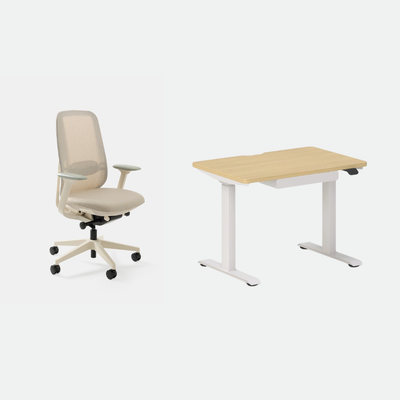
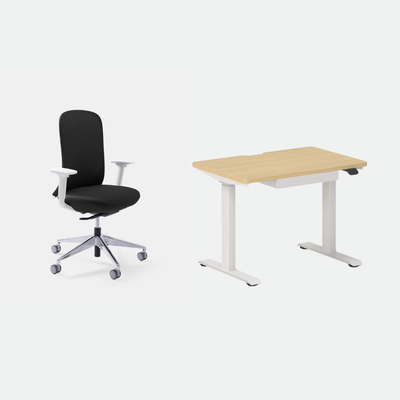
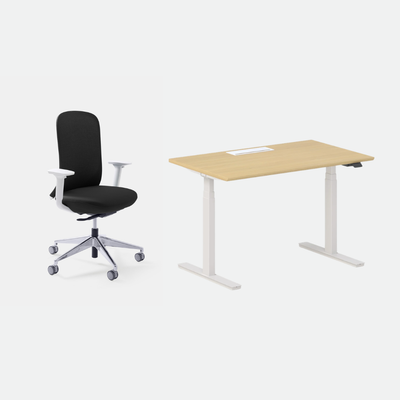
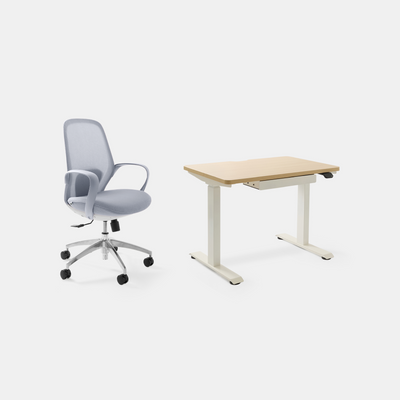
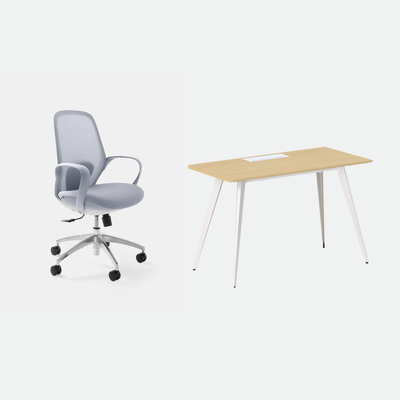
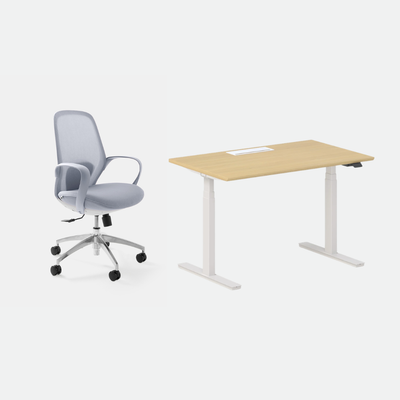
If your sitting stretches are the weak half of the test, the Active Bundle pairs the Standing Desk with the Novo Chair, and it starts at $968. The Novo alone is $445, so check the bundle page for the size and finish you want before you decide.
The Mini Standing Desk, for Small Rooms
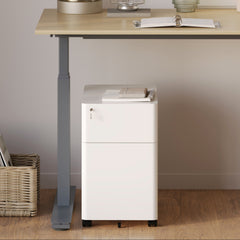
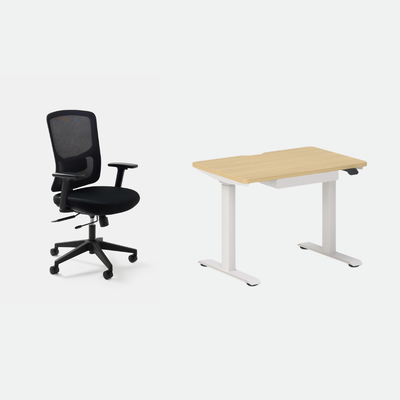
The Mini Standing Desk suits a corner, a spare room, or a shared space where a 48-inch top would crowd you. It is height-adjustable, the top measures 36 by 24 inches, a drawer is included, and it is $429. It is the only Urbanica desk with a drawer. With a smaller top, the still mark and the clearance mark need an extra look, because there is less room for a monitor and a laptop together.
Run the marks for ninety days, and the desk answers its own question.
Aiden G., Urbanica
FAQ
How Long Does It Take to Get Used to a Standing Desk?
I felt settled after the first few weeks of short stands. Yours may differ, so I will not promise a date. Start with the 8-minute block from Cornell's pattern and add time only when the short stand feels dull. If your feet or back complain, cut the block, because comfort at the end of a stand matters more than minutes logged.
Should I Stand for Most of the Day?
No. Cornell's own ballpark puts 2 hours of standing in a 7.5-hour day, with 5 hours of sitting, and it says over-standing can harm your health just as over-sitting can. Aim for changes of position.
Is the Bigger Top Worth the Extra $116?
It is worth it if you run two monitors or like a notebook open next to a keyboard. The 60-inch top gives you the room, while the 48-inch top is enough for one screen. Measure your desk space and your screens before you decide.
Can I Use Any Chair With a Standing Desk?
You can use any chair that suits you, though the sitting half of your day still counts. CCOHS says a sit-stand workstation should have an ergonomic chair, so choose one that supports you through the sitting blocks. Ours is the Novo, and the Active Bundle sells it with the desk.
Start the Test by Picking the Size and Saving Your Two Heights
You now have the whole test: five marks written before day one, short stands in the first month, a fixed cue in the second, and a scored notebook at day ninety. Start with a size, set your sitting and standing presets on the day the desk arrives, and write the first Friday entry before the week is over.
If you want to see how the question looks from the buying side, I wrote another article on whether a standing desk is worth the money, with the cost worked out per workday: Standing Desk Reviews and the Worth-It Question. When you are ready to order, you can find Urbanica Furniture at 1705 NW 38th Ave, Lauderhill, FL 33311, or call +1-(888)-350-9545, and we will help you pick the size.
References
- Cornell University Ergonomics Web, Sit-Stand Working Programs: supports the 20 minutes sitting, 8 minutes standing and 2 minutes standing and moving pattern, the 5 hours sitting, 2 hours standing, half an hour moving and 16 position changes over a 7.5-hour day, the note that the numbers are not hard and fast, and the statement that over sitting and over standing can both be hazardous to health. https://ergo.human.cornell.edu/CUESitStandPrograms.html
- Canadian Centre for Occupational Health and Safety, Working in a Standing Position, Working in Standing/Sitting Positions: supports the point that frequent changes of position, including alternating between sitting and standing, help to avoid fatigue, and the recommendation of an ergonomic chair at a sit-stand workstation. https://www.ccohs.ca/oshanswers/ergonomics/standing/sit_stand.html
- Urbanica Furniture, Standing Desk product page: supports the 48 by 30 and 60 by 30 inch sizes, the $574 and $690 prices, the electric push-button height adjustment, and the 22 to 44 inch range. https://urbanicafurniture.com/products/standing-desk
- Urbanica Furniture, Shipping and Returns: supports the 30-day returns window. https://urbanicafurniture.com/pages/shipping-and-returns