The Best Add‑Ons for Hybrid Work Setups
Reframing Hybrid Productivity Through Purposeful Add-Ons
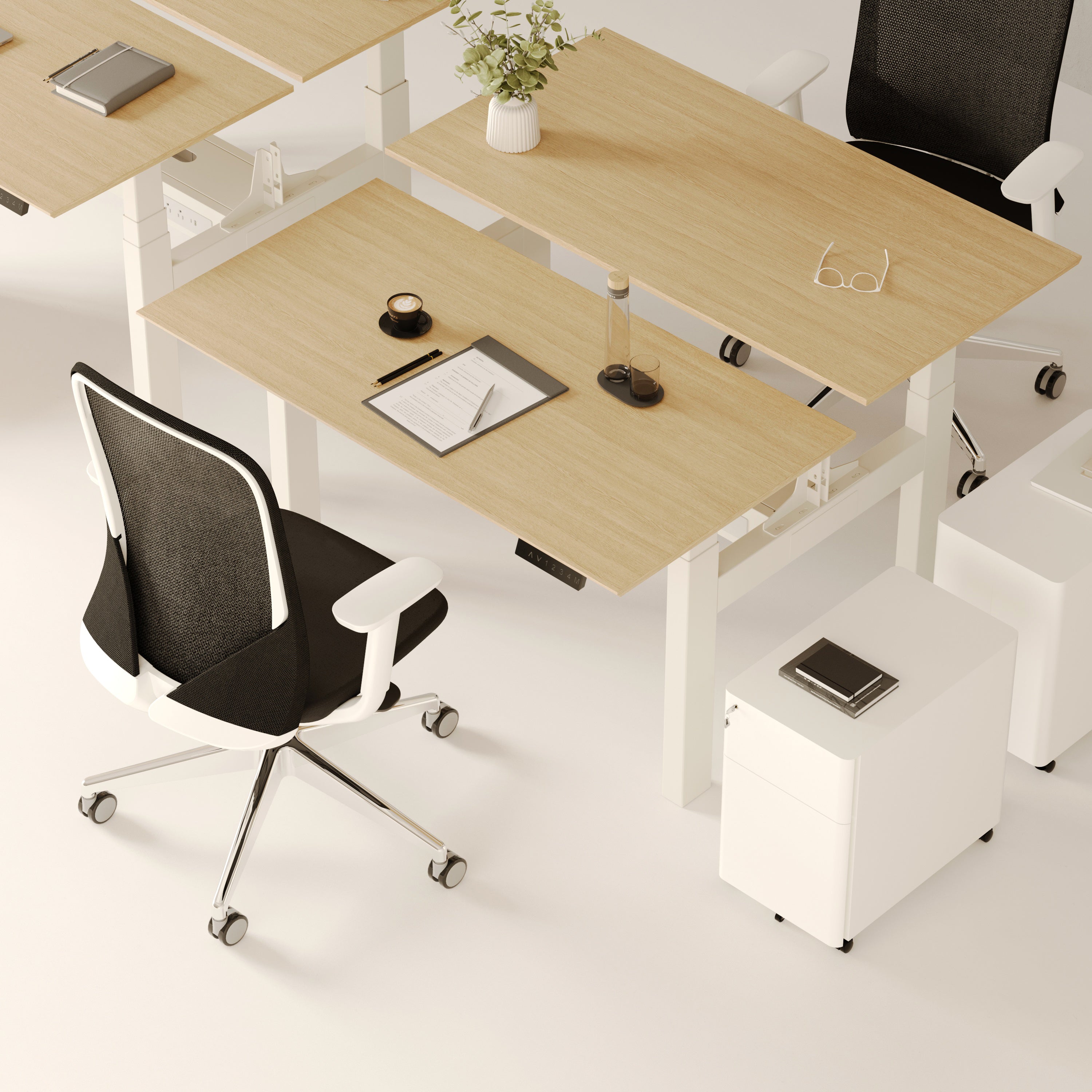
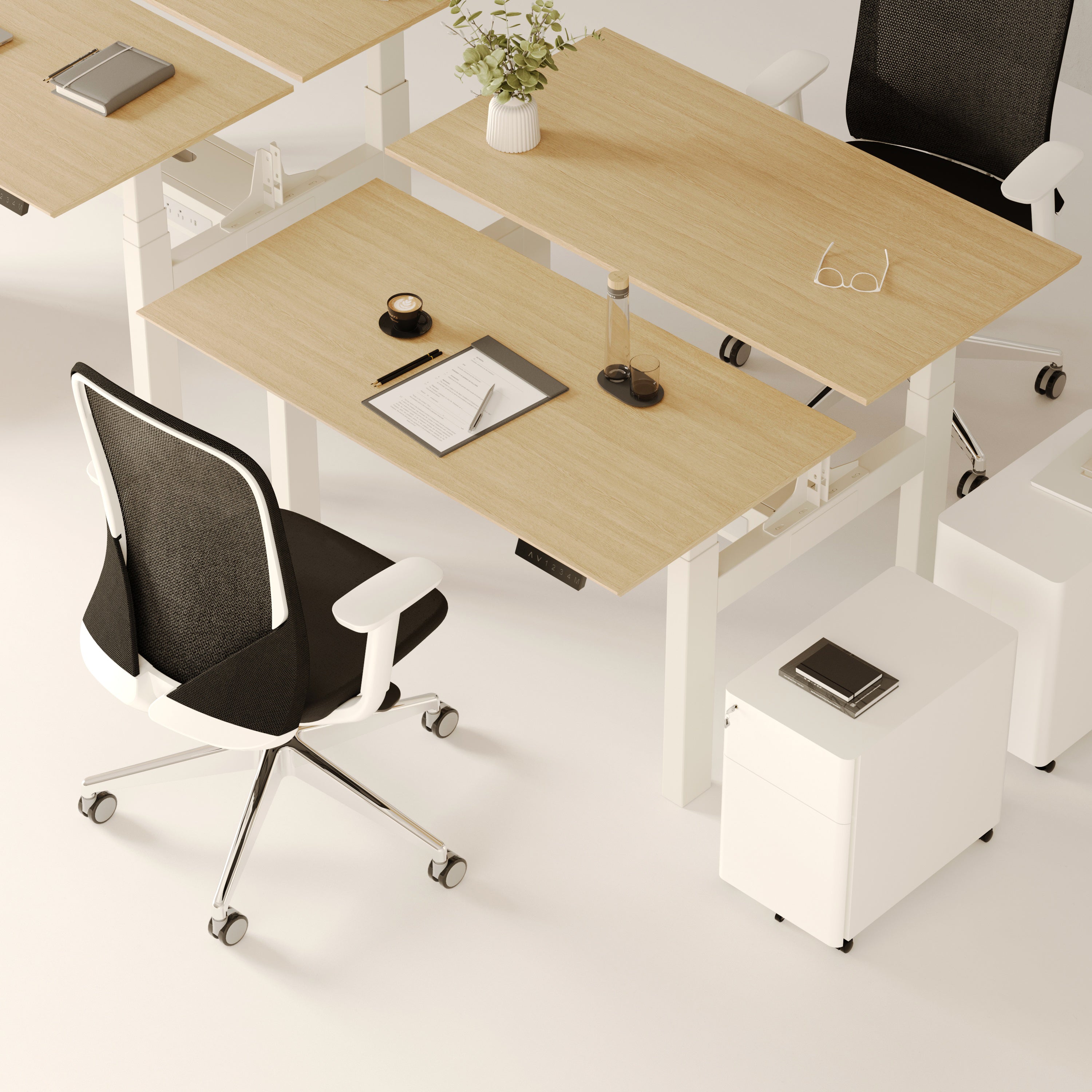
Hybrid work has become the defining model of modern productivity. It no longer represents a temporary arrangement but an intentional lifestyle that bridges the precision of office systems with the comfort of home. The success of this model depends not on furniture alone, but on purposeful add-ons ergonomic, technological, and aesthetic tools that transform any desk into a consistent and efficient workspace.
These add-ons create balance between performance and well-being. They ensure that flexibility does not come at the cost of focus. From lighting and storage to power access and cable organization, every element of a hybrid setup should work quietly in the background, supporting uninterrupted flow. Thoughtful accessories make transitions seamless, giving professionals a reliable structure whether they’re at home, in the office, or between locations.

Ergonomic Fundamentals That Anchor Every Hybrid Desk
Aligning Body Mechanics With Daily Output
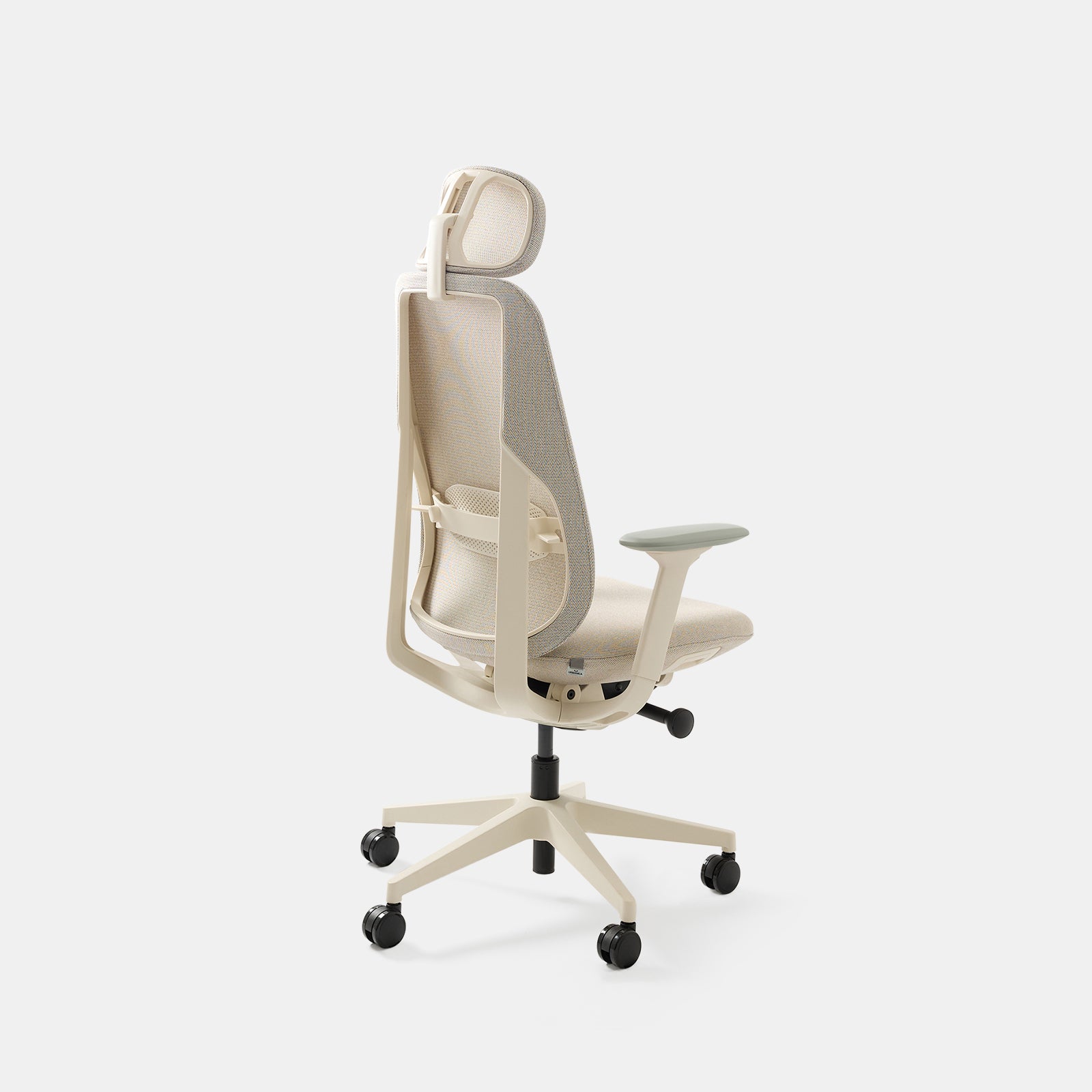
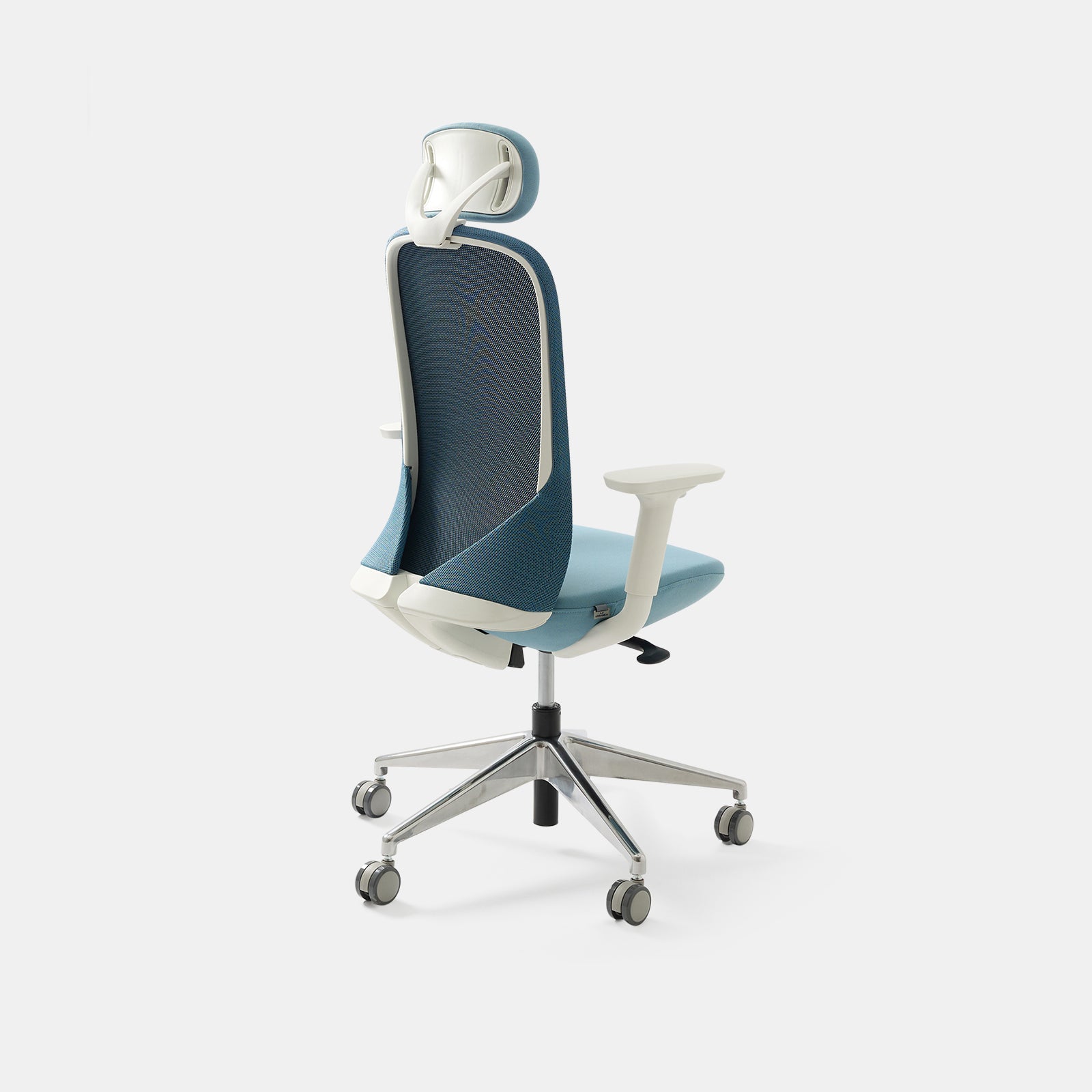
Ergonomics shapes how comfortably and efficiently we perform. The goal is alignment—designing a workspace that works with, not against, the body. Desk height, chair structure, and monitor positioning should promote neutral posture. Arms remain relaxed, feet grounded, and the spine supported to prevent fatigue during long work sessions.
Evidence-Based Guidelines For Safer Workstations
Hybrid workers frequently switch between environments that vary in furniture size and height. Using recognized standards ensures consistent comfort. Refer to OSHA’s ergonomic guidelines when calibrating any workspace. These cover reach distances, arm angles, and screen alignment to minimize repetitive stress injuries and encourage sustainable posture.
Micro-adjustments That Deliver Macro Results
-
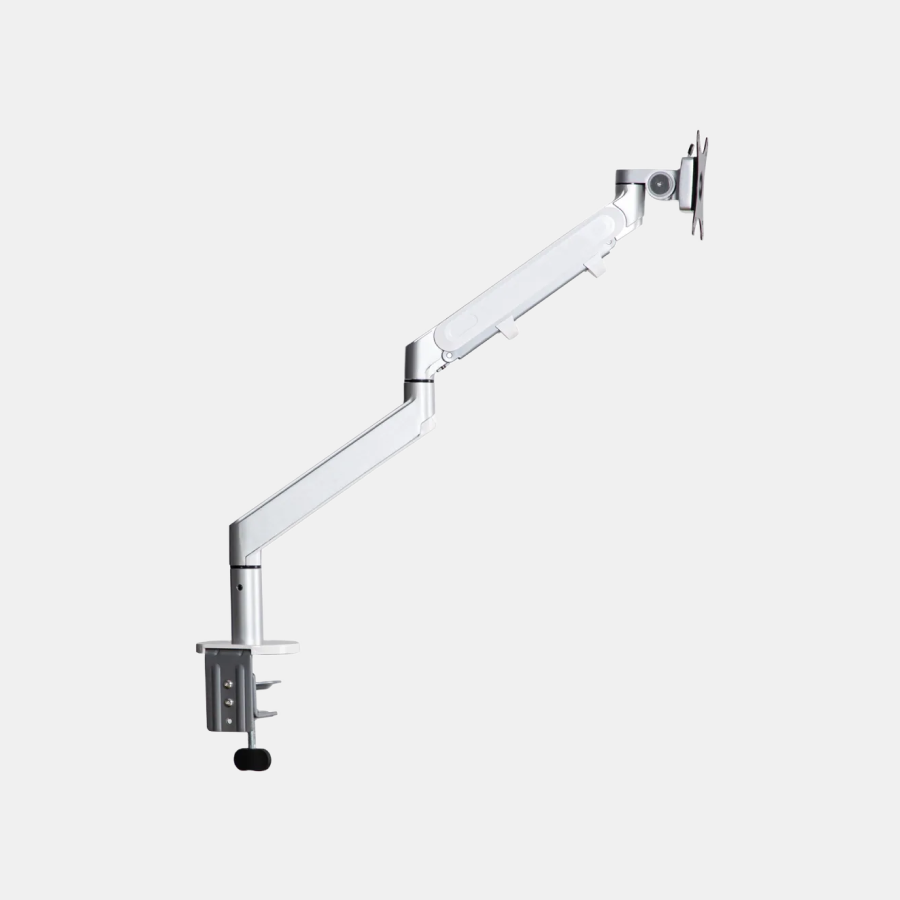
Position monitors so the top edge aligns with eye level.
-
Keep elbows at a 90-degree angle and wrists straight.
-
Use a low footrest to relieve leg strain if needed.
-
Follow the 20-20-20 rule: every 20 minutes, look 20 feet away for 20 seconds.
Minor corrections like these compound into meaningful comfort gains throughout the week.
Storage That Moves, Protects, and Disappears Visually
Why Mobile Storage Fits Hybrid Life
Hybrid professionals need secure organization that can move between spaces. Stationary cabinets often limit flexibility, but compact mobile units enable easy transition. The key is maximizing accessibility without cluttering the workspace or overwhelming small areas.
A Compact Anchor Under The Desk
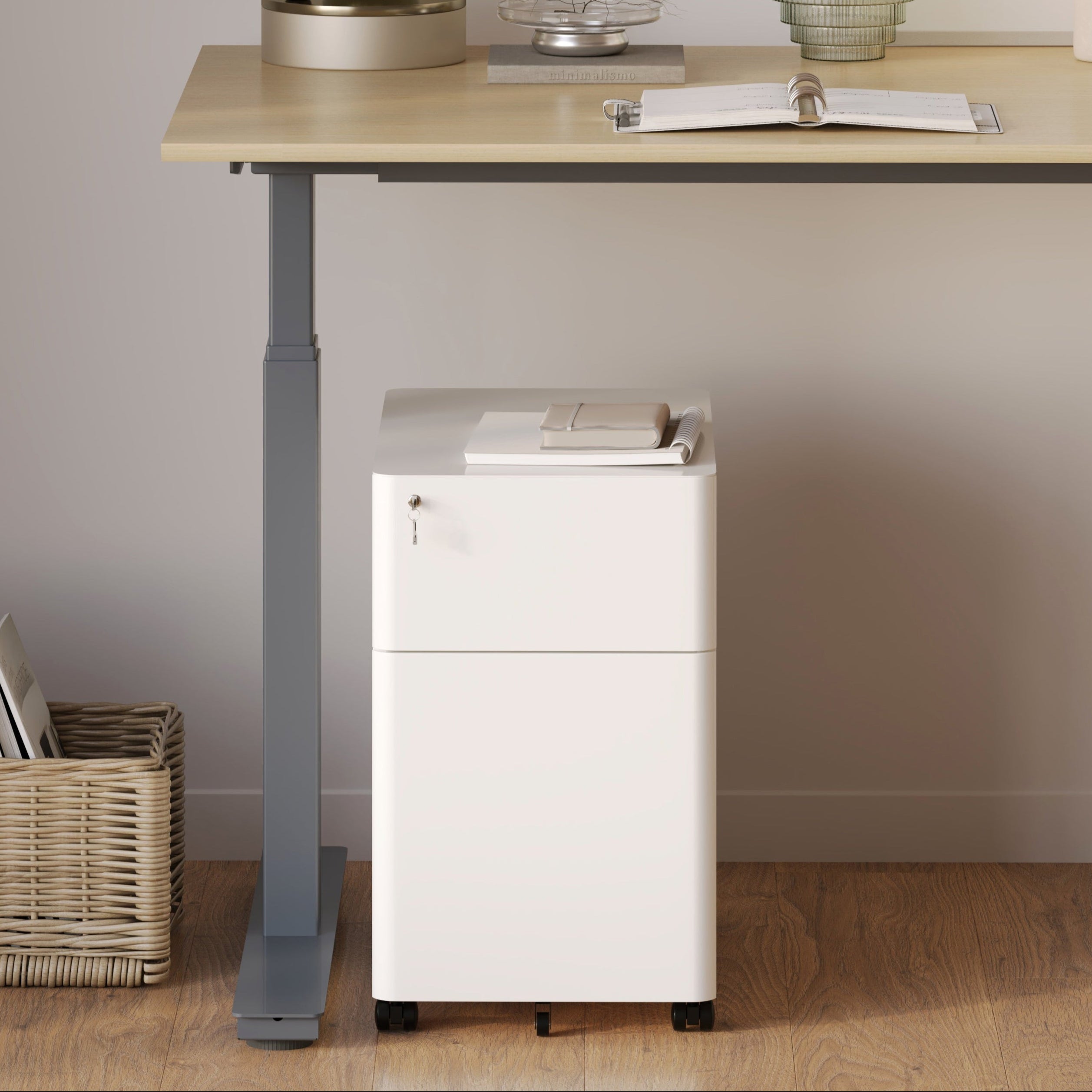
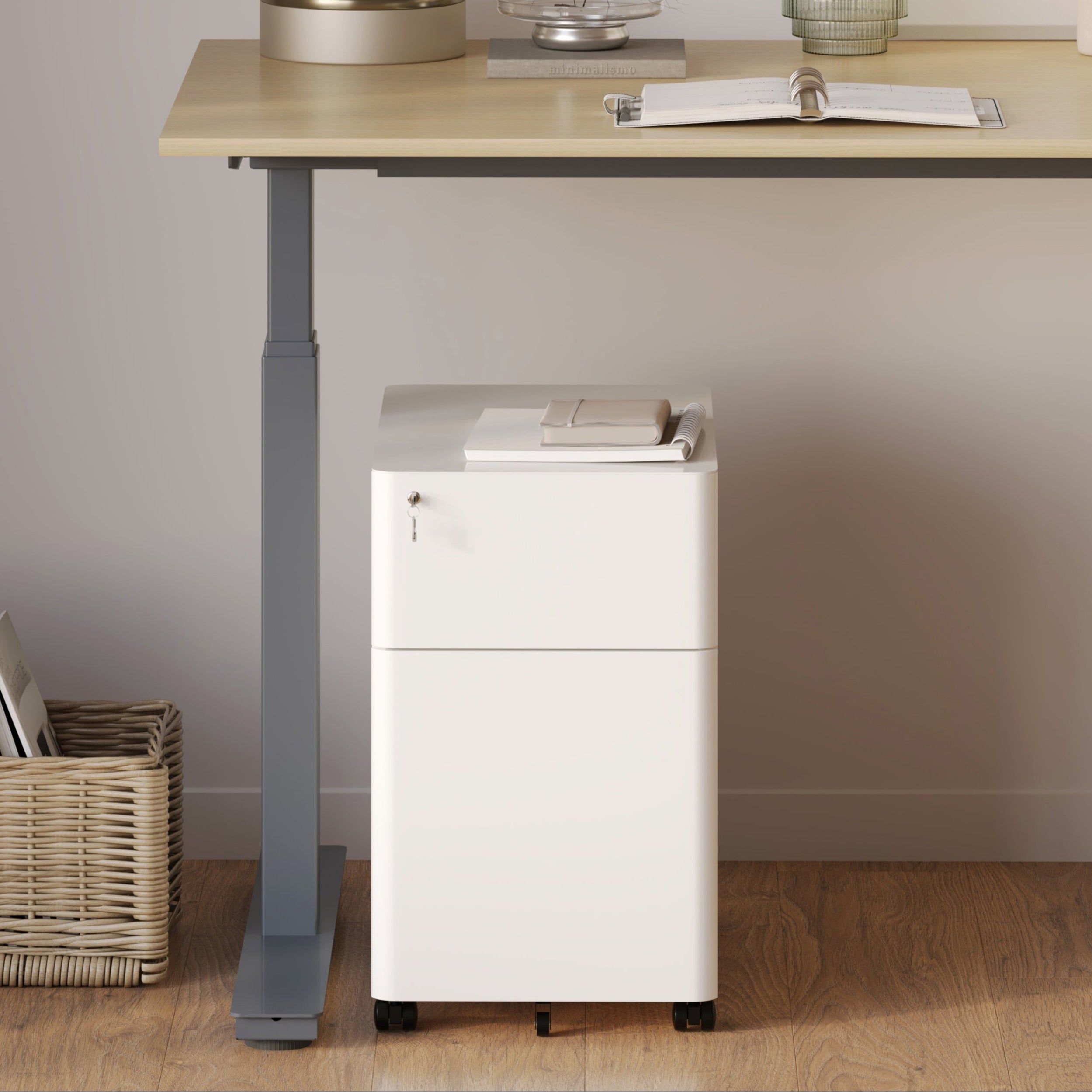
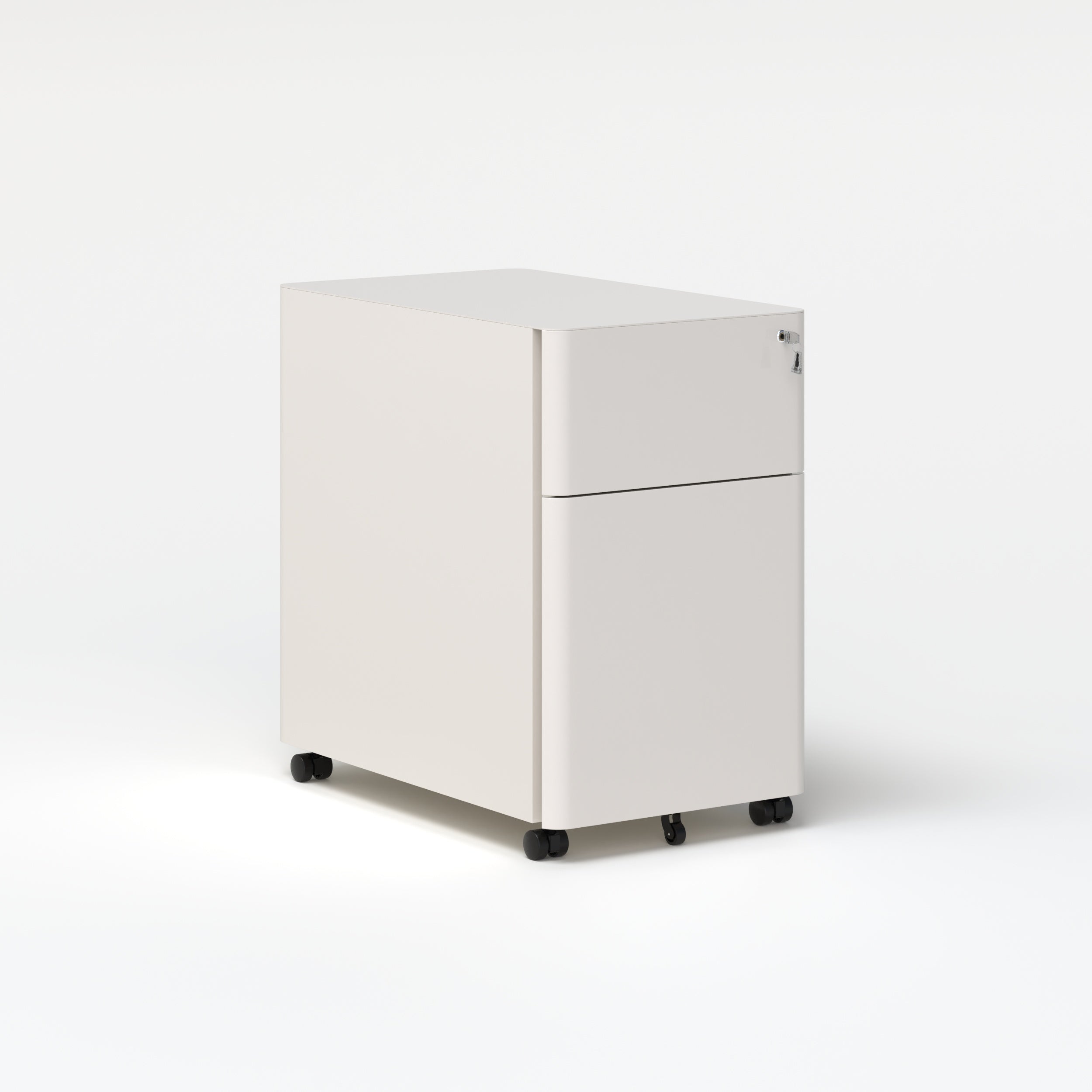
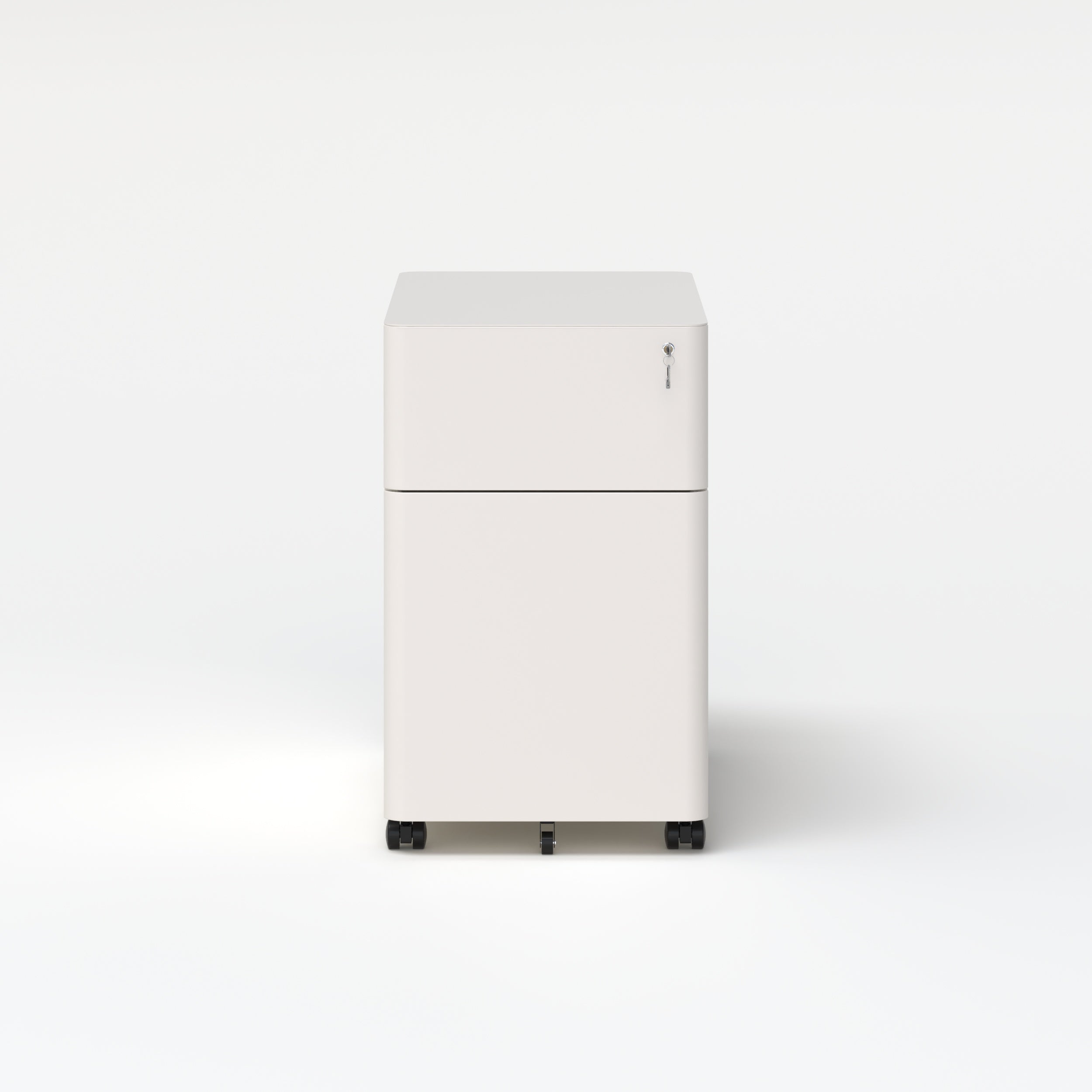
A well-designed pedestal can act as both storage and surface extension. The compact hybrid filing cabinet for agile workspaces blends form and function, offering privacy through lockable drawers and smooth mobility on casters. Its minimalist profile fits neatly under desks, keeping the floor plan open while ensuring essential items stay within reach.
Comparing Storage Formats For Hybrid Routines
| Storage Type | Portability | Best Use Case | Privacy/Security |
|---|---|---|---|
| Fixed desk drawers | Low | Dedicated corporate desks | Medium |
| Rolling pedestal | High | Home and office transitions | High |
| Wall-mounted bins | Moderate | Compact urban apartments | Low |
The ideal hybrid storage solution prioritizes flexibility and accessibility while maintaining visual simplicity.
Power Access That Feels Invisible and Always Ready
Rethinking Power as a Surface Feature
Every hybrid workspace relies on power, yet exposed cords disrupt flow. Integrating power directly into the desk allows seamless access without visual distraction. Thoughtful placement prevents strain on outlets, maintains organization, and supports devices without entanglement.
Built-In Power for Primary Desks
For professionals with fixed home or office setups, a built-in power hub that streamlines hybrid workstations offers a tidy solution. Installed directly into the work surface, it allows instant charging while preserving a clean aesthetic. Cables stay contained, eliminating the need to crawl beneath desks or reach behind equipment.
Clamp-On Power for Shared and Flexible Stations
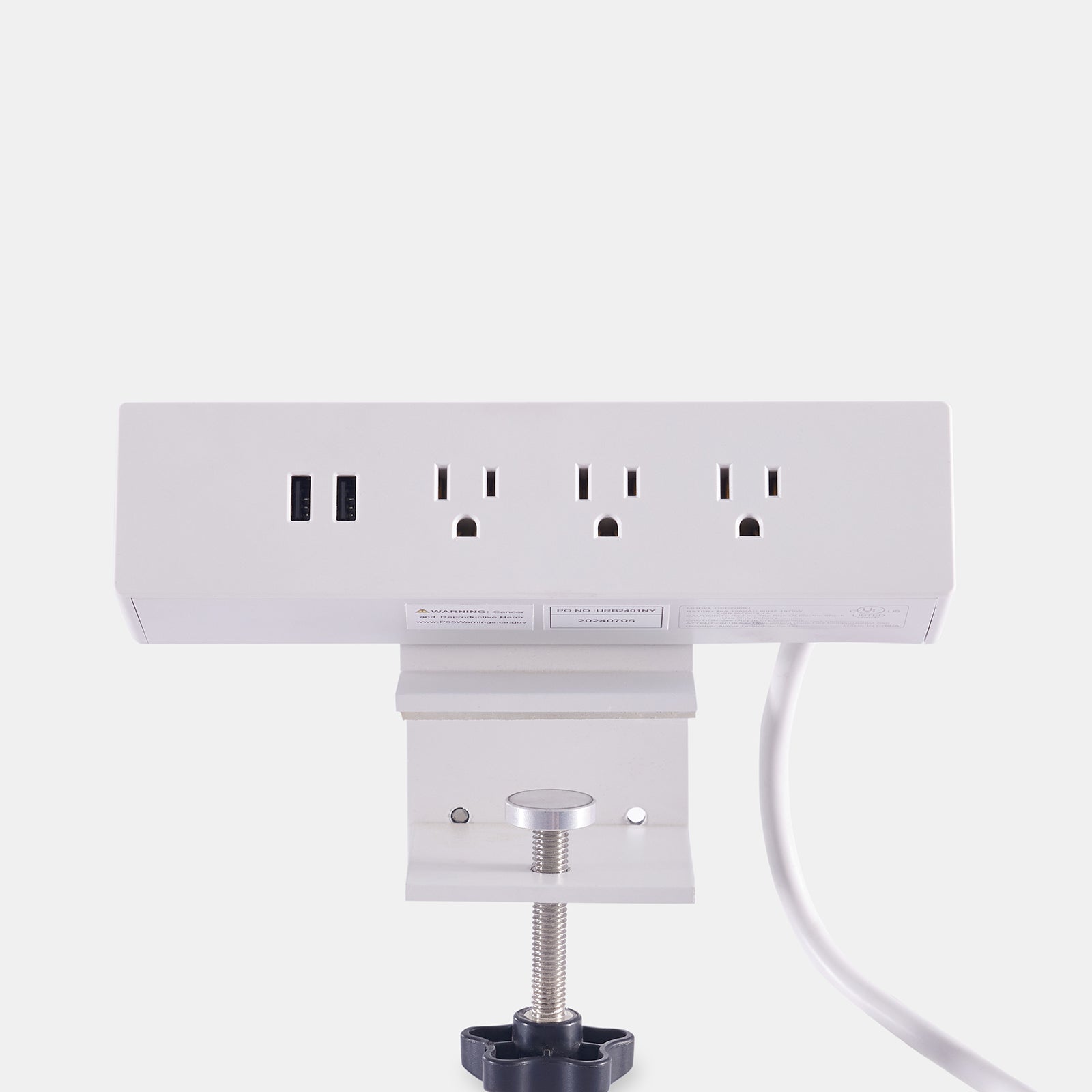
Teams using shared desks benefit from modular power options. A desk-mounted power bar for adaptive work setups attaches securely to any surface and can be repositioned as layouts change. It’s ideal for collaborative zones where desks, people, and devices rotate frequently.
Practical Power Safety and Layout Habits
-
Use grounded outlets and surge protectors for reliability.
-
Keep power strips off the floor to prevent foot traffic damage.
-
Separate high-voltage from data cables to reduce interference.
-
Route cords neatly through trays or clips to maintain aesthetics.
A well-managed power system protects equipment and keeps the workspace professional.
Cable Management That Quietly Supports Focus
The Visual-Cognitive Connection
Cable clutter subtly erodes focus. Clean routing frees visual space and supports long-term concentration. A dedicated cable management system prevents tangling, tripping, and accidental disconnections while maintaining a refined aesthetic.
Vertical Routing for Sit-Stand Desks
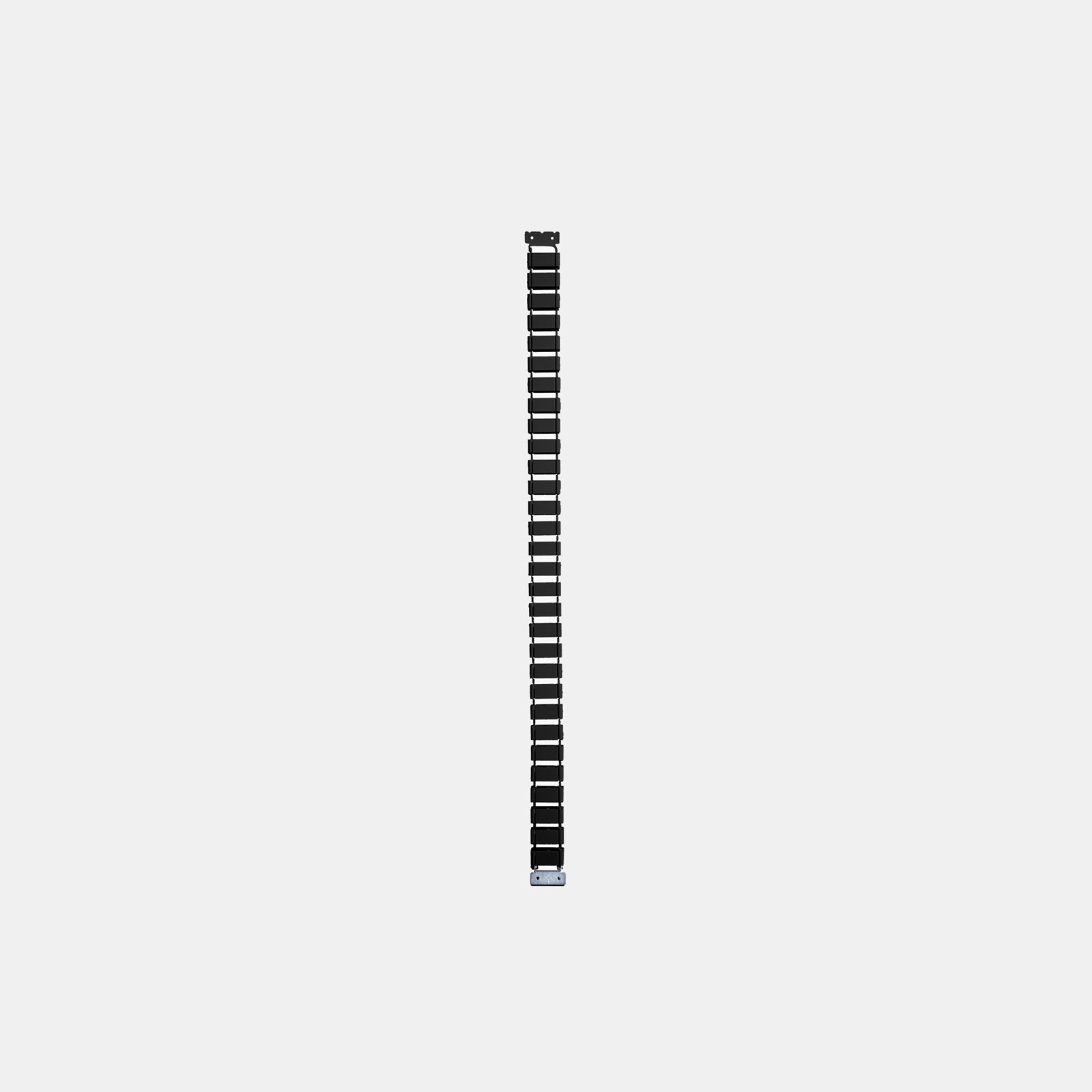
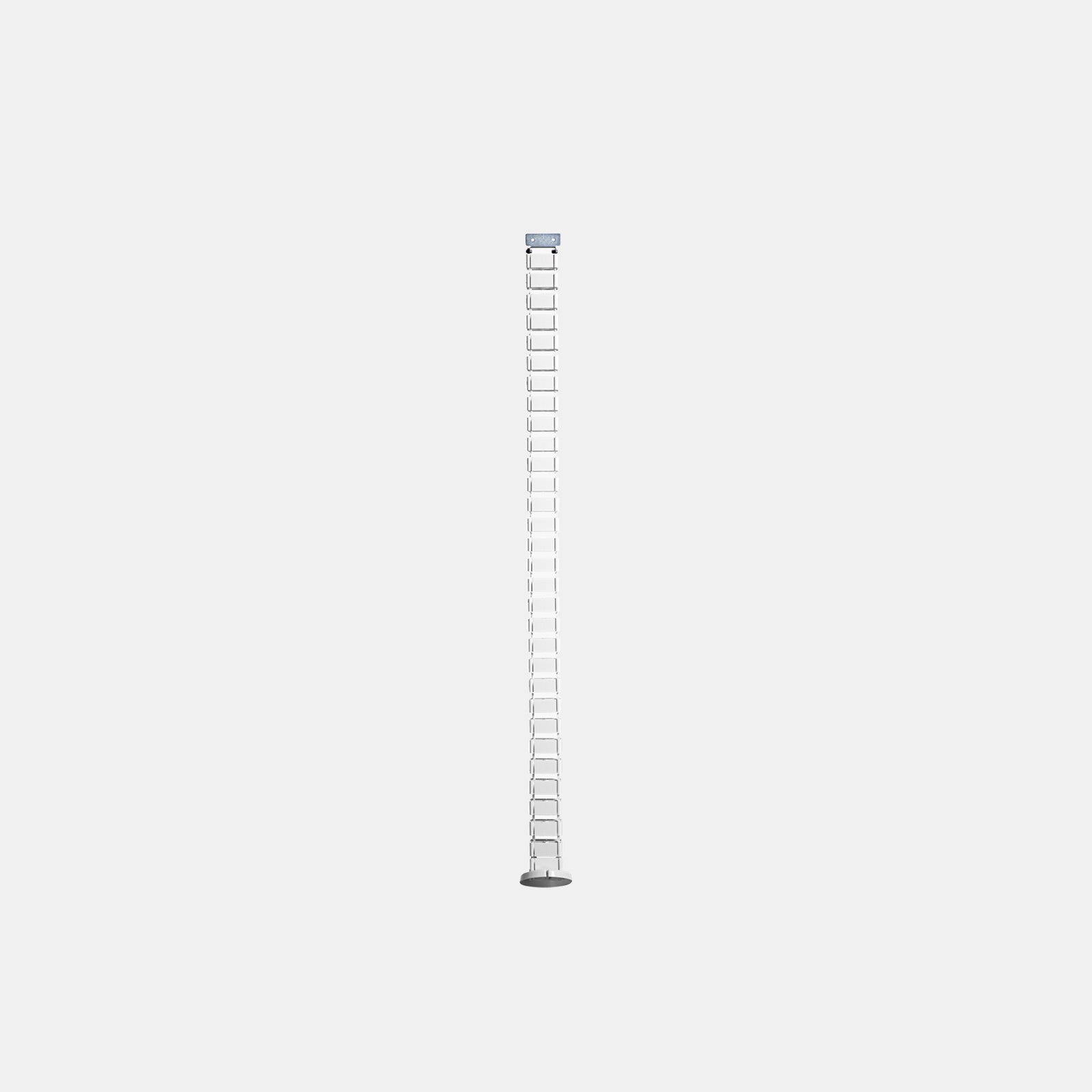
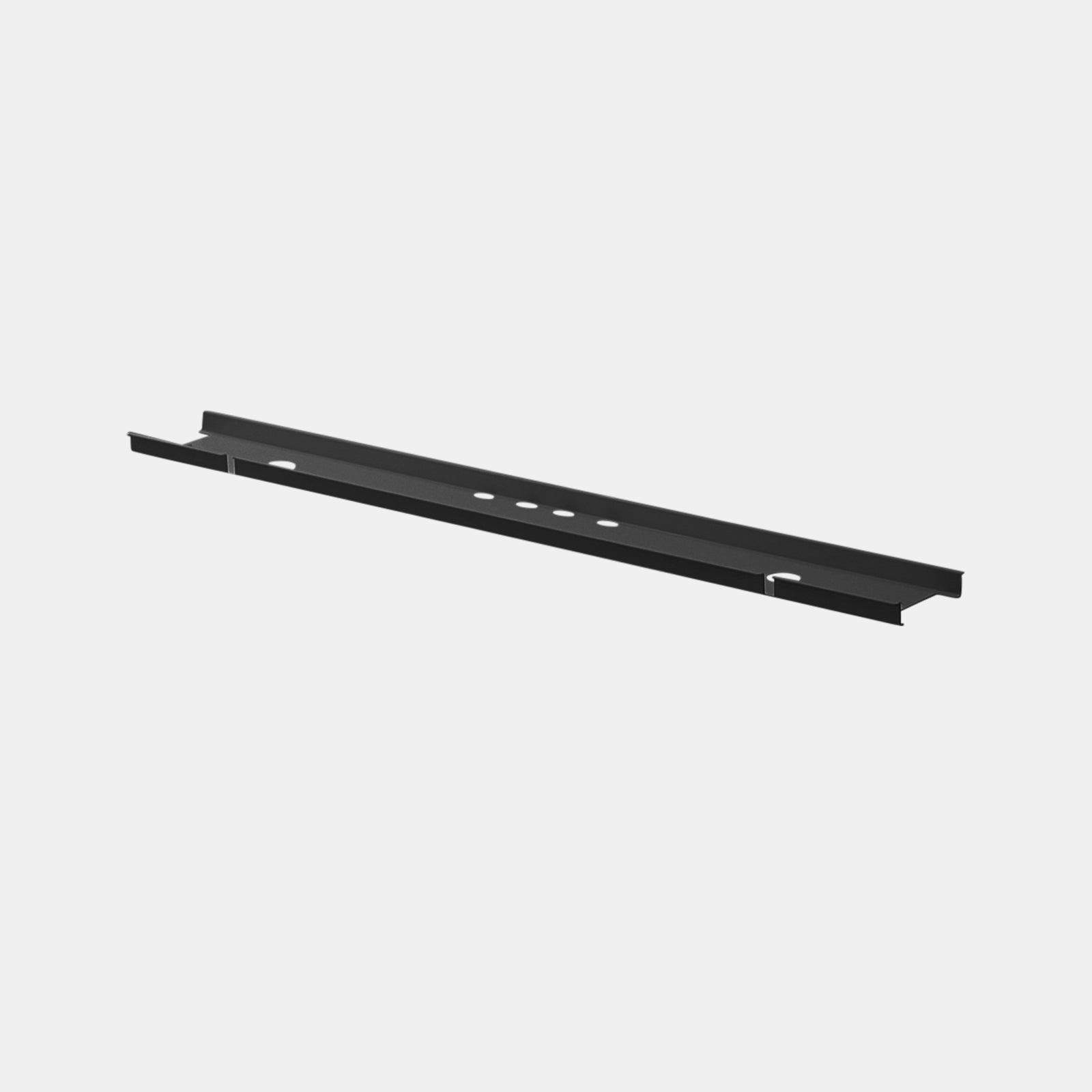
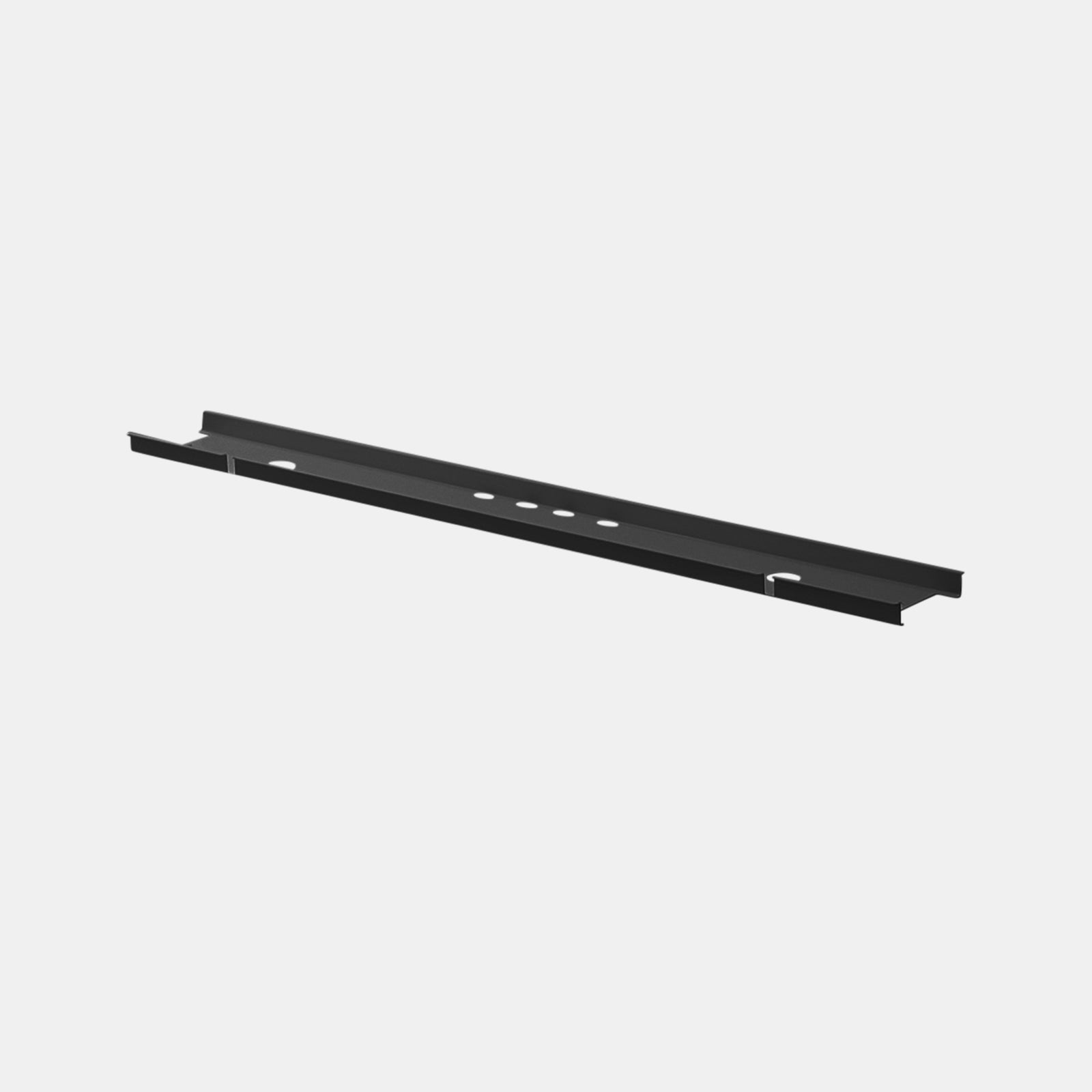
Sit-stand workstations benefit from flexible routing. The spine cable system for adjustable workstations organizes cords within a flexible column that adapts to height changes without pulling or strain. It protects both the cables and the desk’s mechanical integrity.
Under-Surface Trays for Compact Rooms
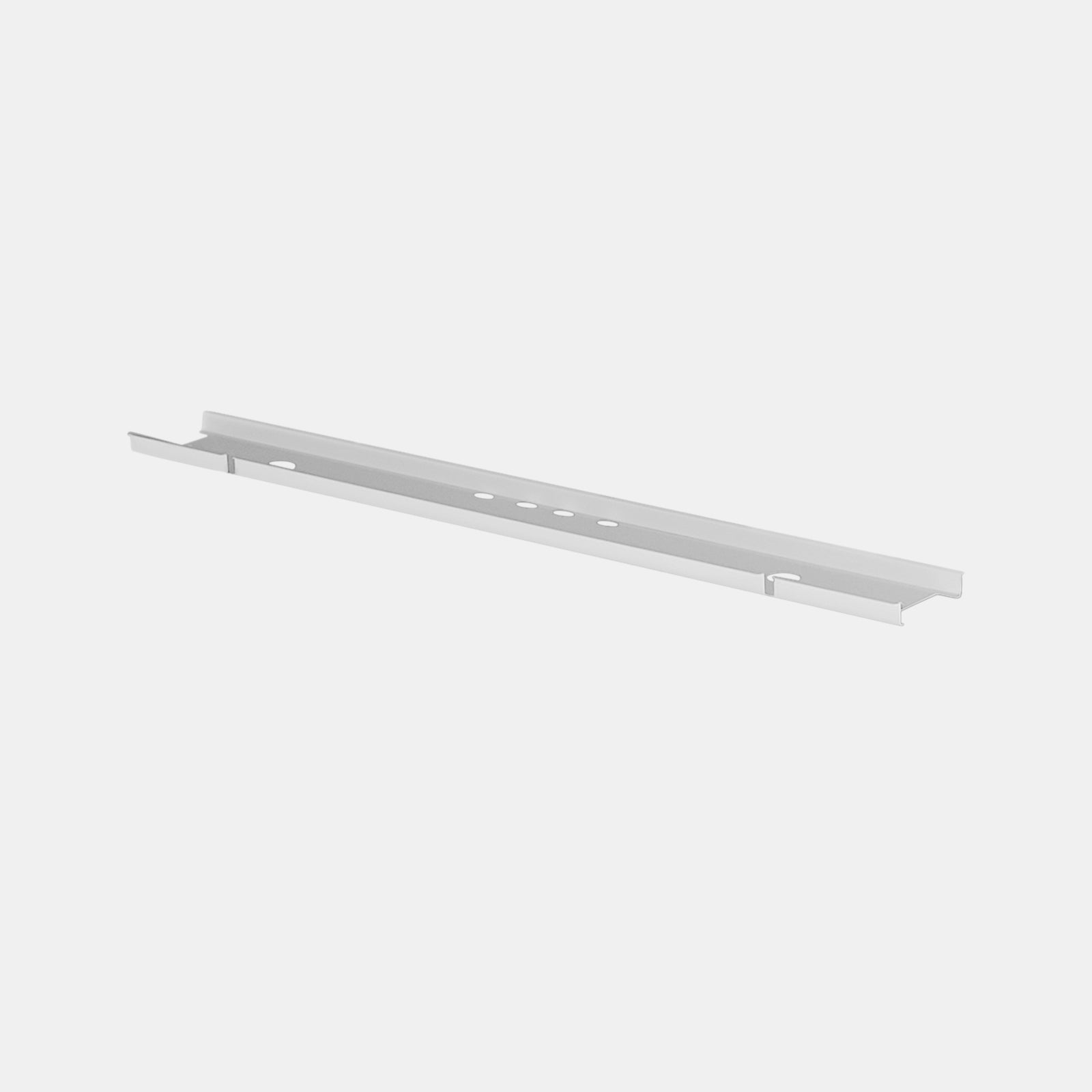
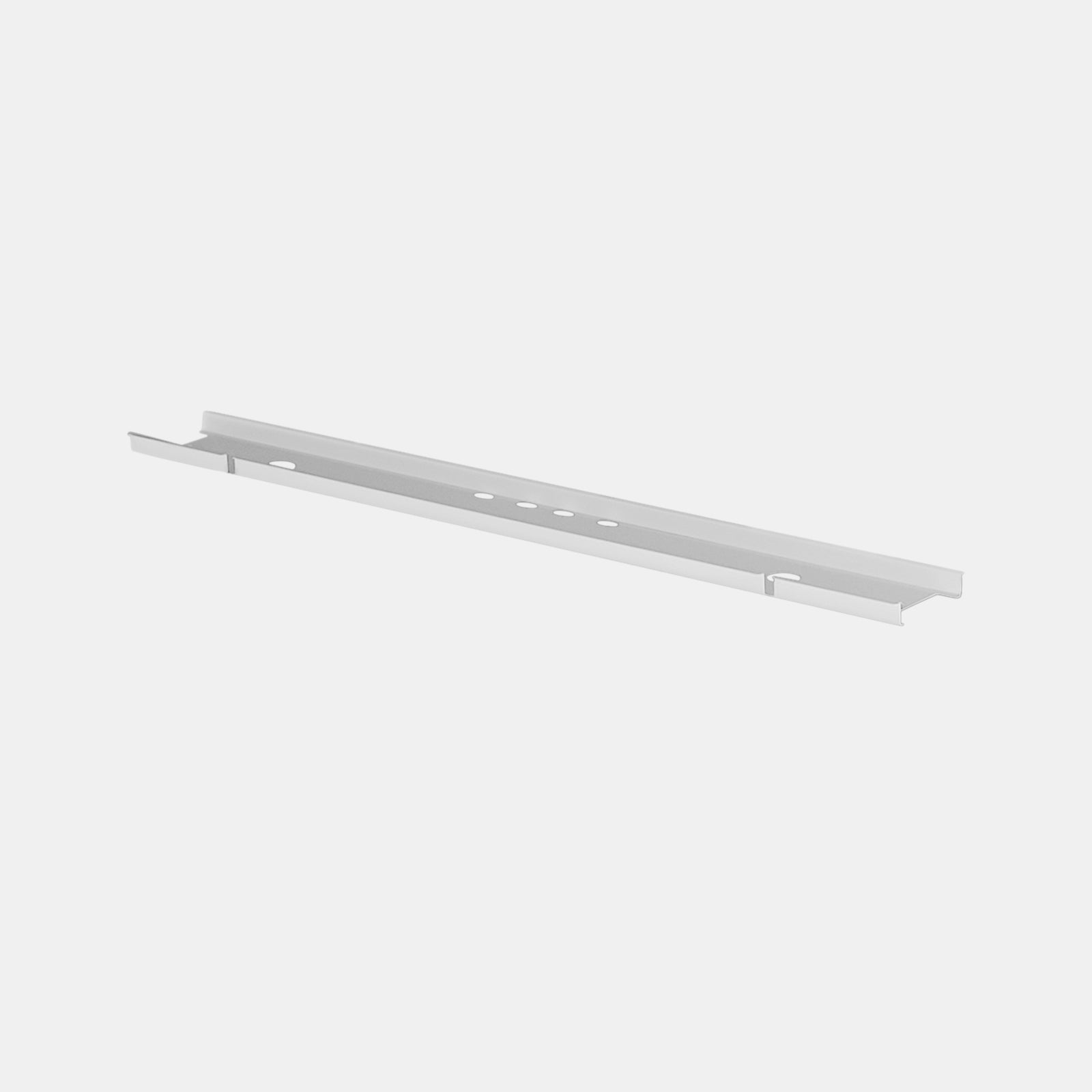
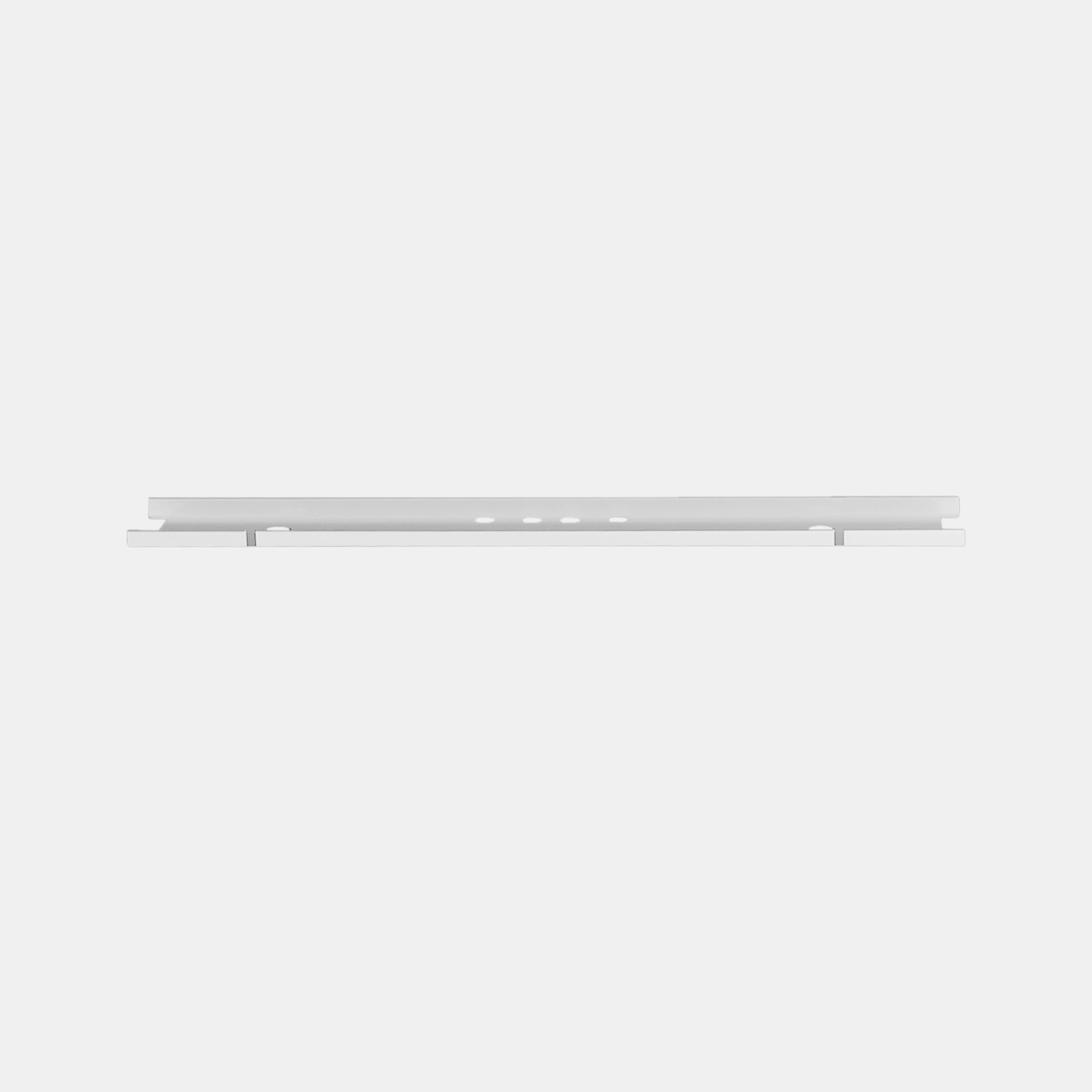
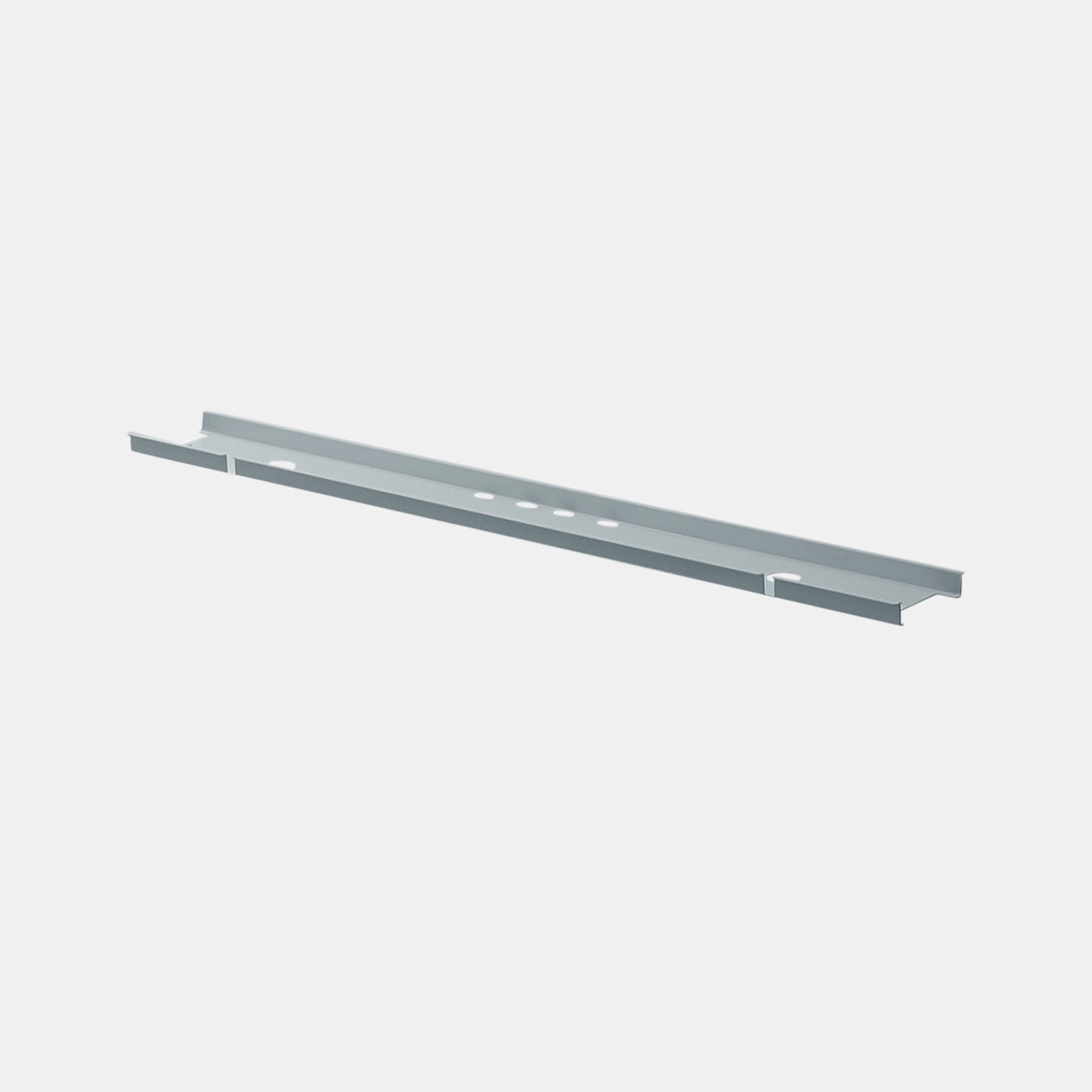
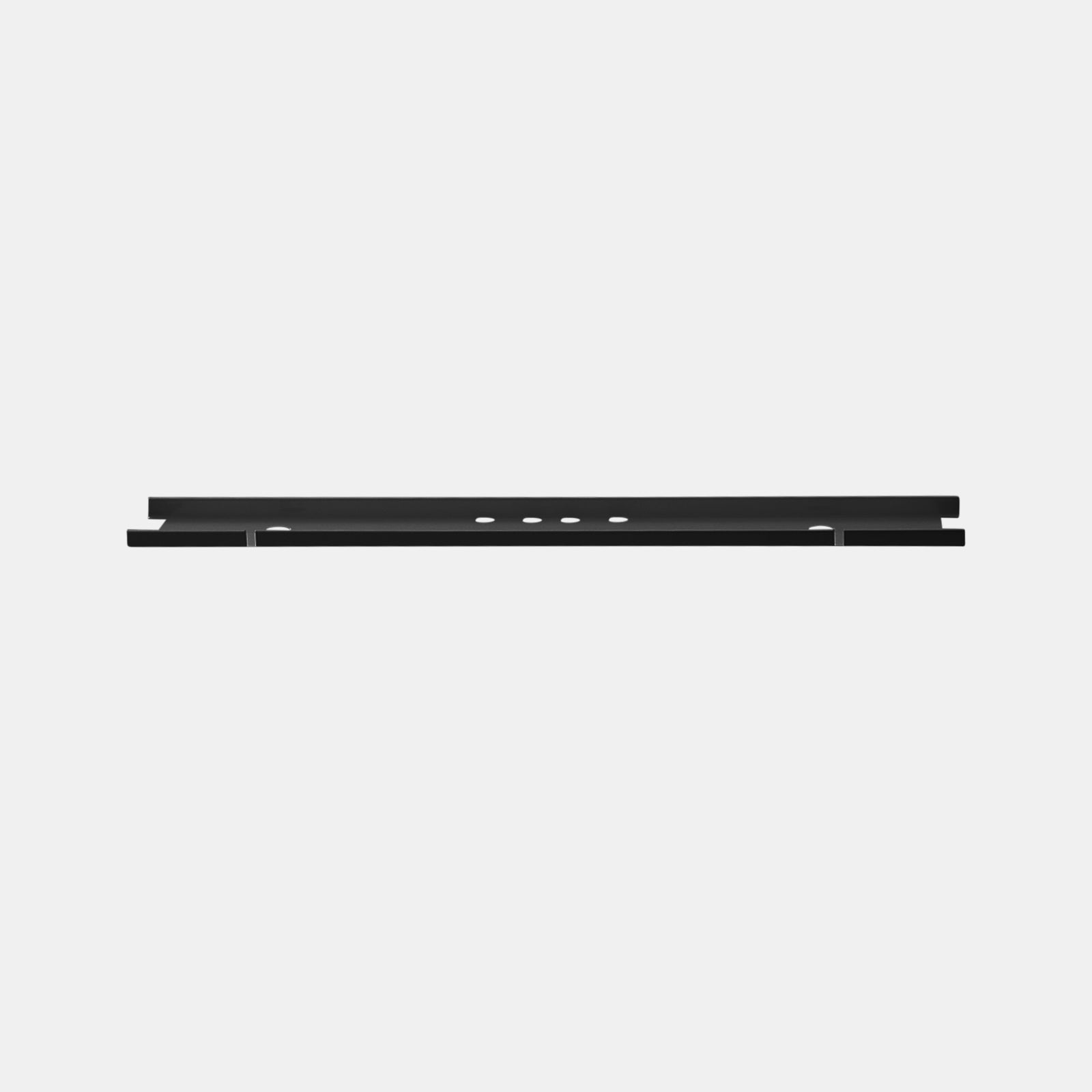
In smaller setups, simplicity is key. The discreet under-desk cable organizer for minimal setups conceals adapters and wires, keeping floors open and the underside of the desk clutter-free. The result is a visually calm and safe environment suited to limited square footage.
Labeling and Slack Planning Best Practices
-
Label each end of every cable for quick identification.
-
Maintain gentle slack near plugs to prevent strain.
-
Group similar cables using reusable ties rather than permanent clips.
-
Schedule quarterly cable checks to replace frayed or kinked cords.
Orderly cable planning promotes longevity, efficiency, and a professional appearance.

Lighting Layers That Regulate Energy and Precision
Task, Ambient, and Accent as a Unified System
Lighting is not just decoration—it is an ergonomic tool. Balanced lighting reduces fatigue and enhances focus. Combining task, ambient, and accent sources allows users to adjust illumination for different times of day and activities.
Focused Task Light for Detail Work
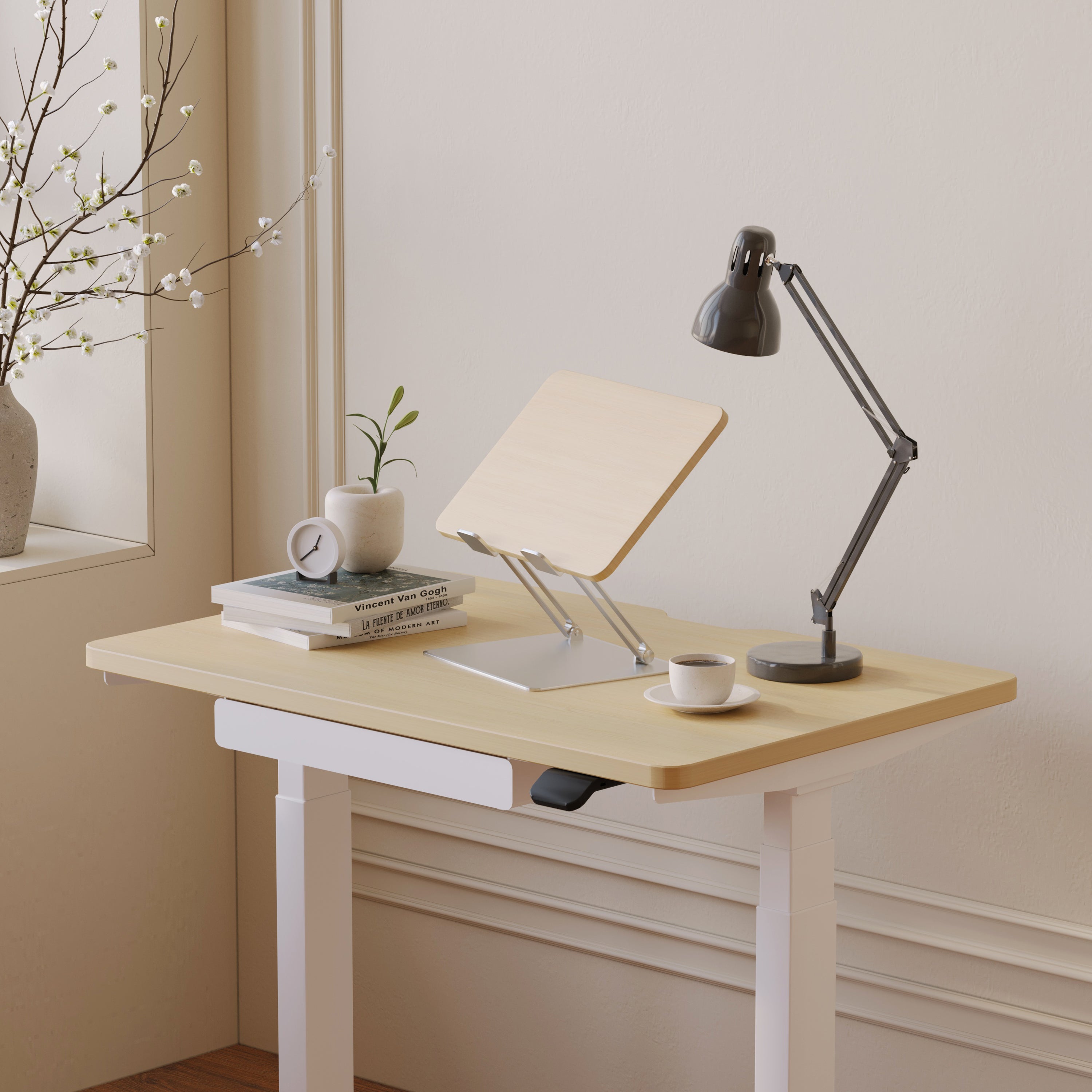
The Alumina Lamp Collection designed for focused hybrid workflows delivers precise, adjustable light that supports reading, sketching, and digital editing. Its clean form and adaptable neck provide targeted brightness without harsh glare, maintaining visibility and comfort during demanding tasks.
Ambient Warmth for Long Sessions and Calls
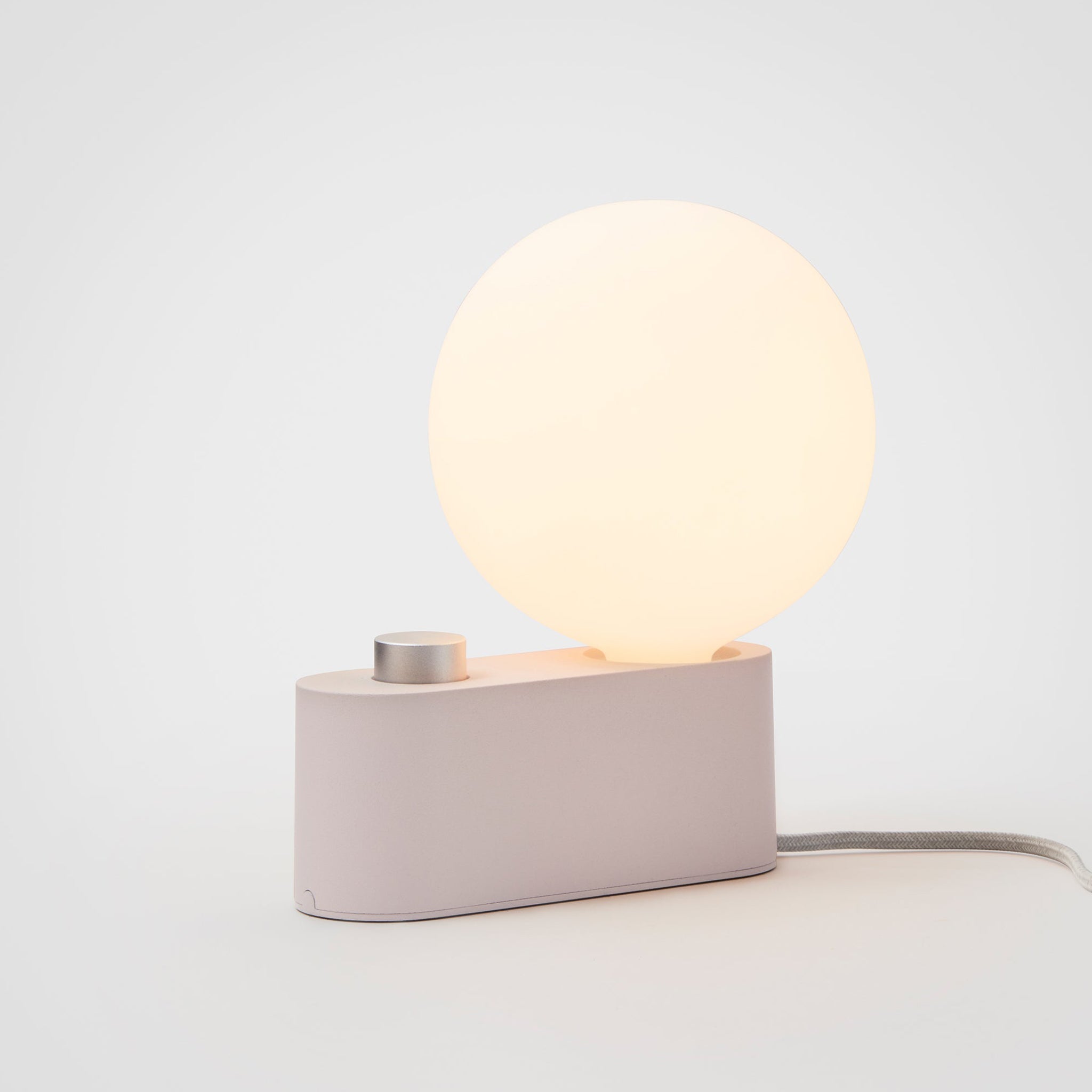
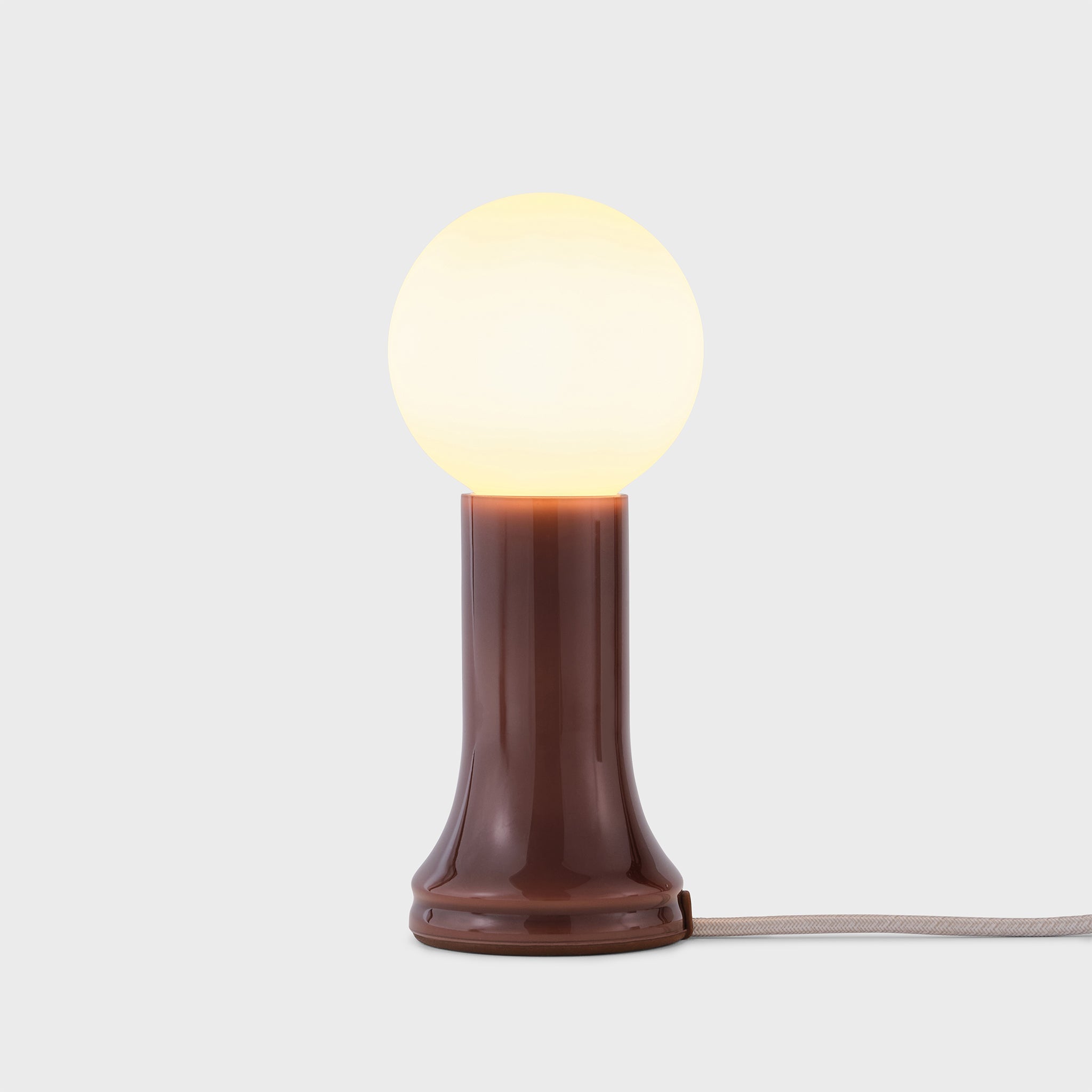
Soft, diffused light creates visual balance and minimizes shadowing on camera. The Shore Table Lamp Collection that brings coastal calm to hybrid desks establishes a calm atmosphere ideal for video calls and evening work. Layering ambient and task light helps maintain steady focus throughout the day.
Comparing Lighting Modes and Color Temperatures
| Lighting Type | Temperature Range | Best For | Effect on Focus |
|---|---|---|---|
| Warm white | 2700–3000K | Evening or reflective tasks | Relaxation |
| Neutral white | 3500–4000K | General productivity | Balanced focus |
| Cool daylight | 5000K+ | Design and precision work | High alertness |
Proper lighting selection supports energy levels, prevents eye strain, and strengthens circadian alignment.
Zoning a Hybrid Station for Multiple Roles
Visual Zones That Reduce Context Switching
Hybrid desks often support a mix of focused, creative, and collaborative work. Defining visual zones helps structure these transitions. Keep primary input devices centered, reference materials to one side, and analog tools like notebooks or tablets in a secondary area. This reduces overlap and creates physical cues that guide attention.
Acoustic and Privacy Add-Ons
For open spaces or shared households, noise management is vital. Soft materials like felt desk mats, fabric panels, and cushioned lamp shades absorb echoes. A small, freestanding screen behind the chair improves video backgrounds while reducing distractions from surrounding movement.
A Mobility Kit That Keeps You Ready to Work Anywhere
Packing Consistency Across Locations
Hybrid work thrives on repetition. A portable toolkit ensures ergonomic consistency in every setting.
-
Lightweight laptop stand for height alignment.
-
Compact keyboard and mouse for wrist comfort.
-
Multiport adapter compatible with various devices.
-
Dedicated cable pouch for organized transport.
-
Two universal chargers labeled for quick retrieval.
Efficient Deployment and Teardown
Establish a consistent order for setup and packing. Set the laptop first, connect power next, and route cords immediately. This ritual builds efficiency and helps preserve cable and port longevity over time.
Collaboration Norms That Support Shared Workstations
Shared Desk Etiquette for Add-Ons
When multiple people share a desk, uniformity matters. Label ports clearly and maintain consistent cable routing. Store shared accessories—like adapters or spare mice—in the top drawer of a rolling pedestal for accessibility. Encourage brief notes or QR-coded cards indicating monitor resolutions or lighting preferences.
Data and Device Care in Shared Environments
Hybrid collaboration depends on trust. Workers should disconnect personal drives after use, gently coil cables before leaving, and report maintenance needs. These small acts preserve equipment and uphold professional respect among rotating users.
Safety, Longevity, and Maintenance
Routine Checks to Prevent Minor Issues
-
Inspect cables regularly for wear or pressure marks.
-
Dust trays, power modules, and lamp vents to ensure airflow.
-
Tighten movable joints and check rolling casters for balance.
-
Replace outdated surge protectors to maintain safety compliance.
Common Add-On Missteps to Avoid
-
Over-tightening cable ties, restricting movement.
-
Positioning power blocks in knee zones.
-
Allowing heavy adapters to hang unsupported.
-
Mixing incompatible voltages in a single conduit.
Consistency in inspection prevents damage and supports a long-lasting, functional setup.
Material Choices and Environmental Impact
Durable Components That Age Gracefully
Selecting quality materials enhances both longevity and sustainability. Powder-coated metals resist corrosion, while tempered glass and engineered wood maintain stability over time. Accessories with replaceable parts or modular components reduce long-term waste.
Practical Ways to Reduce Waste
Reusing cable ties, recycling lamp bulbs responsibly, and selecting energy-efficient LEDs can cut down consumption. Sturdy designs endure relocation and daily use, making sustainability not just a value but a practical advantage for hybrid professionals.
Two Reference Setups That Cover Most Hybrid Needs
Space-Constrained Apartment Desk
-
Narrow desk aligned with a window for natural light.
-
Under-desk tray concealing power supplies.
-
Task lamp positioned off-screen for balanced brightness.
-
Rolling pedestal holding paper and personal items.
-
Clamp-on power bar for fast access to devices.
Dedicated Room with Sit-Stand Desk
-
Integrated surface power at arm’s reach.
-
Vertical cable spine allowing free height adjustment.
-
Warm table lamp balancing overhead light.
-
Lockable pedestal beside desk for privacy.
-
Adjustable ceiling lighting for time-of-day adaptation.
Making Add-Ons Work Anywhere
Understanding Environmental Differences in Hybrid Design
Hybrid workspaces differ across climates and regions. Northern zones may need brighter, cooler lighting during short winter days, while warmer climates benefit from neutral tones that balance abundant daylight. Understanding these environmental nuances ensures consistent comfort and visibility throughout the year.
Cultural Approaches to Comfort and Aesthetics
Cultural expectations shape how professionals design their work areas. Minimalist Northern European styles emphasize simplicity and efficiency, while coastal or Mediterranean influences value warmth and organic texture. Incorporating these elements into hybrid setups fosters emotional balance and a sense of belonging, enhancing creativity and productivity.
Urban Versus Suburban Hybrid Realities
Urban professionals often face spatial limitations, prioritizing compact add-ons like cable trays and mobile cabinets. Suburban setups offer more room for expansive lighting and dual-monitor configurations. Each environment benefits from a tailored approach that considers scale, mobility, and privacy needs.
Environmental Sustainability Across Regions
Regional recycling systems and power infrastructures influence material choices. In areas with strong renewable energy access, energy-efficient lighting compounds environmental benefits. The principle remains consistent across locations: durable, modular accessories minimize waste and adapt to future workspace changes.
How Regional Awareness Enhances Hybrid Productivity
Aligning workspace features with geographic realities—light exposure, humidity, or typical power standards—ensures dependability. A regionally aware hybrid setup not only functions better but also supports well-being by aligning with natural and cultural rhythms.
A Practical Deployment Checklist for Hybrid Add-Ons
1. Calibrate chair height and monitor position using ergonomic guidelines.
2. Install power hubs and trays before connecting equipment.
3. Route and label cables with gentle slack allowances.
4. Layer lighting to adjust easily between focus and rest modes.
5. Secure mobile storage to prevent movement on uneven floors.
6. Perform monthly checks on lamp joints and caster brakes.
7. Keep a quick-reference card listing preferred desk layout and device order.
Future-Ready Without Hype
The evolution of hybrid work is steady and human-centered. The goal is not futuristic gimmicks but adaptable systems that improve daily flow. Add-ons that enhance ergonomics, clarity, and organization will always remain relevant because they meet universal human needs: comfort, focus, and balance.
A well-designed hybrid setup turns any desk into a dependable workspace. With thoughtful add-ons, professionals can build environments that travel effortlessly between home and office—structured, comfortable, and distinctly their own.
Leave a comment