























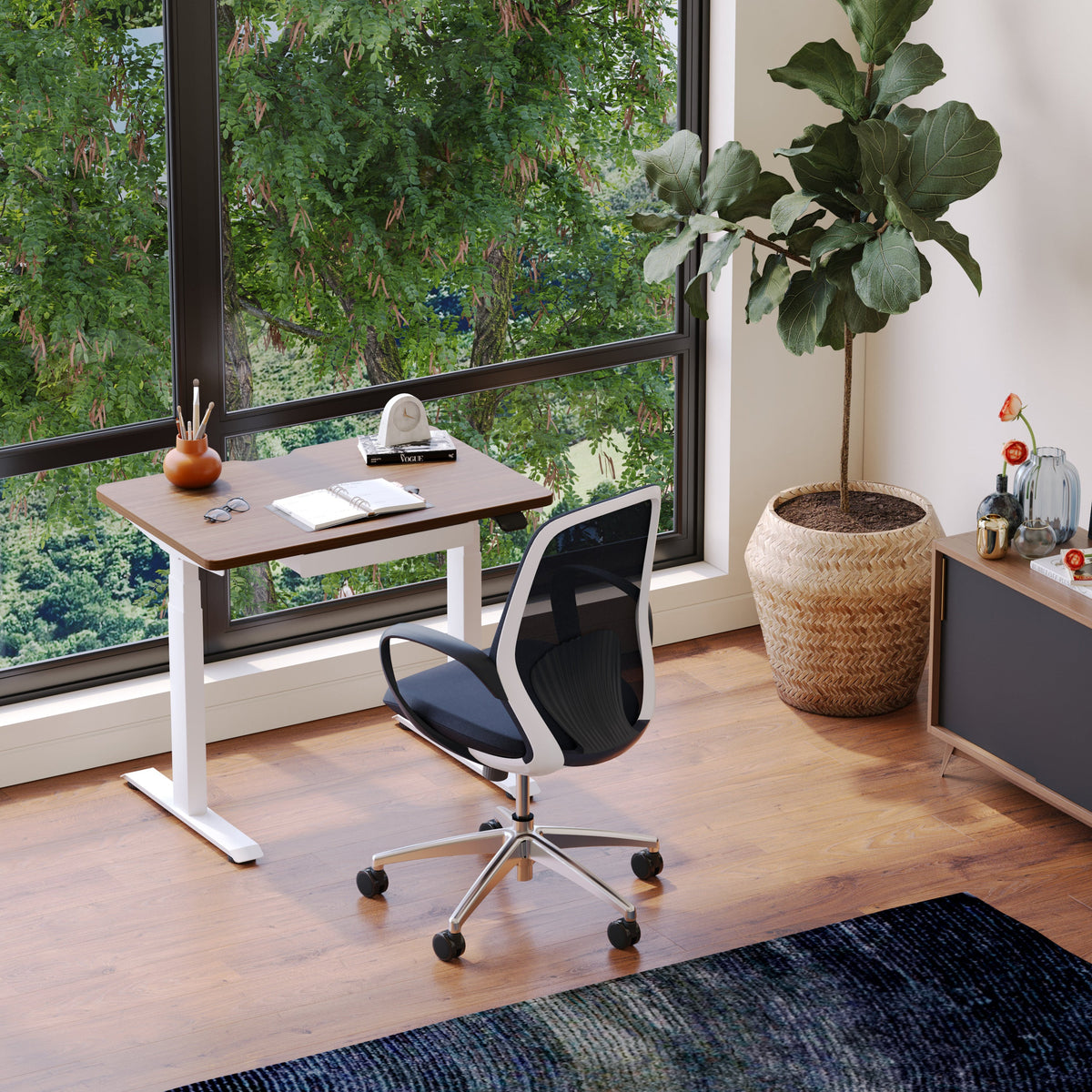
How to measure a chair and choose the right office chair height

The measurement logic behind office chair height: comfort is a geometry decision
A chair can feel fine for ten minutes and then gradually turn into a distraction. That shift usually is not mysterious. It is a chain reaction caused by small mismatches in angles and contact points. Office chair height sits at the start of that chain. When height is right, the rest of the workstation becomes easier to set. When height is off, the body compensates in predictable ways, often through the neck, shoulders, lower back, and hips.
At Urbanica, chair selection starts with a simple idea: comfort is not a vibe. It is a measurable relationship between your body, the chair, and the surface you work on. That is why measuring matters before choosing.
Neutral sitting starts at the floor and cascades upward
Office chair height is best understood from the ground up:
-
Feet create the base of support. Flat contact stabilizes the lower body.
-
Knees follow. They should bend comfortably without pressure behind the knee.
-
Hips depend on knee position. If the chair is too low, the pelvis tends to tuck under.
-
Lumbar support becomes meaningful only when hips are stable and the back can rest.
-
Shoulders and neck respond to elbow height at the desk. If elbows are too low, shoulders rise.
This is why a chair that looks ergonomic can still feel wrong if the height range does not match your body and desk.
Seat height is only half the story: compression changes the real number
Seat height is usually listed as a number, but your body experiences a different number after you sit down.
-
Cushion compression can lower your effective seat height.
-
Posture changes during the day can shift where your weight lands.
-
Perching on the front edge can make a chair feel higher than it is.
A smart measurement process accounts for how you actually sit, not just what a spec sheet claims.
Two setups can use the same chair height and still feel wrong
Two people can set the same chair height and have different outcomes because:
-
Desk height and keyboard surface height vary.
-
Monitor placement changes head and neck posture.
-
Shoes and flooring change how the feet feel on the ground.
-
Armrest adjustability affects shoulder load even if seat height is correct.
Chair height is not a standalone setting. It is the foundation that makes the rest of the system easier to tune.
Measure your body first: four personal numbers that predict your best chair height range
Before measuring a chair, measure the body that will sit in it. These four numbers make chair selection more reliable, especially when shopping online or comparing models.
Popliteal height: your most reliable seat-height starting point
Popliteal height is the distance from the floor to the crease behind your knee when your foot is flat. It is the best baseline for seat height because it reflects your lower-leg length in a seated posture.
Quick measurement method using a wall, a book, and a tape measure
1. Stand with your back against a wall.
2. Slide down into a wall sit until your knees are near a right angle.
3. Place a book under your foot if you need a stable, flat reference.
4. Measure from the floor to the crease behind your knee.
Translating popliteal height into a practical seat height target
A useful rule is to aim for a seat height that allows feet to stay flat without pressure behind the knee. Because cushions compress, your effective seat height can be slightly lower once you are seated. If you are between two chair sizes or two height ranges, prioritize the option that allows a stable feet-flat position.
The heels-heavy test that catches slightly-too-high seat height
Sit with your feet flat. If you feel your weight shifting toward your toes, or if your heels feel light, the seat is likely a bit too high. When height is right, the whole foot feels planted, not just the forefoot.
Buttock to popliteal length: the measurement that prevents leg numbness
Buttock to popliteal length is the distance from the back of your hips to the crease behind your knee. This measurement helps you choose seat depth that supports the thighs without pressing into the back of the knee.
Converting the 2 to 3 finger clearance rule into a check you can repeat
When seated with your hips all the way back and your back supported, you want a small gap between the front edge of the seat and the back of the knee. A common target is about the width of two to three fingers. This gap reduces pressure on the soft tissue behind the knee and supports circulation.
Why seat depth and seat height interact
A seat that is too deep often forces you to slide forward to create space behind the knees. The moment you slide forward, lumbar support becomes harder to use, and chair height can start to feel wrong even if it is technically correct. If you find yourself perching on the edge, check seat depth before assuming height is the issue.
Seated elbow height: the number that protects shoulders when desk height is fixed
Seated elbow height is measured from the seat surface to the underside of your elbow when your arms are relaxed at your sides and elbows are bent around a right angle.
How to measure elbow height without overcorrecting posture
Sit upright but not rigid. Let your shoulders drop naturally. Bend your elbows as if your hands are hovering over a keyboard. Measure from the seat surface to the underside of the elbow.
What to do if elbow height and feet-flat height do not agree
If your feet are flat at a comfortable height but your elbows are too low relative to the desk, the desk may be too high for your body. In that situation, raising the chair might solve the elbow problem but create leg problems. A better approach is often to adjust the work surface or support the feet with a footrest if the chair needs to be higher for arm alignment.
Thigh clearance under the desk: the overlooked limiter on ideal chair height
Under-desk clearance can quietly force chair height to be lower than your body needs.
Simple clearance check
Sit with feet flat and knees comfortable. Slide your hand over your thigh under the desk. If clearance is tight, you may feel pressure or rubbing that encourages you to lower the chair.
Fix options ranked by stability
-
Adjust the desk height if the surface is adjustable.
-
Lower the keyboard and mouse surface if possible.
-
Use a footrest if you must raise the chair for elbow alignment.
-
Avoid forcing the chair lower just to fit under the desk, because it often shifts strain upward to the shoulders and neck.
Measure a chair like a spec reviewer: what to record and how to avoid misleading numbers
Once your body measurements are clear, measure the chair in a way that matches real use.
Seat height range: measure minimum and maximum from the floor
Seat height should be measured from the floor to the top of the seat surface.
Caster size and floor type can change effective seat height
A chair on carpet can sit differently than a chair on hard floors. Some casters also add height compared to others. If you are evaluating fit with tight margins, these details matter.
Verify the minimum is truly low enough
A chair can have a wide height range but still start too high for some users. If your feet cannot sit flat at the lowest setting, you will either dangle or compensate by sliding forward.
Seat depth: focus on usable sitting depth, not just the seat pan
Usable depth is the distance from where your hips rest against the back support to the front edge where your thighs are supported.
Upholstery and waterfall edges change what depth feels like
Some seats taper or curve near the front. That can reduce pressure behind the knee, which is helpful, but it can also change how the depth feels. When comparing chairs, prioritize how the front edge meets the thighs during a normal work posture.
Backrest and lumbar zone: match support placement to your spine
Backrest height matters less than lumbar placement. The goal is support that meets the natural curve of the lower back without pushing you forward aggressively.
Using your belt line as a practical reference
A simple reference is to notice where the support lands relative to your belt line when seated. Lumbar support that sits far above or far below your natural curve tends to feel awkward over longer sessions.
The support without shove test
Good lumbar support feels like a steady contact, not a push. If you feel forced forward, you may end up perching and losing back contact.
Armrest adjustability: the four checks that determine whether armrests help or hurt
Armrests influence comfort by reducing load on the shoulders and upper back, but only if they fit.
-
Height so shoulders can relax.
-
Width so elbows can stay close to the body.
-
Pivot so forearms can align with keyboard and mouse.
-
Pad length so the chair can pull close to the desk without interference.
If armrests are fixed and the desk is fixed, seat height becomes more constrained. That is another reason to treat chair selection as a system.
Choose the right office chair height at your desk: the 3-checkpoint fitting method
A reliable chair height setup happens in a specific order. The best results come from setting the lower body first and then solving the desk relationship.
Checkpoint 1: feet flat contact that stays stable during typing
Start by adjusting the chair until both feet are flat and stable.
Signs the chair is too high
-
You feel pressure under the thighs near the front edge.
-
Your feet shift forward, or you rest mostly on your toes.
-
You slide forward to find comfort.
Signs the chair is too low
-
Knees sit noticeably higher than hips.
-
The pelvis feels tucked under.
-
The lower back rounds when you relax.
Checkpoint 2: knees and hips that preserve pelvic neutrality
Once feet are stable, verify that knee and hip angles feel balanced.
When hips slightly above knees helps and when it creates strain
Some people feel best when hips are slightly above knees. Others feel best with a more level relationship. The correct target is the one that allows the pelvis to stay neutral without forcing the lower back to round.
Height cannot fix a seat that is too deep
If seat depth is too long, you may never reach the backrest while keeping that safe clearance behind the knee. In that situation, adjusting height will not solve the root issue.
Checkpoint 3: elbows and desk alignment that lets shoulders relax
Finally, align the arms to the desk.
Keyboard and mouse cues that reduce shoulder tension
When chair height and desk height are aligned, forearms can hover near level with the work surface, wrists stay neutral, and shoulders do not lift. If you feel yourself shrugging, the surface is often too high relative to your seated elbow height.
When to raise the chair and support the feet
If the desk is high and cannot be adjusted, raising the chair may be necessary for arm alignment. In that case, use a footrest so feet stay supported and the lower body remains stable.
Desk height mismatches that force bad chair height and how to stop compensation patterns
Desk height mismatch is one of the most common reasons people struggle with chair height. Fixing the work surface is often the cleanest way to protect posture without creating new problems.
The desk-too-high pattern: raised chair, tense shoulders, unstable legs
When the desk is too high, many people raise the chair to reach the keyboard. Feet lose contact with the floor, thighs feel compressed, and shoulders rise to meet the surface. The body can tolerate this for short periods, but it is a common driver of neck and upper-back fatigue over longer sessions.
The desk-too-low pattern: lowered chair height and bent wrists
When the desk is too low, users drop the chair. That can bring knees higher than hips and encourage the pelvis to tuck under. Wrist extension can increase if the keyboard sits low and the user leans forward to see the screen.
Changing the work surface is often more stable than forcing the chair to do everything
An adjustable work surface can prevent the cycle where you raise the chair for your arms and then chase leg comfort with awkward solutions. A sit-stand surface like the Urbanica Standing Desk can help you set a seated height that keeps feet planted, then bring the desk to your elbows instead of the other way around.
Sit-stand workflows: keeping chair height consistent when you change positions
Sit-stand setups work best when seated posture is set once and then respected.
A simple rhythm that prevents posture drift
-
Return the desk to your seated working height before sitting.
-
Plant both feet flat before typing.
-
Check that shoulders are relaxed before you begin focused work.
Quick reset cues after each transition
If you notice toe-loading, pressure under thighs, or shrugging, it is a sign the desk height and chair height relationship changed. Reset the desk height first, then verify the chair.
Shared workstations and team setups: keeping correct chair height without fighting the desk
Shared workspaces add complexity because one surface must serve multiple bodies. The goal is to standardize what can be standardized, and personalize what must remain personal.
Why one fixed desk height creates two different compensation patterns
One person raises the chair to reach the desk and ends up with unstable feet. Another lowers the chair for grounded feet and ends up shrugging. Both are reacting to the same mismatch, but in opposite directions.
What to standardize in shared seating and what must stay personal
Standardize:
-
Monitor arm adjustability ranges.
-
Keyboard placement and common equipment positions.
Personalize:
-
Seat height.
-
Armrest height.
-
Foot support.
A two-user sit-stand surface that supports individual chair-height fit
When each user can adjust their own section of the work surface, both can keep their feet-flat baseline and still type with relaxed shoulders. A shared option like the Urbanica Two-Person Standing Desk is designed for that kind of flexibility, where chair height stays consistent and the desk meets the person.
Chair design changes your best height setting: ergonomic task chairs vs style seating
Different chair types change how forgiving the height fit is. Height always matters, but the amount of adjustment available affects how precisely you must match the chair to the user.
Ergonomic task chairs: height as the foundation, then tune the rest
Ergonomic task chairs tend to support longer sessions by offering multiple adjustment points. Height is the first step because it stabilizes the base. After that, the rest of the chair can be tuned to maintain support during movement.
The safe adjustment sequence for long-session chairs
1. Seat height for feet flat contact.
2. Seat depth for safe clearance behind the knees.
3. Lumbar position for steady lower-back contact.
4. Armrests to reduce shoulder load without lifting.
Why armrest adjustability matters once height is correct
Once height is set for the legs, armrest adjustment becomes the key to keeping shoulders relaxed. Without the ability to set armrests properly, users tend to lean on the desk or hold their arms up, both of which increase fatigue.
A model like the Onyx Chair fits well into a measurement-driven workflow because the goal is not to chase a single number, but to create a stable seated base and then refine support points so they match how you actually work.
When the chair is intended for ongoing work support
If your day involves longer seated blocks, stability and consistent support matter more than making micro-adjustments all day. A chair like the Novo Chair is often chosen in that context where the priority is a dependable working posture that holds up through repeated sessions.
Design-forward chairs with an adjustable structure: fitting height without overpromising ergonomics
Many modern spaces need chairs that work visually as well as functionally. In those cases, measurement becomes even more important because some design-forward chairs offer fewer adjustment points.
The best approach is to confirm height range and seat depth compatibility first, then evaluate whether the chair’s support profile matches your work style. A piece like the Muse Chair can make sense when the dimensions suit your body and the chair’s structure matches how you use the space, especially when you value a clean, curated look.
Everyday performance chairs: height fit when armrests are integrated
Chairs with integrated elements can still work well if height and seat depth align with the user’s measurements. Because armrests may not adjust, it is important to ensure that your seated elbow height works with your desk height. That reduces the chance you will compensate through shoulder elevation.
A chair like the Seashell Chair fits best when the desk surface and your seated elbow height already align well, making height selection and feet-flat stability the dominant factors.
Common chair-height mistakes that create discomfort and the fast fixes that hold
Chair height problems tend to show up as patterns. The benefit of recognizing patterns is that fixes become obvious.
Raised chair and raised shoulders: the 10-second self-check
If you sit down and immediately feel your shoulders creeping up while typing, the desk is likely too high relative to your seated elbow height. If your feet also feel light or unstable, you are compensating by raising the chair.
Fix the system:
-
Bring the work surface down if possible.
-
If not, raise the chair only enough to protect the wrists and support the feet with a footrest.
Perching and sliding forward: when seat depth is the real culprit
If you cannot sit back and still keep a safe gap behind your knees, the seat may be too deep. That often leads to perching on the edge and losing lumbar support.
Fix the chair fit:
-
Choose a chair with a depth that matches your buttock to popliteal measurement.
-
Prioritize usable depth over total seat pan depth.
Over-lowering the chair to feel grounded: why it backfires at the desk
People lower the chair to plant their feet, then discover their elbows are below the desk. The next compensation is shrugging or leaning forward.
Fix the order:
-
Set feet flat first.
-
Then bring the desk to your elbows if you can.
-
If you cannot, use foot support so elbows can align without sacrificing legs.
Flooring and casters: how a room change changes chair fit
Changing floors can subtly change how tall a chair feels and how stable your feet feel.
Carpet drag vs hard-floor roll
Carpet can make rolling harder and encourage bracing through the legs, while hard floors roll easily and can make the chair feel slightly taller depending on the setup.
When to recheck height
Recheck chair height when:
-
You change shoes.
-
You add or remove a chair mat.
-
You switch desks or keyboards.
-
You change casters or move rooms.
These are not dramatic changes, but they can alter how your body loads the chair.
A repeatable office chair height setup that stays comfortable through long workdays
Good ergonomics does not require constant tweaking. It requires a dependable baseline and a quick way to verify it.
The 30-second weekly refit
Once a week, or after any workstation change:
1. Sit back in the chair.
2. Plant both feet flat.
3. Confirm knees feel comfortable with no pressure behind them.
4. Place hands on the keyboard and relax the shoulders.
5. Confirm you can maintain back contact without sliding forward.
If any of these fail, correct the lowest point that is wrong first, usually feet or desk height.
When to intentionally change chair height and when to change the environment instead
Intentional chair height changes make sense when:
-
You change footwear or add a cushion.
-
You shift from focused typing to a more reclined reading posture.
Environmental changes are better when:
-
The desk is too high for your elbow height.
-
Under-desk clearance forces you to sit too low.
-
A shared workspace needs flexible height for multiple users.
Personalization over perfection: building a setup that supports movement
The ideal chair height is not the one that freezes you into a pose. It is the one that keeps feet supported and joints comfortable while still allowing movement. Chairs should support shifts between upright typing, slight recline, and brief resets without pulling you into strain.
Choosing office furniture with confidence when you cannot sit in it first
Not everyone can test chairs in person. A measurement-first approach can still produce reliable outcomes.
What to verify online before buying
Focus on information that affects fit and daily use:
-
Seat height range and whether the minimum is low enough for feet-flat contact.
-
Seat depth and whether the usable depth matches your clearance needs behind the knee.
-
Armrest adjustability and whether armrests will interfere with the desk.
-
Materials and care considerations that match your working environment.
How to sanity-check chair height fit without a showroom visit
Use your body measurements as guardrails:
-
Confirm the chair’s height range includes your practical target.
-
Confirm seat depth supports the 2 to 3 finger clearance.
-
Confirm the workstation can be adjusted, or confirm your desk height is compatible with your seated elbow height.
Where to get guided selection and logistics support from our team
If you want help choosing a chair based on measurements, workspace constraints, and how you work day to day, our team can guide you toward options that fit your setup without guesswork. For ordering assistance, delivery details, and support, use Urbanica office furniture delivery and support information.
Chair height and chair measurement reference table for quick comparison
| What you measure | How to measure it | What it helps you decide | What it prevents |
|---|---|---|---|
| Popliteal height | Floor to knee crease in a wall sit | Seat height target range | Dangling feet, thigh pressure |
| Buttock to popliteal length | Back of hips to knee crease when seated | Seat depth compatibility | Perching, numb legs |
| Seated elbow height | Seat surface to underside of elbow | Desk and armrest alignment | Shoulder shrugging, wrist strain |
| Under-desk thigh clearance | Hand sweep over thigh under desk | Whether you can keep healthy seat height | Forced low seating, forward lean |
A checklist for setting office chair height in the right order
1. Set chair height until both feet are flat and stable.
2. Check for pressure behind the knees. Adjust height slightly if needed.
3. Sit back and confirm you can keep a small clearance behind the knees. If not, reassess seat depth.
4. Bring elbows to the desk height. Adjust the desk if possible.
5. If the desk cannot move and elbows are low, raise the chair and support the feet with a footrest.
6. Set armrests to support relaxed shoulders without lifting.
7. Recheck after ten minutes of real work, not just a quick sit.
Related Articles
-
 How to Arrange Two Monitors and a Laptop Without Clutter
-
 Chair and Desk Height Guide for Students Who Sit All Day
-
 The Desk Height Factor Most Workspaces Get Wrong
-
 Desk for two monitors: what matters most for daily comfort
-
 Ergonomic Furniture That Pays Off Every Day
-
 How Ergonomic Furniture Shapes Health and Focus


