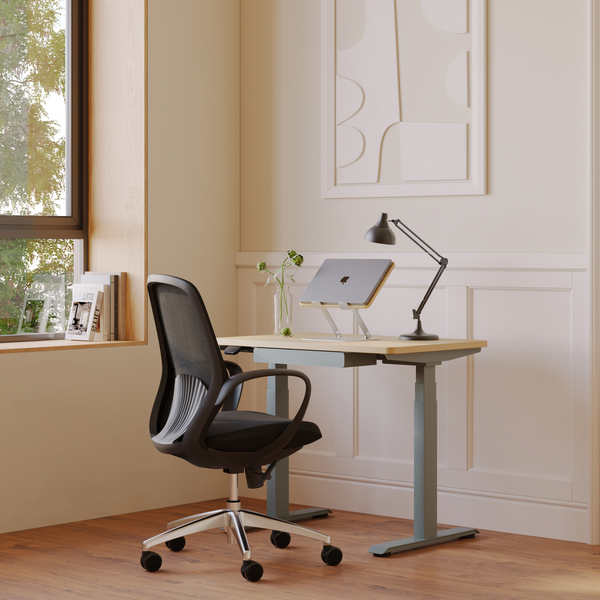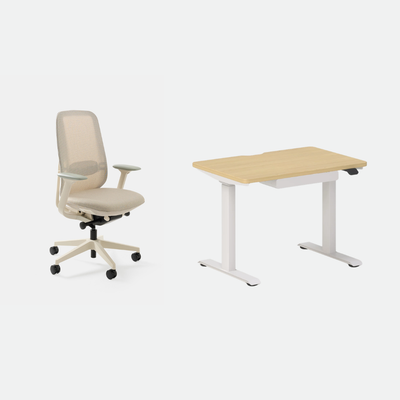
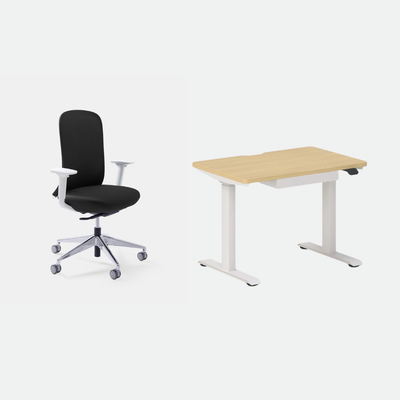
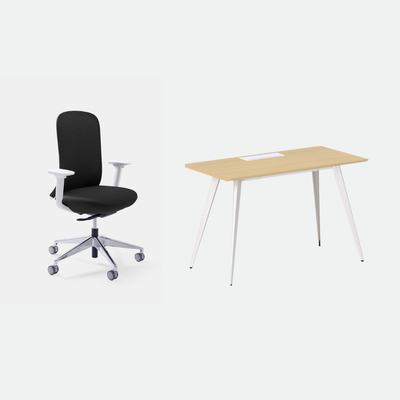
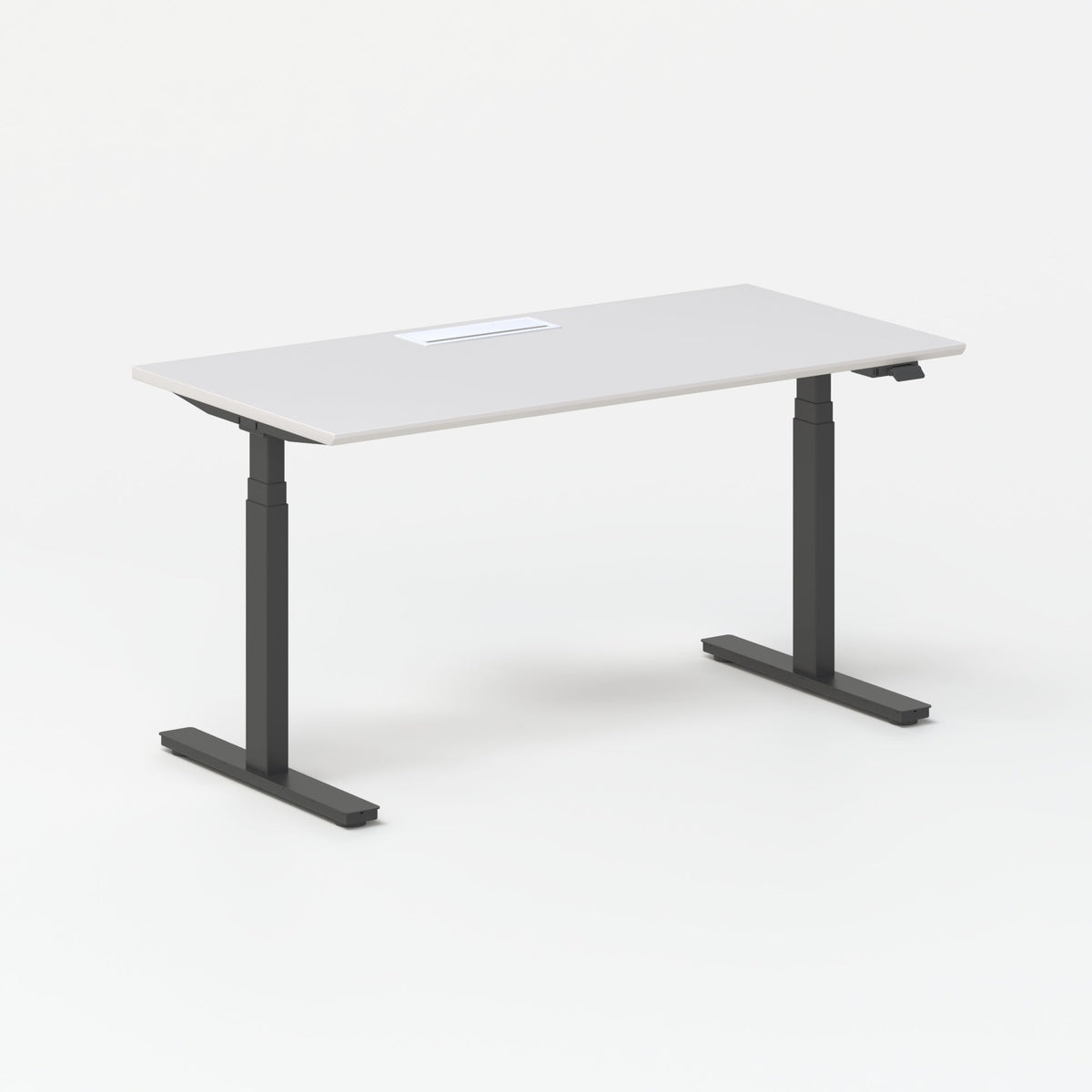
The Best Home Office Desk for Multiple Monitors Is Wide Enough for Both Screens and Deep Enough to Keep Them at Arm's Length
The best home office desk for multiple monitors has one job: hold two screens at a comfortable distance without crowding your keyboard or your arms. Most desks sold as "big enough" are not. You find out after the second monitor is plugged in. I run two screens every working day. The desk matters more than the monitors do.
TLDR
Choosing the best home office desk for multiple monitors starts with width, because two screens take up more room than they seem to. Depth comes next, since it decides how far the screens sit from your eyes.
Height, a few features, and the style of desk follow, so the setup suits the room you have. The last section covers placing the screens so your neck stays level.
Who This Article Is For
- You are adding a second monitor and suspect your current desk is too small.
- You are buying a desk and want it to fit two screens from day one.
- You use a laptop plus one external screen and want room to grow.
- You share a room and need a desk that handles two people's gear.
- You work in a small space and wonder what fits.

Aiden G.
Head of Marketing, Urbanica Furniture
Author's Note
My first two-monitor setup sat on a desk that was too narrow. The screens overlapped my keyboard tray. I spent a few weeks turning my head to one side without noticing. My neck noticed first.
Giving the screens more room fixed it.
And if you find any value in it, please share it with a friend, a colleague, or anyone about to add a second screen.
Disclaimer: I did use AI to help me write and do the research, but I'm editing myself, verifying the facts, and writing my own conclusions and takes.
The Best Home Office Desk for Multiple Monitors Starts with Width
Width is the dimension people get wrong most often. Two monitors side by side take up more room than they seem to in the product photos.
A screen's width follows from its diagonal. On a standard 16:9 monitor, the panel is about 87 percent as wide as the diagonal, so a 24 inch screen is about 21 inches across, a 27 inch screen about 24 inches, and a 32 inch screen about 28 inches. Check your own model's spec sheet for the exact figure, because the stand and the bezel add a little.
My rule is simple. Add the two screen widths together, then add at least 10 inches for your keyboard, mouse hand, and elbows, or 20 inches if you like to angle the screens toward you. That is my own rule of thumb, not a published standard.
Match the Desk Width to Your Monitor Size
The table below does that arithmetic for three common sizes, with two identical screens side by side.
| Monitor size (two screens) | Minimum desk width | Comfortable desk width |
|---|---|---|
| 24 inch | 52 inches | 62 inches |
| 27 inch | 57 inches | 67 inches |
| 32 inch | 66 inches | 76 inches |
The figures come from the screen widths above: about 42 inches for two 24 inch screens, 47 for two 27 inch screens and 56 for two 32 inch screens, plus 10 inches for the minimum or 20 for the comfortable width.
The minimum fits the screens. The comfortable width leaves space to angle them toward you and still have a mouse hand free.
Our Standing Desk and Office Desk both come in a 60 inch width, which clears the minimum for two 24 or 27 inch screens. Two 32 inch screens need a 66 inch surface, wider than any desk we make for one person, so I would pair a 32 inch main screen with a smaller second one. The 60 inch Standing Desk is $690. The 60 inch Office Desk is $479.
Leave Room for Everything That Is Not a Monitor
A keyboard, a mouse, a notebook, and a lamp all need desk surface. If you share the desk, add the second person's gear to the count before you decide.
If you are short on room, narrower and deeper beats wider and shallower only up to a point. Two screens in a 40 inch gap will always feel cramped.
Width is the dimension people get wrong most often.
Aiden G., Urbanica
Depth Decides How Far Your Screens Sit from Your Eyes
The American Academy of Ophthalmology (AAO) advises sitting about 25 inches, roughly arm's length, from the screen, with the screen positioned so your eyes gaze slightly downward. A shallow desk makes that distance hard to keep.
Your eyes sit near the front edge of the desk, and the screens sit toward the back, so desk depth is the distance you have to work with.
Federal Workplace Guidance Allows 20 to 40 Inches
The Occupational Safety and Health Administration (OSHA), the US agency that sets and enforces workplace safety rules, says the preferred viewing distance is between 20 and 40 inches from the eye to the front surface of the screen. Its monitor guidance also says to put the monitor directly in front of you and at least 20 inches away.
The AAO's 25 inches sits inside OSHA's range, so the two sources agree on roughly an arm's length. I read that as a reason to choose depth first and fine-tune the distance afterward.
A 30-Inch Depth Gives Two Screens More Room Than 24 Inches
Our 48 inch Office Desk and the Mini Standing Desk are 24 inches deep. The 60 inch Office Desk and both sizes of the Standing Desk are 30 inches deep. For two screens, I would pick 30 inches, because the extra 6 inches pushes the screens back toward the AAO's 25 inches and keeps your keyboard and forearms on the desk instead of over the edge.
We do not make monitor arms or monitor stands, so measure your screens on the feet they came with. If a laptop is one of your two screens, our Adjustable Laptop Stand ($55) raises it to a better viewing angle. Go deeper still if you add a docking station or a desktop speaker.
Height Is Where a Sit-Stand Desk Earns Its Keep
Two monitors weigh more than one and sit higher, so your desk height matters twice. Your elbows should hang level with the keyboard. The screens should sit where you look slightly down at them.
The elbow rule is the same one I cover in our guide to using a standing desk. OSHA's monitor guidance adds that the top line of the screen should sit at or below eye level.
I read the two together as one setup. Set the desk height for your elbows first, then adjust the screens to match your eyes.
A Fixed Desk Fits One Person at One Height
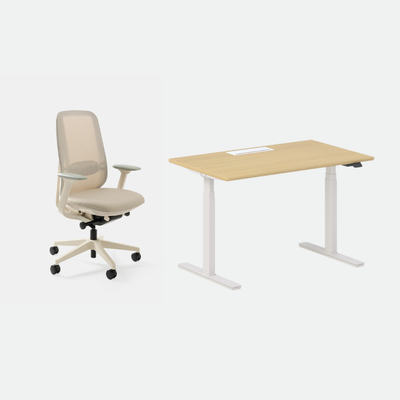
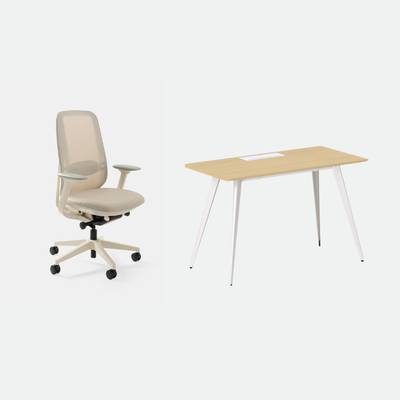
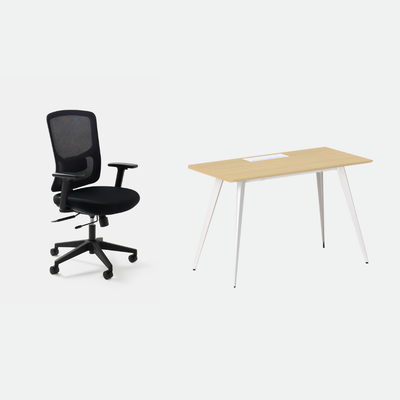
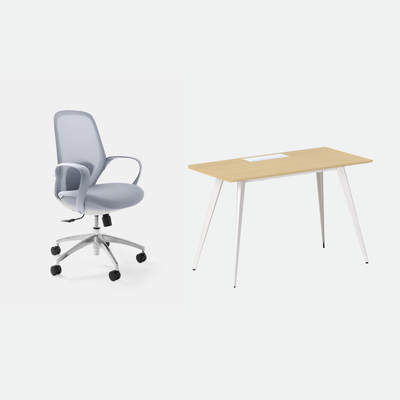
Our Office Desk is a fixed-height desk, 30 inches high, and it comes in 48 by 24 and 60 by 30 inch sizes. That fits some people well and others poorly, because a fixed desk fits one height only. The Office Desk is $349 in the 48 inch size and $479 in the 60 inch size.
A Height-Adjustable Desk Fits Two Screens and Two Habits
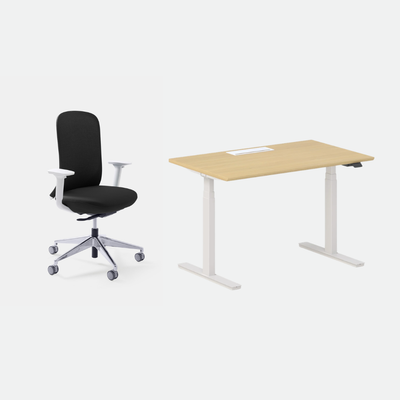
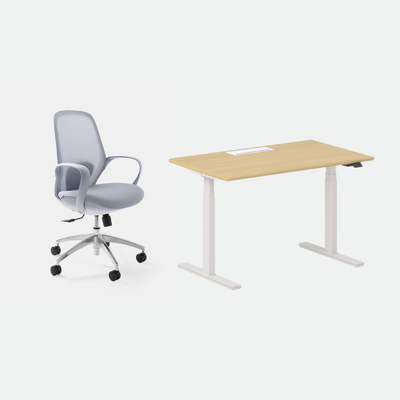
A height-adjustable desk lets you set the right height once, then change it when you want to stand. Our Standing Desk is electric and has programmable height presets, so you can lock in a sitting height and a standing height. It supports up to 250 pounds on both sizes. The Standing Desk is $574 in the 48 inch size and $690 in the 60 inch size.
Check that 250-pound rating against everything on the desk. Two monitors, a laptop, a lamp, and a printer add up faster than most people expect.
Three Features Matter More Than the Rest
Most desk feature lists are long. For two screens, three things carry the weight.
Cable Management Saves You from Double the Wires
Two monitors mean at least two power cables and two video cables. Our cable management products keep them out of sight and out of your legroom.
The Standing Desk has built-in cable management ports. For any desk, our Under-Desk Cable Management ($59) keeps power strips and chargers out of sight. The Spine Cable Management ($26) is made for height-adjustable desks. For power at the desk, the In-Desk Power is $85 and the Clamp-On Desk Power is $75.
A Stable Surface Keeps Screens Still While You Type
A desk that wobbles makes two screens wobble. The Office Desk pairs a scratch-resistant laminated MDF top with a powder-coated metal frame. It carries a 10-year warranty. The Standing Desk includes leveling glides to stay steady on any floor.
Storage Should Not Cost You Legroom
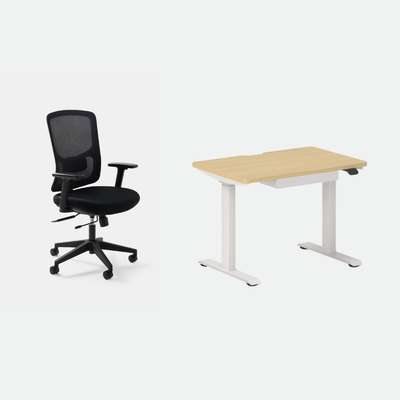
A drawer is useful. A storage-heavy desk can crowd your knees. The Mini Standing Desk is the only desk we make with a drawer. For anything bigger, I would choose a separate unit beside the desk, such as our Filing Cabinet at $199.
The same two screens can sit well on very different desks.
Aiden G., Urbanica
Pick the Desk Style That Fits Your Room
The same two screens can sit well on very different desks. The room usually decides which one.
A Straight Desk Is a Good Desk for Dual Monitors in Most Rooms
A plain rectangular desk against a wall is the simplest answer. It is easy to place and easy to move. It suits most home offices.
Urbanica Does Not Make L-Shaped Desks, and a Straight 60-Inch Desk Covers the Same Need
We do not make L-shaped or corner desks. People usually choose them for room to run a second work zone. A straight 60 by 30 inch desk such as the Office Desk or the Standing Desk gives you that along one wall, with both screens in front of you instead of on separate wings.
A Two-Person Desk Gives Each Person Their Own Screen
If two people share a room, the Two-Person Standing Desk gives each their own side. Each side adjusts on its own. It is 59 inches wide and 47 inches deep, so each side is about 29.5 inches wide. That is under the 52 inch minimum for two 24 inch screens, so plan on one screen per person and measure both setups before you order. The Two-Person Standing Desk is $1,699.
A Compact Desk Works for a Laptop Plus One Screen
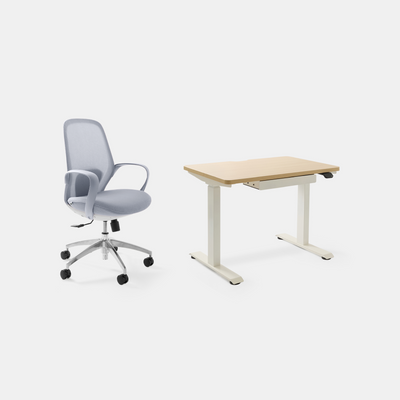
If you only run a laptop and one external screen, the Mini Standing Desk is a fit for a small room. It is 36 inches wide and 24 inches deep. Two 24 inch screens alone take about 42 inches and the Mini is 36 inches wide, so it cannot hold two 24 inch screens. The Mini Standing Desk is $429.
Placing Two Screens so Your Neck Stays Level
Once the desk is in, the layout decides how you feel at 4 p.m. Two screens give you two ways to get it wrong.
Put the Screen You Use Most Directly in Front of You
If one screen does most of the work, center it and put the other beside it at a slight inward angle. Two equal screens can meet at the center, with the seam in front of your nose.
Keep the Top of Each Screen at or Below Eye Level and Away from Windows
OSHA's monitor guidance says the top line of the screen should be at or below eye level. It adds that the center of the monitor should sit 15 to 20 degrees below horizontal eye level, and that the monitor should be perpendicular to a window.
With two screens, I treat that as a rule for the pair. Set both at the same height, so your head does not bob up and down between them.
Give Your Eyes a Break Throughout the Day
Two screens tempt you to stare longer. The AAO says we only blink about 5 to 7 times a minute while using computers, so blink on purpose. It also recommends making it a habit to look up from the screen and look at an object in the distance.
FAQ
What Is a Good Desk Width for Dual Monitors?
Add the width of your two screens, then at least 10 inches. Two 24 inch screens come to about 42 inches, so 52 inches is the minimum and 62 inches leaves room to angle them. Two 27 inch screens need 57 inches at least.
Are Standing Desks Good for Dual Monitors?
Yes, as long as the weight rating covers your screens. The Standing Desk supports up to 250 pounds on both sizes. A height-adjustable desk lets you set the right height for two screens and still change position through the day.
How Deep Should a Dual Monitor Office Desk Be?
Plan on 30 inches. OSHA's preferred viewing distance is 20 to 40 inches from the eye to the screen. A 30 inch desk puts the screens farther back than a 24 inch one. Go deeper still if you add a docking station or a desktop speaker.
What Is a Good Desk for Multiple Monitors in a Small Room?
A straight desk against a wall uses the least floor space. If you only need one external screen, the Mini Standing Desk is enough. Two 24 inch screens need at least 52 inches, so a 48 inch desk is too narrow and a 60 inch desk fits.
Measure Your Screens Tonight and Tell Me What You Find
If you remember three things, make them these: width first, depth second, and a height you can change. Get those right and the rest is detail.
Measure your two screens tonight and add 10 inches. Compare the result against your desk. Write back to us and tell me what you find. I read every reply. I would like to hear how your setup turns out.
If you are still choosing a desk, you can browse our desk collection, or contact Urbanica Furniture at 1705 NW 38th Ave, Lauderhill, FL 33311 or +1-(888)-350-9545.
References
- American Academy of Ophthalmology, computer usage and eye strain, supports sitting about 25 inches from the screen with the gaze slightly downward, and the blinking and look-away advice: https://www.aao.org/eye-health/tips-prevention/computer-usage
- OSHA, computer workstations eTool, monitors, supports the 20 to 40 inch viewing distance, the top-of-screen height and the window placement: https://www.osha.gov/etools/computer-workstations/components/monitors