










How Long Should an Office Chair Last? The Signs That Tell You It Is Time to Replace Yours
How long should an office chair last? Years alone say little about a chair, so the answer starts with how yours feels and behaves today. I sit in mine for hours every day, so I check it the way I would check a pair of work boots. You will leave knowing whether to repair yours or replace it.
TLDR
How long should an office chair last? It depends on its weakest part, so the answer starts with what a warranty and a test standard can tell you.
From there it comes down to the seat and back, the base and swivel, and how your body feels after a long day, with a simple rule for repairing a part or replacing the chair.
Who This Article Is For
- You have used the same chair for years and wonder if it has quietly stopped doing its job.
- Your lower back or shoulders ache by mid-afternoon and the chair is the first suspect.
- Your seat has gone flat, your swivel chair wobbles, or the height will not stay where you put it.
- You manage a shared office and need a simple way to decide which chairs to swap.
- You are about to buy a new chair and want to know what a good one should survive.

Ben P.
Brand Manager, Urbanica Furniture
Author's Note
I used to keep a chair long after it stopped being comfortable, mostly because nothing about it looked broken (it was just a little lower in the seat and a little looser in the back each year). Then I sat in a better chair for an afternoon and felt how much I had been putting up with. This checklist is what I wish I had read before that afternoon.
And if you find any value in it, please share it with your friends, colleagues, and anyone who has been sitting in the same old chair for years and is not sure if it is time to let it go!
Disclaimer: I did use AI to help me write and do the research, but I'm editing myself, verifying the facts, and writing my own conclusions and takes.
This article is part of our home office gear and solutions category, and we have a lot of related articles that will help you decide what to keep and what to replace. Check the full guide here: The Work from Home Essentials to Buy Once, the Upgrades That Earn Their Place, and What Can Wait.
How Long Should an Office Chair Last? It Depends on Its Weakest Part and the Hours You Give It
A chair is a stack of parts with different lifespans: the foam in the seat, the mesh or fabric on the back, the mechanism that tilts and locks, the gas lift, the base, and the casters. The whole chair is finished when the part you rely on most stops working. That makes the question of how long an office chair should last a question about its weakest part.
Two chairs bought the same day can be in very different shape after three years if one is used four hours a week and the other eight hours a day. Three yardsticks help more than a birthday: what the maker promises, what the chair was tested to survive, and how many hours it works each day.
A Warranty Is the Maker's Own Estimate of the Chair's Working Life
A long warranty tells you how long the maker is willing to stand behind the frame and the mechanism. Two of our chairs carry a 10-year warranty, and a third carries a 5-year warranty on the frame and mechanism.
I read that number as a floor for planning. A chair covered for one year and used all day belongs on a shorter replacement cycle than a chair covered for ten.
A Test Standard Shows What a New Chair Was Built to Survive
The US General Services Administration (GSA), the federal agency that buys furniture for government offices, writes purchase descriptions for office chairs. In its description for wood executive office chairs, it says: "Test at least one chair of each type and style listed below in accordance with ANSI/BIFMA X5.1." ANSI/BIFMA X5.1 is the General Purpose Office Chairs Tests standard, a set of durability and safety tests.
A chair with the badge was put through a standard test before it was sold. The badge says nothing about how the chair feels or ages, so I treat it as a good start and let the signs in the next sections do the rest.
Hours Per Day Wear a Chair Faster Than Years
A chair in a guest room used on weekends will outlast the same chair at a desk where someone sits through a full workday. If you sit in yours for six to eight hours a day, check the signs every few months and skip the wait for a birthday.
Years alone say little about a chair, so the answer starts with how yours feels and behaves today.
Ben P., Urbanica
A Flat Seat and a Backrest That Misses Your Back Are the First Signs to Check
The seat and the back are the first parts to go because they take your weight every minute you sit. They are also the easiest to test, since each takes about thirty seconds without tools.
Press the Seat and Watch How It Recovers
Press your fist into the middle of the seat and let go. A healthy cushion springs back. A worn one stays dented or feels like a board with a thin layer on top.
The same GSA purchase description sets a standard for new foam: "All foam shall have a minimum recovery ratio of 70% when tested as specified in 4.4.6", which is a minimum for how well the foam must bounce back. A seat that now sits visibly lower than the day it arrived has lost that spring. I would not keep sitting on it.
Check That the Backrest Still Meets the Small of Your Back
The Occupational Safety and Health Administration (OSHA), the US agency that sets workplace safety rules, says in its computer workstations guidance that "The outward curve of the backrest should fit into the small of the back." Sit all the way back and reach behind you. If the firmest part of the backrest now hits your mid-back or your hips, the chair no longer gives your lower back what it needs.
Cornell University Ergonomics Web, the ergonomics research group at Cornell University, comes at it from the other direction and advises a chair with "a good backrest that provides lumbar support." If the lumbar support on your chair no longer moves, or moves and will not stay put, the fastest fix is a chair whose lumbar support adjusts.
Look at the Cover for Cracks, Peeling, and Thin Spots
A torn or peeling cover also affects wear. Once the cover breaks, the foam under it is exposed and wears quickly. Loose fibers or flakes also end up on your clothes and floor.
My rule here is simple. A small tear can wait on a chair that is otherwise holding up. A cover that is coming away in more than one place means the chair is on its last stretch.
Wobbling Swivel Chairs, Stuck Casters, and Settings That Will Not Hold Mean the Moving Parts Are Done
Everything that moves on a chair gets used many times a day. When the movement gets rough, you start twisting and reaching instead of rolling and turning. Your lower back pays for it.
A Swivel Chair That Wobbles or Grinds Has a Worn Base or Mechanism
OSHA's guidance says that "Chairs should have a strong, five-legged base." Tilt the chair gently in each direction while you sit in it. If the base flexes, clicks, or rocks more than it did when it was new, the chair is giving up its stability. I would stop using it before the day it fails under you.
A swivel chair that grinds, sticks, or drifts out of its turn is telling you the mechanism has worn. I once kept rolling on a chair that did this because it still held me up, until I noticed I was shifting my whole body to turn toward a second screen.
Casters That Stick, Slide, or Scrape Take Your Back for a Ride
OSHA also says to "Ensure that chairs have casters that are appropriate for the type of flooring at the workstation." Flip the chair over and look at the wheels. Hair, grit, or flat spots can make them drag, and cracked casters should be replaced.
Casters are the one part I would repair before replacing the chair, if the rest of it still passes the base and swivel checks. If a new set of wheels fixes the roll and the base is solid, the chair has more years in it.
A Seat Height or Tilt That Will Not Hold Is a Safety Problem
If the chair sinks while you sit, or the tilt will not lock where you set it, the setting you chose does not last through the day. The result is a chair that moves you out of position without you noticing.
OSHA's guidance says "The chair height is appropriate when the entire sole of the foot can rest on the floor with the back of the knee slightly higher than the seat of the chair." Set your height, work for an hour, and check again. If you have drifted down, the part that holds the height has worn. I would replace the chair instead of trusting it.
Your Body Keeps the Best Record of How Well the Chair Still Fits
A chair can pass every visual check and still stop fitting you. Your desk may have changed, your hours may have grown, or you may sit differently from when you bought it.
An Ache That Starts Earlier Each Month Points to the Chair
If your lower back, hips, or shoulders now ache an hour or two earlier than they used to, the chair is one of the first things to rule out. A simple test is to sit in a different chair for an afternoon. When the ache eases, that tells you more than any measurement.
Pain can have many causes, and a chair will not fix all of them, so see a doctor if it persists or spreads. What a chair can do is stop adding to the problem.
Try the Adjustments Before You Decide
Before you replace anything, spend a few minutes with the settings. An article on our blog walks through the adjustments that make a chair more comfortable, starting with seat height and armrests. If a setting is missing, stuck, or does nothing, the chair has run out of adjustments.
Repair When One Part Is the Problem and Replace When Several Are
One worn part on a chair that otherwise fits and holds up, like casters or an armrest pad, is worth repairing. Two or more problems, or a problem with the seat, the back, the base, or the height lift, point to replacement.
Cost belongs in that decision too. When repair parts, your time, and the shipping add up to close to the price of a new chair, buy the new chair and spend the money once. If it is time, the next step is choosing the replacement.
A chair can pass every visual check and still stop fitting you.
Ben P., Urbanica
Which Chair to Pick When It Is Time to Replace Yours
When you replace a chair, pick it for the day you sit longest and for your body, then check the warranty. Our full range of chairs is on the chairs collection.
The Novo Chair Is the One I Would Choose for Long Days
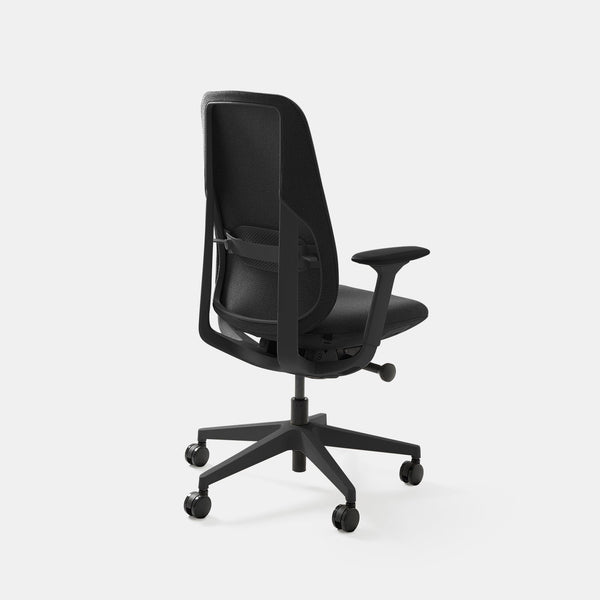
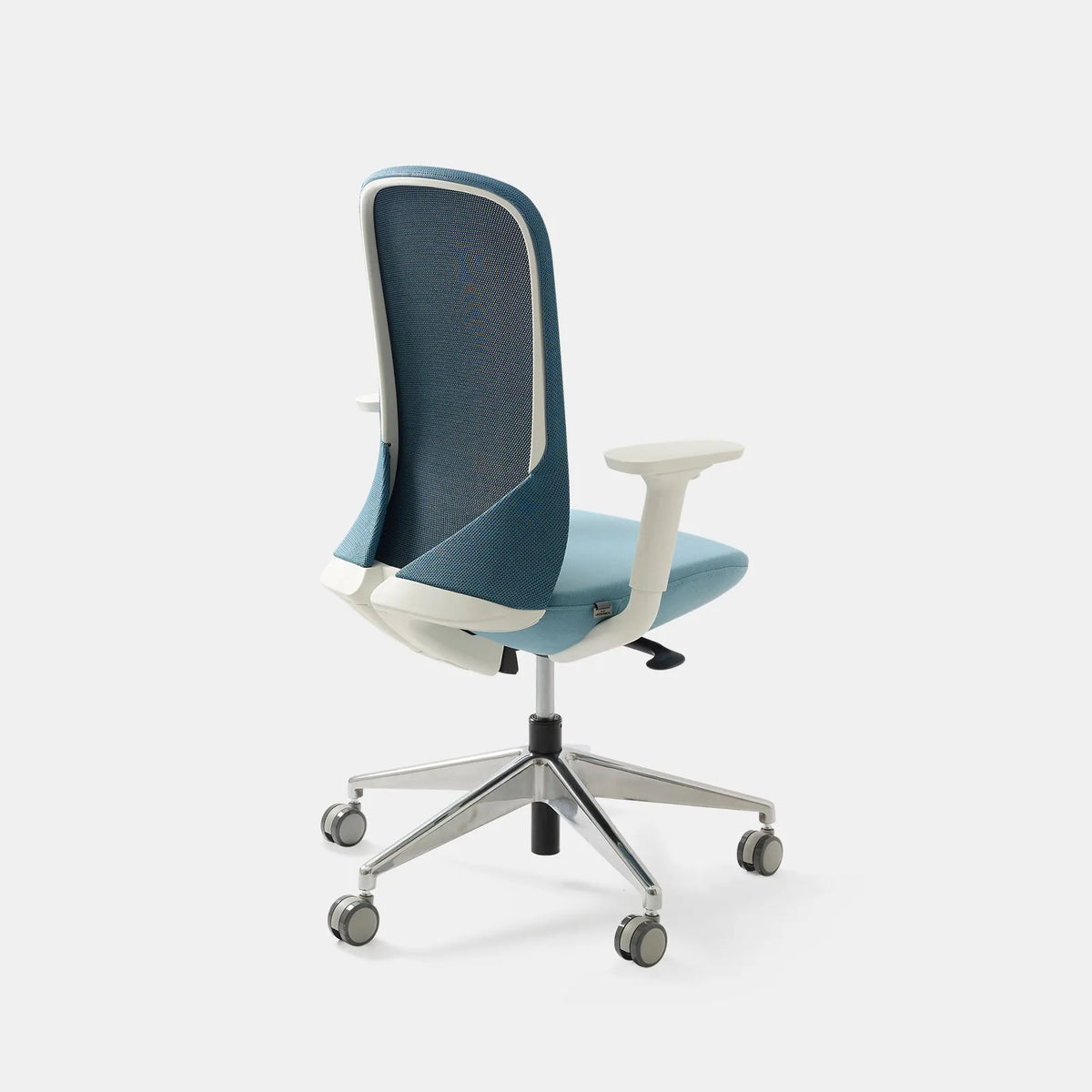
The Novo Chair is for people who sit for most of the workday and want to adjust nearly everything. It gives you 9 points of adjustment, adjustable lumbar support, adjustable seat depth, 4D arms, and a synchronized tilt with six lockable positions. It also carries GREENGUARD Certification, a program run by UL Solutions that screens products for volatile organic compounds, and a 10-year warranty on the frame and mechanism. The Novo is $445.
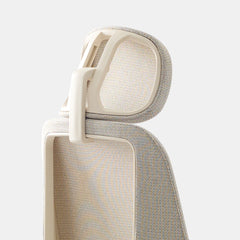
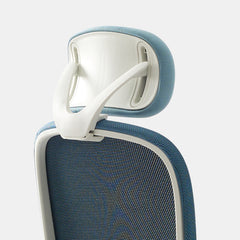
If you lean back on calls, the Novo Headrest is only $45 and fits the same chair.
The Muse Chair Suits Smaller Frames
The Muse Chair is good for people from 5'0" to 6'0", which is the lowest fit range we publish. It has 6 points of adjustment and a dynamic seat swing of 10 degrees that keeps you moving a little while you work. The Muse has a 10-year warranty and is $320. Its optional Muse Headrest is $27.
The Onyx and Seashell Chairs Cover Shorter Days and Lighter Budgets
The Onyx Chair fits people from 5'2" to 6'2" and has 4D adjustable armrests. It is BIFMA certified, with a 5-year warranty on the frame and mechanism. The Onyx is $249.
The Seashell Chair has breathable mesh and lumbar support, plus GREENGUARD Certification. It is $229. I would choose it for shorter days at the desk.
FAQ
How Often Should You Replace an Office Chair?
A chair used for a full workday every day will show wear sooner than a chair used a few hours a week, so let the signs set the date. The seat, the height lift, and the base are the parts that decide it.
If you want a planning number, start from the warranty on the chair you own and check it every few months once you pass that point.
Can You Fix a Sagging Office Chair Seat?
A seat that has lost its spring cannot really be fixed, because the foam has changed. A new cushion on top may help for a short time. It does not restore the support under it, so I would treat a flat seat as one of the clearest signs to replace the chair.
Is a Wobbly Office Chair Dangerous?
It can be. A wobbling base or a rocking swivel chair is not stable. A chair that moves unpredictably can tip or drop you. Stop using it, then replace the part if it is the casters, or replace the chair.
Does an Expensive Office Chair Last Longer?
Price alone does not tell you. Look at the warranty, the adjustments you will use, and whether the chair meets a durability standard such as ANSI/BIFMA X5.1. A chair with a long warranty and the adjustments to fit your body gives you more working years than one with a high price and few settings.
Send Us Your Chair Problem and We Will Tell You What to Do Next
A chair gives you plenty of warning before it fails. A flat seat, a backrest that misses the small of your back, a wobbling base, a height that will not hold, and an ache that arrives earlier each month are all reasons to replace it. One fixable part is a reason to repair.
If you want a second opinion, tell us what your chair is doing, how many hours you sit, and your height. I will tell you what I would do. You can reach Urbanica Furniture at 1705 NW 38th Ave, Lauderhill, FL 33311 or by phone at +1-(888)-350-9545.
When you are ready to set a budget, an article on our blog about top budget-friendly office chairs is the place to start.
References
- US Occupational Safety and Health Administration, Computer Workstations eTool, Chairs: supports the backrest, five-legged base, caster, and seat height lines. https://www.osha.gov/etools/computer-workstations/components/chairs
- Cornell University Ergonomics Web, Ergonomic Guidelines for Arranging a Computer Workstation: supports the lumbar-support backrest line. https://ergo.human.cornell.edu/ergoguide.html
- US General Services Administration, Purchase Description, Chairs, Wood, Executive Office, Traditional (3FNE-CO 00-593A): supports the ANSI/BIFMA X5.1 testing line and the 70 percent foam recovery line. https://www.gsa.gov/system/files?file=Chairs_Wood_Executive_Office_Traditional_508.pdf
- UL Solutions, UL GREENGUARD Certification: supports the screening for volatile organic compounds. https://www.ul.com/services/ul-greenguard-certification