























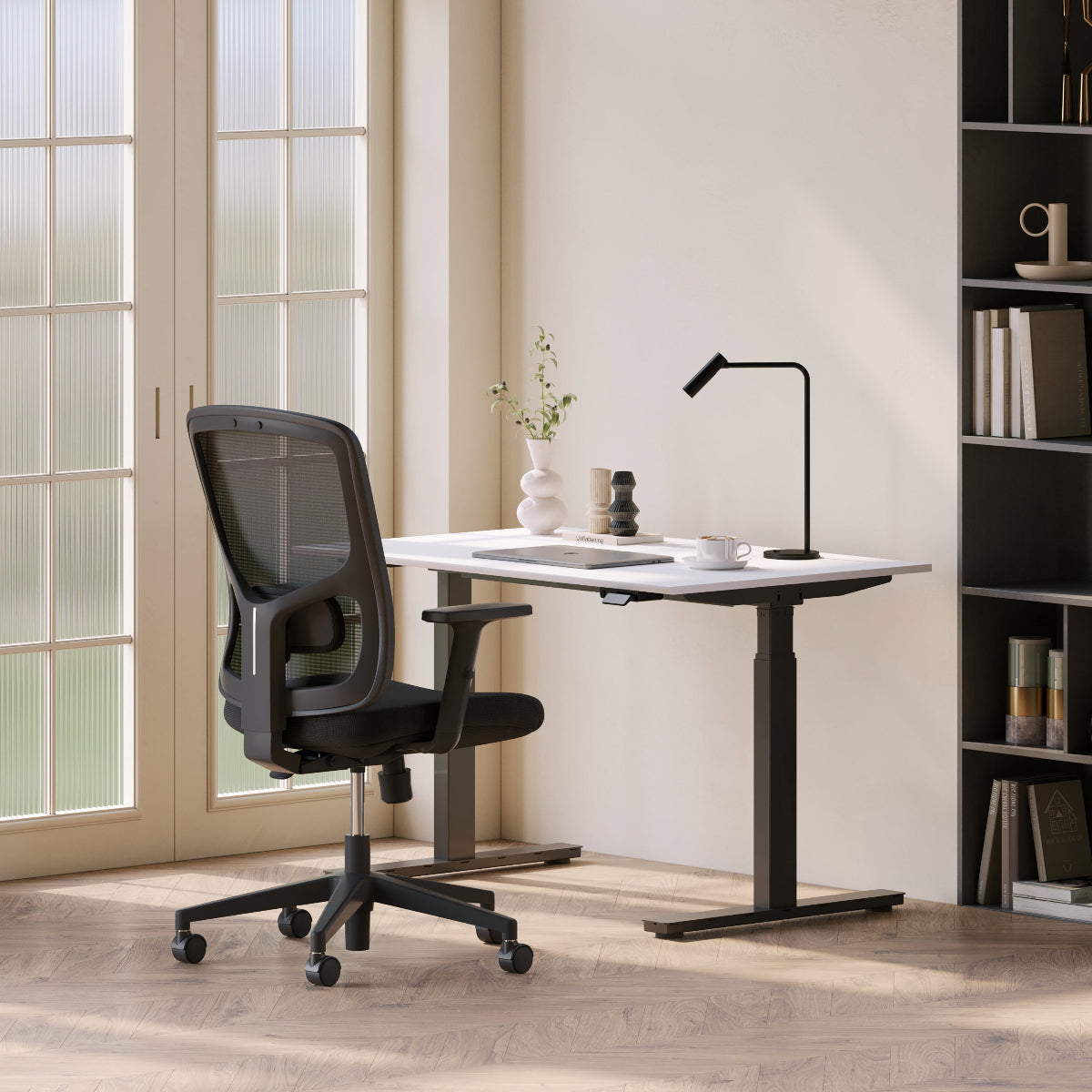
Furniture Upgrades That Transform Your Posture

From Slouching to Strong: Furniture for Better Posture
Many people spend hours each day sitting at a desk. Over time, small habits like leaning forward, slouching, or working with poorly positioned screens can quietly damage posture. While these habits may seem minor at first, they can gradually lead to neck pain, back discomfort, and reduced productivity.
Furniture plays a major role in shaping posture. The height of a desk, the design of a chair, and the placement of a monitor all influence how the body positions itself during work.
Modern workspace design focuses on furniture that actively supports better posture. From adjustable desks to ergonomic seating, the right furniture helps transform a workspace from a source of discomfort into a tool for healthier habits.
Why Furniture Has a Major Impact on Posture
Posture problems rarely develop overnight. They often come from repeating the same uncomfortable position every day. Many traditional desks and chairs were designed primarily for appearance rather than ergonomic support.
A supportive Ergonomic Office Chair Los Angeles setup can dramatically improve the way the body sits during long work sessions. Chairs designed with proper lumbar support encourage the spine to maintain a natural curve instead of collapsing forward.
Furniture that supports posture offers several benefits:
-
Reduced lower back strain
-
Better spinal alignment
-
Increased comfort during long work sessions
-
Improved concentration and productivity
When furniture encourages correct posture, healthy habits become easier to maintain.
Movement Is the Key to Better Posture
Static Sitting Causes Posture Problems
Remaining in one position for extended periods places continuous pressure on the spine. Over time, muscles weaken and posture gradually worsens.
Adjustable Desks Encourage Healthy Movement
A modern standing desk allows users to switch between sitting and standing throughout the day.
Benefits include:
-
Reduced pressure on the lower back
-
Increased circulation
-
Improved energy levels during work
Alternating Positions Improves Alignment
Switching between sitting and standing helps distribute body weight differently throughout the day. This variation allows muscles to relax and prevents strain from building up in one area.
Furniture that encourages movement is one of the most effective ways to improve posture.
The Importance of Proper Desk Design
Desks Should Support Natural Body Position
Many desks are either too high or too low, forcing users to raise their shoulders or lean forward while working.
Comfortable Desk Height Matters
A well-designed office desk keeps arms at a comfortable angle while typing or writing.
Helpful desk positioning tips include:
-
Keep elbows near a 90-degree angle
-
Position the keyboard close to the body
-
Maintain relaxed shoulders while working
Prevent Forward Leaning
When desks are positioned correctly, users avoid leaning forward toward the screen. This simple adjustment protects the neck and upper back.
Desk design directly affects posture during daily work routines.
Understanding Ergonomic Seating
Proper seating is one of the most important factors in maintaining healthy posture. According to research on ergonomic chairs, chairs designed with adjustable support help maintain the natural curve of the spine.
Ergonomic seating helps:
-
Support the lower back
-
Reduce pressure on the hips
-
Maintain comfortable sitting posture
These design features allow the body to remain relaxed while still maintaining proper alignment.
Screen Placement and Neck Health
Poor Screen Position Causes Neck Strain
Many posture problems originate from poorly positioned computer screens. When screens sit too low on a desk, users often lean forward or tilt their heads downward.
Raise Screens to Eye Level
Using a monitor arm allows screens to be adjusted to a comfortable height.
Benefits include:
-
Reduced neck strain
-
Improved viewing angles
-
Increased desk space
Maintain Natural Head Position
When screens are positioned correctly, the head remains aligned with the spine. This reduces the tension that often builds in the neck and shoulders during long work sessions.
Proper screen placement is essential for posture health.
Seating That Supports the Spine
The chair used during work sessions greatly influences spinal alignment. A supportive ergonomic office chair helps maintain proper posture even during long hours of sitting.
Key ergonomic chair features include:
-
Adjustable lumbar support
-
Breathable materials for comfort
-
Balanced seat cushioning
-
Stable base for consistent support
These features allow users to maintain posture without constantly adjusting their position.
Common Posture Problems and Furniture Solutions
|
Posture Issue |
Common Cause |
Furniture Solution |
|
Slouching |
Lack of lumbar support |
Ergonomic chair |
|
Neck strain |
Low monitor height |
Monitor arm |
|
Shoulder tension |
Desk too high |
Adjustable desk |
|
Lower back pain |
Long sitting periods |
Sit-stand desk |
|
Forward head posture |
Screen too far away |
Proper desk layout |
Furniture that addresses these problems can significantly improve posture over time.
Building a Posture-Friendly Workspace
Small Adjustments Create Big Improvements
Improving posture does not require a complete workspace redesign. Small changes can make a significant difference.
Start With Essential Adjustments
Helpful workspace improvements include:
-
Adjusting chair height
-
Raising screens to eye level
-
Keeping frequently used tools within reach
Maintain Comfortable Working Positions
Proper alignment helps reduce strain during daily tasks. When furniture supports natural posture, the body remains relaxed while staying productive.
Small ergonomic improvements lead to lasting benefits.
Long-Term Benefits of Ergonomic Furniture
Over time, posture-friendly furniture contributes to better overall health. Many people notice improvements in comfort, energy levels, and productivity once their workspace supports proper alignment.
Long-term advantages include:
-
Reduced chronic back pain
-
Improved work endurance
-
Greater daily comfort
-
Healthier work habits
Furniture that supports posture encourages healthier routines throughout the workday.
Sit Smarter, Stand Taller
Improving posture starts with small, intentional changes to the workspace. Use this checklist to create a healthier environment.
-
Choose a supportive ergonomic chair
-
Adjust desk height to keep arms comfortable
-
Position screens at eye level
-
Use adjustable desks to alternate between sitting and standing
-
Maintain open desk space for better posture
-
Keep frequently used tools within reach
-
Avoid leaning forward while working
-
Take short breaks to stretch and move
-
Reevaluate furniture placement regularly
-
Prioritize comfort and alignment during work sessions
Better posture does not come from constant reminders to sit up straight. It comes from furniture that naturally encourages healthy alignment.
When workspaces are designed to support the body, productivity and comfort improve together.
Related Articles
-
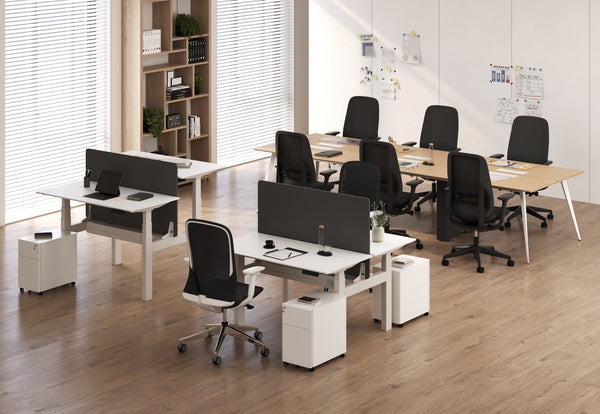 Our Conference Chairs and Meeting Tables Compared, so You Can Furnish a Huddle Room, a Meeting Room, or a Boardroom for Eight in One Order
-
 The Balance Between Desk Height and Posture
-
 Can you use a gaming chair as an office chair without posture problems
-
 Are gaming chairs ergonomic compared to an ergonomic office chair
-
 The Silent Posture Problem Sitting Right Under You
-
 Chair ergonomic office chairs: what to look for and what to skip


