























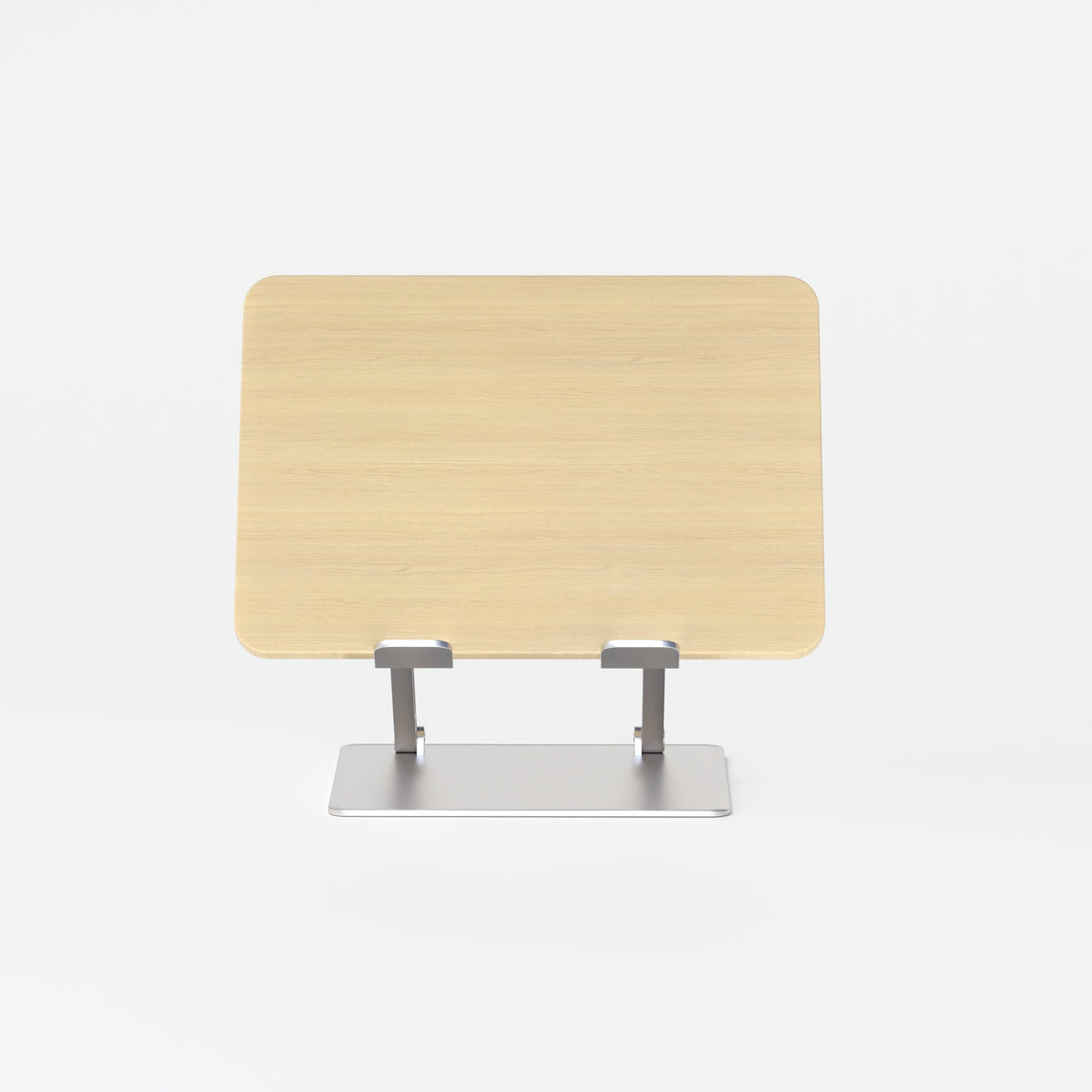
Best Laptop Stand Options for Minimalist Desk Setups

Minimalist desk setups work best when every object earns its place. That is especially true for a laptop stand. It sits near the visual center of the workspace, changes screen height, affects posture, and can either preserve a clean desktop or make it feel crowded. In a setup built around restraint, the wrong stand does not just look slightly off. It changes how the entire desk functions.
The best laptop stand options for minimalist desk setups balance form and function with more care than buyers often expect. A stand should support comfortable screen placement, reduce visual noise, and leave enough working room for the rest of the day. It should also feel consistent with the desk, the lighting, and the small accessories that remain visible. Minimalism is not about owning as little as possible. It is about removing friction and keeping the workspace calm, useful, and intentional.
Why minimalist desk setups require a more considered laptop stand choice
A laptop stand has a larger impact on a minimalist desk than it does in a busier workspace. On a crowded surface, it disappears into the mix. On a minimalist desk, it becomes one of the defining shapes in the room. That means buyers should judge it by more than basic utility.
Minimalism depends on visual discipline as much as storage
A minimalist setup is usually described in visual terms, but its deeper value is operational. Clean lines matter because they support focus. Fewer objects matter because they simplify movement. Better spacing matters because it keeps the desk ready for work without constant rearranging.
A laptop stand contributes to that discipline when it does three things well:
1. It raises the screen to a more usable viewing position.
2. It protects open desk space instead of consuming it.
3. It visually blends with the rest of the workspace.
When one of those goals is missing, the setup starts to feel compromised. A stand may look elegant in isolation but still take up too much space. Another may be practical but visually heavy. The strongest option is the one that supports the entire desk ecosystem.
The wrong stand creates clutter even when the desk looks clean
Many minimalist desks appear tidy in photos but feel awkward in daily use. That usually happens when the stand was chosen for appearance alone. If the laptop sits too low, posture suffers. If the base is too wide, the keyboard area becomes cramped. If the finish clashes with nearby objects, the desk looks more fragmented than refined.
This is why the stand should be selected in context, not as a single product decision. The desk, lamp, keyboard, and accessories all shape whether the stand feels integrated or intrusive.
The core traits that make a laptop stand work in a minimalist workspace
Minimalist buyers usually benefit from a narrower set of criteria than general buyers. Instead of chasing extra features, the better approach is to evaluate what preserves calm, comfort, and usable surface area.
Footprint matters more than overall size
A stand can look compact and still waste space. What matters most is how much of the desk it occupies and whether that space remains usable. Open space beneath the stand can be valuable for storing a keyboard when not in use, leaving room for a notebook, or simply reducing the visual density of the desktop.
The stand should also relate well to surrounding furniture. On desks with thinner profiles and cleaner lines, overly complex shapes can feel out of place. Pairing a stand with modern office desks makes the overall composition easier to control because proportion and surface discipline become part of the decision from the start.
Elevation should support comfort without forcing awkward habits
Laptop stands improve screen height, but they do not automatically solve ergonomics. If the laptop is lifted high enough for a better eyeline, the built-in keyboard often becomes less comfortable for extended use. In many setups, that means the stand works best alongside an external keyboard and mouse. That is not a drawback. It is simply the reality of using a raised screen properly.
For minimalist users, the goal is not to create a technical workstation full of equipment. The goal is to create a cleaner and more comfortable workflow with only the tools that are actually necessary.
Stability influences both function and atmosphere
Wobble is more noticeable on a minimalist desk because there are fewer visual distractions. A stable stand feels calmer in use. It makes the laptop feel settled, keeps the work surface predictable, and reduces the sense that the desk is crowded by temporary objects. A steady base, reasonable platform support, and a structure that feels intentional all help the workspace feel more composed.
Adjustable and slim laptop stands solve different minimalist priorities
Not all minimalist setups need the same type of stand. Some benefit from flexibility. Others benefit from lower visual presence. The best choice depends on how the desk is used day to day.
Adjustable stands suit changing routines and posture needs
An ergonomic adjustable laptop stand is often the right choice for people who shift between tasks throughout the day. It can suit work sessions that vary in length, support different viewing preferences, and help users fine-tune the screen position more precisely.
That flexibility can be especially useful in shared workspaces or in homes where the desk serves more than one role. A user may want a higher screen position for focused laptop work, then a lower and less prominent setup later in the day. Adjustable designs usually have a slightly stronger presence on the desk because they require more structure, but the tradeoff can be worthwhile when comfort needs change often.
Slim stands fit the cleanest visual approach
A slim laptop stand usually appeals to the purest version of minimalist design. It tends to feel quieter on the desktop, with less visible structure and a lighter silhouette. For users who work at a consistent desk height and prefer a simplified workstation, that can be the better answer.
Slim stands also work well on smaller desks because they tend to interfere less with sightlines. The desk feels more open, and the laptop appears supported without becoming the dominant visual feature. That matters in rooms where the desk is always visible, such as bedrooms, studios, or open-plan living spaces.
Choosing between the two starts with daily behavior
The comparison is not really about which category is better. It is about which one creates less friction for the person using it.
| Stand Style | Best Fit for Minimalist Setups | Main Strength | Main Tradeoff |
|---|---|---|---|
| Adjustable stand | Flexible routines and posture changes | More control over screen position | Slightly more visual presence |
| Slim stand | Clean-lined, low-profile desks | Quieter look and smaller visual footprint | Less adjustability |
| Open stand design | Compact desks with limited surface area | Airier appearance and more clearance below | Depends heavily on overall desk layout |
A minimalist setup should feel easy to maintain. The right stand is the one that supports that ease.
Desk size changes what “best” really means
The title question sounds universal, but laptop stands behave differently depending on desk dimensions. A stand that feels balanced on a larger surface can overwhelm a compact one.
Small desks need discipline in every object
On smaller desks, each item competes harder for space. A stand with too much visual mass can make the entire setup feel overbuilt. In those spaces, buyers should pay close attention to under-stand clearance, base width, and how close the laptop sits to the front edge of the desk.
This is also where cable behavior becomes important. A minimalist desk loses its calm quickly when cords spill across the center work zone. The stand should allow cables to fall behind or alongside the desk layout rather than cutting across the most visible area.
Medium desks offer flexibility but still reward restraint
A medium desk gives more freedom, but it also makes it easier to add unnecessary objects. Many setups become cluttered not because the desk is too small, but because it is large enough to invite constant additions. The laptop stand should act as an anchor, not as permission to crowd the rest of the surface.
A good rule is to build the desk around three zones: screen, input, and one support element such as a lamp or notebook area. If the stand allows those zones to remain clear and visually distinct, it is supporting minimalism rather than just borrowing its style.
Large desks still need proportion
A larger surface does not remove the need for balance. In fact, bigger desks can make scattered accessories feel more obvious because empty space magnifies inconsistency. A stand that is too visually delicate may get lost, while one that is too mechanical may dominate the desk. Proportion remains the central design principle.
Lighting and laptop stands should work as one visual system
Lighting is often treated as a separate purchase, but in minimalist setups it is deeply connected to the choice of stand. Both objects sit above desk level. Both shape the desk silhouette. Both influence whether the workspace feels calm or crowded.
The best desks avoid multiple competing focal points
Minimalism rarely benefits from several statement pieces fighting for attention. If the stand has a clear geometric presence, the lamp should usually feel restrained. If the lamp has more sculptural character, the stand often works best when it reads as quieter support.
A versatile option like a multi-use LED table and wall light can support this kind of disciplined layout because it allows lighting to remain functional without multiplying objects on the desk. Fewer visible components often lead to a more settled work surface.
One warm accent can soften a clean setup
Minimalist does not have to mean cold. A carefully chosen accent can make the workspace feel more livable, especially in homes where the desk shares space with the rest of daily life. A recycled glass table lamp can serve that role when the rest of the desk remains controlled and uncluttered.
The key is restraint. A single intentional lighting element can add warmth and texture. Several decorative elements usually dilute the effect.
Accessories should support the stand, not compete with it
Laptop stands often look their best when the rest of the desk has been edited properly. Accessories are not the enemy of minimalism. Unrelated accessories are.
The strongest setups keep only what supports daily work
A minimalist desk should still feel complete. That means keeping high-use items visible and removing objects that only add noise. The stand often becomes more effective when it is part of a smaller ecosystem of coordinated tools, such as one lighting source, one writing zone, and essential cable control.
A focused selection from office furniture accessories can help the desk feel more intentional because the supporting elements are treated as part of the overall workspace rather than as afterthoughts.
A simple editing framework keeps the surface useful
Use this sequence when refining a minimalist desk around a laptop stand:
1. Place the stand and decide the primary screen position.
2. Set the keyboard and mouse area so movement feels natural.
3. Add one lighting source that fits the scale of the desk.
4. Route cables away from the central work zone.
5. Remove anything that does not support work or visual calm.
This process is simple, but it prevents the common mistake of decorating first and organizing later.
Materials and finishes shape whether the setup feels cohesive
The best laptop stand for a minimalist desk is not only about structure. It is also about finish. Materials influence how heavy or light an object appears, even before it is used.
Metal finishes often support a cleaner visual language
Many minimalist workspaces benefit from restrained metal finishes because they pair naturally with modern laptops and feel architecturally consistent with streamlined furniture. Clean surfaces, moderate reflectivity, and crisp edges often read as orderly rather than decorative.
That does not mean every setup should look identical. It means the stand should belong to the same visual family as the laptop and desk.
Warm elements need thoughtful balance
Some desks feel too severe when every object is cool-toned and rigid. Adding warmth can help, but it should be measured. A warmer finish or softer material works best when it complements the room rather than interrupting it. The goal is not to make the desk more styled. The goal is to make it more resolved.
Best laptop stand options for minimalist desk setups by use case
The most useful recommendations come from matching the stand to real behavior rather than broad preference.
Best for the pure minimalist aesthetic
A slim, low-profile stand is often the strongest choice for users who want the workspace to feel visually quiet. It tends to preserve negative space, reduce visual layering, and keep attention on the screen and desk surface rather than the support structure itself.
Best for comfort-conscious minimalists
An adjustable option usually makes more sense for users who care about posture and screen placement enough to accept a little more visible structure. That tradeoff is often worthwhile when the setup is used for longer sessions or multiple kinds of work.
Best for compact home work zones
Stands with lighter visual weight and some clearance below usually serve compact desks well. In smaller homes, the desk often needs to feel settled even when not in active use. A stand that keeps the surface from looking crowded helps the workspace blend more naturally into the room.
Best for furniture-led workspaces
Some buyers are not just assembling a workstation. They are shaping a more complete office environment with a consistent design language. In those cases, the laptop stand should relate to the broader selection of furniture and supporting pieces. That approach becomes easier when it is viewed as part of a larger collection of modern ergonomic office furnishings, where cohesion matters as much as utility.
Common mistakes that make minimalist desks feel busier than they are
Minimalist setups often fail in subtle ways. The desk may contain only a few items, yet still feel unresolved.
Choosing a stand based on appearance alone
A stand that looks refined in a product image may not suit the user’s desk depth, laptop habits, or keyboard position. Context matters more than isolated appearance.
Ignoring the relationship between height and workflow
A better screen position does not help much if the typing position becomes uncomfortable and no plan exists for input devices. The best setup supports the full working posture, not just the visual line of the screen.
Mixing too many design signals
A highly technical stand, a sculptural lamp, bold accessories, and contrasting finishes can each be attractive on their own. Together, they often weaken the calm that minimalism relies on.
A minimalist desk works best when the stand supports both focus and atmosphere
The best laptop stand options for minimalist desk setups are the ones that remove friction without calling too much attention to themselves. They protect space, improve screen placement, and help the desk stay visually settled throughout the day. They also work in partnership with the rest of the setup, from lighting and accessories to material choices and overall desk proportion.
Minimalism is strongest when it feels lived in, not staged. A laptop stand should help create that balance. It should make the workspace feel easier to use, easier to maintain, and easier to trust every day.
Related Articles
-
 Our Conference Chairs and Meeting Tables Compared, so You Can Furnish a Huddle Room, a Meeting Room, or a Boardroom for Eight in One Order
-
 Best Filing Cabinet Options for Minimalist Offices That Still Need Real Storage
-
 How to Make a Filing Cabinet Feel Like Part of the Room Instead of Extra Furniture
-
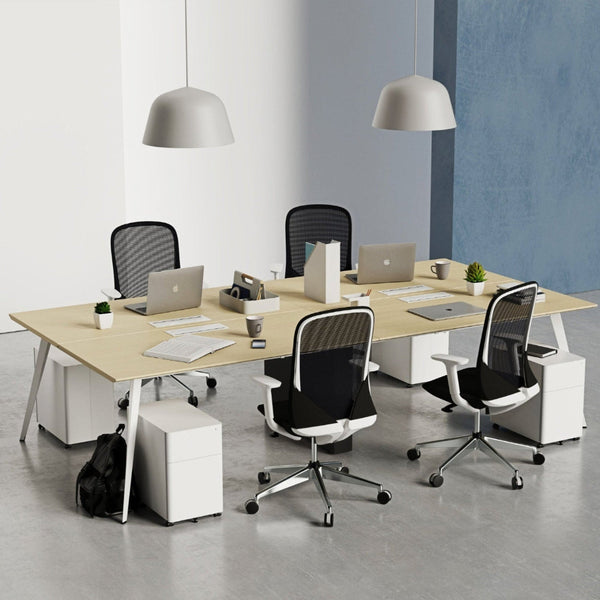 How to Match a Filing Cabinet with Your Desk for a Cleaner Office Look
-
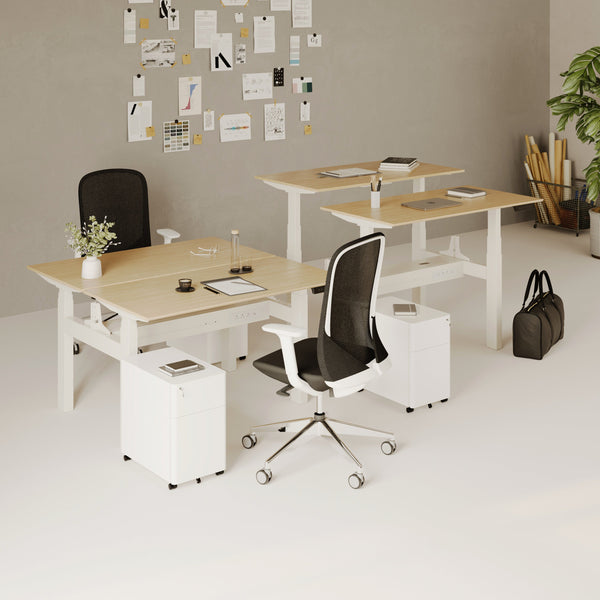 Best Filing Cabinet Styles for Modern Home Offices That Need Hidden Storage
-
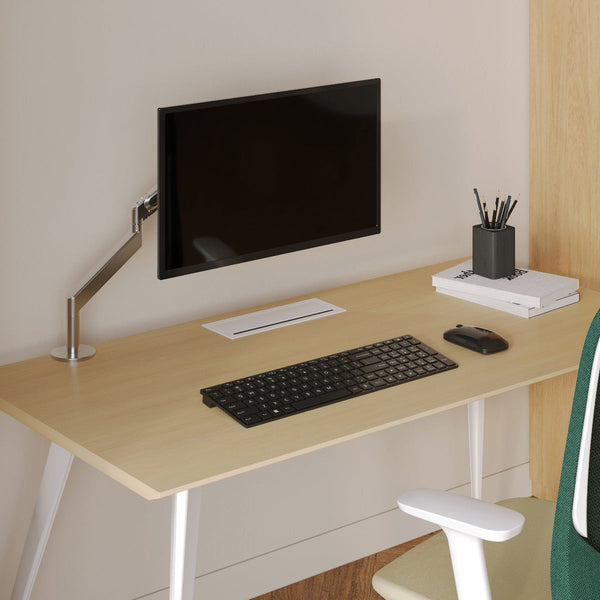 Best Monitor Stand Styles for Modern and Minimalist Home Offices
